
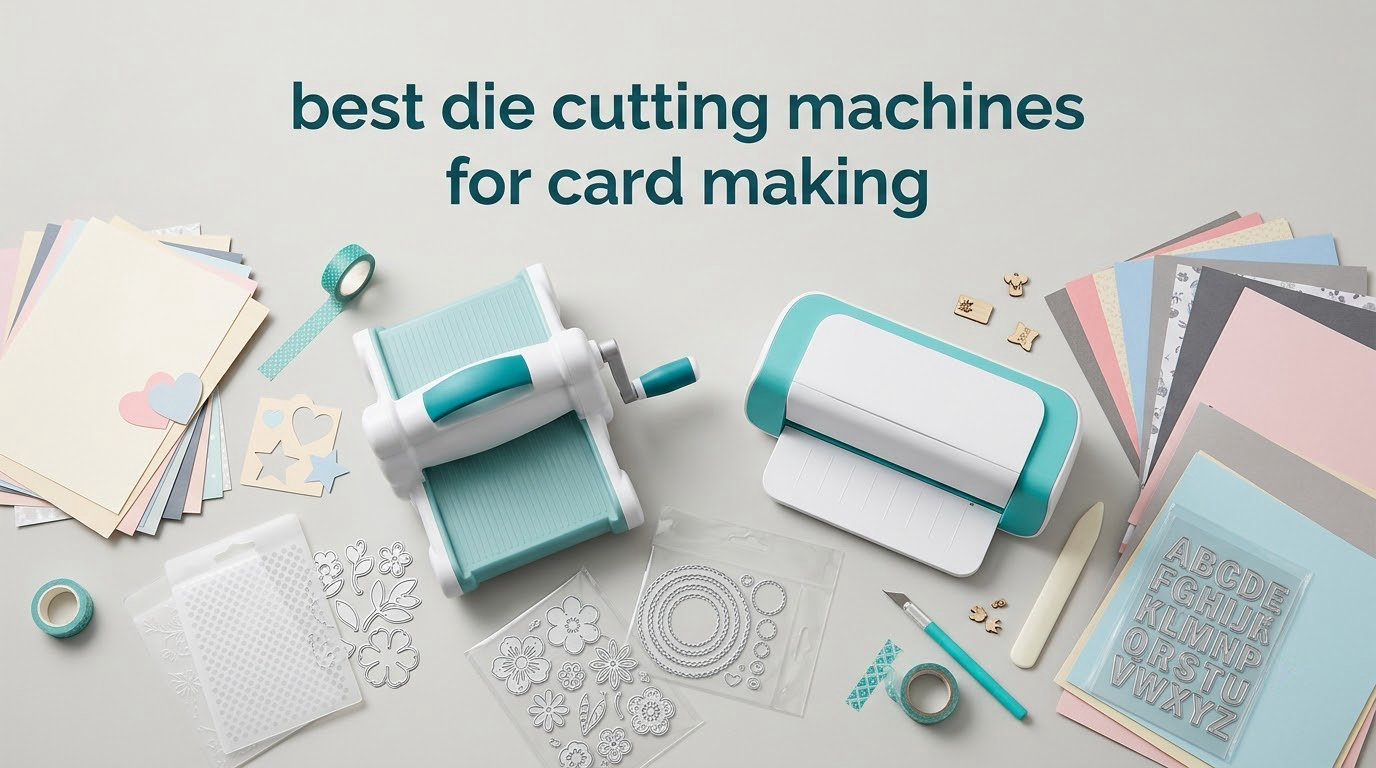
The best die cutting machines for card making are the Sizzix Big Shot Starter Kit for mechanical cutting and the Silhouette Cameo 5 Alpha for digital print-then-cut work. The Big Shot carries the highest owner rating in our group, while the Cameo handles vinyl, fabric and printed cardstock up to 3mm thick. Both are covered in full below, alongside eight more machines across the budget, A5, A4, electric and portable categories.
We spent weeks reading owner reviews, checking published specifications and comparing what each machine actually does with a metal die and a sheet of cardstock. Every machine in this list cuts real shapes out of paper. Some also take thin metal dies, some emboss, and some do neither. That distinction matters more than any spec line, and it is where a lot of buying guides go wrong.
One thing to clear up early: most search results for this keyword are about digital blade cutters like the Cricut and the Silhouette Cameo, which are a different tool from a die cutting machine. A die cutter pushes a steel rule blade held in a metal plate through your cardstock. A digital cutter drags a blade across a printed or drawn design. We cover both here because the right answer genuinely depends on how you make cards.
If you are still building your supply shelf, our guides to mindfulness card decks and goal setting card decks cover the design side of handmade cards before you ever reach for a die.
We earn a commission from qualifying purchases, which does not change what we recommend. We do not test these machines physically in a studio, so every performance claim below comes from published manufacturer specifications and from patterns that appear consistently in owner reviews. Where owners disagree, we say so.
Table of Contents
Top 3 Picks for Die Cutting Machines in 2026

Sizzix Big Shot Starter Kit
- 6 inch manual platform
- 10-piece Thinlits die set
- 40 cardstock sheets included

Silhouette Cameo 5 Alpha
- 12 x 24 inch cutting area
- 4-point registration
- Quiet motor to 400mm/s

Sizzix Big Shot Plus Kit
- 9 inch A4 width opening
- 19-piece Thinlits set
- Standard platform and thin die adapter
Those three cover most card makers. The Big Shot is the safe mechanical buy for anyone who wants repeatable shapes from a physical die. The Cameo 5 Alpha is the choice if your cards depend on printed images, vinyl details or fabric panels. The Big Shot Plus is the same mechanical idea with an opening wide enough for A4 cardstock in a single pass.
All 10 Best Die Cutting Machines at a Glance in 2026
| Product | Specifications | Action |
|---|---|---|
| Sizzix Big Shot Starter Kit |
|
Check Latest Price |
| Sizzix Big Shot Plus Kit |
|
Check Latest Price |
 Sizzix Sidekick Kit Sizzix Sidekick Kit |
|
Check Latest Price |
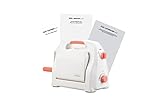 BiraBira Die Cutting Machine BiraBira Die Cutting Machine |
|
Check Latest Price |
 CraftGenes 6 Inch Kit CraftGenes 6 Inch Kit |
|
Check Latest Price |
 Find Scrapblooms 6 Inch A5 Find Scrapblooms 6 Inch A5 |
|
Check Latest Price |
| Silhouette Cameo 5 Alpha |
|
Check Latest Price |
 Cricut Explore 5 Bundle Cricut Explore 5 Bundle |
|
Check Latest Price |
 Cricut Joy 2 Bundle Cricut Joy 2 Bundle |
|
Check Latest Price |
 Brother SDX125E ScanNCut Brother SDX125E ScanNCut |
|
Check Latest Price |
How We Picked: What We Checked on Every Machine
We scored every machine on the same five things, because the differences that matter show up in the same places on all of them.
Opening width and whether it passes material through. A 2.5 inch opening cannot take a full card front. A 6 inch opening handles A5. A 9 inch opening handles A4 cardstock in one pass with no trimming.
Die material. We looked for a specification confirming the machine handles dies from more than one brand, and for any evidence on thin metal dies specifically. Cross-brand compatibility decides more purchases than cut quality does.
The platform system. Fixed-platform machines need cutting pads, shims and a standard platform configured correctly. Dial systems absorb the same variables with one adjustment. The number of sandwich layers is where beginners stall and where sheets of cardstock get wasted.
Embossing. A true die cutting machine embosses with an embossing folder in the same pass. Digital cutters emboss with a separate tool. That is a real functional difference for layered card designs.
Footprint and power. We recorded dimensions and weight from the published specifications, because desk space is one of the most common regrets new owners report. We also noted whether a machine needs a plug.
1. Sizzix Big Shot Starter Kit (6 Inch) – Best Overall for Card Making
Sizzix Big Shot Starter Kit (6″), White/Grey
6 inch manual platform
15.2 x 15.2 cm active area
Die plus embossing folder bundled
Pros
- Highest owner rating in this roundup
- Metal gearing built for repeated use
- Die folder and 40 cardstock sheets in the box
- Cuts paper felt cork and balsa wood
Cons
- Heavy at about 12.6 pounds and built to stay on a shelf
- Included cutting pads pick up scuffing over time
- Non-branded folders may need a shim to feed evenly
The Big Shot is the machine most card makers already recognise, and for good reason. It sits at 4.7 stars across 590 reviews, the highest owner satisfaction score in this group, and that rating is backed by a specific claim: owners repeatedly describe clean, repeatable cuts and solid embossing across cardstock, felt and cork.
What makes it durable is the gearing. The crank assembly uses metal gearing rather than plastic, which is why owners report years of daily use without the handle mechanism loosening. For a card maker producing 20 to 50 cards a week, that is the difference between a hobby tool and a workshop tool.
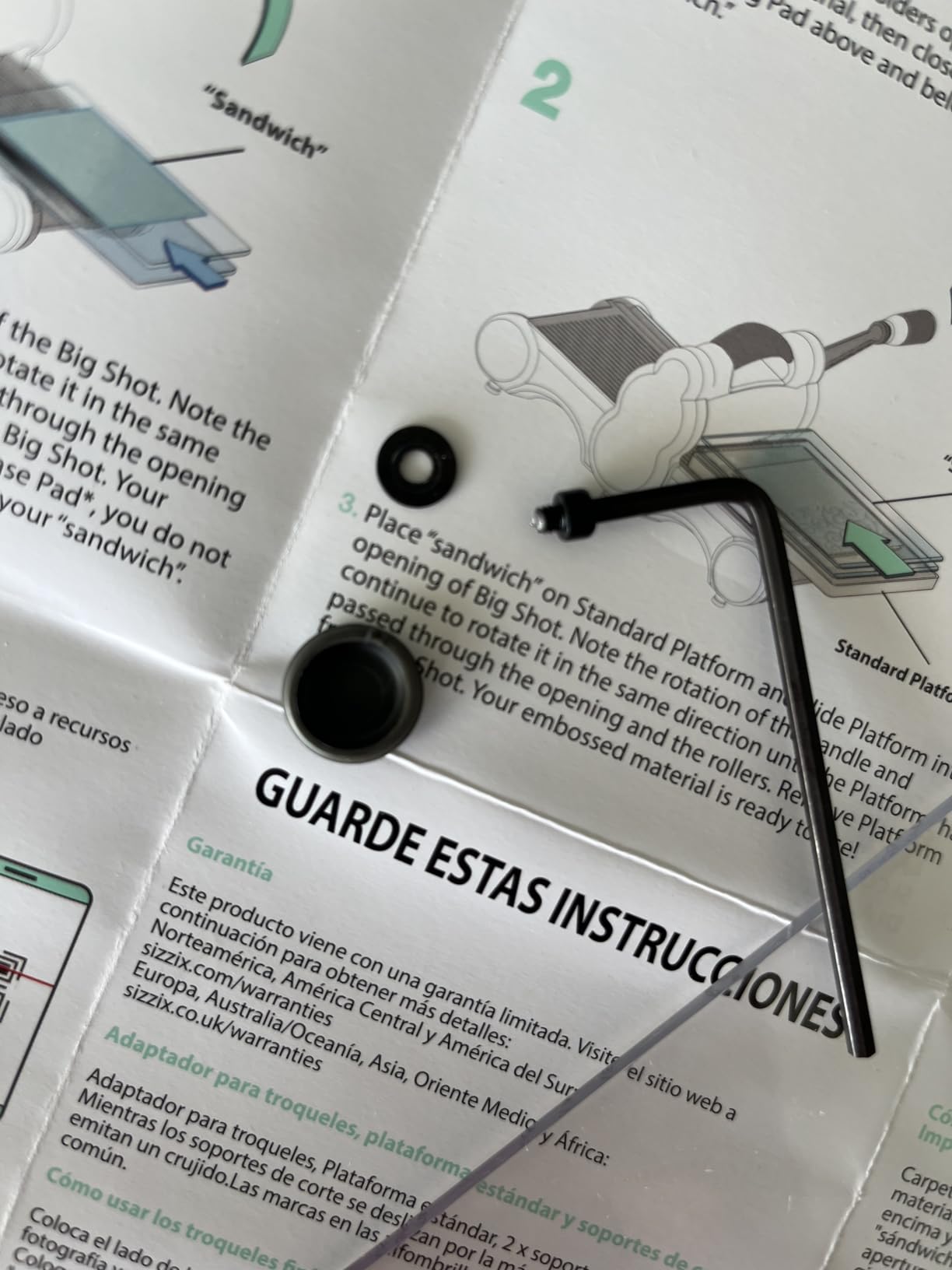
The starter kit is genuinely a kit. You get the machine, a pair of cutting pads, the standard platform, a thin die adapter, a 10-piece Thinlits die set, a multi-level embossing folder and 40 sheets of cardstock. That is enough to make finished cards on day one without a second order, which matters when you are learning what a sandwich should feel like.
At 6 inches wide, the opening takes A5 cardstock comfortably. Standard card fronts cut from 12 by 12 sheet need trimming to size first, which is a two-minute job with a guillotine and not a real drawback at card scale.
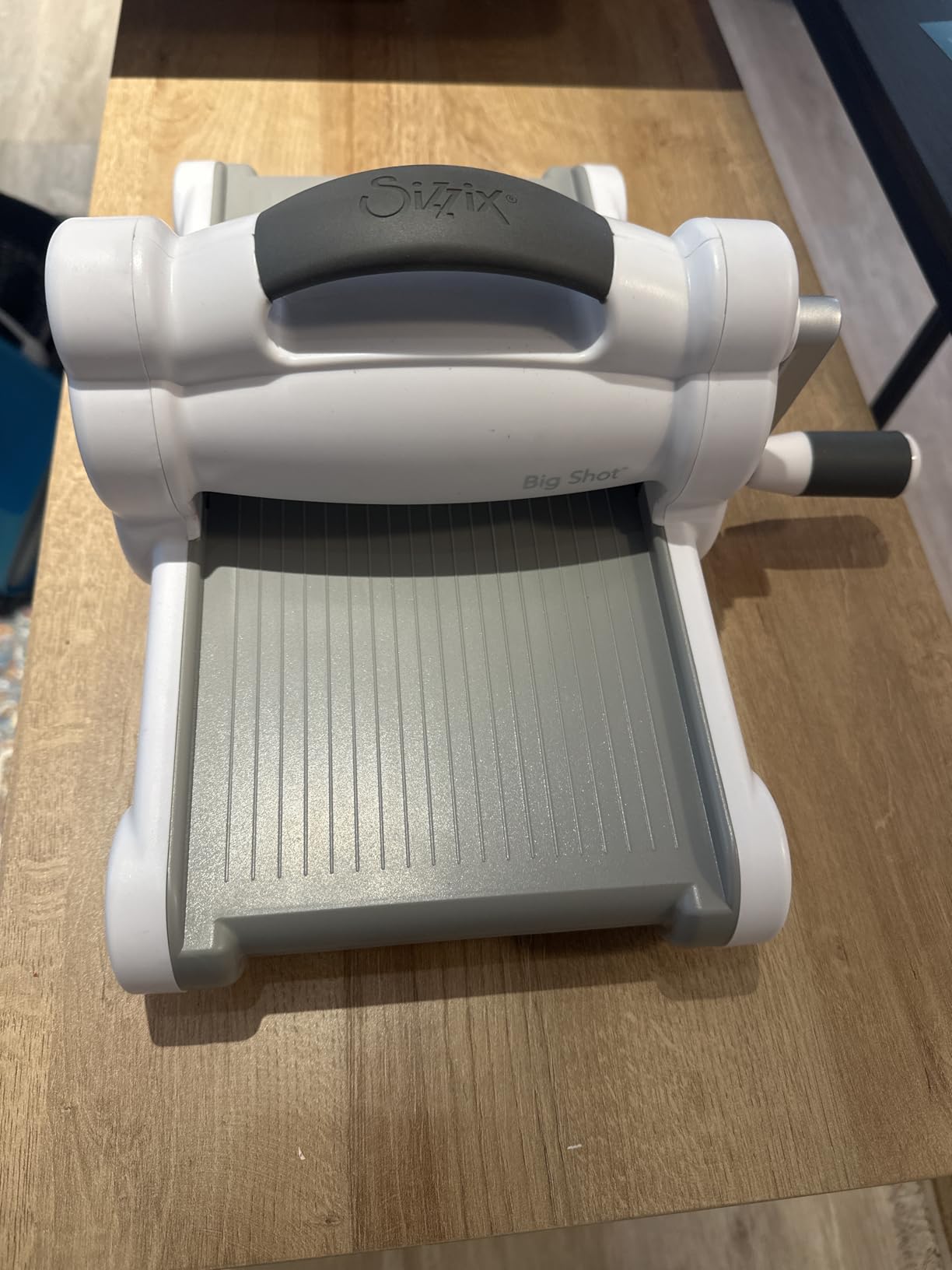
What the 6 inch opening does and does not handle
The 6 inch platform is wide enough for a full A5 card front, a set of layered panels and most shaker card windows. It is not wide enough for an A4 sheet, so if your card design is built on full A4 cardstock you will trim first or choose the wider model in section two.
Owners also report that the machine handles cork and balsa wood, which opens up tag and embellishment making beyond cards. One recurring complaint is scuffing on the cutting pads over months of use, which is normal wear and does not affect cut quality.
When this is the wrong machine to buy
Skip it if your craft space is a shared table or a small apartment shelf. At roughly 12.6 pounds with a fixed crank, it is a permanent desk fixture, not a portable tool. Forum users who prefer compact machines call out the opposite machine, and a long-time demonstrator on SplitCoast Stampers notes that a fold-away design trades stability for storage.
Also consider a lighter option if your hands are weak. The crank is smooth but firm, and a machine that fights you produces worse cards than one that rolls easily.
2. Sizzix Big Shot Plus Starter Kit (9 Inch) – Best for A4 Sized Projects
Sizzix Big Shot Plus Starter Kit (9″), White/Grey
9 inch manual platform
A4 compatible cutting width
19-piece die set in the box
Pros
- A4 cardstock cuts in a single pass
- Platform resists flexing while embossing
- 19 Thinlits dies plus folder and 40 cardstock sheets
- Minimal assembly with clear handle instructions
Cons
- Heavy at about 20 pounds and best kept on a fixed shelf
- Included cutting pads can be difficult to feed
- Plastic body feels lighter than the 6 inch model
The Big Shot Plus solves one specific problem: full A4 cardstock in a single pass. If your card designs are built on A4 or 300gsm sheets and you have been trimming every panel by hand, this is the machine that removes that step. Owners rate it 4.5 stars from 318 reviews.
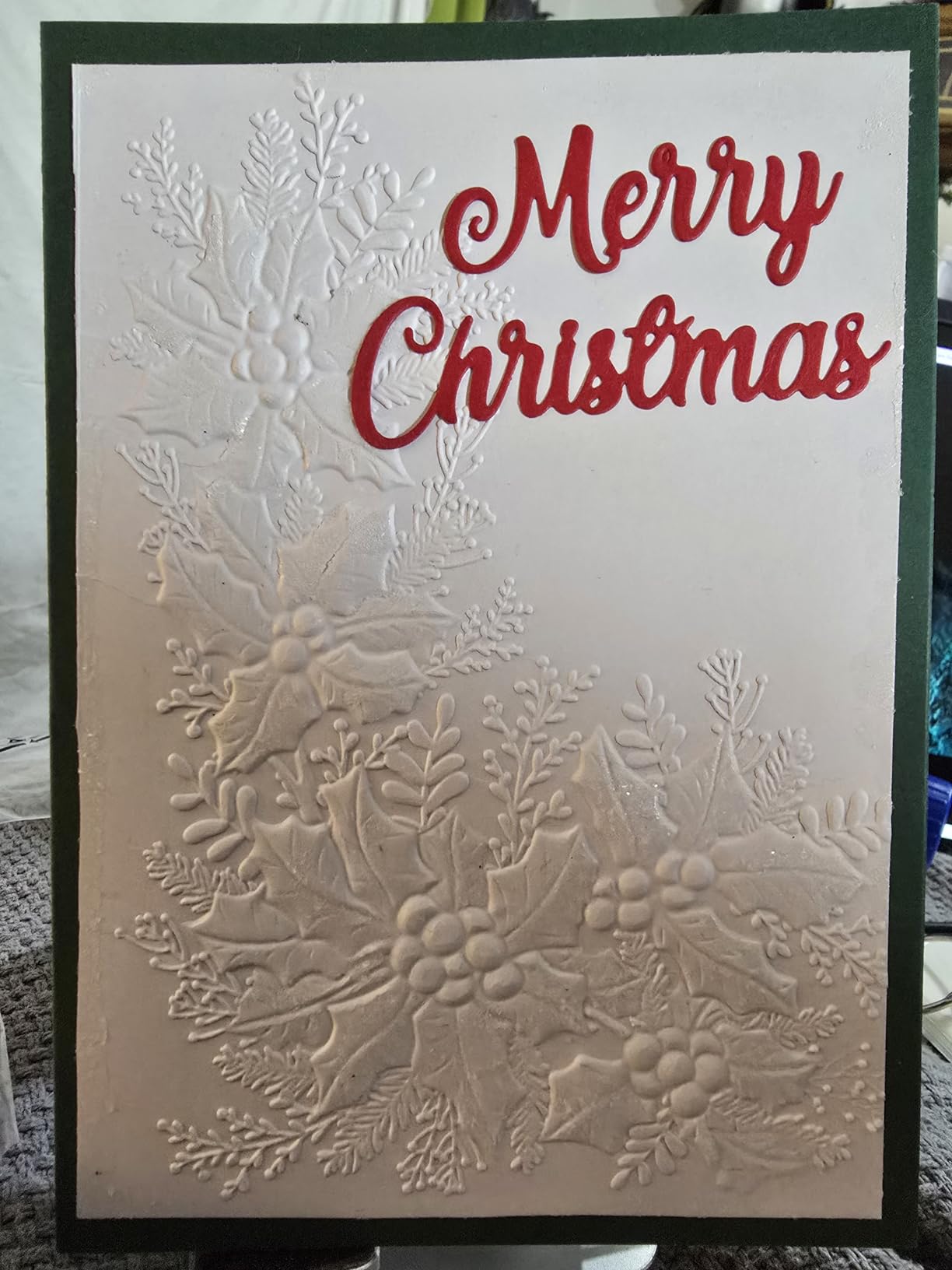
The 9 inch opening is the headline, but the platform is the part card makers notice. It resists flexing while embossing, which means a wide panel comes out with an even impression rather than a shallow centre. That is a measurable quality difference on large backgrounds and banner-style card fronts.
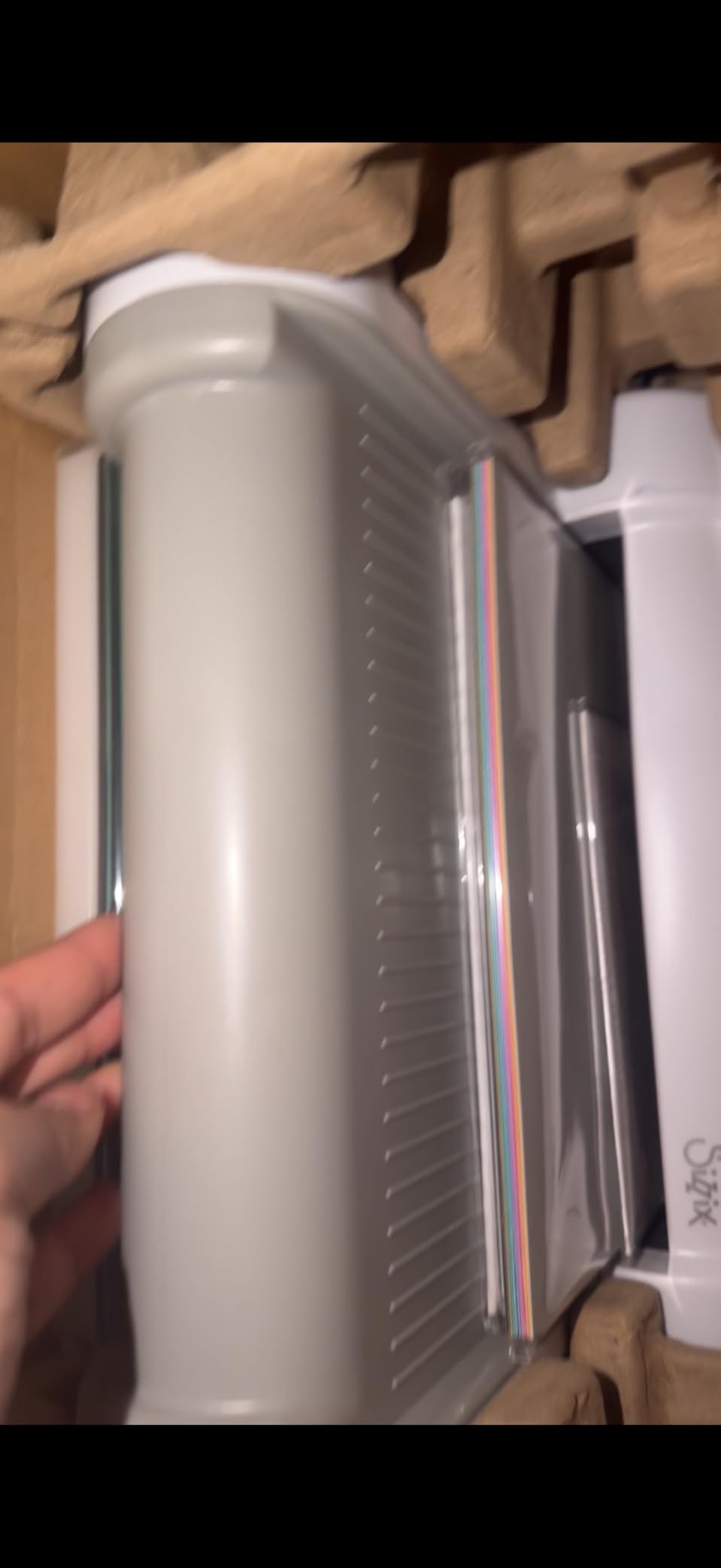
The bundle scales up with the machine: 19 Thinlits dies instead of 10, plus a Plus embossing folder and 40 sheets of core and opulent cardstock. You also get the standard platform and thin die adapter, so the extra width does not cost you access to thin metal dies.
Assembly is minimal and the handle attaches with clear instructions. Several owners mention this explicitly as a reason the machine felt usable immediately rather than as an assembly project.
Whether the extra width is worth it for cards
For standard 5 by 7 inch card bases, the 6 inch Big Shot already covers the job. The wider opening earns its place when you work with A4 sheets, large gift tags, treat boxes or scrapbook layouts at 12 by 12, none of which fit the smaller platform without trimming.
One practical note: the pad feed is the most common complaint. Owners resolve it by rotating or replacing the cutting pads, a five-minute fix with a spare pad set. It is a maintenance item, not a defect.
Considerations before you commit
At 9.05 kg listed weight, this is a shelf machine. Plan a permanent spot near a table at roughly desk height, because cranking a heavy machine at an awkward angle is where hand strain starts.
The plastic body also reads lighter in the hand than the metal-geared 6 inch Big Shot. If you expect heavy daily use over several years, that difference in feel is worth weighing against the wider opening.
3. Sizzix Sidekick Starter Kit – Best Die Cutter for Small Craft Spaces
Sizzix Portable Manual Die Cutting & Embossing Machine for Arts & Crafts, Scrapbooking & Cardmaking, 2.5” Opening, One Size, Tim Holtz Sidekick Starter Kit
2.5 inch opening
2.6 pounds total weight
Suction vacuum seal base
Pros
- Light enough to carry and store anywhere
- Quick clean cuts on small dies and sentiments
- Long-lived cutting plates when treated with care
- Works with Thinlits and Framelits dies
Cons
- Dies and folders limited to 2.5 inches wide
- Suction grip needs resetting between cuts
- Some units report dies jamming after light use
The Sidekick is the most recommended die cutting machine across craft forums, and a long-time demonstrator on SplitCoast Stampers recommends it on a specific triad: easy to use, good cost, and portable. That combination, rather than raw cutting power, is why it comes up so often for beginners.
At 2.6 pounds and 7.8 inches wide, it stores in a drawer and travels to a craft class. It is the only mechanical machine here you can genuinely move between rooms, and for card makers working at a shared table that is often the deciding factor.
The 2.5 inch opening is the whole story. It cuts sentiments, small florals, banner strips, tag shapes and the small details that make up a layered card front. It does not cut a full card panel, and any die wider than 2.5 inches physically will not fit through the slot.
Owners with more than 1,100 reviews report years of daily use and consistently praise clean cuts on small dies, which suggests the machine ages well once you stay inside its size range.
What a 2.5 inch opening is genuinely good for
Think detail work rather than backgrounds. Layered card fronts are usually built from a base panel, a mid-tone mat, a focal image and small accents. The Sidekick handles the focal image if it is small, and it handles every accent. You cut the base panel with a guillotine or a trimmer, which takes seconds.
It also takes Sizzix Thinlits dies, Framelits dies and embossing folders up to 6.35 cm wide, so the accessory library is broad. Quilling-style paper flowers, small gift tags and treat bag toppers are all within range.
Where beginners get frustrated
The suction vacuum seal base that holds the machine to a smooth work surface is the most repeated complaint. Owners describe it needing a reset between passes when the surface is textured or dusty. A smooth, clean desktop solves it; a textured mat does not.
A minority of owners also report dies jamming in the plates after light use, which points to a plate alignment issue rather than the die. Treat the plates with care, keep them off the floor of the craft cupboard, and the problem rarely appears.
4. BiraBira Die Cutting and Embossing Machine – Best Dial Adjusted Pressure
BiraBira Die Cutting & Embossing Machine Feeding Slot: 6 1/4″, Adjustable
6 1/4 inch adjustable slot
3-way dial for cut and emboss
13.8 pounds
Pros
- Single sandwich design removes shim maths
- Cuts intricate dies cleanly in comparisons
- Folds flat with the handle stored inside
- Works with all major brands of acid etched and steel rule dies
Cons
- Very heavy at 13.8 pounds and the heaviest of the fold-away designs
- Build feels lighter than metal Sizzix equivalents
- Very thick folders need the 3D emboss setting
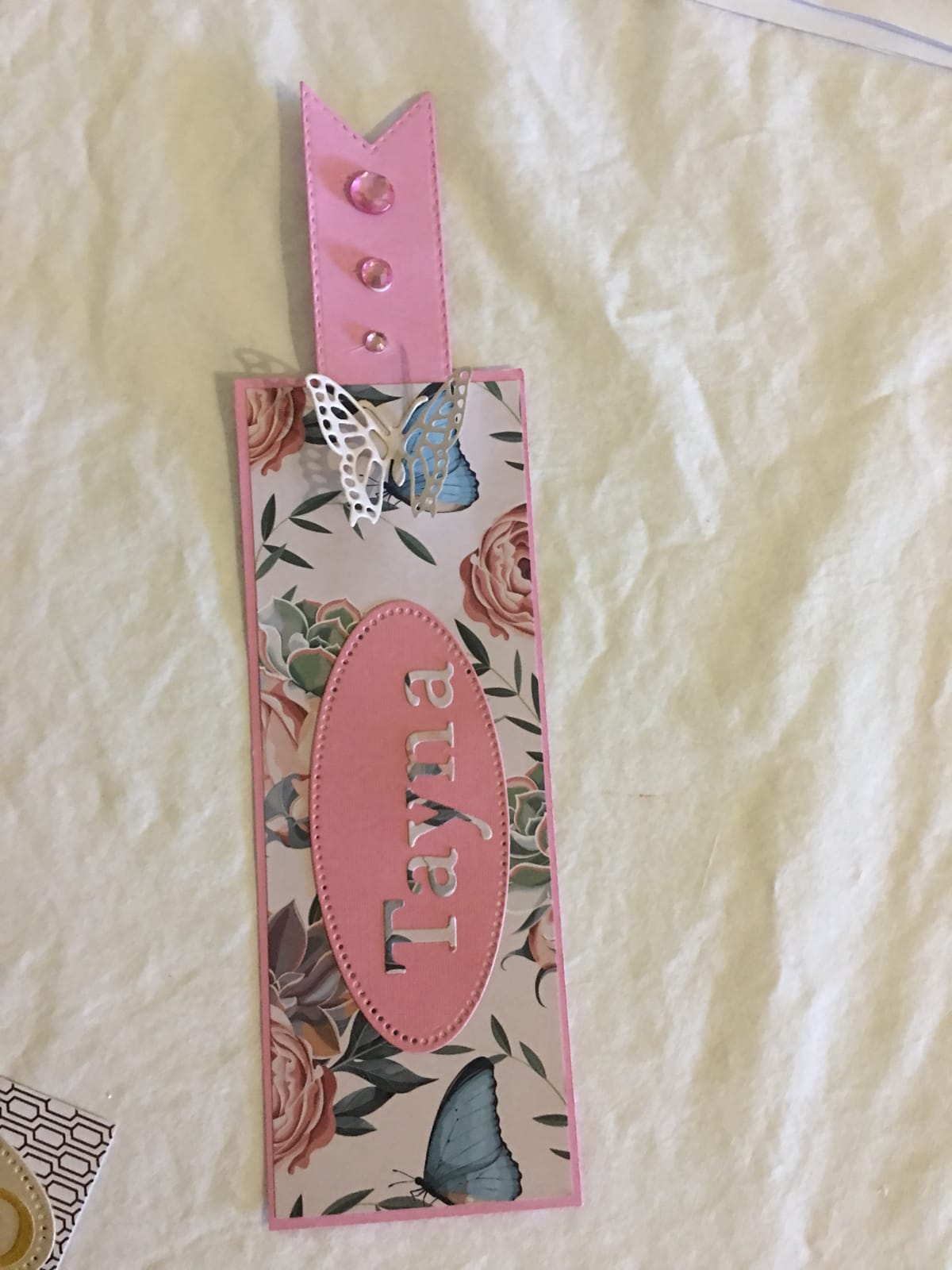
The BiraBira attacks the single biggest beginner problem in this category: sandwich configuration. Instead of a cutting pad, a platform and a variable stack of shims, it uses a height adjustment gear and a three-way dial for cut, two-dimensional emboss and three-dimensional emboss. Owners rate it 4.5 from 202 reviews, and the praise is unusually specific about cut quality.
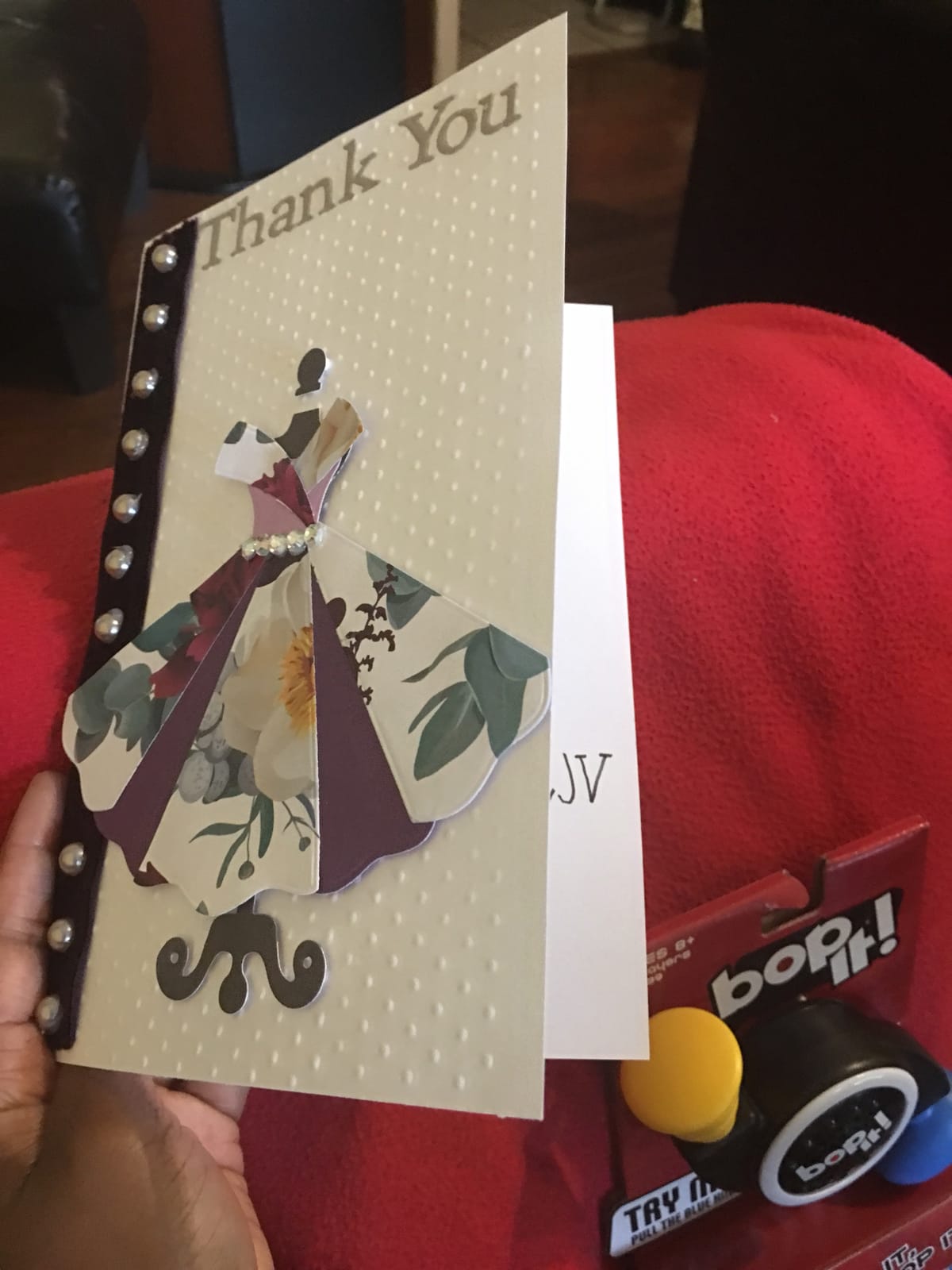
Reviewers who compare it directly against the Sizzix Big Shot report cleaner cuts on intricate dies with no warped plates. That is a meaningful claim for card makers cutting detailed botanical or lace designs, where a bent plate leaves a permanent ripple in every layer after it.
Cross-brand die compatibility is the other headline. The specification states it works with all leading brand acid etched dies, steel rule dies and embossing folders. That answers the question forum users ask most often about this category, and a Cuttlebug owner in one thread gave a machine away purely because it accepted every brand.
The 6 1/4 inch adjustable feeding slot is sized for 6 inch paper and wider dies, which makes it more flexible than the 6 inch Big Shot for a slightly oversized die.
Why a dial system matters more than extra speed
Every manual machine here cuts at roughly the same speed, which is to say slowly and deliberately. The difference between them is how forgiving they are. With a dial, you set a height, run the sandwich, and adjust one number if the cut is incomplete. With a fixed platform, an incomplete cut means rebuilding the stack, and beginners lose whole sheets of cardstock guessing.
Forum threads about dies that will not cut through cardstock almost always trace back to a missing shim rather than a bad die. A machine that makes the shim decision for you removes that entire failure mode.
Storage and weight trade-offs
This machine folds to 10 by 6 by 9 inches with the crank handle removed, and the fold-out platform doubles as a storage box for the handle and small tools. Open, it measures roughly 15 by 14.25 by 9 inches.
At 13.8 pounds it is one of the heavier machines here, and owners comparing build feel note the fold-out tables feel lighter than the metal Sizzix equivalents. Buy it for dial control and die compatibility; be realistic about lifting it out of a cupboard daily.
5. CraftGenes 6 Inch Manual Die Cutting Kit – Best All-In-One Starter Box
CraftGenes 6 Inch Manual Die Cutting and Embossing Machine for Card Making
6 inch A5 manual platform
22mm maximum sandwich
Paper up to 240gsm
Pros
- Most complete bundle with dies folders plates and cardstock
- Accepts dies and folders from Sizzix and Cuttlebug
- Smooth handle gives deep embossing
- Compact enough for a small craft space
Cons
- Plate stack takes practice to configure reliably
- Plain cardstock only
- not adhesive-backed material
The CraftGenes kit answers a question most roundups skip: what actually arrives in the box. You get a 13mm base plate, two 2.85mm B plates, a 5mm C plate, a thin plastic shim, two magnetic plates, two embossing folders, two dies, ten cardstock sheets, a badge set and an instruction manual. Very few machines at any price include that much to work with on day one.
Owners rate it 4.2 from 204 reviews, and the most common positive comment is cross-brand die compatibility. Reviewers confirm it handles Sizzix, Cuttlebug, Provo Craft and Darice dies and folders, which means a starter box does not lock you into one ecosystem.
The stated maximum sandwich thickness is 22mm on plain paper up to 240gsm. That is a real specification number rather than a vague durability claim, and it tells you the machine has room for a thicker stack than a basic pad-only setup allows.
Construction is ABS plastic with stainless steel working parts, and owners describe a smooth-turning handle that produces deep embossing. The included tip of rotating or flipping the clear cutting plate regularly is sensible maintenance advice that most owners confirm works.
What a complete starter box actually saves you
For a first purchase, a bundled box removes the second-guessing phase. You are not comparing plates, shims and folder thicknesses on day one, which is where new die cutters commonly stall. The instruction manual and the included badge set give you a first project that is achievable rather than ambitious.
The badge set is worth highlighting for beginners. Cutting a small shape successfully in the first session is what keeps people making cards, and a simple rectangle is a better first run than a layered shaker card.
Limitations to plan around
The plate sandwich takes practice. Owners report sandwiches occasionally resisting the feed until the stack is rechecked, which points to stack height rather than a mechanical fault. The bundled magnetic plates are widely described as difficult to separate and of limited practical value.
One genuine constraint: the machine is designed for plain cardstock and paper, not adhesive-backed or laminated material. If your card style depends on sticker sheets, plan a separate digital machine for that layer.
6. Find Scrapblooms 6 Inch A5 Manual Machine – Budget Pick for Beginners
6inch Manual Die Cutting Machine Kit, A5 Embossing Machine with Beginner Accessories for Scrapbooking Starter,Cardmaking,Paper Craft (Blue)
6 inch A5 manual opening
13mm base plus 3mm and 5mm PC plates
All-carbon-steel internals
Pros
- Entry-level cost with a usable A5 opening
- Carbon steel internals outlast plastic gearboxes
- Compatible with most standard dies and folders
- No electricity needed
Cons
- Plate stack diagrams must be understood first
- No dies or embossing folders in the bundle
- Dimensions vary between listing and manufacturer notes
This is the budget entry in the roundup, and at 4.3 stars from 381 reviews it punches above its tier. Buyers describe it as a capable A5 machine, and the detail they single out most is the all-carbon-steel internal construction, which is a durability claim rather than a feature-list item.
At 6 inches wide, the opening accommodates A5 paper and most standard dies and embossing folders. That is the same working width as the 6 inch Big Shot, so you are not losing cutting area to save on the purchase.
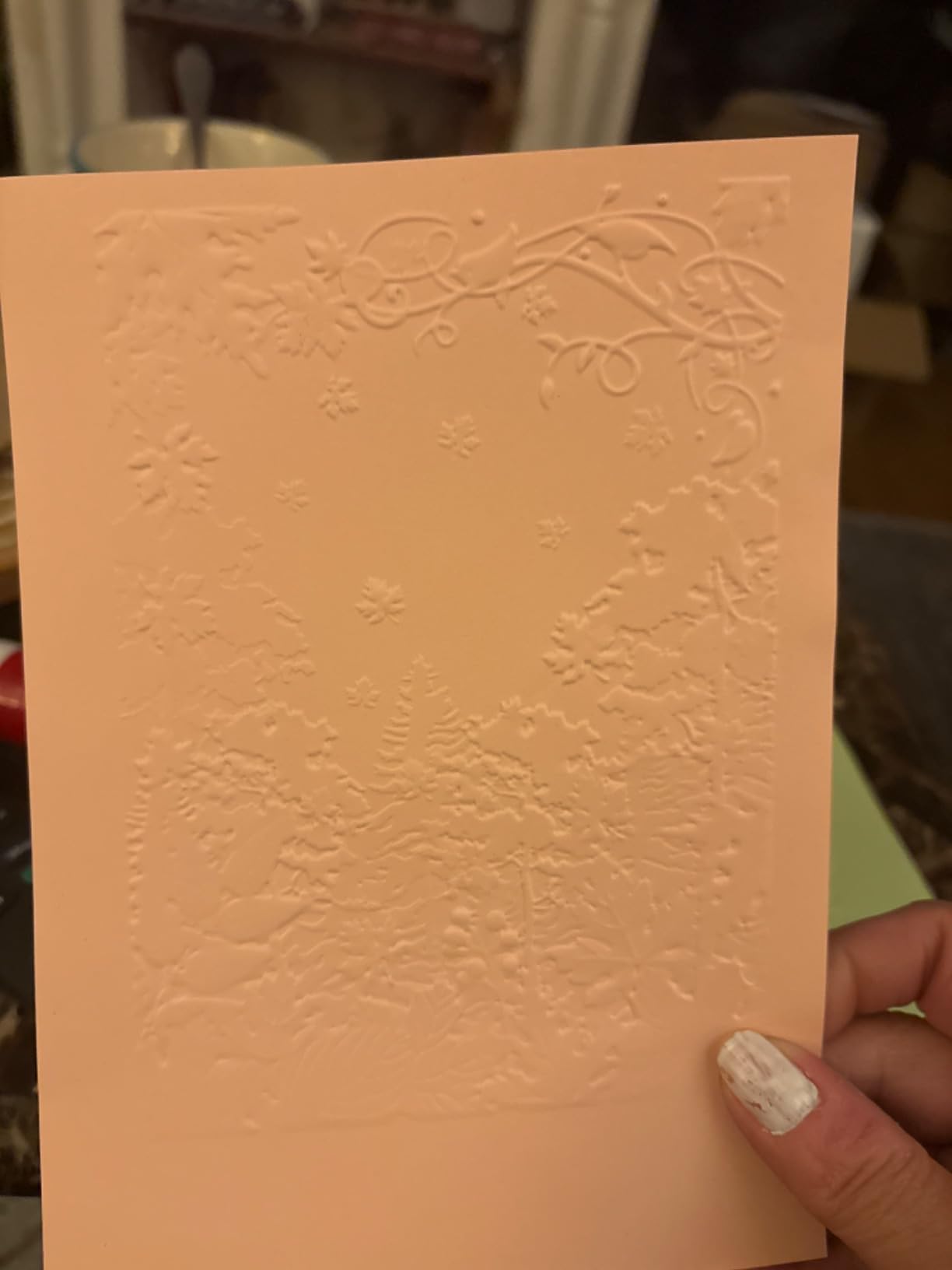
The machine is entirely hand-cranked and needs no electricity, which also makes it a sensible choice for a craft room with a single awkward socket. Owners mention simple assembly and a handle design that resists wear.
It is worth being direct about what you get. Reviewers note the bundle does not include dies or embossing folders, so your first order needs a basic die and a cutting mat alongside the machine.
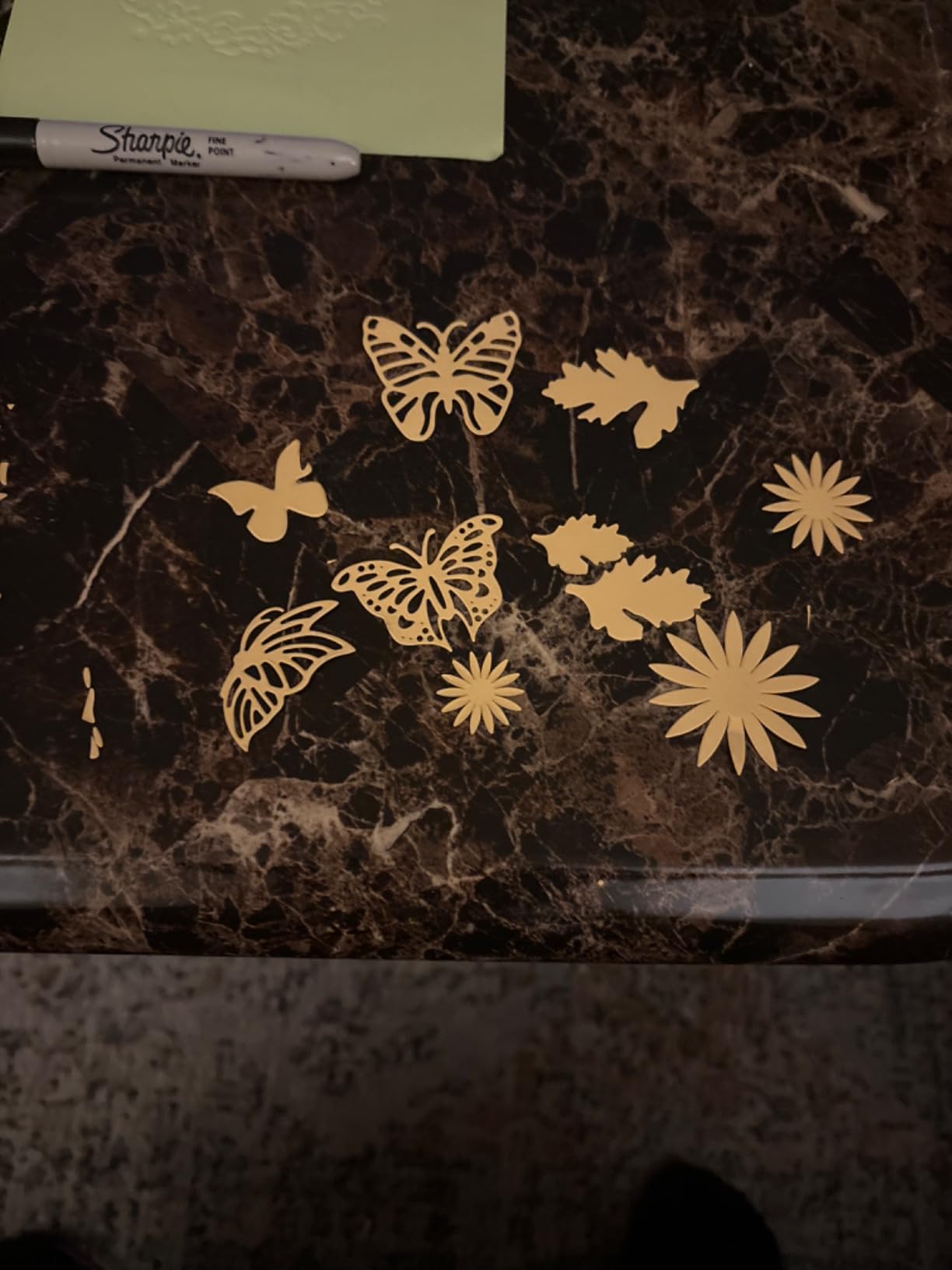
Reading the plate stacking method before your first cut
The manufacturer publishes the exact builds. For embossing, it is one 13mm plate plus two 3mm PC plates plus your folder. For die cutting, it is one 13mm plate plus one 5mm PC plate, your paper and die, then one 3mm PC plate on top. Write those two lines on masking tape and stick them to the machine.
Plate stack configuration is the most common point of confusion for first-time users of this machine, and owners who report clean results are the ones who followed the diagram rather than improvised. Deviating from it is what produces partial cuts.
Who this suits and who should spend more
Buy it if you want an A5 manual die cutter, enjoy the mechanics of a crank, and would rather spend your budget on dies than on the machine. The steel internals mean it will not be the weak link in your setup.
Spend more if you want dies and folders in the box, a wider opening, or a system that does not require you to learn plate thicknesses before the first cut. Compare it against the CraftGenes kit, which bundles considerably more for a similar outlay.
7. Silhouette Cameo 5 Alpha – Best Digital Machine for Print Then Cut
Silhouette America Cameo 5 Alpha (α) – Smart Cutting Machine for Print & Cut – Quiet Operation with AutoBlade, Studio Software, Cutting Mat- Vinyl, Paper & Fabric Compatible – Classic White
12 x 24 inch cutting area
Cuts material up to 3mm thick
4.89 inches tall
Pros
- Widest cutting area in the roundup at 12 by 24 inches
- Very quiet motor running to 400mm/s
- 4-point registration improves print alignment
- Studio software and 100 designs included
Cons
- Software workflow takes real time to learn
- Heavier and wider footprint than the portable manual machines here
The Cameo 5 Alpha is not a die cutting machine, and we include it because for a growing number of card makers it solves the problem better than a crank. At 4.4 stars from 725 reviews, it carries the second strongest owner rating in the roundup, behind the Big Shot.
Its 12 by 24 inch cutting mat is the largest here, roughly twice the width of a manual platform. On a card front that means you print a full sheet, cut all the panels and layers in one pass, then assemble. No trimming, no reloading, no shims.
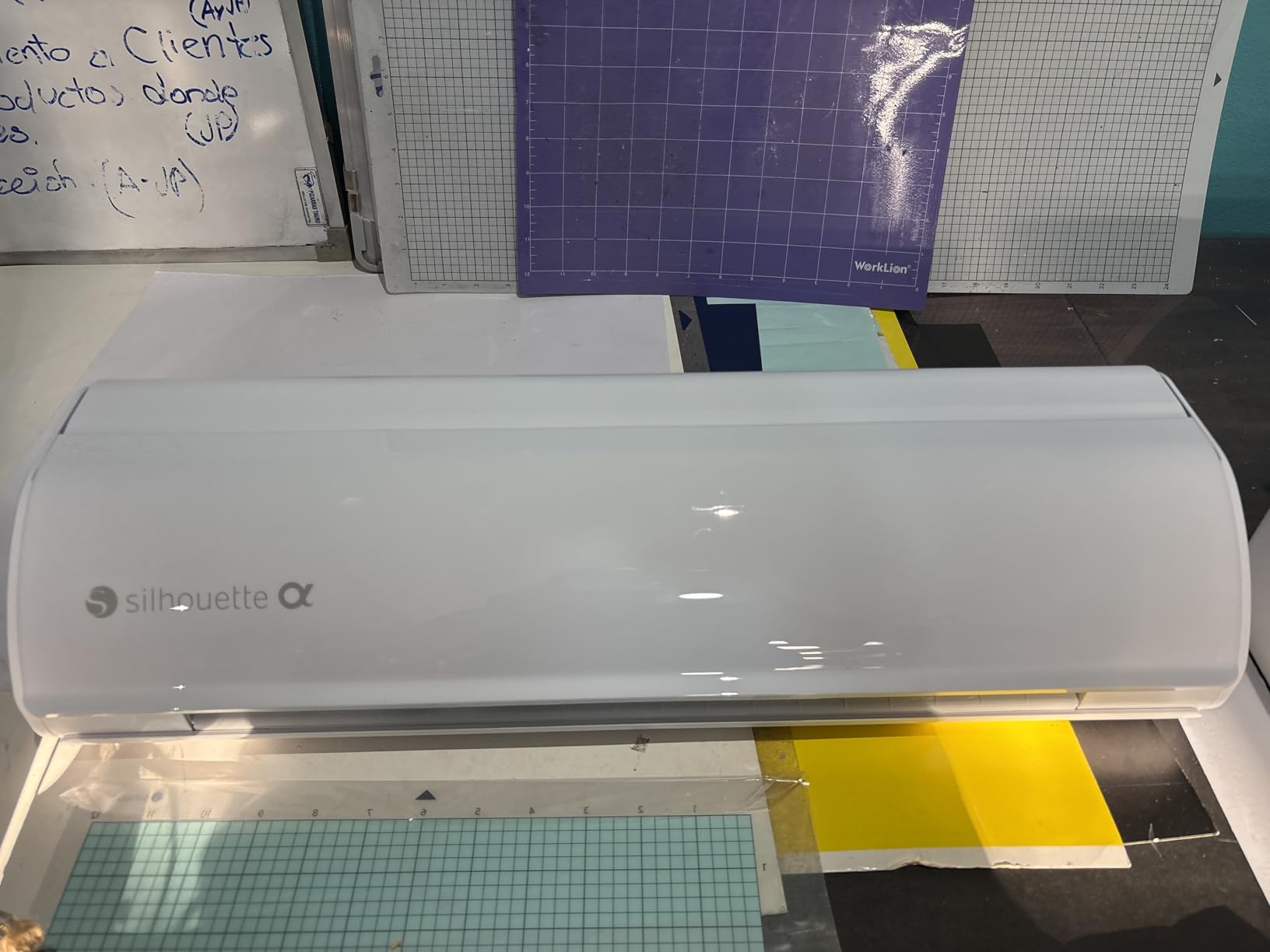
The 4-point registration system is the feature card makers care about most. Printed images, stickers and layered vinyl align to the cut line more accurately than older two-marker systems, which is the difference between a print-then-cut card that looks assembled and one that looks off-centre.
It cuts, sketches and embosses, handles vinyl, paper, fabric and material up to 3mm thick, and runs a very quiet motor up to 400mm/s. That motor speed also means it stays usable in a shared flat without becoming the loudest thing in the room.
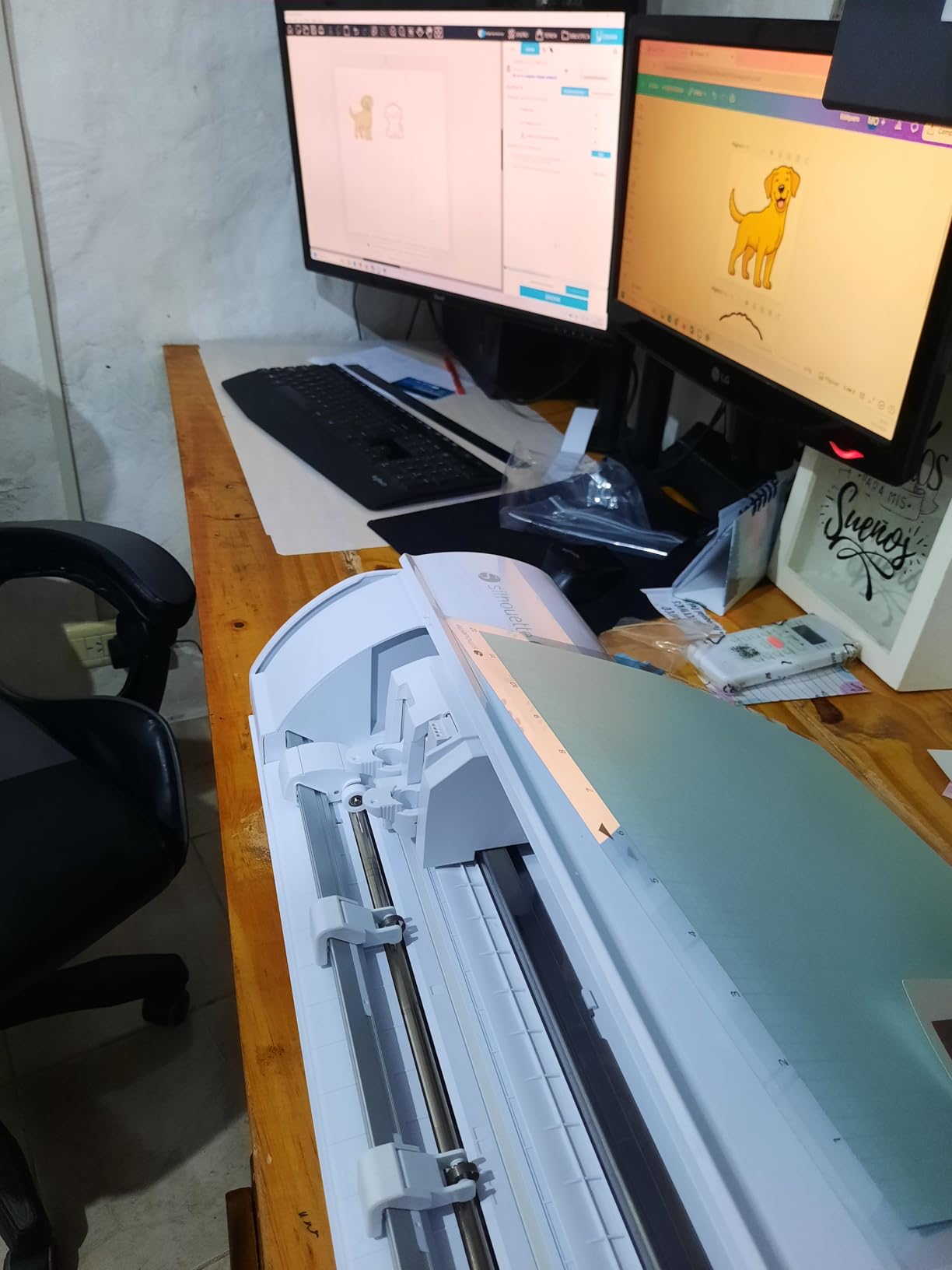
When a digital cutter beats a die cutter for cards
Three situations. First, when you want the same image at several sizes, which is the reason Mumsnet beginners get steered toward this type of machine: a digital file resizes, a physical die does not. Second, when your design includes printed photographs or scanned artwork, which a die cannot cut because no die exists for it. Third, when you make cards in batches and want one cut file to run repeatedly.
The trade is real. A digital cutter ties every design to the software, and forum users of Cricut machines in particular report frustration with a cloud-only design app that requires an internet connection and pushes a paid subscription tier.
What the learning curve actually involves
Owners rate accuracy and speed highly, and the most common learning hurdle named in reviews is Studio software, not the machine. Budget a few evenings with simple shapes before you attempt a print-then-cut registration workflow.
At 11.5 pounds and 22.28 inches wide, it needs a long, clear run on the desk. It is a machine you set up and leave in place, not one you move around.
8. Cricut Explore 5 Essential Bundle – Best 12 Inch Digital Cutter
Cricut Explore® 5 Essential Bundle + Digital Content, Taupe
12 inch cutting width
72 square inch cutting area
Writes draws foils scores and cuts
Pros
- Full 12 inch width covers A4 and 12 by 12 mats
- Cuts 100+ materials and foils and scores
- Faster and more efficient than the previous generation
- Bundle supplies for about 65 projects
Cons
- Older Explorer pens and tools do not fit
- No dust cover included
- Print then cut calibration can need work
The Explore 5 is the current-generation 12 inch Cricut, and owners treat it as a clear step up from the previous Explorer generation on cut speed and precision. It rates 4.3 stars from 247 reviews, and the 30 percent smaller footprint than earlier models is a real gain in a small craft room.
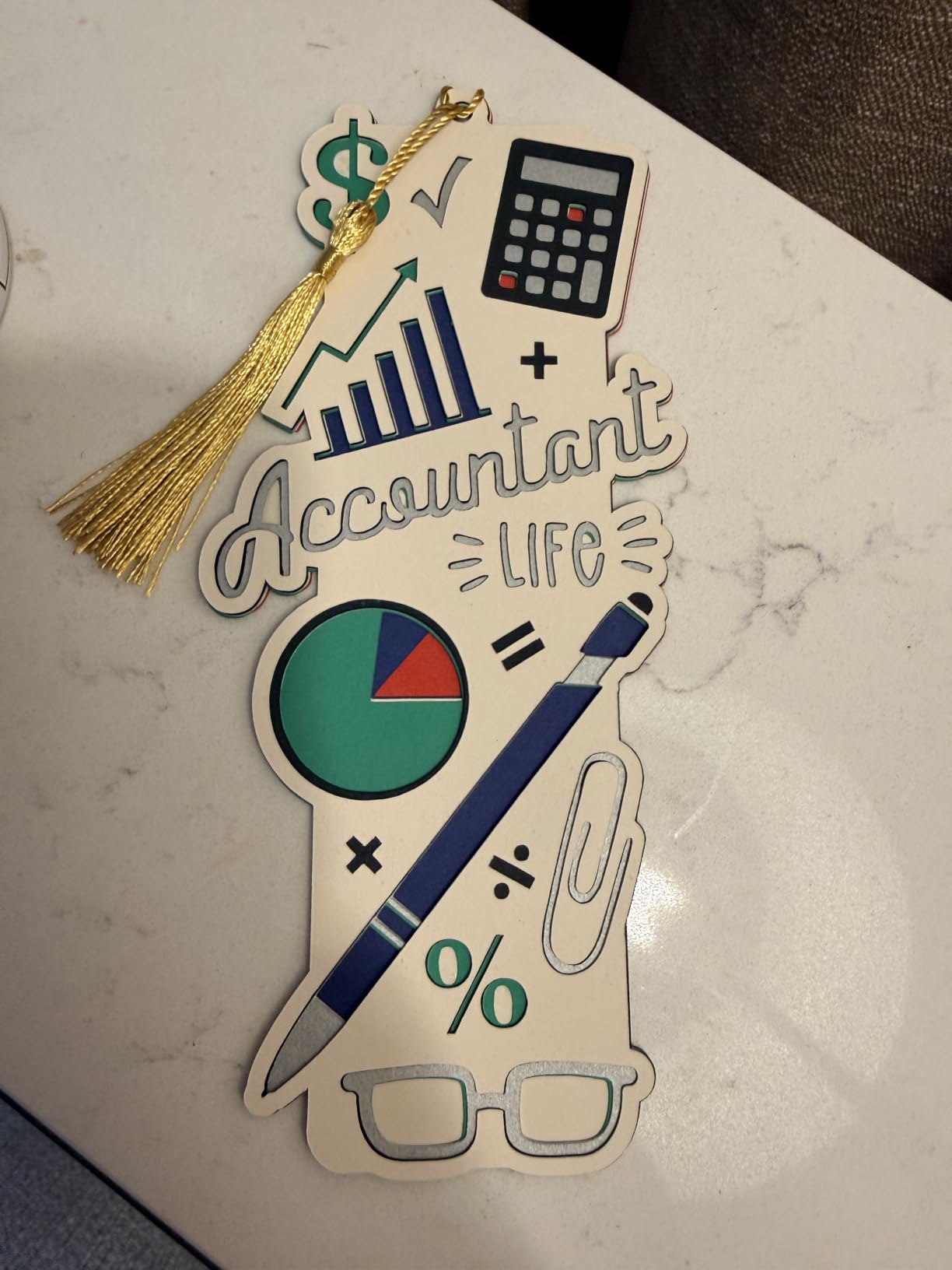
For card making specifically, the 12 inch width means a full 12 by 12 sheet fits with no trimming. The specification sheet also confirms it writes, draws, foils, scores and cuts, so sentiment strips, borders and foil details all come off one machine in one pass.
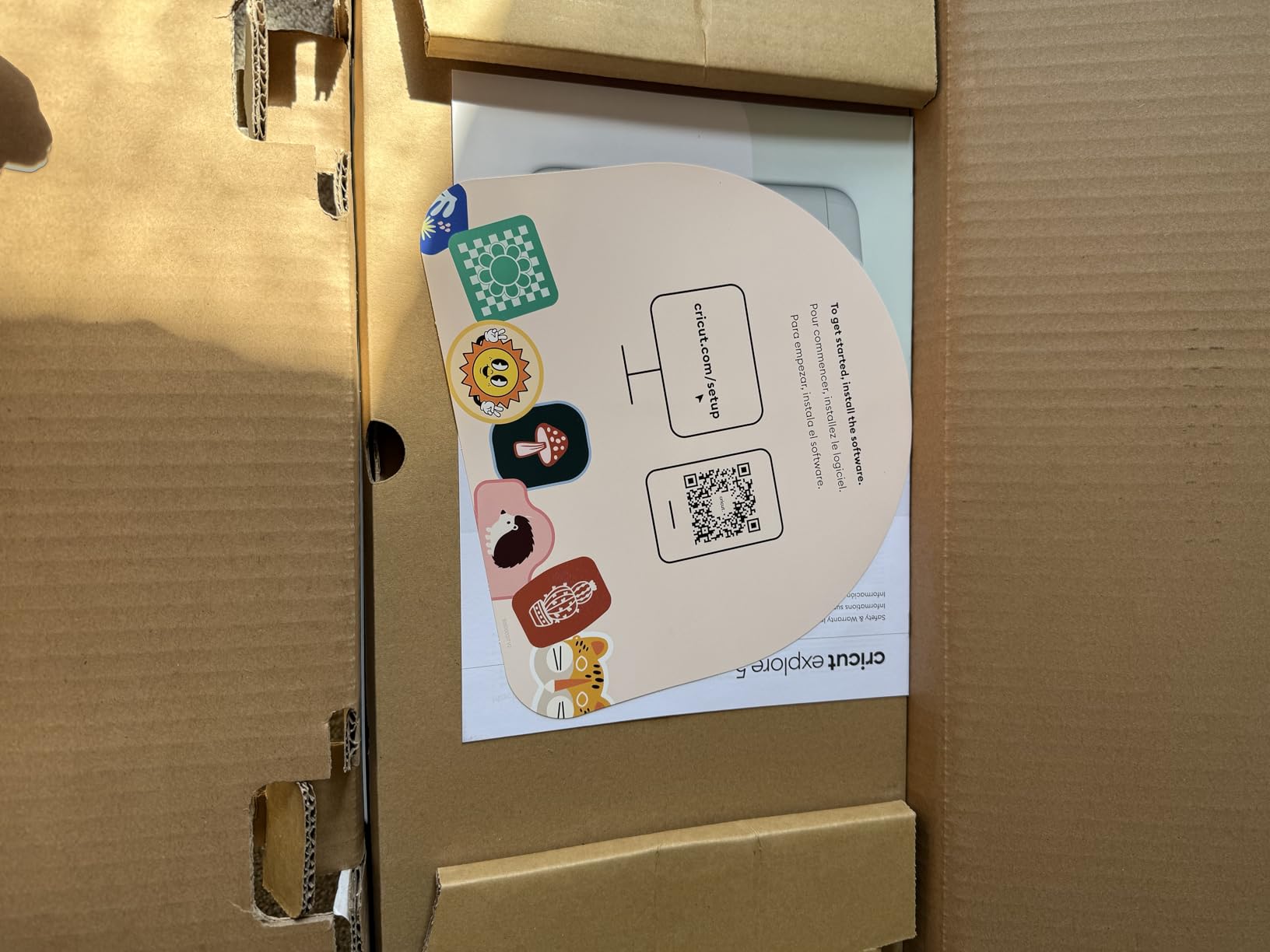
The Essential Bundle includes Smart Vinyl, Smart Iron-On, Value Cardstock, insert card sets and printable vinyl, enough supplies for roughly 65 projects, plus 25 premium images and a font. For a beginner, that is enough material to learn on without a second order.
Print then cut works with a home inkjet printer: print, load, and the machine recognises and cuts around the printed image. That is how you get a full-colour focal panel on a card without printing separate panels by hand.
Accessory compatibility is the thing to check first
If you already own an earlier Explorer, check your pen and tool inventory before buying. Reviewers are clear that only Explore 5 branded pens and tools fit, and earlier Explorer accessories do not. This is the single most cited drawback and the easiest to avoid by checking a drawer first.
There is also no dust cover in the box, which matters in a craft room with paper dust. A cover or a slipcase solves it for less than a single die.
The honest part: software and subscription
Design Space handles the design work, and it is where most owner complaints land. Print-then-cut registration can need machine collaboration set up, and the free content library is limited relative to the paid tiers, which encourages a Cricut Access subscription. Forum users in the Cricut community raise the same points repeatedly, including software that requires an internet connection.
If you dislike subscription prompts, the Silhouette Cameo 5 Alpha in section seven takes a different approach to the same 12 inch workload.
9. Cricut Joy 2 Essential Bundle – Best Portable Digital Cutter
Cricut Joy™ 2 Essential Bundle + Digital Content, Blue
4.5 inch cutting width
Weighs just over 2 pounds
Bluetooth to Design Space
Pros
- Light and compact enough to store in a drawer
- Quick Bluetooth setup with no assembly
- Works with a home inkjet for full-colour stickers
- Bundle supplies for about 35 projects
Cons
- 4.5 inch width limits larger projects
- Material occasionally stops feeding until reset
- Persistent prompts toward the Access subscription
The Joy 2 is the small-machine answer to a real constraint. At just over 2 pounds with a 4.5 inch cutting width, it is the only digital machine here you can carry in a bag, store in a drawer or use on a small desk without rearranging anything.
Owners rate it 4.3 from 271 reviews, and the most common positive comment is that it is the recommended first machine for new Cricut owners because the setup is genuinely quick. Bluetooth connection to Design Space with step-by-step flows means there is no cable and no assembly.
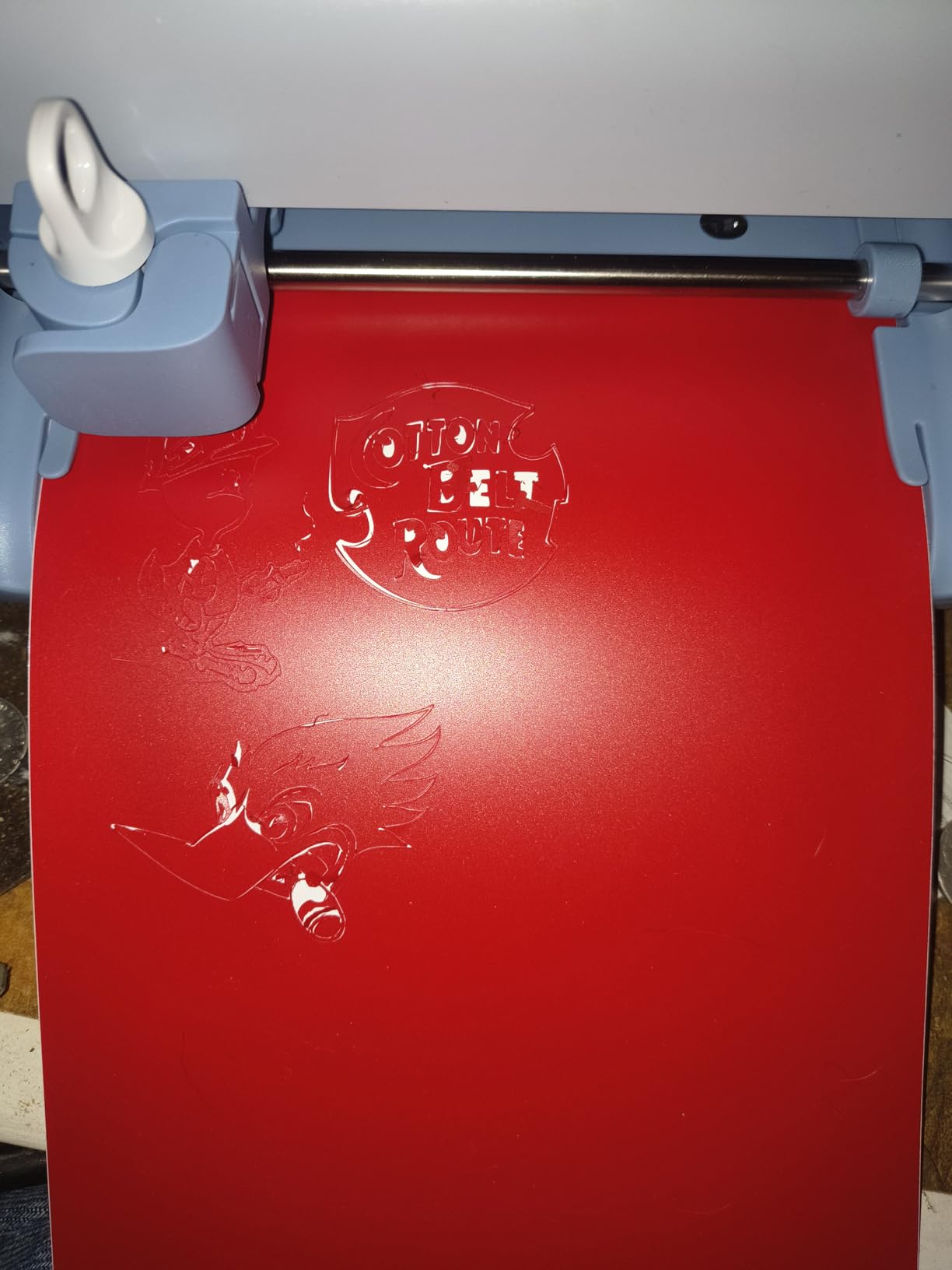
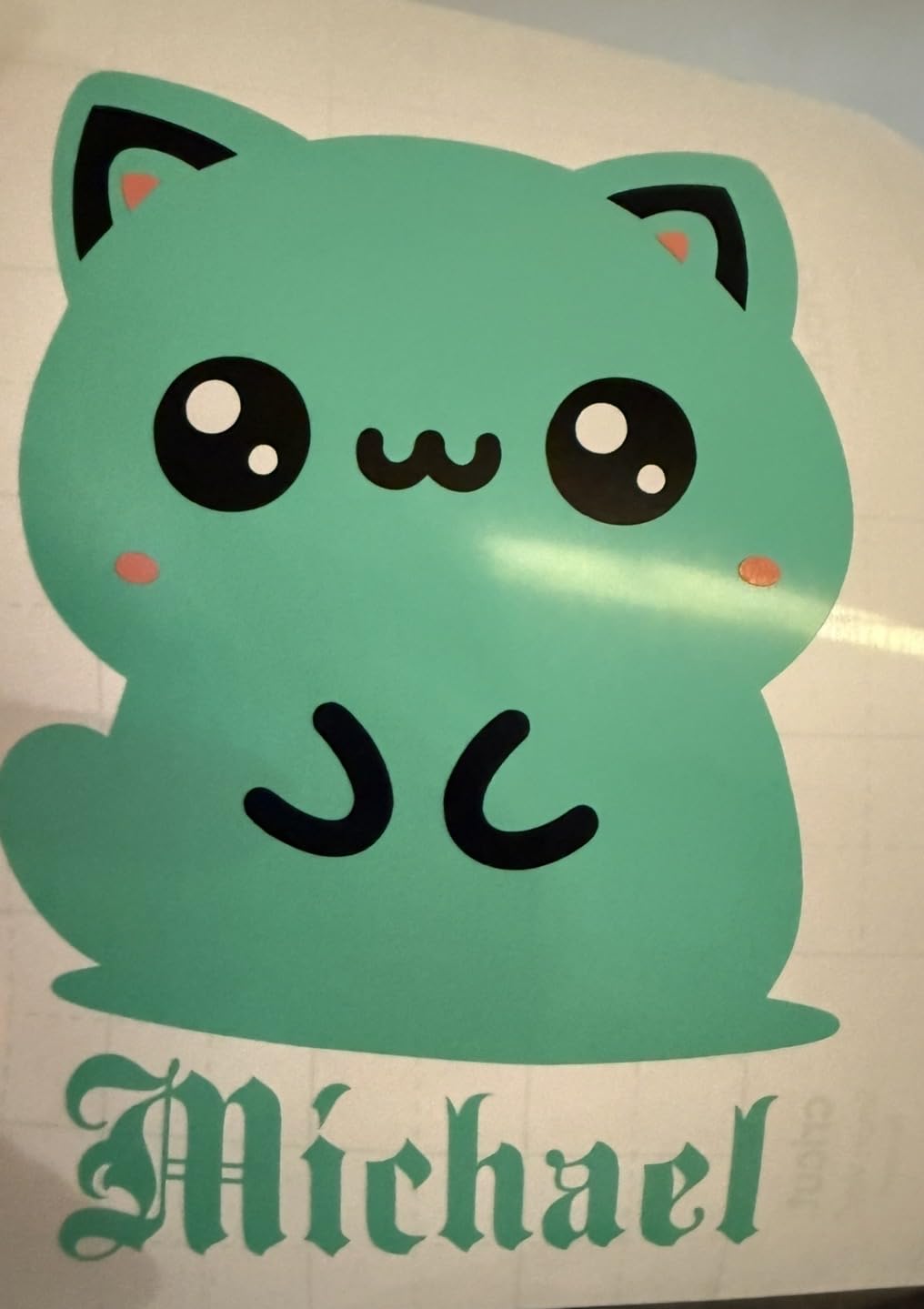
It works with 75 or more materials including vinyl, iron-on, printable materials and cardstock, and it writes, draws, foils, scores and cuts. For card making, that covers sentiment strips, small labels, toppers and full-colour stickers when paired with a home inkjet printer.
The Essential Bundle includes Smart Vinyl, Smart Iron-On, Value Cardstock, insert card sets and printable vinyl, enough for roughly 35 projects, plus 25 premium images and a font. That is a smaller but still useful starting stack.
What a 4.5 inch cutting width can and cannot do
It handles card bases sized for standard card fronts once trimmed, plus banners, labels, tags, gift toppers and small decorative panels. It does not take a 12 by 12 sheet, so full-width scrapbook pages and large shaker card windows are out of range.
For many card makers that limit is acceptable because a card front is smaller than the sheet it came from anyway. The trade is that large offcuts are not reusable, which slightly increases material waste per card.
Feeding and subscription friction
The most cited mechanical complaint is material occasionally stopping mid-feed until the machine is reset. It is not frequent, but it is the thing to know before you commit.
The other recurring note is the Access subscription prompt. Free images are available in quantity, but the best library sits behind the paid tier, and owners describe the trial prompts as persistent. The same cloud-software considerations that apply to the Explore 5 apply here in a smaller package.
10. Brother SDX125E ScanNCut – Best Die Cutting Machine With a Built-In Scanner
Brother SDX125E ScanNCut Electronic Cutting Machine Scanner
144 square inch active area
5 inch touchscreen LCD
Cuts material up to 3mm thick
Pros
- Only machine here with a built-in scanner
- AutoBlade senses material thickness automatically
- Cuts fabric chipboard foam felt and balsa
- 682 built-in designs plus 76 patterns
Cons
- Highest cost machine in this roundup
- Brand software needed for scanning and design work
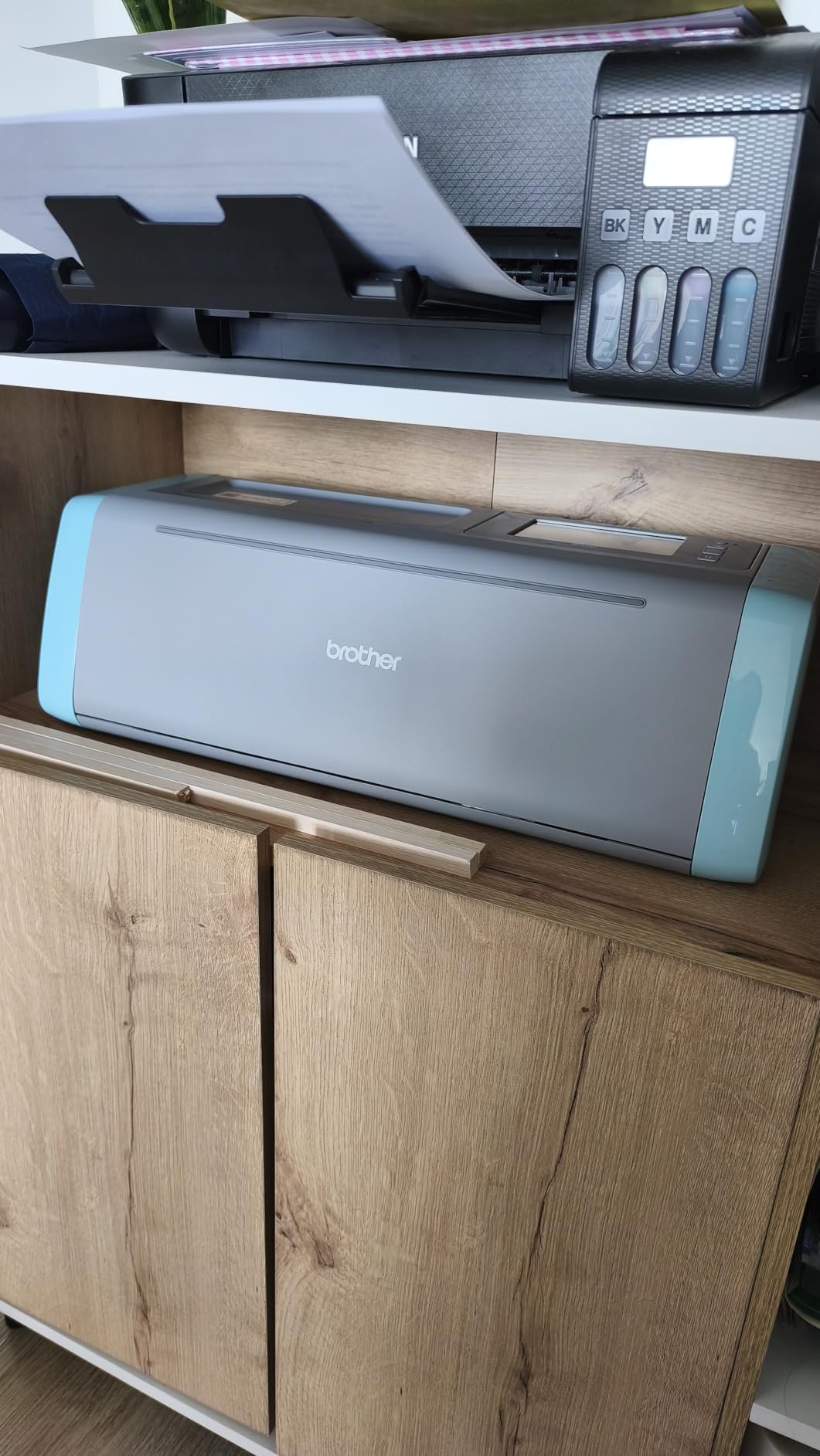
The Brother SDX125E is the most reviewed machine here, with 1,316 reviews at 4.3 stars, and it is the only option in this roundup with a scanner built into the lid. You slide a hand-drawn sketch or a printed sheet under the lid and it converts to a cut file, which no other machine on this list can do.
That capability answers the most common beginner request in craft forums. New die cutters ask how to get an image they drew by hand into a cut, and a scanner removes the tracing step entirely.
The AutoBlade is the other differentiator. Its automatic material sensor detects thickness with no blade adjustment and no material selection, which removes the most error-prone part of digital cutting. It cuts paper, vinyl, fabric, balsa wood, chipboard, foam and felt up to 3mm.
On-screen control runs through a 5 inch touchscreen LCD, with 682 built-in designs including 100 quilting patterns and 9 fonts, plus 76 additional patterns and a USB port for custom work. The box includes a 12 by 12 standard tack mat, a pen and holder, a touch pen, a spatula, an accessory pouch and sample cardstock.
When a scanner changes how you plan a card
A scanner is valuable when your design source is a physical object. A hand-sketched sentiment, a child’s drawing, a vintage pattern from a book or a printed image from a subscription library can all go straight to a cut file. On a 144 square inch active area you can also scan a full 12 by 12 sheet, which means a printed panel can be scanned and cut in the same workflow.
None of that is possible with a mechanical die cutter. This is the clearest case in the roundup where the digital route genuinely opens a project the crank route cannot reach at all.
What you give up for that workflow
This is the most expensive machine in the group, and it is also the one with the most specific software dependency. Scanning, design and cut-file handling all run through the manufacturer’s own software, so the workflow is less open than a desktop-based alternative.
Owners are positive about versatility across paper, vinyl and fabric, and the main reservations in reviews are cost and the learning curve of the bundled design software. If you only make cards from purchased dies, this machine is more capability than you need.
Die Cutting Machine or Digital Cutter: Which One Do You Need?
Every search for the best die cutting machines for card making eventually returns digital blade cutters, because both tools are sold to the same person. They are not interchangeable, and picking the wrong one is the most expensive mistake in this category.
A die cutting machine cuts with a steel rule blade fixed inside a metal plate. The shape is permanent: if you own the die, you own the shape, forever, in any material. You can cut that same shape from cardstock, felt, cork, balsa wood and thin fabric, and you get identical results on card number one and card number two hundred.
A digital cutting machine cuts with a tool head dragged along a path from a file. The shape is a file, not an object. You can scale it, mirror it, change materials and combine it with typography and printed artwork, but every design lives inside the software, and the machine only cuts what the software tells it to.
Choose a die cutting machine when your card designs repeat, your dies are physical, you want embossing in the same pass, or you are working in materials a blade machine handles less predictably. Choose a digital cutter when you resize designs, use printed or scanned artwork, make vinyl details, or produce the same card in many colourways from one file.
Plenty of card makers end up owning both, and the honest truth is that the two answer different questions rather than competing for the same one. If you are choosing a first machine and you are unsure, the Big Shot Starter Kit in section one is the lower-risk purchase, because a die you already own keeps working regardless of what any software does in the future.
How to Choose a Die Cutting Machine in 5 Steps
Work through these in order. Each one eliminates a category of machines that will not suit how you actually make cards, and the last two save the money most beginners spend twice.
Match the opening to the size of your cards
The opening width is the number that matters most, because it is the only specification you cannot work around. A 2.5 inch opening takes small dies and nothing else. A 6 inch opening takes A5 paper and most standard dies. A 9 inch opening takes A4 cardstock in a single pass.
Decide your card size first. If you make standard 5 by 7 inch cards from a 12 by 12 sheet, a 6 inch machine covers your panels after trimming. If your designs are built on A4, or you make scrapbook layouts, you want 9 inches or more.
Get the platform sandwich right from day one
A platform sandwich is the stack that carries your die into the machine: a cutting plate, your die, your cardstock, and any shim plates needed to fill the gap so pressure lands on the die edge rather than the plate surface. Embossing swaps the die for an embossing folder and uses thinner plates instead.
The single most common beginner complaint across forums is a die that will not cut through cardstock, and the cause is almost always a missing shim or an over-thick stack rather than a faulty die. If a machine uses a fixed platform, learn the builds before your first card. A dial or gear height adjustment removes the guesswork entirely, which is why experienced crafters gravitate to that design.
As a starting reference, one sheet of ordinary cardstock sits comfortably on a standard platform with no shim. Card two sheets thick and you add one shim. A thin metal die and a thicker material both need more. When in doubt, add a shim rather than forcing the handle, because a bent plate creates ripples in every future cut.
Check whether the machine takes the dies you already own
This is the question forum users ask most often and the one editorial guides answer least. Most die cutting machines accept dies from more than one brand, but not all, and the mismatch usually shows up as a die that will not feed or will not cut.
Before you buy, list the brands of the dies already in your collection. Sizzix Thinlits and Framelits are the most widely supported dies in the category. Machines that state compatibility with all leading brands of acid etched dies, steel rule dies and embossing folders give you the most freedom, and that freedom has real resale value later.
Decide how much embossing and foil work you will do
Embossing adds depth that printing cannot, and a die cutting machine does it in the same pass as the cut. A layered card with an embossed background panel is the standard reason people buy a crank machine, and it is the feature a digital cutter only offers through a separate tool.
Foiling is a different decision again. Some bundles include foil transfer material and a heat tool, and hot foil needs a laminator or press that costs far more than the machine itself. If foiling is a hobby you have never tried, do not factor it into the purchase yet.
For more on choosing the design side before the hardware, our affirmation card deck guide and tarot card stand guide both work at this stage.
Measure the space before you buy, not after
Desk footprint is one of the most common regrets reported by first-time die cutting machine owners, and it is the specification most likely to be ignored because it is not on the front of the box. A 6 inch Big Shot occupies roughly 15.75 inches wide and does not fold. A 2.5 inch Sidekick stores in a drawer. The BiraBira folds to 10 by 6 by 9 inches but weighs 13.8 pounds.
Measure the table, not the shelf you intend to use later. A heavy crank machine at desk height is comfortable; the same machine on a low shelf produces wrist strain within a few sessions, and wrist strain ends card making faster than any other limitation on this list.
Plan for storage of the consumables too. Plates, shims, dies, embossing folders and mats occupy more shelf space than the machine itself, and a die cutting machine without a cutting mat and a basic die set is not a working setup.
Whichever route you take, buy from a seller that lists the machine’s opening width and platform contents clearly. That single detail separates a purchase you will use for years from one that gathers plates you cannot identify.
Frequently Asked Questions
What is the best card cutting machine?
The best all-round card cutting machine is the Sizzix Big Shot Starter Kit, with a 6 inch manual platform, metal gearing and the highest owner rating in our group. If your cards depend on printed images, vinyl details or fabric panels, the Silhouette Cameo 5 Alpha is the better tool, because it cuts a 12 by 24 inch area and registers printed images accurately. Mechanical and digital machines answer different needs.
What are some good die cutting machines for card making?
A die cutting machine is often typed as a die cast machine, but the correct term is die cutting. Good choices for card making include the Sizzix Big Shot Starter Kit for 6 inch work, the Sizzix Big Shot Plus for A4 width, the Sizzix Sidekick for small spaces and portability, the BiraBira machine for dial-adjusted pressure, and the CraftGenes 6 inch kit for a complete starter box. Each cuts a real shape out of cardstock.
What is the best machine to cut card stock?
For ordinary cardstock, a manual die cutting machine such as the Sizzix Big Shot gives repeatable cuts and embosses in the same pass. For thick or layered cardstock, use a machine with a dial or gear height adjustment, or add shim plates to the sandwich until the cut goes through cleanly. Digital cutters handle cardstock too, but they add nothing you cannot cut with a trimmer and a pair of scissors.
What is better, Cricut or Sizzix for card making?
They are different tools, not competitors. A Sizzix cuts with a physical steel die and embosses in the same pass, so every card comes out identical and there is no software to learn. A Cricut cuts from a digital file, so you can resize any design, mirror it and cut printed artwork, but every design lives inside software that requires an internet connection. Choose Sizzix for repeated physical dies, Cricut for resized and printed designs.
Do I need a manual or electric die cutting machine?
A manual hand crank is a deliberate pace that gives fine control, and it is the standard choice for card making because cardstock is thin and dies are usually small. An electric or motorized machine is worth considering if you make cards in volume, run a small craft business or find cranking difficult with limited hand strength. Neither produces a better cut; they differ in speed and effort, not in result.
How many shim plates do I need for cardstock?
A single sheet of ordinary cardstock on a standard platform needs no shim. Add one shim for a second sheet or for a thin metal die, and two or more for thicker chipboard, felt or multiple stacked layers. If the cut is incomplete, add a shim rather than forcing the handle, because a bent plate leaves ripples in every later cut. A machine with a dial height adjustment removes this calculation entirely.
Our Final Pick for Die Cutting Machines in 2026
The Sizzix Big Shot Starter Kit is the best die cutting machine for card making in 2026. It carries the highest owner rating in this roundup, its metal gearing survives heavy daily use, and the bundle gives you a die, an embossing folder and 40 sheets of cardstock to start with rather than an empty box.
Pick the Big Shot Plus instead if you work in A4 cardstock and want full-width panels in a single pass. Pick the Sidekick if storage space is the constraint, and pick the BiraBira if you would rather turn a dial than rebuild a sandwich every time you change material.
Choose a digital machine when your designs need resizing, printing or fabric. The Silhouette Cameo 5 Alpha handles a 12 by 24 inch area with quiet operation, the Explore 5 covers 12 inch width with a broad material list, the Joy 2 fits in a drawer at just over 2 pounds, and the Brother ScanNCut adds a built-in scanner for hand-drawn designs.
Whichever you choose, buy a cutting mat, one basic die and a set of shims with the machine. Those three extras are what turn a box into a working setup. If you enjoy the card design side of the craft as much as the cutting, our guide to card games for adults covers what to do with a finished deck of cards once the cutting is done.