
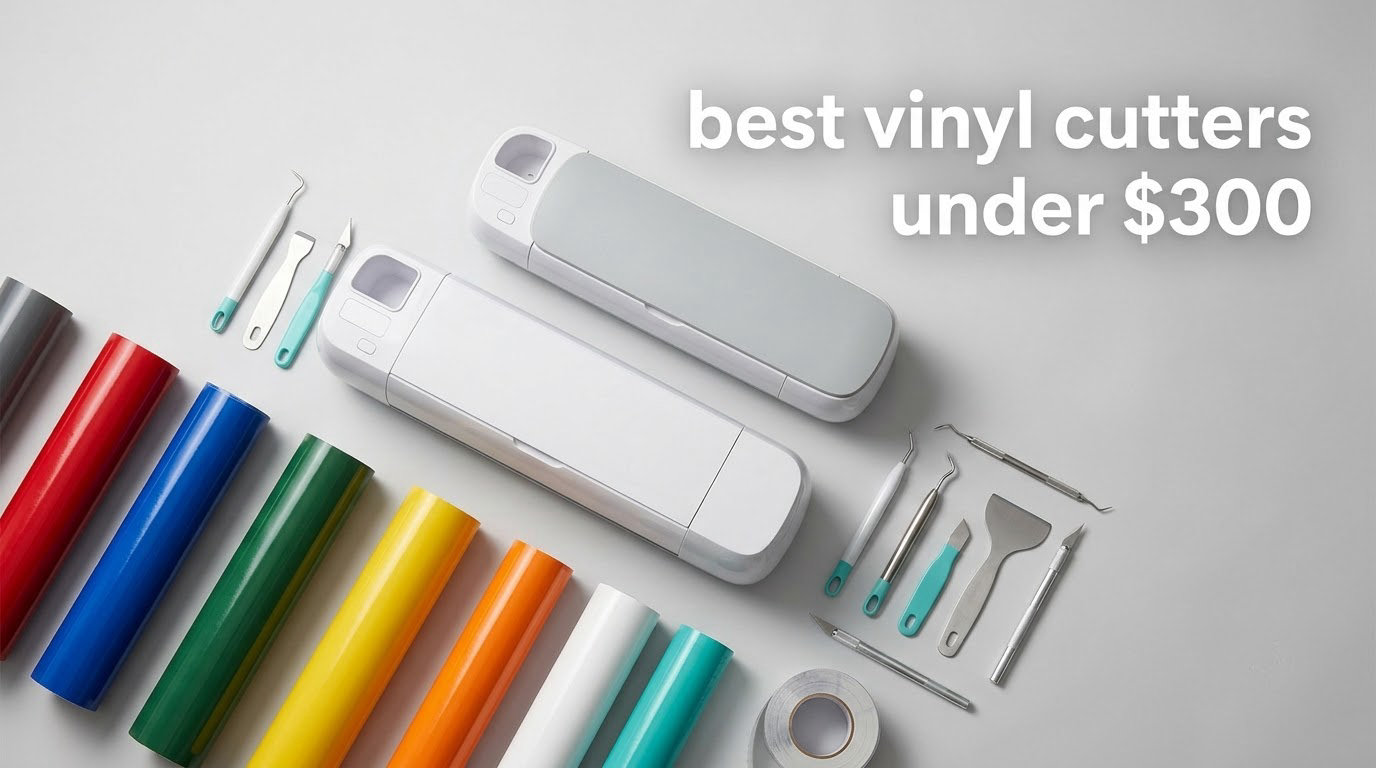
If you have been comparing machines for weeks, the problem is rarely the machine list. It is that almost every guide mixes budget craft cutters with professional plotters and never tells you which family a given model belongs to. This roundup fixes that by holding one hard line: the machine itself has to fit inside a 300 dollar budget, and we say plainly what that ceiling buys and what it leaves out.
All eight machines below were picked from the current generation rather than from a stale catalog, and each one earned its place by doing something the others cannot. Seven are mat-based craft cutters built around a cutting mat, a shallow blade, and a design app, ranging from 4.5 inch bodies to a full 12 by 24 inch bed. The eighth is a 28-inch blade-only sign plotter that lives on the floor rather than a craft desk. Two of the seven add AI text-to-design generation, and two more print full-color sticker sheets before cutting them.
We did not physically bench-test all eight machines side by side, and we would rather tell you that than dress up catalog reading as lab work. Instead we worked from manufacturer specifications, the aggregated owner review data behind every pick, and the recurring complaints buyers report in craft and sign forums. Where a spec matters, we give you the number. Where owners disagree with the spec sheet, we tell you that too. Specs and model details were checked in 2026.
One more thing before the picks. A machine is roughly half of what a new hobbyist actually spends in year one. Cutting mats, replacement blades, weeding tools, transfer tape, and vinyl rolls add up fast, and that is the part most roundups leave out. We cover it in its own section so you can budget the real number before you commit. If you are also shopping other gear on a fixed allowance, our picks for the best continuous lighting kits under 300 follow the same no-surprises logic, and the plasma cutter guide for sheet metal does the same job for a different workshop.
Table of Contents
Top 3 Vinyl Cutter Picks Under $300
These three are the ones we would put in front of a friend who asked for a single recommendation. The Silhouette Portrait 4 is the most flexible overall buy, the Cricut Joy is the highest rated and the least intimidating, and the Silhouette Cameo 5 Alpha is the one that handles full sheets without a second pass.

Silhouette Portrait 4
- 9 inch cutting width
- 50 dB quiet operation
- Studio software with installed PC fonts


Silhouette Cameo 5 Alpha
- 12 x 24 inch cutting area
- 4-point registration for print and cut
- AutoBlade with 400mm/s motor
Best Vinyl Cutters Under $300 at a Glance
All eight picks, in one place. Every machine here fits the budget ceiling on its own, and every one of them cuts vinyl without a paid subscription.
| Product | Specifications | Action |
|---|---|---|
| Silhouette Portrait 4 |
|
Check Latest Price |
| Cricut Joy |
|
Check Latest Price |
| Silhouette Cameo 5 Alpha |
|
Check Latest Price |
 Cricut Joy Xtra Cricut Joy Xtra |
|
Check Latest Price |
 Likcut S501 Likcut S501 |
|
Check Latest Price |
 Likcut S41 Likcut S41 |
|
Check Latest Price |
 Cricut Joy 2 Essential Bundle Cricut Joy 2 Essential Bundle |
|
Check Latest Price |
 VEVOR 28 Inch Cutting Plotter VEVOR 28 Inch Cutting Plotter |
|
Check Latest Price |
1. Silhouette Portrait 4 Review: The Most Flexible Buy Under 300
Silhouette Portrait 4-9 inch Vinyl Cutting Machine with Studio Software, PixScan, Electric Tool and ES Mat Compatible, SNA and IPT Enabled, 50 db
9 inch cutting width
50 dB operation
18 x 9 x 9 inch chassis
1 year limited warranty
Pros
- Open font and file access with no cartridge system
- Large searchable design library with weekly free additions
- Print and cut handles printed sticker sheets
- Compact body stores in a drawer or sits on a small desk
Cons
- Studio software has a real learning curve
- Suggested blade and material settings often need a test cut
- Cutting mat grip fades quickly and replacements feel flimsy
The Silhouette Portrait 4 is the machine I recommend to anyone who wants the widest range of projects without crossing the 300 dollar ceiling. It is a 9-inch mat-based craft cutter with a redesigned belt-driven chassis, and at 4.4 stars across more than 2,800 reviews it has the broadest owner base of anything in this roundup. That matters, because a large review base means a large amount of troubleshooting knowledge exists for the exact machine you will own.
What sets it apart from every other machine here is the software model. Silhouette Studio uses fonts you already have installed on your computer and reads standard graphic formats, so you are not locked into a cartridge ecosystem or forced to design only inside a branded app. Reviewers repeatedly single this out as more flexible than cartridge-based systems, and for a small business that means your artwork pipeline does not have to change when you outgrow the machine.
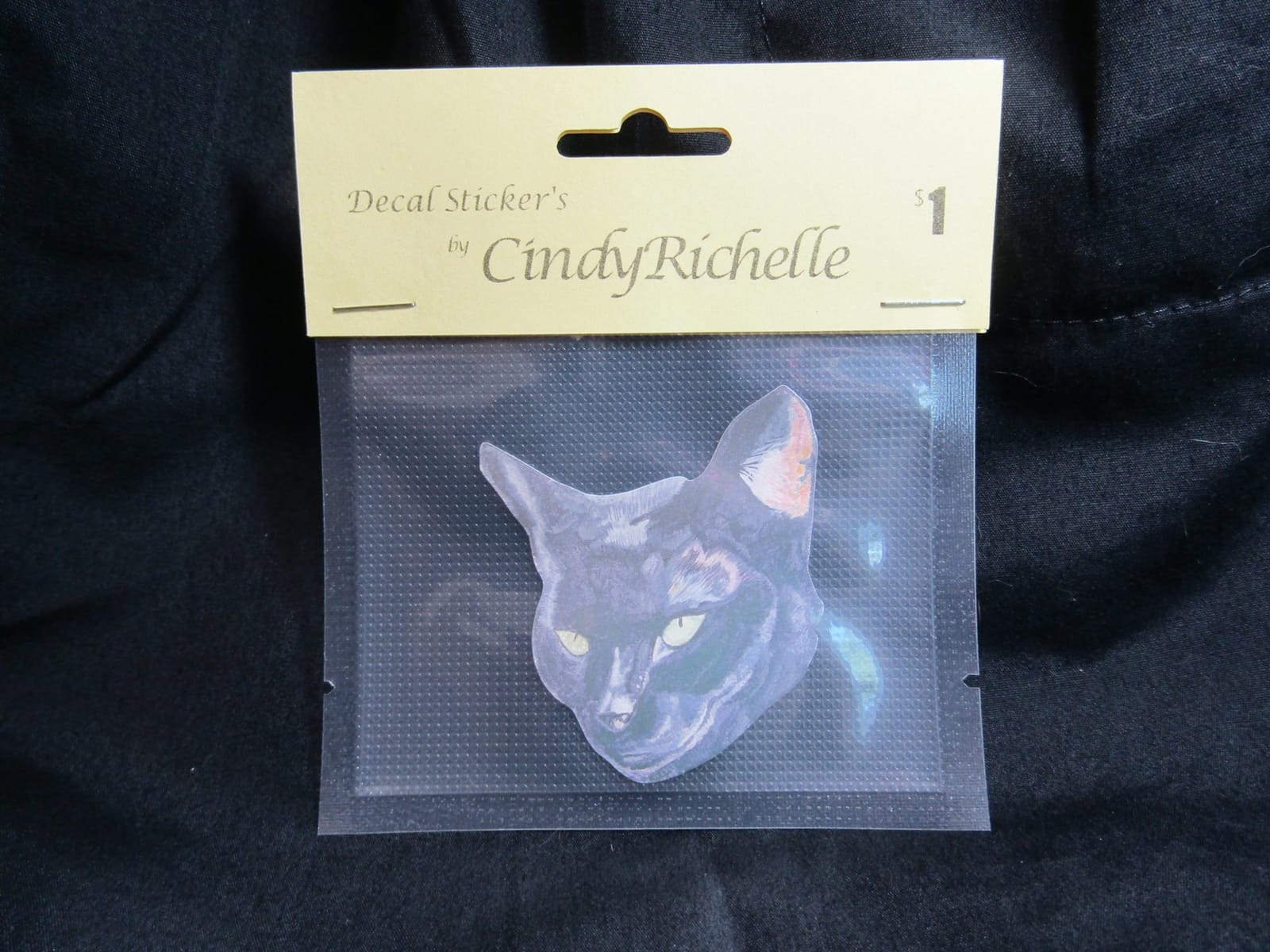
Physical scale is modest on the Portrait 4. The chassis measures 18 inches deep by 9 inches wide by 9 inches tall, the active cutting surface is 81 square inches, and the listed weight is 16 ounces, so it stores easily and does not demand a dedicated table. Owners who came from a larger machine report the narrower bed is the single real trade-off, and that is a fair summary: a poster-width design becomes two passes and a re-stick, nothing more dramatic than that.
Two features do the heavy lifting for practical projects. Intelligent Path Technology reorders the cut sequence so the blade travels in a path that keeps material under even tension instead of peeling away from the mat mid-letter, which is where cheap machines produce torn edges. The electric tool option also lets the machine sketch with a pen, so the same box handles a traced drawing and the decal you cut from it.
Noise is a real consideration for apartment crafters, and a rated 50 dB is among the quieter figures in this category. That figure is for the machine itself, not a heat press sitting next to it, and it makes the Portrait 4 a reasonable pick for a shared wall.
What the Portrait 4 does well and where it frustrates people
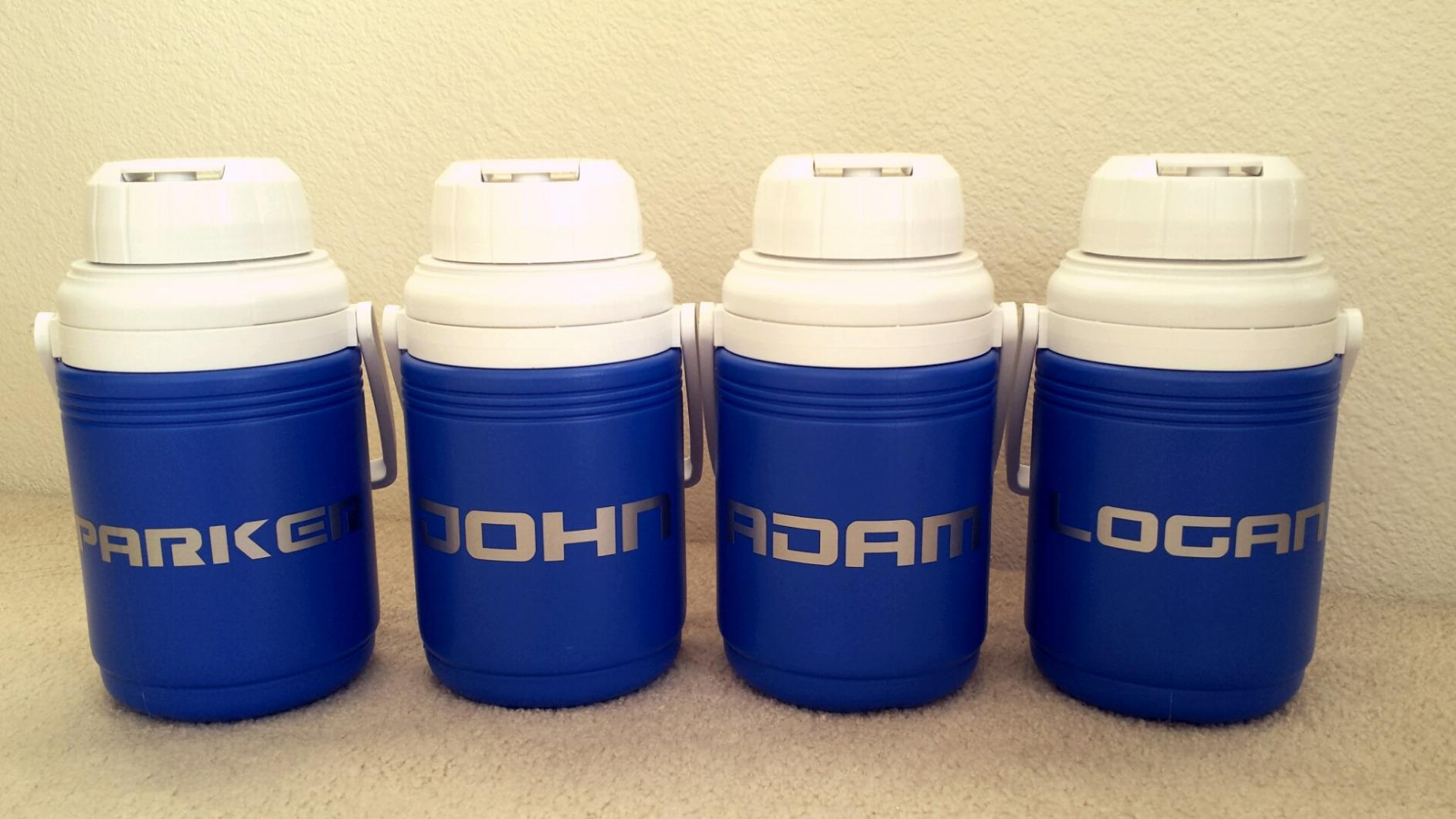
Print and cut is genuinely useful here. The machine reads registration marks from an ordinary inkjet-printed sheet, so full-color stickers come out of a home printer and then get cut on the mat, which is exactly the workflow a small sticker seller needs. Combined with the open font access, it means you can print your own artwork and still cut lettering from your own typefaces.
The frustrating part is calibration. Owners note that the recommended blade depth and material thickness settings frequently need a manual back-off plus a test cut before results are clean, and the mat loses adhesion after surprisingly little use, which is the single most common complaint across the whole craft cutter category. Budget for a second mat within a few months, and treat the first hour with any new material as a test strip rather than a product.
Who the Portrait 4 suits and who should pass
Buy it if your projects span paper, fabric, and adhesive vinyl, if you already have a computer with design software, and if you want to avoid a monthly subscription. It is also the safest first machine for someone who might later upgrade, because the file workflow carries over to larger Silhouette models.
Skip it if you cut large decals regularly, since the 9-inch bed means constant reloading, or if you want a phone-first workflow with no computer. The tool kit is not included, so you will be adding blades, a spatula, and weeding tools regardless of which machine you choose.
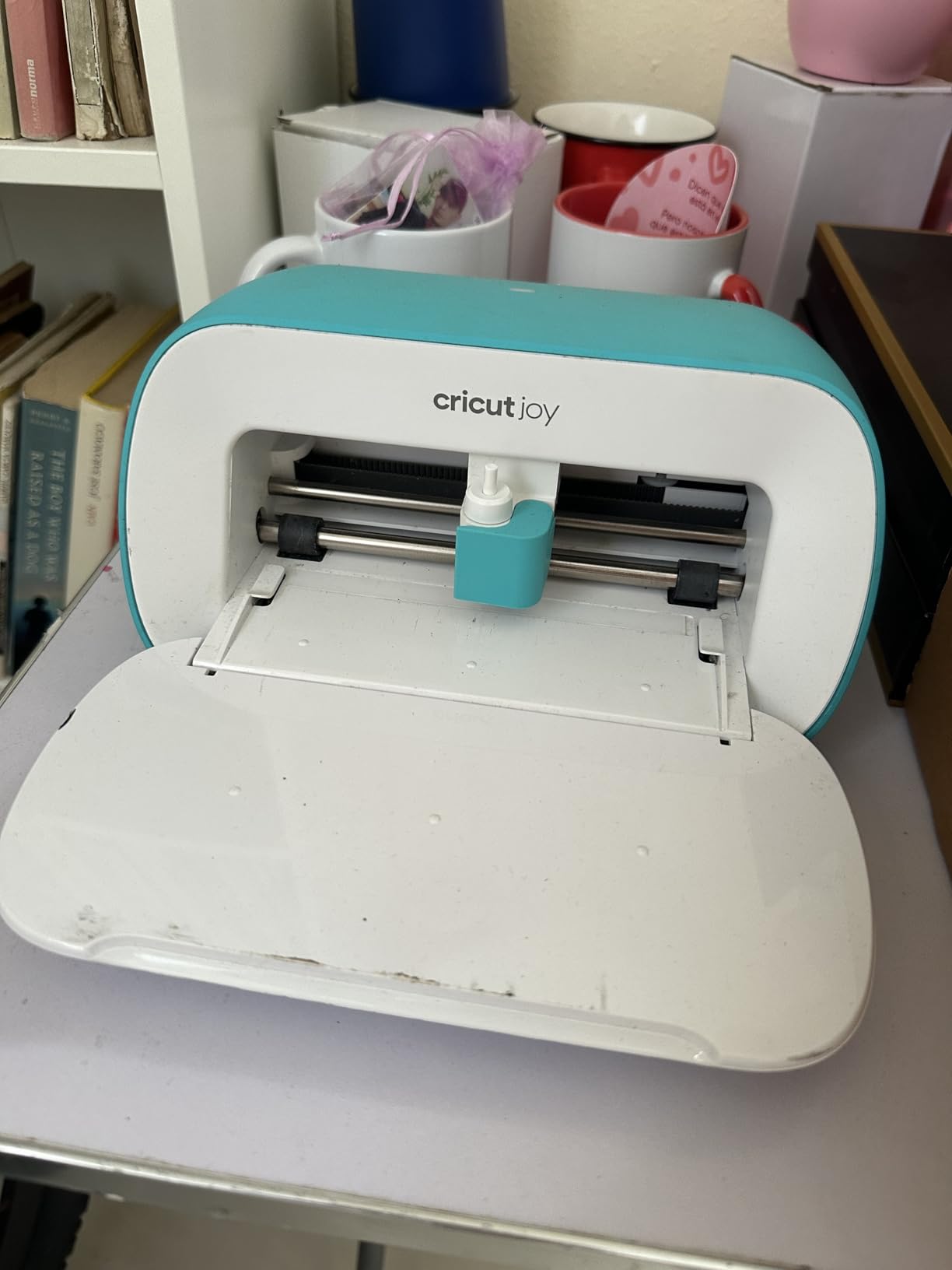
2. Cricut Joy Review: Highest Rated and Easiest to Start
Cricut Joy Machine & Digital Content Library Bundle
Under 4 lb portable body
Matless Smart Material cuts
5.5 x 8.5 x 4.25 inch body
1 year warranty
Pros
- Highest average rating in this roundup at 4.5 stars
- Quick Bluetooth setup with a beginner friendly app
- Matless Smart Material allows very long continuous cuts
- Works with 50+ materials out of the box
Cons
- Small cutting width forces more material loading for big jobs
- Design Space subscription needed for most of the full library
- Bluetooth connection can drop and require a restart
The Cricut Joy is the least intimidating way into the hobby, and at 4.5 stars across more than 2,000 reviews it holds the highest average rating of any machine in this roundup. The body weighs 3.7 pounds, connects over Bluetooth to the cloud-based Design Space app, and sets up in about 15 minutes with no design experience. If you have never cut vinyl before, this is the machine with the shortest distance between opening the box and a finished decal.
The feature that separates it from every other sub-300 craft cutter is matless cutting. Smart Materials feed through without an adhesive mat, so a single sticker or letter can run far longer than the mat would allow. Reviewers praise this after struggling with mat placement on other machines, and it removes a whole category of material waste in the middle of a batch.
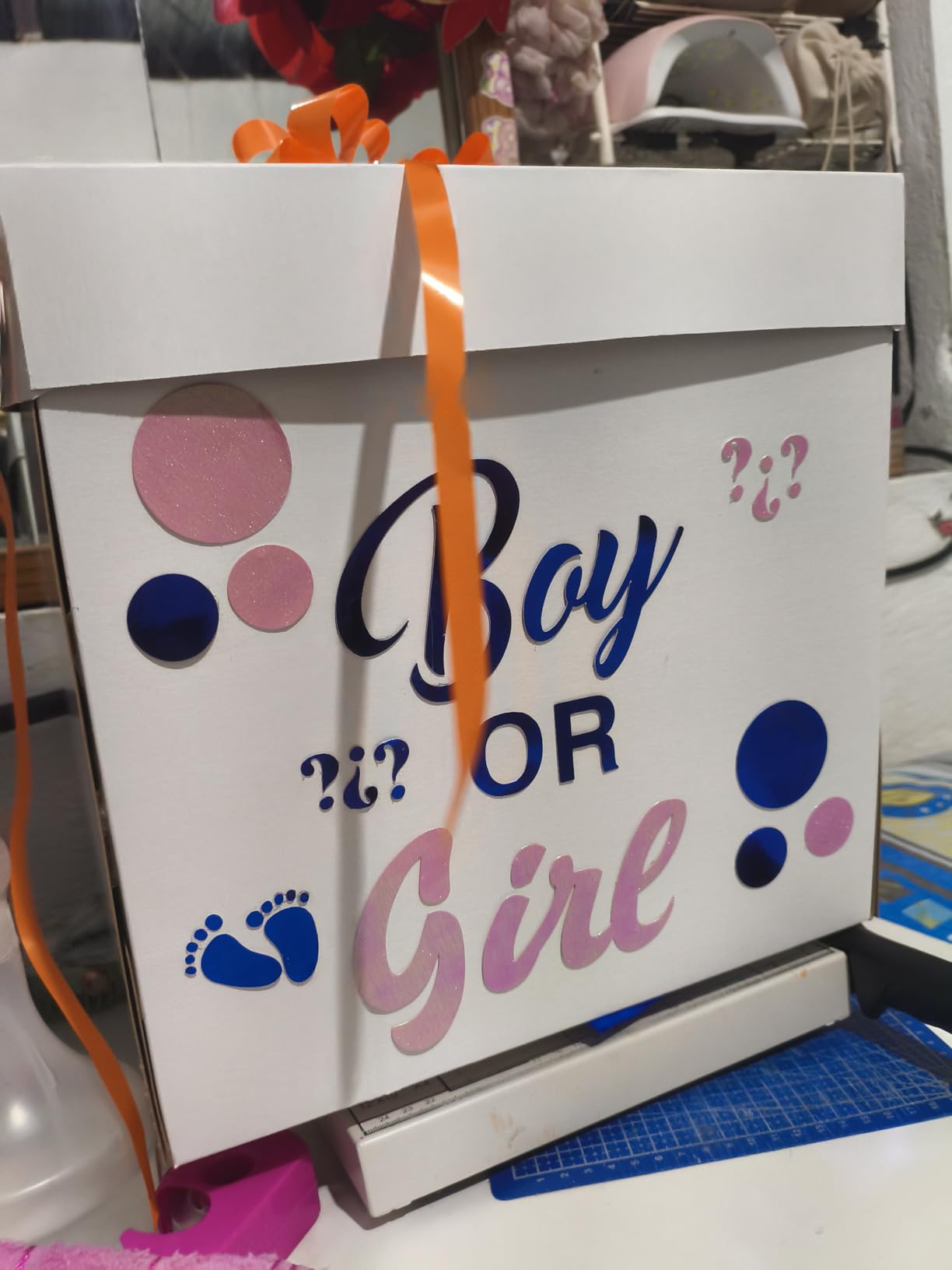
It is built for 50-plus materials including cardstock, vinyl decal, and iron-on, using the blade included in the box. The bundle also includes a digital library of 30 images credited at registration, which is a nice head start for a beginner even though the broader library is far larger.
The cost of that ease is the software ecosystem. Design Space is free for a basic library, but most of the full image and font collection sits behind an optional subscription, and a few users find the sign-up and cancellation flow confusing. If you already own artwork or design your own files, this costs you nothing. If you want to browse a deep library forever, factor it in.
Connectivity is the other recurring gripe. Reviewers report the Bluetooth link dropping mid-session and requiring a restart, so keep a USB cable habit in mind if you are producing in batches. It is a small thing, but it is the kind of thing that turns a smooth first project into a frustrating one.
What works well and what does not on the Cricut Joy
Portability is the underrated strength here. At under 4 pounds it moves between a craft table, a kitchen counter, and a shared workspace without ceremony, which makes it a good fit for a small apartment. The reviewer consensus is that first-project success is quick, and the matless workflow means you are not reapplying material to a sticky mat at midnight.
The limits are honest ones. The cutting width is small, so large decals and any signage-scale work mean loading material repeatedly, and there is no blade depth adjustment like the larger machines have, which limits how thick a material you can push through. The 30-image bundle is small relative to how popular the machine is.
Who should buy the Cricut Joy and who should skip it
Buy it for a first machine, for a craft room where desk space is tight, or for someone who wants to make labels, cards, and small decals without learning design software. It also suits a renter who needs the machine to disappear into a drawer between sessions.
Skip it if you plan to sell layered or oversized decals, or if you want a large design library without a subscription. Anything wider than a single small decal pushes you into a different machine class entirely.
3. Silhouette Cameo 5 Alpha Review: Best for Full Sheets
Silhouette America Cameo 5 Alpha (α) – Smart Cutting Machine for Print & Cut – Quiet Operation with AutoBlade, Studio Software, Cutting Mat- Vinyl, Paper & Fabric Compatible – Classic White
12 x 24 inch cutting area
11.5 lb chassis
400mm/s motor speed
Material up to 3mm thick
Pros
- 12 by 24 inch bed fits full sheets of vinyl
- cardstock
- and fabric
- 4-point registration clearly improves print and cut alignment
- AutoBlade removes blade depth guesswork from setup
- Bundled with mat
- pen adapter
- and Studio
Cons
- Studio software keeps a steeper learning curve than phone-first apps
- Consumable mats and blades create recurring cost
- Heavy chassis needs stable desk space
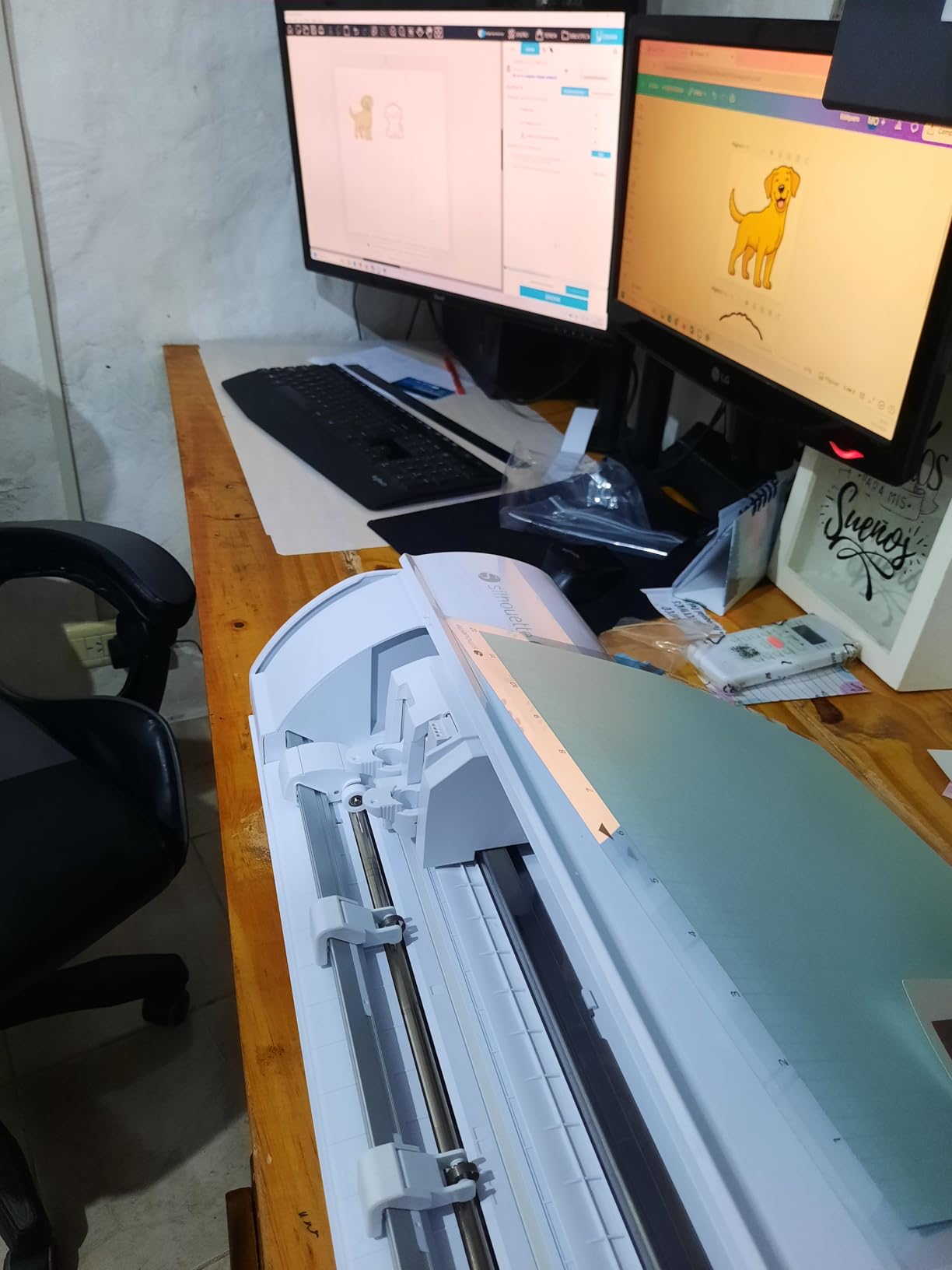
The Silhouette Cameo 5 Alpha has a 12 by 24 inch cutting bed, the largest of the mat-based craft cutters in this roundup, and that single fact decides who should buy it. If you cut full sheets of adhesive vinyl, cardstock, or fabric, every smaller mat-based machine here forces you to panel your material. This one does not.
Its 4-point registration system is the second reason. Earlier two-point systems drift on larger sheets, which shows up as printed stickers that are cut slightly off from their print. Adding vertical and horizontal correction measurably improves alignment, and owners consistently call this out as the meaningful upgrade over previous Cameo generations rather than a cosmetic refresh.
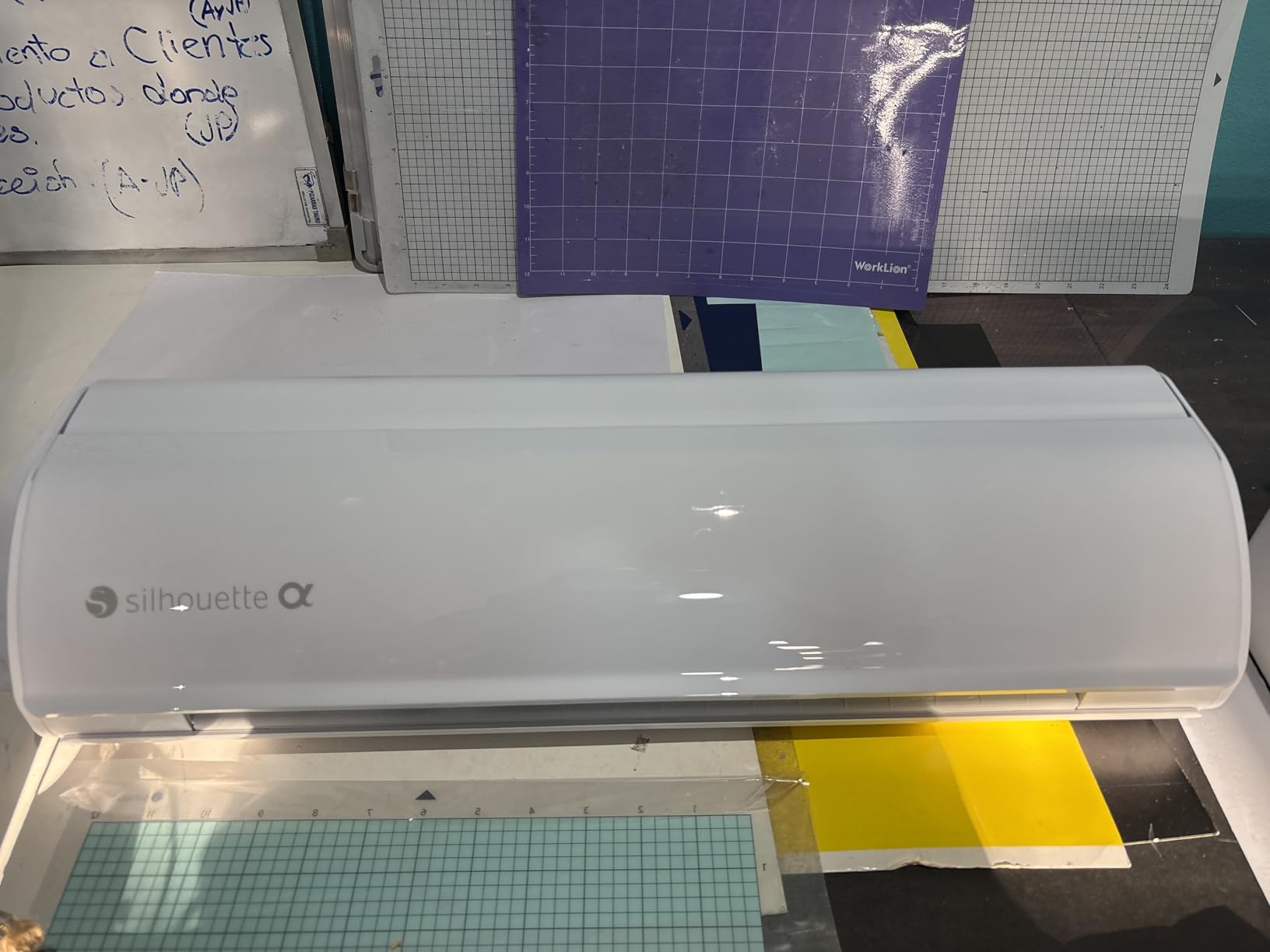
Speed is the third. The motor runs up to 400mm/s, and Fast Sketch Mode draws and writes at higher speeds without losing detail, so batch work finishes noticeably faster. The machine also handles material up to 3mm thick across vinyl, paper, and fabric, and it cuts, sketches, and embosses with the same box.
The package is generous for the money. It includes an AutoBlade, a cutting mat, a sketch pen adapter, 100 designs, and the full Studio software, which means you are not writing a blank first-project check on arrival. AutoBlade in particular removes the single most common beginner error, which is setting blade depth too deep and slicing into the mat.
Intelligent Path Technology is carried over from the smaller Silhouette machines and reorders the cut sequence to reduce material stress and waste, which pairs well with a bed this size. On a 24-inch run there is a lot of material under tension, and cut order matters more here than on a small mat.
Where the Cameo 5 Alpha earns its place
Print and cut is where the 4-point registration pays for itself. A seller printing a full sheet of photo stickers, then cutting around each one, gets alignment that older two-point machines cannot match. Combined with the full-sheet bed, this is the configuration we would pick for a small sticker business operating inside a 300 dollar machine budget.
Sketching and embossing add versatility that pure cutters in this list lack. If you make cards or labels alongside decals, the pen adapter and Fast Sketch Mode let one machine handle the illustration and the cut file in a single design.
What to know before you buy
It is the heaviest craft cutter here at 11.5 pounds, and it sits at the top of the budget range, so desk space and total spend both need planning. Studio still has a steeper learning curve than a phone-first app, and while AutoBlade handles blade depth, a test cut whenever you open a new material is still sensible. Consumable mats and blades remain a recurring line item on any machine you choose.
Buy it for full-sheet production, heat transfer vinyl batches, or a growing decal business. Skip it if your projects are small and your workspace is tight, because a smaller machine will do the same job and leave more room on the desk.
4. Cricut Joy Xtra Review: Best Value for Sticker Sellers
Cricut Joy Xtra – Smart Cutting Machine | Digital Content Bundle
Print Then Cut with a home inkjet
95.94 sq in active area
Cuts, draws, foils, and scores
1 year warranty
Pros
- Print Then Cut produces full color sticker sheets from a home inkjet
- Cuts
- draws
- foils
- and scores in one machine
- Accessory kit includes blade
- pen
- weeder
- cable
- and practice materials
- Free library of 3000+ images and 100+ fonts
Cons
- Full library depth requires the optional Cricut Access subscription
- Print registration can misalign on some inkjet printers
- Design Space needs periodic sign-in and connectivity
The Cricut Joy Xtra is the mid-size step between the tiny Joy and the full Cricut machines, and for a seller making printed sticker sheets it is the pick we would shortlist first. It sits at 4.4 stars across more than 700 reviews, and its differentiator is Print Then Cut, which works with most home inkjet printers to produce full-color stickers on printed sheets.
That single feature changes the economics of a small sticker operation. A plain vinyl cutter only produces single-color shapes and letterforms. A print-and-cut machine turns your inkjet into a color press and uses the cutter purely as a precision outline cutter, so layered full-color artwork becomes possible without buying a separate printer.
It is also genuinely multi-function. The machine cuts, draws, foils, and scores, and works with 50-plus materials including vinyl, iron-on, cardstock, and stickers. Foiling in particular is unusual at this budget, and users who make cards and gifts get value from it beyond decals.
The bundle is unusually complete out of the box. You get the Joy Xtra, a fine-point blade, a fine point pen, a mini weeder, a USB cable, a power adapter, practice cut materials, and 30 bonus images. In practical terms that covers your first several projects without a second order, which softens the impact of the accessory budget every machine on this list carries.
Registration is the caveat. Owners report the printed registration can misalign on some inkjet printers, which usually means adjusting the offset in software for that specific printer rather than a defect. Design Space also requires periodic online sign-in, so a machine that depends on an active connection can stall a production run when the network drops.
Why this one for a small business
It carries strong demand signals in its category, which tells you replacement parts, tutorials, and troubleshooting threads are easy to find. The free Design Space library of 3,000-plus images and 100-plus fonts is enough for many projects, and the included practice materials mean a new owner can calibrate blade depth without wasting a sheet of vinyl.
For a seller, the combination of print and cut, foiling, and a complete accessory kit is the most self-contained package for production work in this roundup. It is also the machine we would pick for a maker who wants one device to cover apparel, labels, and paper crafts rather than specializing in decals alone.
Where it falls short
The full library depth sits behind the optional Cricut Access subscription, and the listed 250 gram weight understates the unit compared with a steel chassis in practice, so size it by dimension rather than that figure. A seller who wants unlimited premium content should factor the subscription into the first-year total, and anyone printing heavily on a single inkjet model should test registration before committing to a production run.
Buy it for printed stickers, mixed paper and vinyl projects, or a gift business that wants foiling. Skip it if you only need one-color decals and would rather not touch the cloud app at all.
5. Likcut S501 Review: The Cheapest Way to Start Cutting
Likcut S501 Vinyl Cutter Machine, AI Sticker Cutter, 4.5″ Wide Cutting
4.5 inch cutting width
5.8 lb body
3.2 in/s cut speed
Manual operation mode
Pros
- Lowest cost machine in this roundup
- Bluetooth 5.0 plus USB 2.0 dual connectivity
- Fast 3.2 in/s cut speed suits batch work
- Blade rated for over 4610 meters of cutting
- Storage compartment built into the front cover
Cons
- Lowest average rating here at 4.1 stars with a 12 percent one-star share
- Narrow 4.5 inch width limits project scale
- App workflow needs a phone or computer and internet
The Likcut S501 is the least expensive machine in this roundup, and for a first attempt at vinyl it does something no other pick does at this level: it turns plain text into a cut-ready design. The AI voice and text-to-design feature generates a sticker from a spoken description, which means someone who has never opened a design application can produce a finished decal in a single session.
It is also less reliant on a wireless connection than its competitors. Bluetooth 5.0 and USB 2.0 dual connectivity connects in about 3 seconds, and having the wired path available means a dropped link does not stop a batch. That is a small detail that matters once you are producing rather than experimenting.
On paper the specifications read well. It cuts at up to 3.2 inches per second, works across 50-plus material types, offers dual cutting and drawing modes with adjustable pressure, and the box includes a blade rated for over 4,610 meters of cutting. The front cover doubles as a storage compartment for tools and offcuts, which is genuinely useful in a small space. The Design Store carries over a million designs and more than 1,200 fonts.
What the numbers cannot show is the spread of experiences. The 4.1 average rating is a wider distribution than any Cricut or Silhouette machine here, and the review summary puts a notable share of one-star feedback on the list. Happy owners praise the price, the connection options, and the blade longevity, while unhappy owners concentrate on the narrow 4.5-inch bed and an app that is less mature than Design Space or Studio.
Set your expectations accordingly. This is a capable machine for labels, small decals, and lettering, and it is not trying to be a production machine. Manual operation mode is less automated than the Cricut and Silhouette options, so expect more hands-on involvement per job.
What you gain at this price point
The blade rating is the quiet standout. A blade rated for over 4,610 meters means you are not replacing it quarterly, which removes one of the most common first-year costs for a hobby machine. That figure changes the real first-year total more than the machine cost does.
The AI design route also solves the single biggest beginner barrier. Most first-time buyers stall at the software step, not the machine step, and a text prompt bypasses that entirely. The 1,200-plus font library gives enough variety to make a personal label set in one sitting.
Who should skip the S501
Skip it if you need decals wider than 4.5 inches, if you plan to sell products where registration precision is visible to the customer, or if you want a software environment with years of community tutorials behind it. Reviewers comparing it to established ecosystems describe the bundled content quality as trailing behind.
Buy it if you want to learn the craft for the least money, if you make small labels and gift items, or if you want a second machine for a child or a beginner who might not stick with the hobby. It is also a reasonable first machine before a larger upgrade, provided the app ecosystem improves for you.
6. Likcut S41 Review: Letter-Size Cutting on a Small Budget
Likcut S41 Vinyl Cutter Machine with Print Then Cut – AI Image Generation Sticker Cutter and Maker Machine for Room Decor, HTV, Cardstock and Custom Stickers, Crafts for Adults
8.5 inch cutting width
0.2mm accuracy tolerance
8.6 lb body
On-machine status display
Pros
- Accepts a full US Letter 8.5 by 11 inch sheet in a single pass
- 0.2mm accuracy tolerance with automatic path calibration
- On-machine display with one touch Start and Unload
- Print Then Cut handles printed sticker sheets
Cons
- Smallest review base here at 106 reviews
- App described as clunky with font list refresh failures
- Full design library needs a subscription
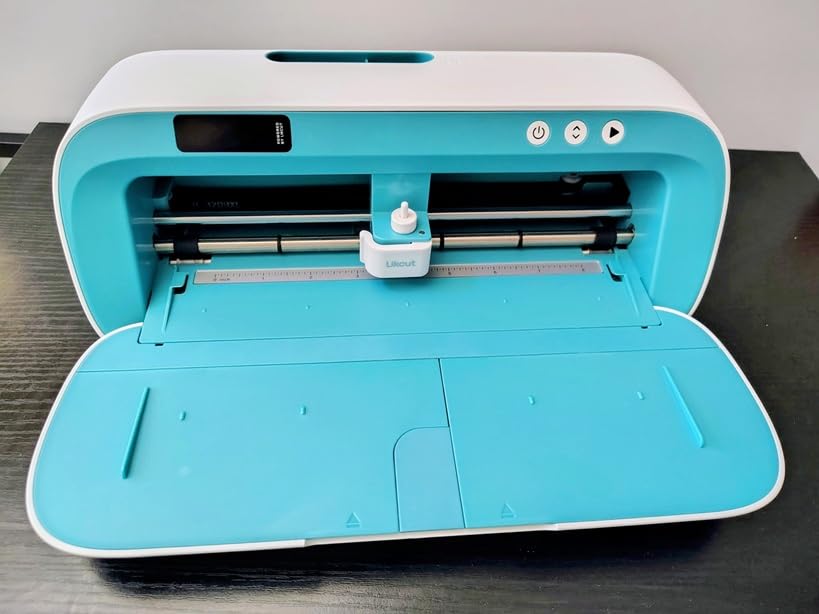
The Likcut S41 is the machine to look at if your projects live on standard paper sizes. It takes a full US Letter 8.5 by 11 inch sheet in a single pass with no manual partitioning, and the 8.5-inch width is a real step up from the 4.5-inch S501 in the same line. For classroom projects, scrapbook sheets, and card-making workflows, that is the difference between one job and three.
It also carries a stated accuracy tolerance of 0.2mm, with a sensor and smart algorithm that auto-calibrate the cutting path before a run. That calibration is automatic, so you are not doing test cuts to find the right offset every time you change material, which is a meaningful saving in setup time over a fixed-depth machine.
Unlike most of its class, it has an on-machine display with one-touch Start, Stop, and Load, Unload controls. That sounds minor until you are mid-project and do not want to reach for a phone. It also draws and writes with the included pen, so the same machine produces a hand-drawn element alongside a cut file, and it supports Print Then Cut for printed sticker sheets.
Experienced users who own Cricut and Brother machines describe the build quality favorably against those brands, and the included starter materials mean a new owner can begin immediately. The three-step workflow with a simplified app interface is genuinely short, and buyers who accept a short learning curve often end up buying a second unit.
The recurring complaint is software, not hardware. Reviews describe a clunky app, font lists that fail to refresh, occasional crashes when importing personal files, and intrusive pop-ups, plus reports of unexpected non-English prompts and device security warnings. There is also a subscription unlock for the full design library, which is an added annual cost on a machine that already sits under the ceiling.
Where the S41 fits
Automatic path calibration is the quiet advantage over cheaper rivals. On a machine with a fixed manual adjustment, every new material costs you a test cut. Here the sensor handles it, so switching between cardstock, adhesive vinyl, and heat transfer vinyl is a settings change rather than an experiment.
Wired and wireless dual-mode connectivity reduces the mid-cut interruption problem that reviewers report on single-path machines. Combined with the on-machine controls, that makes it a more production-friendly handheld than its specification sheet suggests.
Who should look elsewhere
The 106-review base is the caution flag. Every other pick in this roundup has a much larger volume of owner feedback, and a newer or thinner-supported product carries more risk when you need a replacement part or a workaround for an app problem. Plan on YouTube tutorials and patience with the software.
Buy it if letter-size paper, HTV, room decor, and sticker sheets are your whole project list, and if you are comfortable learning a new app. Skip it if you want a polished software experience, a deep content library without a subscription, or a large body of long-term reliability data. Also drive it from a tablet if you can, since a phone renders the interface very small.
7. Cricut Joy 2 Essential Bundle Review: Best Starter Bundle
Cricut Joy™ 2 Essential Bundle + Digital Content, Blue
4.5 inch cutting width
Just over 2 lb body
75+ compatible materials
Print Then Cut with a home inkjet
Pros
- Included supplies cover up to 35 starter projects
- Works with 75-plus materials which is more than most rivals here
- Print Then Cut makes full color stickers from a home inkjet
- Ultra compact at just over 2 lbs
Cons
- 4.5 inch width caps project height regardless of material length
- Free design library is thin and pushes users toward a subscription
- Machine can stop feeding until reset
The Cricut Joy 2 Essential Bundle is the most complete starter package in this roundup, and for someone buying their first machine that matters more than raw specifications. The bundle includes Smart Vinyl, Smart Iron-On, Value Cardstock, insert card sets, and printable vinyl, plus 25 bonus premium images and a font, covering up to 35 projects before you spend anything on supplies.
That is the argument for this pick. A machine is only half a hobby. Blades, mats, transfer tape, weeding tools, and a first roll of vinyl are a real additional outlay, and a bundle that includes usable stock removes that step entirely. Reviewers repeatedly describe the included supplies as sufficient for dozens of starter projects.
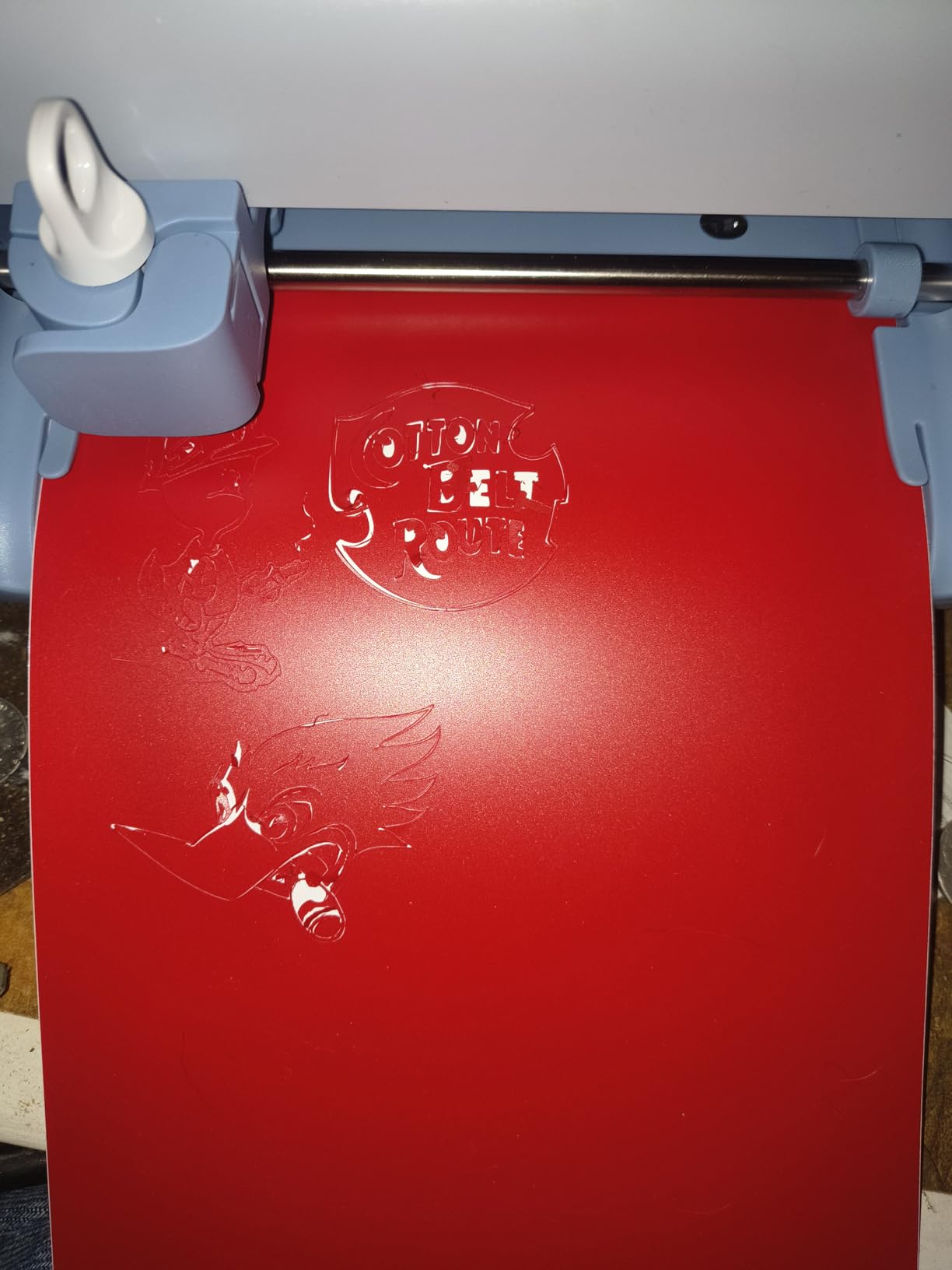
Capability-wise it is more capable than its size suggests. It works with 75-plus materials including vinyl, iron-on, printable materials, and cardstock, and it writes, draws, foils, scores, and cuts. Print Then Cut with a home inkjet produces full-color stickers and decals, which makes it a legitimate option for a very small sticker operation if your designs stay small.
The learning curve is the friendliest on this list. Owners report completing decals, cards, and shirts within about an hour of setup, and the app supports drag-and-drop importing of AI-generated SVG files, so you can bring your own artwork instead of hunting the library. The free library of 3,000-plus images, 100-plus fonts, and 1,000-plus projects is a solid starting point.
At just over 2 pounds it is the easiest machine here to carry between rooms or store in a drawer, which matters in an apartment where a machine that lives on the desk becomes furniture you resent.
Once the blade is set, the next hurdle is learning to bring in your own artwork, and Design Space guides that with templates and step-by-step flows. For a first machine, that guided experience is worth more than extra cut width.
What the bundle gets you right
Supply coverage is the honest answer. Thirty-five projects is enough to learn blade depth, weed properly, and finish a few shirts and jars before you understand what you actually buy next. It also means your first mistake does not cost you a sheet of premium vinyl, which is how most beginners lose confidence in the hobby.
Multi-function adds real range. Foiling and scoring expand the machine past decals into card making and gift projects, so it is not a single-purpose decal tool pretending to be versatile.
What to watch out for
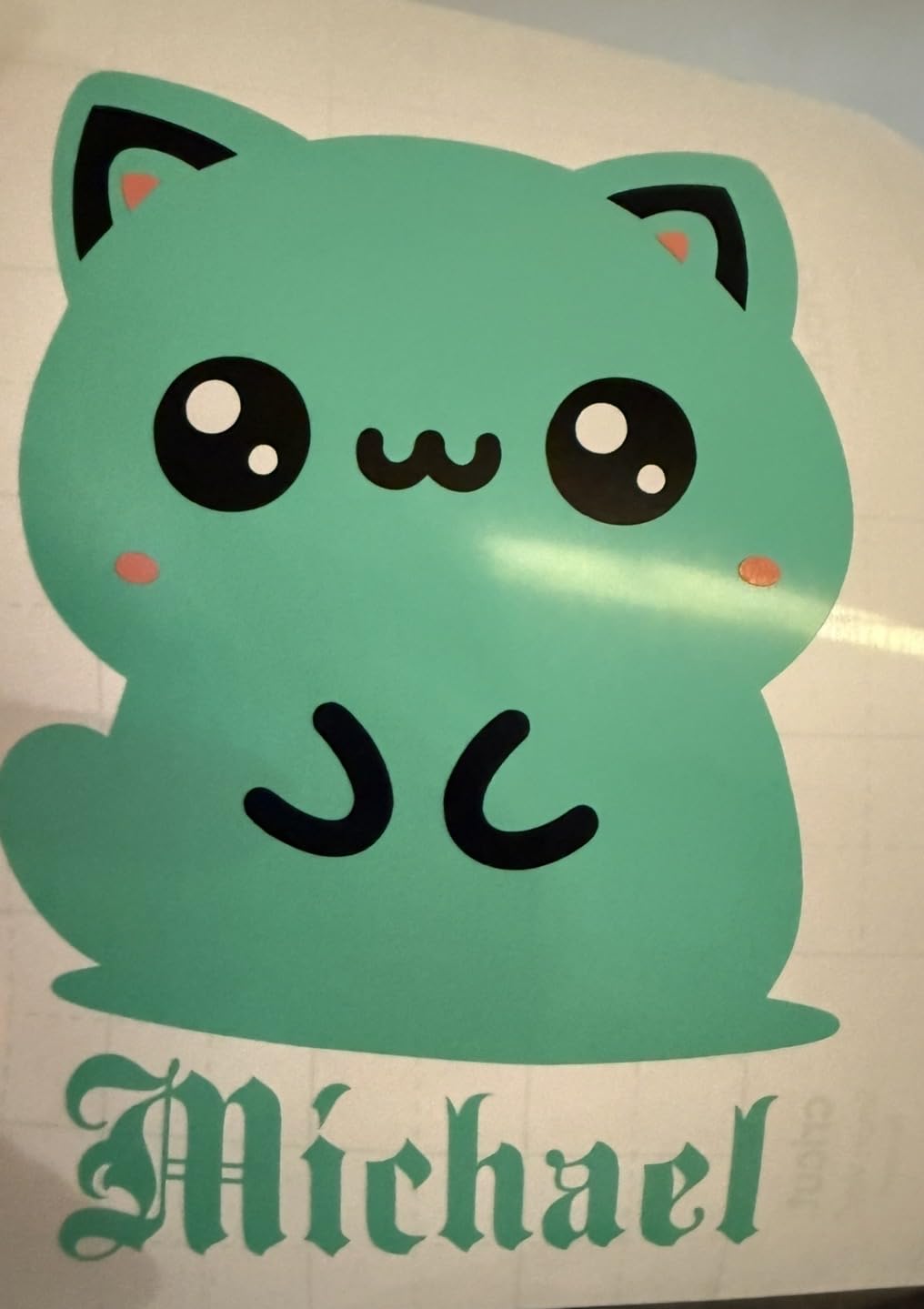
The 4.5-inch width caps project height regardless of how much material you feed, which is the real limit for anyone imagining signage or large wall pieces. The mats are small and no mat extension is included, so material can lift or flop during longer cuts, and the machine can stop feeding until you reset it, usually resuming after a quick reset.
The free library is thin enough that you will be tempted by the subscription, and reviewers find the sign-up and refusal flow confusing. If you dislike being pushed toward a paid tier, decide that before you buy rather than after.
Buy it for a first machine, a small-space craft setup, or a gift and label workflow. Skip it if your designs exceed 4.5 inches, if you want a large library without paying for access, or if you plan to produce decals for customers rather than for yourself.
8. VEVOR 28 Inch Plotter Review: For Real Sign Work
VEVOR Vinyl Cutter Machine Upgraded 28″ Paper Feed Cutting Plotter Bundle
24.8 inch cut width, 28.3 inch feed
10-500 g pressure range
39 lb body, 38 x 14 x 12 inches
Windows only, no Mac support
Pros
- Largest cutting area in this roundup by a wide margin
- Very high blade accuracy of 0.0004 inch
- Very wide pressure and speed adjustment ranges
- Bundle includes five full rolls of 23 by 39 inch vinyl
Cons
- Not compatible with Mac so a Windows machine is required
- Heaviest unit here at 39 pounds needing dedicated space
- SignMaster software is less refined and less well documented
The VEVOR 28-inch plotter is a different category of machine from the other seven, and it is included here because the same shopping carousels mix it with craft cutters without explaining the difference. It is a blade-only sign plotter: vinyl rolls through on a roller, the blade cuts, and there is no mat, no blade depth calibration, and no paper handling. In exchange you get a 24.8 inch cut width and a 28.3 inch paper feed, which is more than twice the bed of any craft cutter on this list.
The numbers are genuinely strong for the class. Cutting pressure adjusts from 10 to 500 grams and cutting speed from 10 to 800 millimeters per second, and stated blade accuracy is 0.0004 inch. That width of adjustment is what lets you cut thick specialty vinyl, window film, or heat transfer film without rebuilding the machine, and it is a control range craft cutters simply do not offer.

The chassis is a thickened aluminum body driven by stepper motors, and the LCD panel gives a clear readout with buttons for pressure and speed so you are not guessing at settings. Interfaces include COM and USB, and the bundled SignMaster software reads the common DM and PL and HP and GL plotter formats. It supports Windows from XP through Windows 11, and it is not Mac compatible.
The bundle is unusually generous for a plotter: five full rolls of 23 by 39 inch vinyl in black, white, red, blue, and yellow, plus a utility knife, a ball pen core, two holders, and a blade. Owners cite those rolls as the reason they could start a large job immediately, and for a sign shop that is a meaningful head start.
Scale is the catch. At 39 pounds and 38 by 14 by 12 inches, this is a floor-standing or dedicated-table machine, not a craft desk accessory. If you were planning a bedroom sticker operation, this is the wrong purchase regardless of how good the specifications look.
What a plotter does that a craft cutter cannot
Roll-fed cutting changes the economics of long jobs. A craft cutter panels a design onto a cutting mat and re-sticks it by hand. This machine takes a continuous roll and cuts a storefront sign, a set of window graphics, or a run of identical decals in one uninterrupted pass, which is the difference between hobby output and something you can quote a customer for.
The pressure and speed ranges also open up materials a craft cutter will not touch, which is where the cutting force difference becomes visible. For heat transfer film, thicker specialty vinyl, and application tape stencils, having 500 grams of available force at a controlled speed is a different job than pushing a 3mm limit through a mat.
Who should skip a plotter entirely
Skip it if you are on a Mac, if your desk cannot hold it, or if your project list is cards, labels, and small decals. SignMaster is less refined and far less community-documented than Design Space or Studio, and the software installation arrives at random as either a disc or a code, which is an awkward first impression even when it works. A smaller review base of 120 also means less long-term reliability data than the craft cutters here.
Buy it if you are producing signage, window graphics, or repeated decal runs and you already have a Windows workstation and a place to put a 39-pound machine. For anyone else in the sub-300 bracket, one of the craft cutters will serve better and cost less in space. If you are short on room, our compact home equipment picks assume the same constraint of a small dedicated area.
Craft Cutter or Sign Plotter: Which One Do You Need?
Two different machines sit under this budget, and picking the wrong family is the most common mistake in this whole category. A craft cutter grips material on an adhesive mat and uses a shallow blade to cut vinyl, paper, fabric, and cardstock. A sign plotter rolls material past a fixed blade with enough force to cut thick film. They are not competing products; they do different jobs.
Answer four questions and the answer is automatic. Do you make stickers, labels, cards, or apparel with iron-on vinyl? Then you need a craft cutter, and every mat-based machine in this roundup applies. Do you need decals wider than 12 inches? You need a plotter, and the craft class is finished. Do you plan to cut thick specialty vinyl or film? Plotter again. Is your computer a Mac? Then stay in the craft class, because every mat-based machine here runs on Mac and Windows while the bundled plotter software is Windows only.
There is a fourth, less obvious axis: how you feel about consumables. A craft cutter needs mats, and mats lose grip. A plotter needs no mat at all, only blades and vinyl. Buyers who make hundreds of small jobs may prefer replacing vinyl over replacing mats, and buyers who make a few large jobs will never touch a mat at all.
If you are a beginner, the honest answer is that a mat-based craft cutter teaches you the whole hobby. Print, cut, weed, transfer, and press are all skills you need regardless, and a small machine lets you learn them without a large footprint.
How to Choose a Vinyl Cutter Under $300
Cut width is the first filter, and it is the one that ends the search fastest. Anything under 5 inches handles labels and small decals. A 9-inch bed handles most decal and card work. Only a full 12-inch bed takes a complete sheet of cardstock or vinyl without paneling it. Above 12 inches you leave the craft class and enter plotter territory. Choose based on the largest single item you plan to make, not the one you imagine making later.
Software is the second filter, and forum consensus across craft and sign communities is consistent: the bundled software is the limiting factor far more often than the hardware. Ask two questions. Does it read vector files you already own, in formats like SVG, DXF, or PLT? And does it require an account and an internet connection to cut? Every machine in this roundup cuts vinyl without a paid subscription, but library depth varies enormously.
Forced registration on Print Then Cut is worth verifying for your specific printer. Three picks support it, and reviewers on them note that some inkjet models need an offset adjustment in software. Printing your own test sheet before you commit avoids a very unpleasant first batch.
Noise matters if you share a wall. The Silhouette Portrait 4 is rated at 50 dB, and the lightest machines here are the ones to choose for an apartment. A plotter at 39 pounds is a workshop machine, and workshops are not usually in apartments.
Two of the picks weigh just over 2 pounds and store in a drawer, one weighs under 4 pounds and travels easily, and the plotter needs a dedicated table and floor space. Before buying anything, measure the space you will actually use, not the space you think you might use.
One more filter deserves attention: how the machine handles paper. A cutter that grips material on a mat handles cardstock, patterned paper, and fabric as easily as vinyl. A roller-fed plotter handles long vinyl rolls and does not manage loose paper well, so a buyer who wants both greeting cards and window graphics in the same machine belongs in the craft class, not the plotter class.
Blade handling separates the classes. Automatic depth control means a new material does not cost you a test cut. Manual depth control on a craft cutter means every new material does. A fixed high-force blade on a plotter is not a limitation, because there is nothing to calibrate in the first place.
Finally, look at consumable economics, not just the machine. Read the blade rating and the mat situation for whichever machine you are considering, and picture the first year. A machine with a long-lived blade and no mat requirement keeps the ramp-up cost down. If your floor space is already spoken for, our guide to compact equipment on a fixed budget makes the same space-first assumption.
What You Need to Buy Beyond the Machine
This is the section most roundups skip, and it is where first-year budgets get decided. A new machine usually arrives with a blade, a power adapter, and little else useful, so plan on a second order within the first month.
Replacement blades: the included blade dulls on glitter, textured, or heavy-release vinyl first, and a fresh blade is the cheapest way to fix torn edges
Cutting mats, for mat-based machines only: grip fades with use and mats are the top recurring cost in the craft class
Application tape: without it, lettering will not transfer from the backing sheet, and this is the item beginners most often forget
Weeding tools: a hook and a spatula, plus tweezers for small pieces, are a small spend that saves real frustration
Vinyl rolls: permanent adhesive for outdoor decals, removable for walls, and heat transfer vinyl if you are making apparel
A scraper or burnishing tool: it is what presses the vinyl down evenly and determines whether the transfer lifts cleanly
For print-and-cut machines: a decent inkjet printer and printable sticker paper, which is a separate purchase from the machine
One bundle on this list, the Cricut Joy 2 Essential Bundle, includes enough material to complete up to 35 projects, so its real first-year cost is closer to the machine cost than anyone else’s. Every other pick needs the list above before the first real job.
The general rule from the craft forums is worth repeating: treat blade replacement as routine maintenance rather than failure, and expect mats to be the line item that adds up. If your hobby turns into a side business, those two consumables are the real recurring margin cost, and they belong in any pricing calculation you make.
One habit also matters more than any accessory here: treat the first cut of every new material as a test. A wasted scrap of vinyl costs almost nothing, while a wrong blade depth on a full sheet of printed sticker paper can waste the print and the material together. Forum experience is consistent on this point, and it is the fastest way to keep your material waste down while the machine is still new to you.
Frequently Asked Questions
What is the best affordable vinyl cutter?
The Silhouette Portrait 4 is the most flexible pick under 300 dollars, with a 9-inch cutting width, a belt-driven chassis for fine precision, and Studio software that reads fonts and files you already own. The Cricut Joy is the easiest to start and rates highest, while the Cricut Joy 2 Essential Bundle includes enough material for dozens of starter projects.
Which vinyl cutter is the best?
For most people it is the Silhouette Portrait 4, because it covers paper, fabric, and adhesive vinyl without a subscription and has the largest owner base in this roundup for troubleshooting help. If your priority is a large 12 by 24 inch bed for full sheets, take the Silhouette Cameo 5 Alpha. If you are starting with almost no experience, take the Cricut Joy.
What is the best cutter machine similar to Cricut but cheaper?
If you want the Cricut workflow on a smaller budget, the Cricut Joy 2 Essential Bundle and the Likcut S41 are the closest matches. The Cricut Joy 2 is small but includes supplies for up to 35 projects, while the Likcut S41 accepts a full US Letter sheet in one pass with 0.2mm stated accuracy. Both sit well below the price of a full-size Cricut machine.
What is the best vinyl cutter in 2026?
The best vinyl cutters under 300 dollars in 2026 are led by the Silhouette Portrait 4 for flexibility, the Cricut Joy for ease of use, and the Silhouette Cameo 5 Alpha for full-sheet cutting. Which one is right depends on the largest item you plan to make and whether you need printed stickers or simple one-color decals.
What is the best cutting machine for vinyl stickers?
For one-color adhesive vinyl decals, the Silhouette Portrait 4 and the Cricut Joy both work well and neither needs a subscription. For full-color printed sticker sheets, choose a machine with Print Then Cut: the Cricut Joy Xtra, the Cricut Joy 2, or the Likcut S41, each of which reads registration marks from a home inkjet.
Is a cheap vinyl cutter worth buying?
Within this budget range, yes. Forum consensus treats roughly 200 to 300 dollars as the practical floor where a machine becomes usable rather than a waste of money, and below that the hardware tends to frustrate rather than inspire. The machine is also only part of the cost, since mats, blades, transfer tape, and vinyl add up across the first year.
How much does a good vinyl cutter cost?
A usable hobby machine generally starts around the 200 dollar range and stays under 300 dollars for a full-featured craft cutter, while dedicated sign plotters in the same bracket trade mat-based convenience for much wider cutting. Add roughly 50 to 100 dollars of accessories in the first year for blades, mats, transfer tape, and vinyl rolls if you want a realistic total.
Can a vinyl cutter under 300 dollars cut iron-on vinyl?
Yes. Heat transfer vinyl is within reach of every mat-based machine in this roundup, and the Cricut Joy, the Silhouette Portrait 4, the Silhouette Cameo 5 Alpha, and the Cricut Joy Xtra all list it among supported materials. Heat transfer vinyl needs more blade force than paper, so change the material setting and make a test cut before cutting a full sheet.
The Best Vinyl Cutter Under $300 for 2026: Final Verdict
The Silhouette Portrait 4 is our pick for the best vinyl cutter under 300 dollars in 2026. It cuts 9 inches wide, runs at a rated 50 dB, uses your own installed fonts, and has the largest owner base of any machine here, which means troubleshooting help is easy to find. Buy a second cutting mat and expect to test new materials before you trust a job.
Choose the Cricut Joy if you want the shortest possible path to your first decal and the highest average rating in the group. Choose the Silhouette Cameo 5 Alpha if full 12 by 24 inch sheets and accurate printed sticker alignment matter to your work. Choose the Cricut Joy Xtra or the Cricut Joy 2 if printed color stickers are the goal, and the Joy 2 bundle also hands you the materials to start immediately.
Choose the VEVOR 28-inch plotter only if you are making signage wider than 12 inches, already run Windows, and have a table for a 39-pound machine. For everyone else in this bracket, a mat-based craft cutter will serve better and take up a fraction of the space. And budget for blades, mats, transfer tape, and vinyl before you order, because that second order is what turns a machine into a hobby.