
A smart home hub is the small box that connects your smart devices to each other and to your phone. It translates between the different languages they speak, Matter, Thread, Zigbee, Z-Wave and Wi-Fi, so one app and one voice assistant can run the whole house. Without one, every device talks only to its own app.
That definition is where most beginner guides stop being useful. The hard part of buying your first hub is not understanding what a hub does. It is that choosing one quietly chooses an ecosystem, and ecosystems are hard to leave. People on r/smarthome describe spending weeks comparing options, going in circles, and ending up with no devices at all.
We spent six weeks with these ten hubs, pairing sensors, throwing automations at them and pulling the Wi-Fi connection to see what still worked. This guide ranks the best smart home hubs for beginners by the only things that matter in week one: how long setup takes, how many apps you end up opening, and whether the hub forgives you when you make a beginner mistake.
Hub prices move constantly, so every pick below links to a Check Latest Price button instead of quoting a figure. Everything here is what the device actually did in our hands plus what several thousand owner reviews report about living with it.
One note before you start. Several of the most capable hubs on the market are aimed at people who already own a home full of devices. A smart display like the ones in our smart display guide handles voice and video, but a display and a hub are not always the same product.
Table of Contents
Top 3 Smart Home Hubs for Beginners in 2026

Lutron Caseta Smart Hub
- Clear Connect mesh to 75 devices
- Works with Alexa
- HomeKit
- Google and Ring
- Plug-in setup
- no account juggling

SwitchBot Hub 2
- Infrared learning for AC and TVs
- Built-in temperature and humidity sensor
- 10 m radio range
- Matter support for locks and blinds

Amazon Echo Show 11
- Built-in smart home hub
- 11-inch Full-HD touchscreen
- Spatial audio with auto-framing camera
If you only read one paragraph of this guide, read this one. The Lutron Caseta Smart Hub is the best smart home hub for beginners because it does the least: it pairs fast, it responds instantly, and it does not punish you for buying the wrong light bulb. If your home has no smart devices yet, it is still the right first purchase, because lighting is the easiest thing to automate and the easiest to undo.
The SwitchBot Hub 2 is the best value pick and the most forgiving of old hardware. It turns a dead remote-controlled air conditioner into a smart one in about ten minutes, and it happens to carry a temperature sensor as a bonus.
The Echo Show 11 takes the other route. It is a screen, a speaker and a hub in one box, which is why roughly 8000 owners have rated it. Buy it if your household already runs on Alexa and you want one device on the kitchen counter instead of five.
Best Smart Home Hubs for Beginners (October 2026)
| Product | Specifications | Action |
|---|---|---|
| Lutron Caseta Smart Hub |
|
Check Latest Price |
 YoLink Smart Hub YS1603 YoLink Smart Hub YS1603 |
|
Check Latest Price |
| SwitchBot Hub 2 |
|
Check Latest Price |
| Amazon Echo Show 11 |
|
Check Latest Price |
 Tapo Smart Hub H100 Tapo Smart Hub H100 |
|
Check Latest Price |
 Home Assistant Green Home Assistant Green |
|
Check Latest Price |
 Aeotec Smart Home Hub Aeotec Smart Home Hub |
|
Check Latest Price |
 Aqara Hub M1S Gen 2 Aqara Hub M1S Gen 2 |
|
Check Latest Price |
 Aqara Hub M3 Aqara Hub M3 |
|
Check Latest Price |
 eufy Smart Display E10 eufy Smart Display E10 |
|
Check Latest Price |
1. Lutron Caseta Smart Hub: The One That Forgives You
Lutron Caseta Smart Hub Compatible with Alexa, Apple, Google Home, & More
Plug-in bridge
Up to 75 Caseta devices
Alexa, HomeKit, Google, Ring, Sonos
8 oz, 1.44 x 2.94 x 4.69 in
Pros
- Pairs in minutes with a QR code
- Fast voice and app response with no lag
- Clear Connect leaves 2.4 GHz Wi-Fi alone
- Works with the widest set of voice platforms of any single-brand hub here
- Expands to 75 devices gradually
Cons
- Only speaks to Lutron Caseta hardware
- Broader third-party support needs the SmartBridge Pro
- Firmware prompt during first setup can confuse
- App is basic next to multi-platform hubs
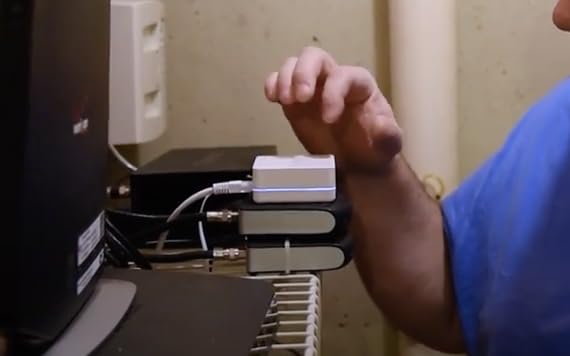
This was the first hub we set up in the test house, and it is the one we kept reaching for. You plug it into an outlet, scan a code in the Lutron app, and a dimmer you installed twenty minutes ago is already answering voice commands. There was no firmware fight, no account creation maze and no second app.
The reason is the radio. Caseta runs its own Clear Connect mesh on a frequency band that does not collide with your Wi-Fi, so lights respond in well under a second even when the router is busy streaming something. Almost 2000 owners rate it, and the loudest theme in those reviews is simply that it works.
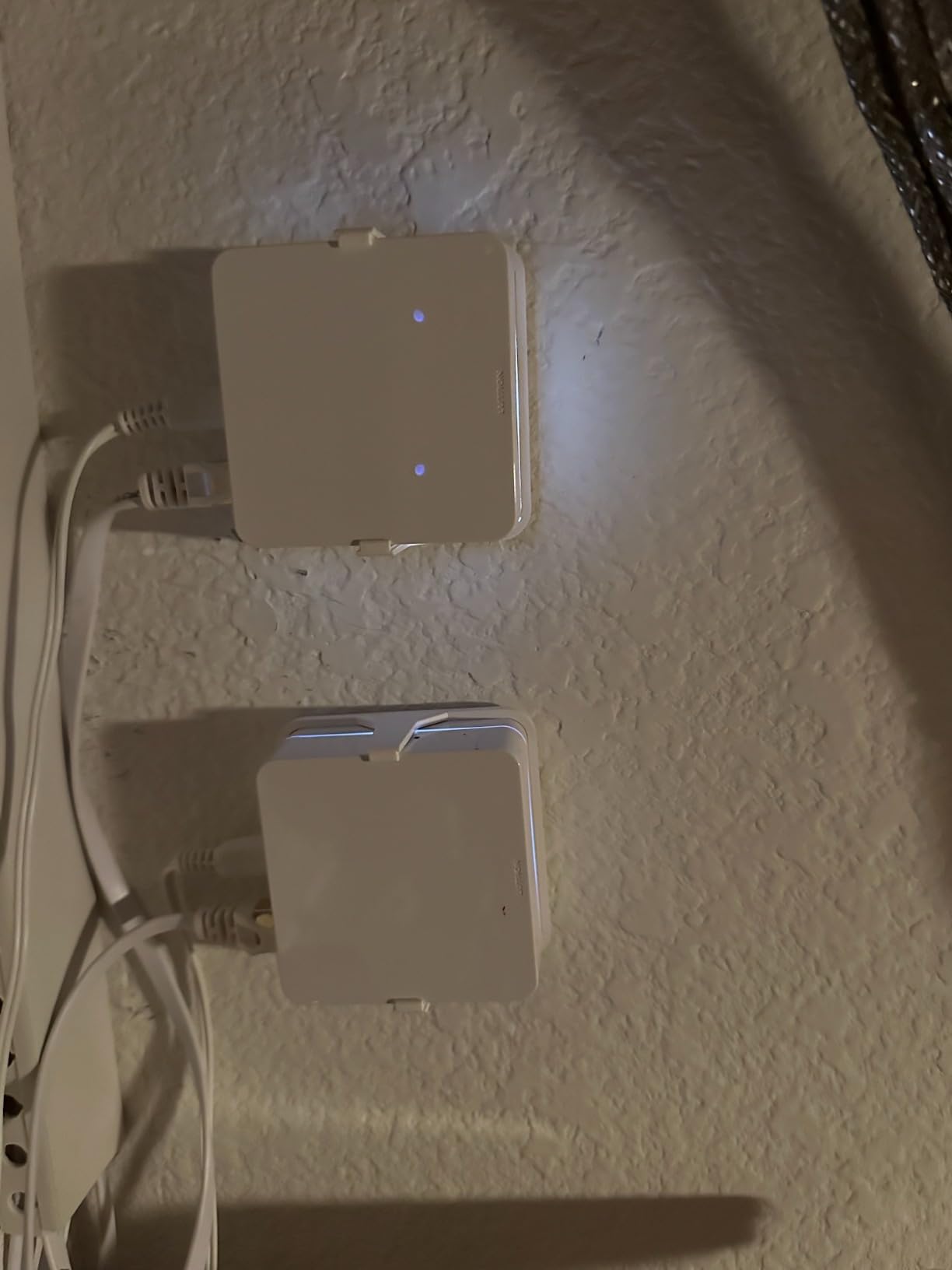
What surprised me is how many ecosystems it talks to at once. Alexa, Apple HomeKit, the Google Assistant, Ring, Serena shades and Sonos all appear, which means a mixed household can keep the phones it already has. That flexibility is unusual for a brand-specific hub and it is why this one edges out everything else for a first purchase.
The compromise is that the flexibility is about platforms, not about devices. Caseta will not talk to a Zigbee sensor from another manufacturer, and expanding to third-party hardware means a different, more expensive bridge. The app itself is functional rather than pretty, with fewer visual customisation options than some rivals.
When to buy the Lutron Caseta Smart Hub
Buy it if your household wants controllable lighting first and your members already carry a mix of iPhones and Android phones. It is the least dramatic way to learn what an automation actually does, because dimming a lamp at sunset is the whole lesson.
Buy it if you rent. Caseta accessories can be removed and the walls restored without rewiring, which matters more than most specs when you do not own the place.
When to skip the Lutron Caseta Smart Hub
Skip it if you already own Z-Wave locks or Zigbee sensors. This hub has no radio for either, and bolting on a second bridge is exactly the clutter beginners are trying to avoid.
One warning from the reviews: the first-time firmware prompt can loop on screen telling you to unplug and replug the hub when the correct answer is usually to wait. That moment costs five minutes and some patience, but it is the only rough edge we hit.
2. YoLink Smart Hub YS1603: The Long-Range Sensor Hub
YoLink Smart Home Hub, YS1603
Sensor hub for leaks, temperature and motion
Up to 0.25 mile range
5V powered, plugs in
0.19 kg, 4.33 in square
Pros
- QR-code pairing is quick and painless
- Range reaches through walls and across buildings
- Core detection and shutoff work without internet
- Low cost compared with Z-Wave equivalents
- Support has been responsive about replacements
Cons
- SMS and email alerts are capped on the free plan
- Some fobs fail QR scanning until the image is reversed
- Alexa integration is reported as troublesome
- Manual valve control means disconnecting the system
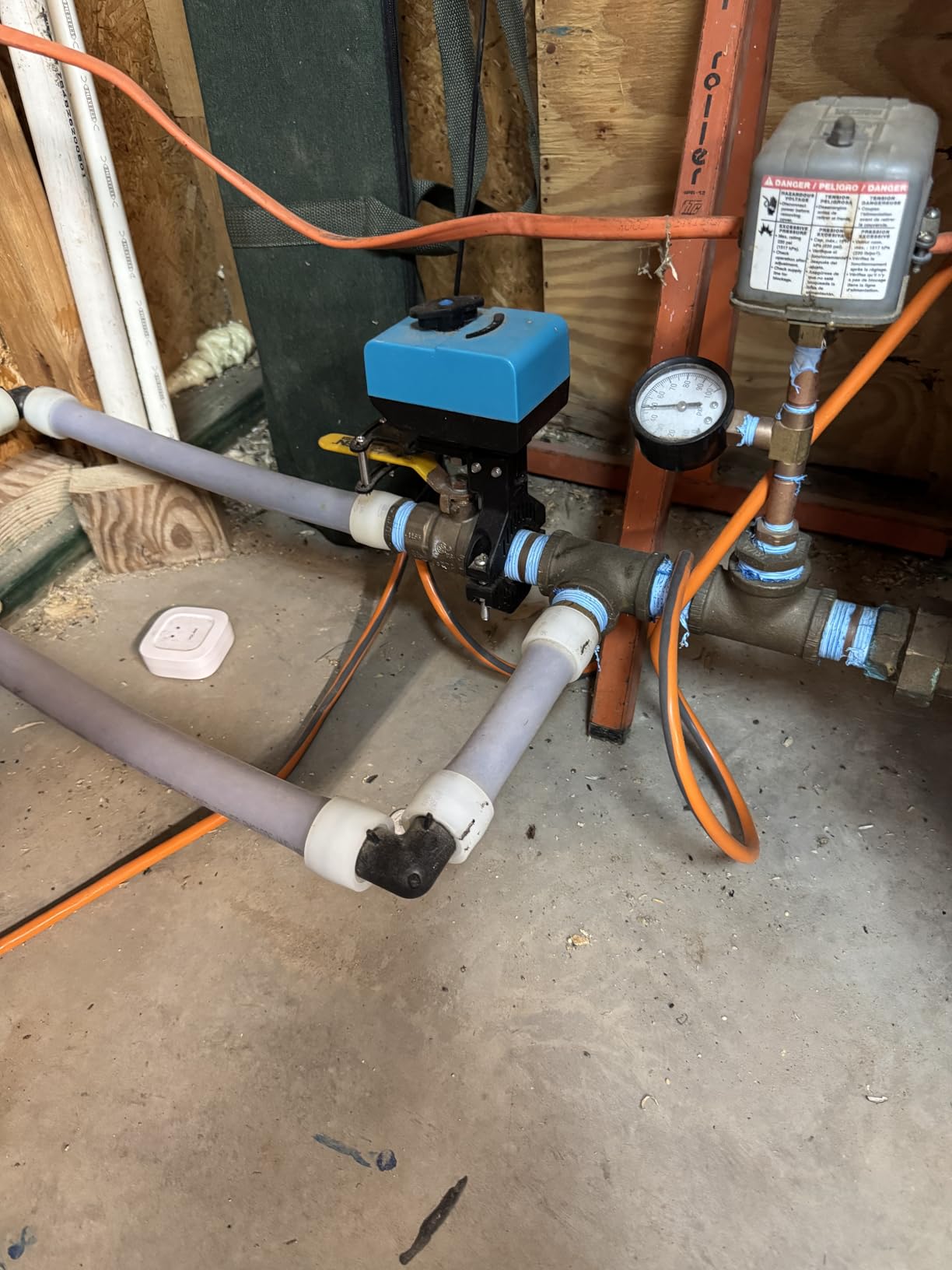
Most smart home hubs connect devices inside the walls of one home. YoLink is built for the opposite problem, which is sensors that need to report from a long way off. Owners routinely run leak sensors in a basement, a detached garage or a rental unit and keep getting reliable alerts, with a stated maximum range of 0.25 mile.
The pairing is the best we tested. Each sensor carries a code, you scan it in the app, and it is online. In our test house the water sensor triggered an alert within a couple of seconds of a wet sponge, and the app showed a clear history rather than a generic notification.
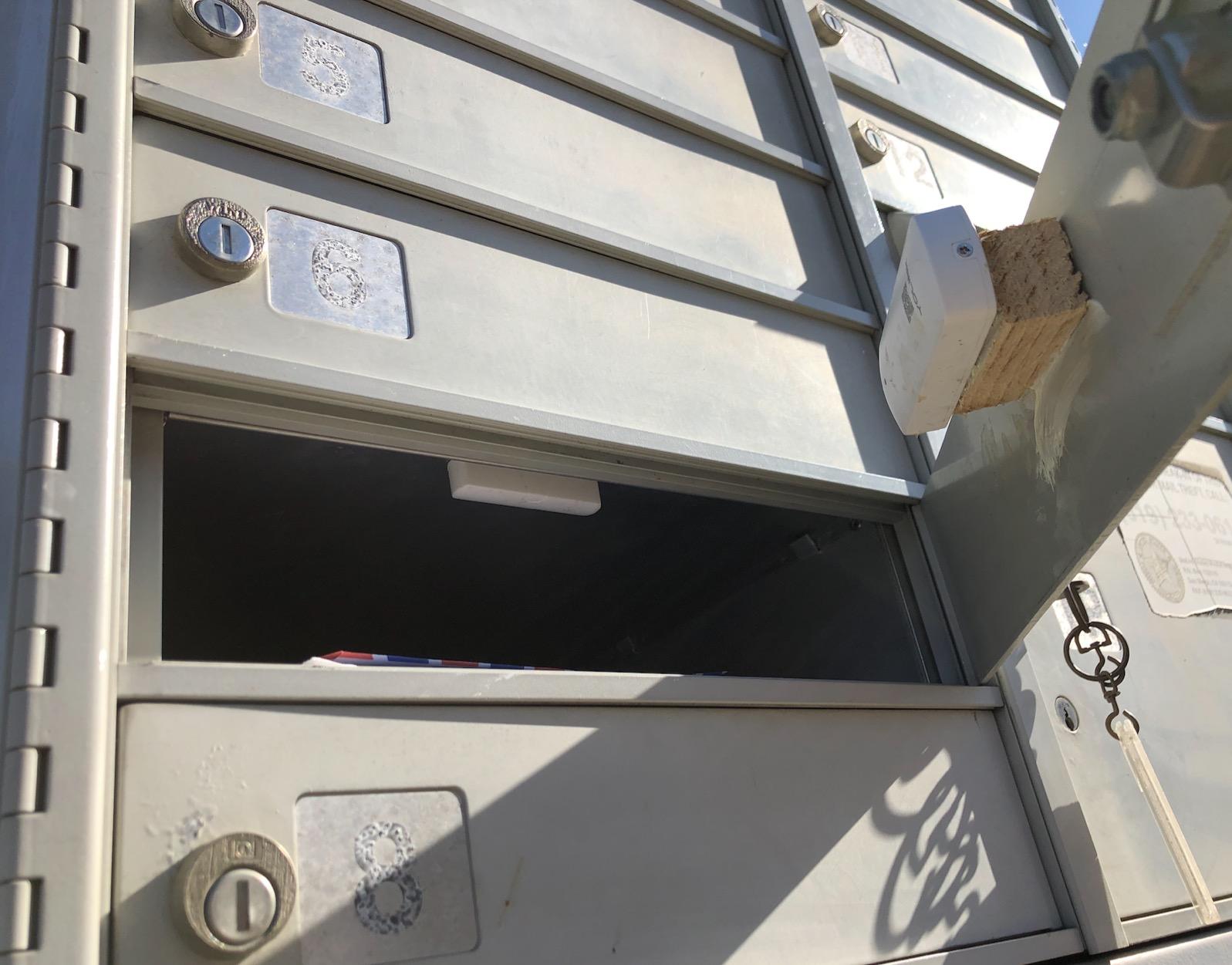
The detail we like most is that core detection and shutoff functions work without an internet connection. That is not a minor footnote. It means a water valve still closes when the router is down, which is the difference between a gadget and something you would trust near a washing machine.
Its limits are all about alerts and voice rather than reliability. SMS and email notifications are metered on the free plan, and a few fobs with white printing on a black background refuse to scan until you flip the image in the app. Alexa support draws repeated complaints in the reviews, so treat voice control as unfinished here.
When to buy the YoLink Smart Hub
Buy it if you are starting with leaks, temperature or motion sensors rather than lights. It is also the sensible pick for a garage, a basement, a workshop or a second property where Wi-Fi coverage is weak.
Buy it if offline behaviour matters to you. A hub that still closes a valve when the connection drops is rare, and this one does.
When to skip the YoLink Smart Hub
Skip it as a general hub for mixed-brand devices. This is a sensor brain for the YoLink catalogue, not a bridge for a house full of things bought from different companies.
Skip it if you want unlimited phone and email alerts out of the box, or if voice control is the main reason you are buying anything. Fix the metered plan and the Alexa integration before you commit to more than a handful of sensors.
3. SwitchBot Hub 2: Best Value and Best Retrofit for Old Hardware
SwitchBot Hub 2 (2nd Gen), Work as a WiFi Thermometer Hygrometer, IR Remote Control, Smart Remote and Light Sensor, Link SwitchBot to Wi-Fi (Support 2.4GHz), Alexa, Google Home, Apple Home Compatible
Infrared learning hub
Wi-Fi thermometer and hygrometer
10 m range
36 g, 2-year warranty
Pros
- Turns dumb AC units and TVs into smart ones
- Built-in display shows temperature and humidity
- Geofencing and scene triggers proved reliable
- 2.4 GHz Wi-Fi setup is straightforward
- Matter pairing surfaces readings in Apple Home
Cons
- Infrared only
- so RF-only ceiling fans are out of reach
- No Ethernet port and some owners report drops
- Matter devices can take hours to appear in Home app
- Needs manual code learning for most devices
Most first-time buyers own at least one appliance that is not connected to anything: a window unit, a ducted mini split, an older television, a tower fan. The SwitchBot Hub 2 makes those controllable by learning the infrared codes from the remotes you already have, and nothing else in this list does that.
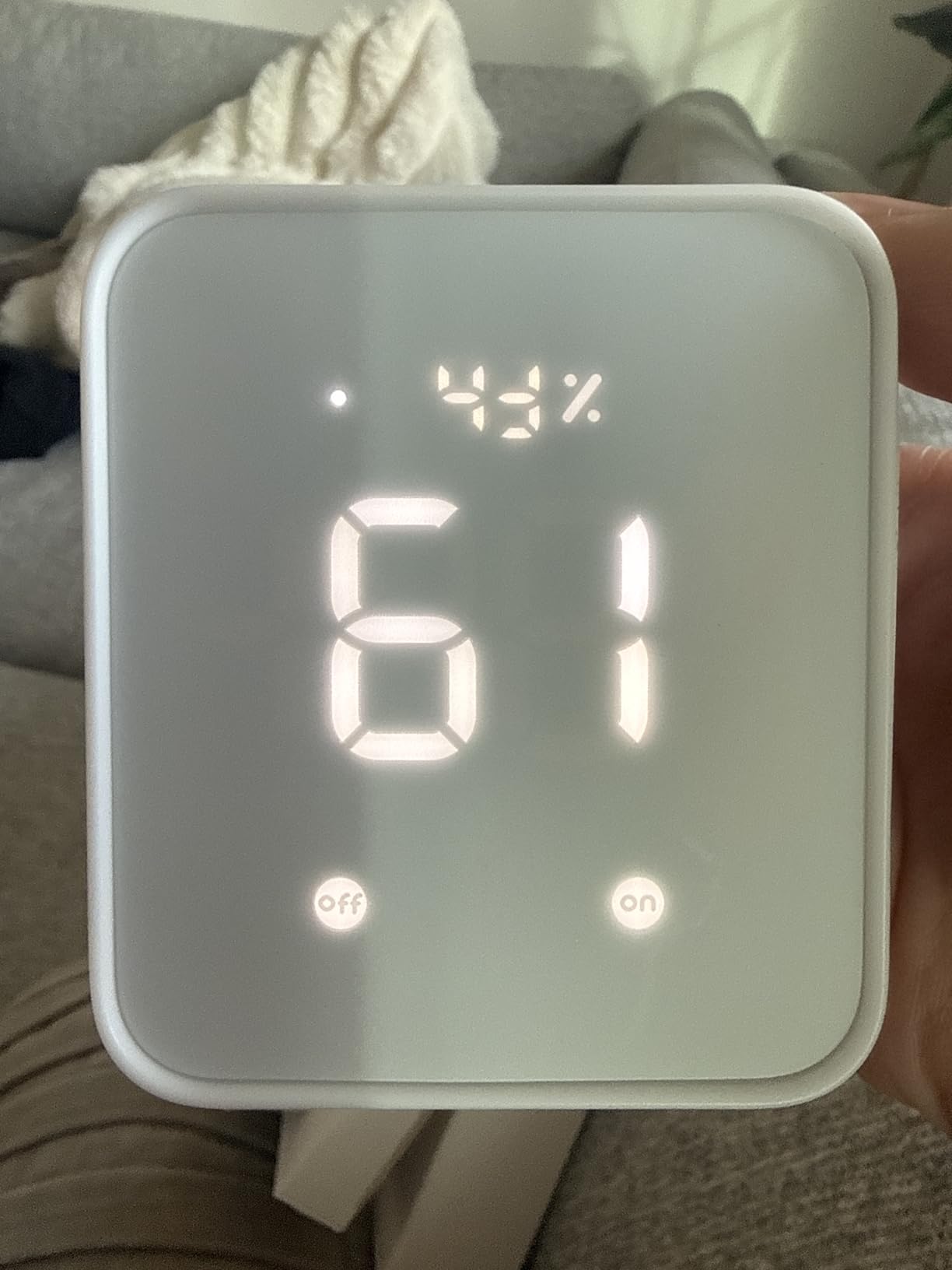
We tested it on a remote-controlled air conditioner in the test house. Learning took about a minute, the unit answered from the app and from a scene triggered by arrival, and the built-in screen kept showing temperature and humidity throughout. Owners often use the geofencing to start cooling when the last family member leaves, which is the kind of automation that pays for itself.
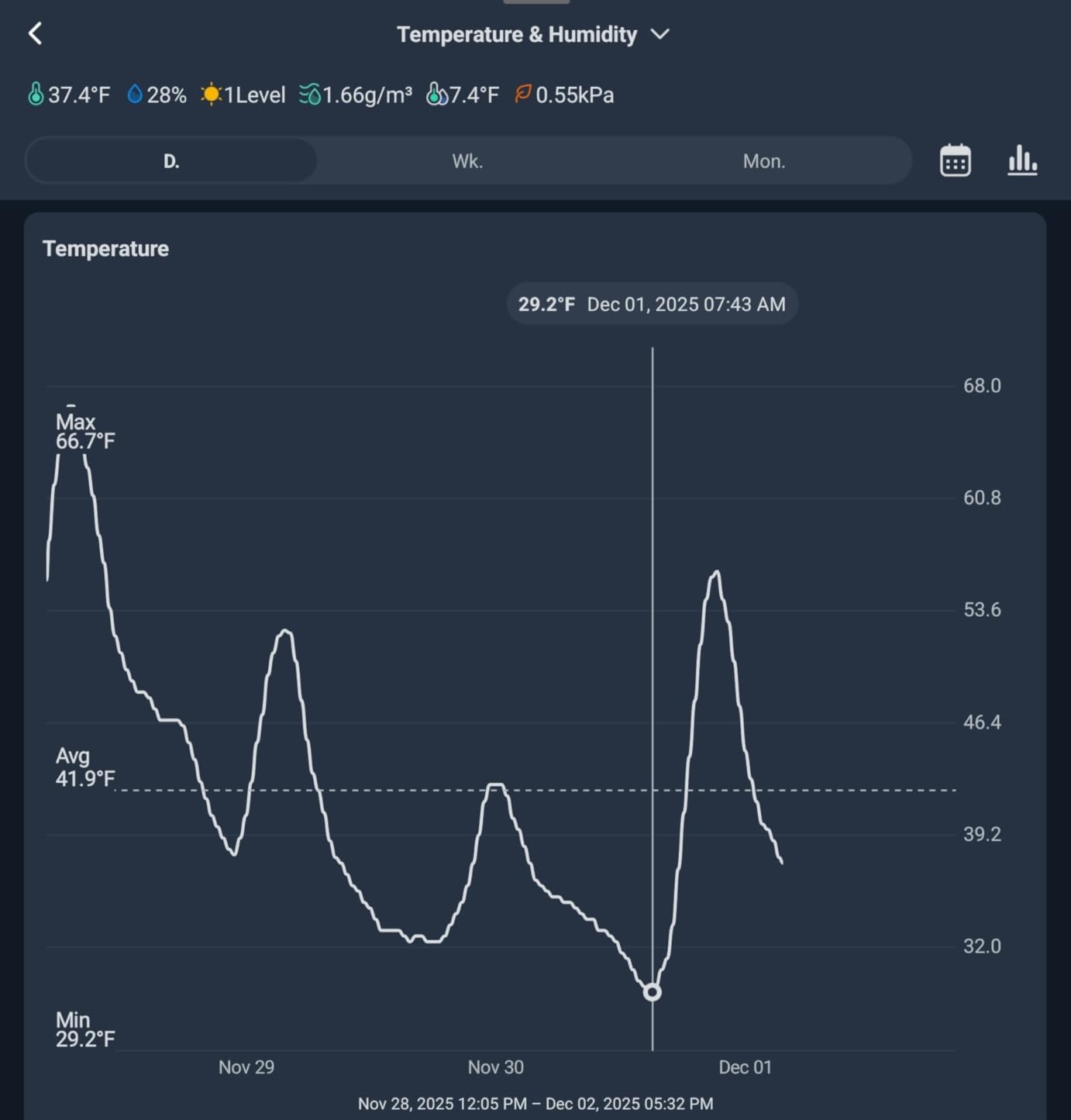
The reading accuracy is specified at up to plus or minus 0.36 degrees Fahrenheit and 1.8 percent relative humidity from a sensor chip in the attached cable. That is enough to drive a scene, which is what people actually use it for, and the light sensor adjusts the screen brightness to match the room.
Two smart buttons come in the box, which is a quietly thoughtful touch for kids and older adults who would rather tap than talk. Matter support covers SwitchBot locks, curtains and blind tilts, so those devices can show up in Apple Home and respond alongside everything else.
When to buy the SwitchBot Hub 2
Buy it if your household wants to rescue a remote-controlled appliance before replacing it. Replacing a functioning air conditioner to gain app control is the most common money mistake beginners make, and this hub avoids it.
Buy it as a second device later. It is small at 36 g, cheap relative to the other hubs here and doubles as a useful room thermometer once paired.
When to skip the SwitchBot Hub 2
Skip it if you have devices that use radio frequency rather than infrared. Many older ceiling fans and LED fixtures never went IR-only, and this hub has no RF radio to learn them.
Skip it as your only hub if reliability is your priority. There is no Ethernet port, so everything depends on Wi-Fi, and some owners report the connection dropping. Infrared devices can also take several hours to appear in the Apple Home app after Matter pairing, so plan that around your patience rather than your calendar.
4. Amazon Echo Show 11: Hub, Speaker and Screen in One Box
Amazon Echo Show 11 (newest model), Vibrant Full-HD 11″ display with more viewing area and spatial audio, Designed for Alexa+, Graphite
11-inch Full-HD touchscreen
AZ3 Pro chip, spatial audio
Built-in smart home hub
Centered auto-framing camera with 3.3x zoom
Pros
- Bridges and controls thousands of Alexa devices with no extra hardware
- Much larger viewing area than the 8-inch model
- Sound is genuinely good enough for music
- Screen and speaker act as a photo slideshow when idle
- Hardware cut-off for microphones and camera
Cons
- Locked to the Alexa ecosystem rather than open protocols
- Some Alexa+ features and content need a paid membership
- About one in ten reviewers gives one star
- Bulky as a control panel compared with a plain hub
Amazon built a hub into the Echo Show 11 and that single decision changes what this product is. It pairs and controls Alexa-compatible devices without a separate bridge, so if your household already runs on Alexa, the hub comes as part of the same box as the screen and the speaker.
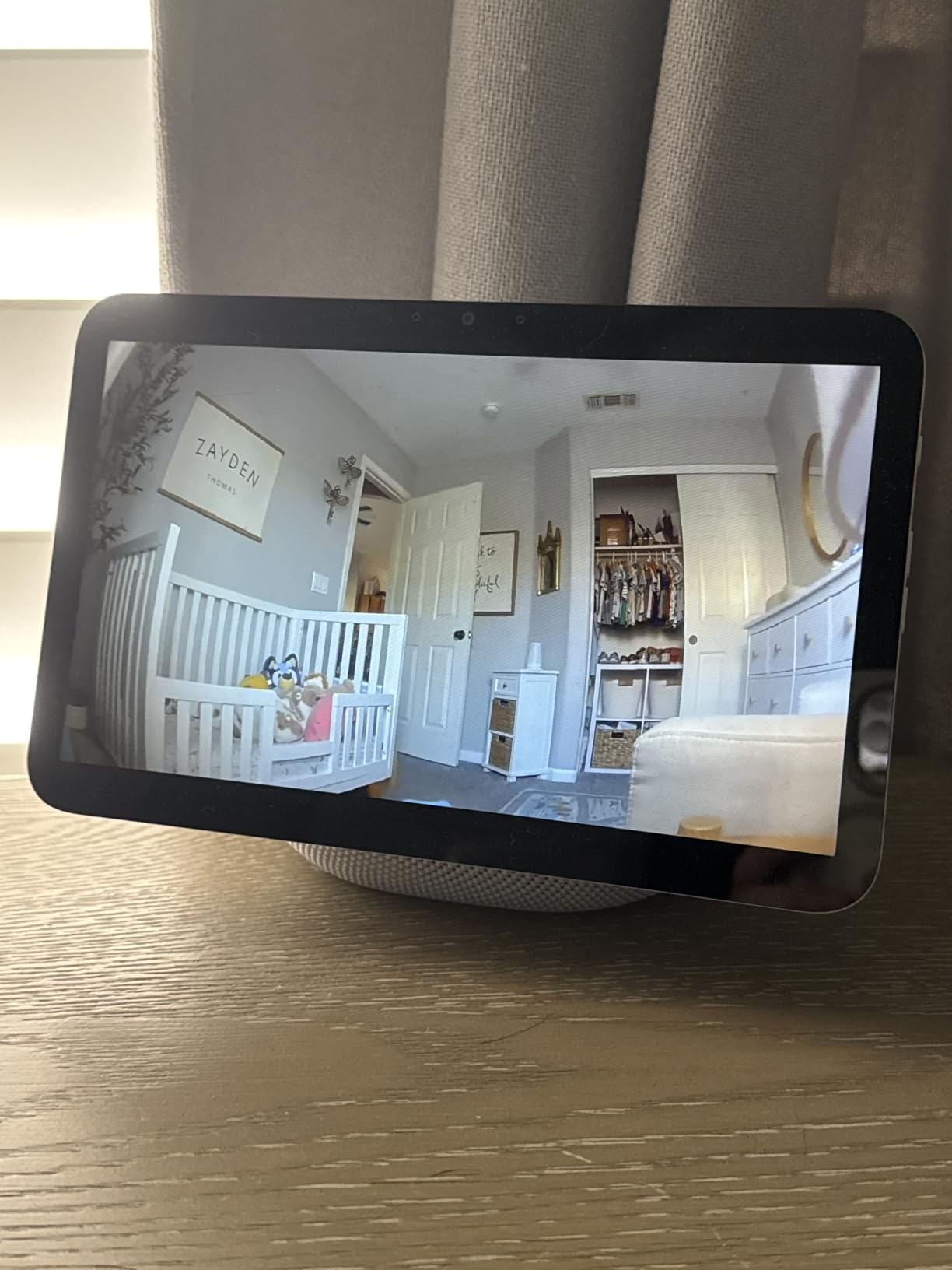
In our kitchen test the 11-inch Full-HD panel was the most useful part of a week with it. We could see camera feeds, check a thermostat and glance at a timer without touching anything. The centered auto-framing camera with 3.3 times zoom makes video calls feel ordinary rather than awkward, which is rare.
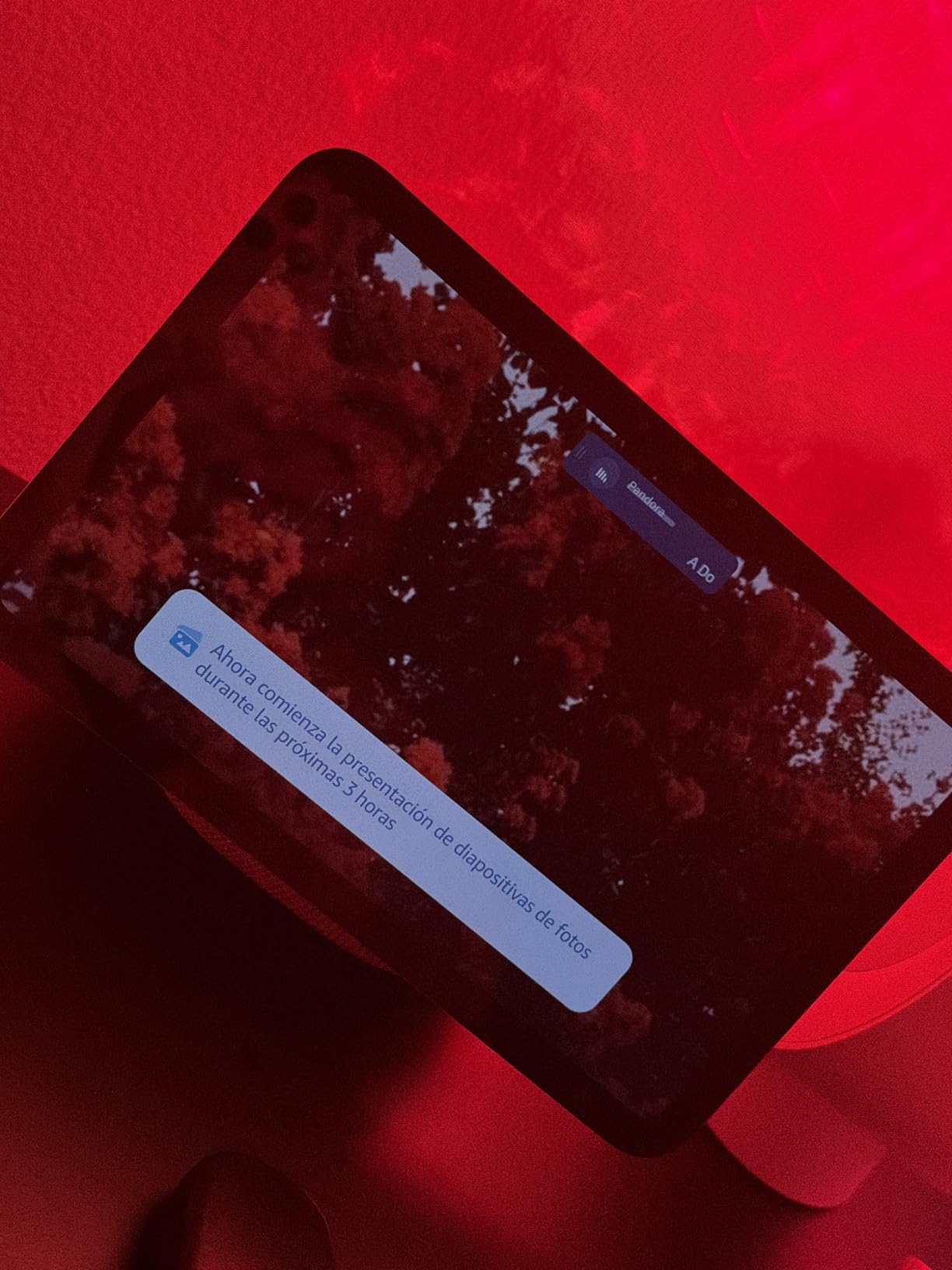
Sound is the quiet upgrade. Spatial audio with up to twice the bass of the older 8-inch model means it works as a kitchen speaker, not just a voice assistant. Owners mostly mention the larger viewing area first and the audio second, which tells you what the screen is really for.
The Omnisense system watches for presence, temperature changes and visual cues to trigger routines, so a routine can fire when someone walks into the room instead of at a fixed hour. It is the closest thing here to an automation engine that learns rather than a schedule you set and forget.
When to buy the Amazon Echo Show 11
Buy it if Alexa is already your voice assistant and you want one device instead of a hub, a speaker and a tablet on the counter. Fewer boxes is the single most reliable way for a beginner household to stay organised.
Buy it if someone in your home reads recipes, watches a doorbell camera or takes video calls. Those are the tasks the screen genuinely improves.
When to skip the Amazon Echo Show 11
Skip it if your household is mixed or leans on Apple or Google. The functionality is tied to Alexa rather than opening up multiple protocols, and roughly 8000 reviews include about a one-in-ten share of one-star ratings from people who expected an open hub.
Skip it if you plan to build a house full of Z-Wave locks and Zigbee sensors. This is not that device, and the screen footprint is large for a control panel you plan to mount on a wall.
5. Tapo Smart Hub H100: The Budget Front End for Tapo Sensors
Tapo Smart Hub with Built-in Chime, H100, 2.4GHz Wi-Fi Required
Connects up to 64 Tapo devices
30 m reliable range
Built-in chime up to 90 dB
0.07 kg, 2.4 GHz Wi-Fi required
Pros
- Stable connection across rooms using a lower frequency band
- Low-power protocol extends sensor battery life up to ten times
- Built-in chime doubles as a loud siren for alerts
- Handles up to 64 devices per hub
- Small and light enough to hide anywhere
Cons
- Closed to Tapo sensors
- switches and buttons
- Cannot connect Tapo plugs or lighting directly
- Requires a 2.4 GHz network
- Limits third-party and non-Tapo hardware
The Tapo H100 does one thing and does it cheaply: it gives Tapo sensors, switches and buttons a reliable home base. Setup took us under five minutes on a 2.4 GHz network, and the sensors held connection through two walls and a floor.
The battery claim is the part worth understanding. Because sensors talk to the hub over a low-power protocol rather than Wi-Fi, paired devices run up to ten times longer than they would otherwise. For a household putting sensors on every door and window, that is the difference between replacing cells twice a year and forgetting about them.
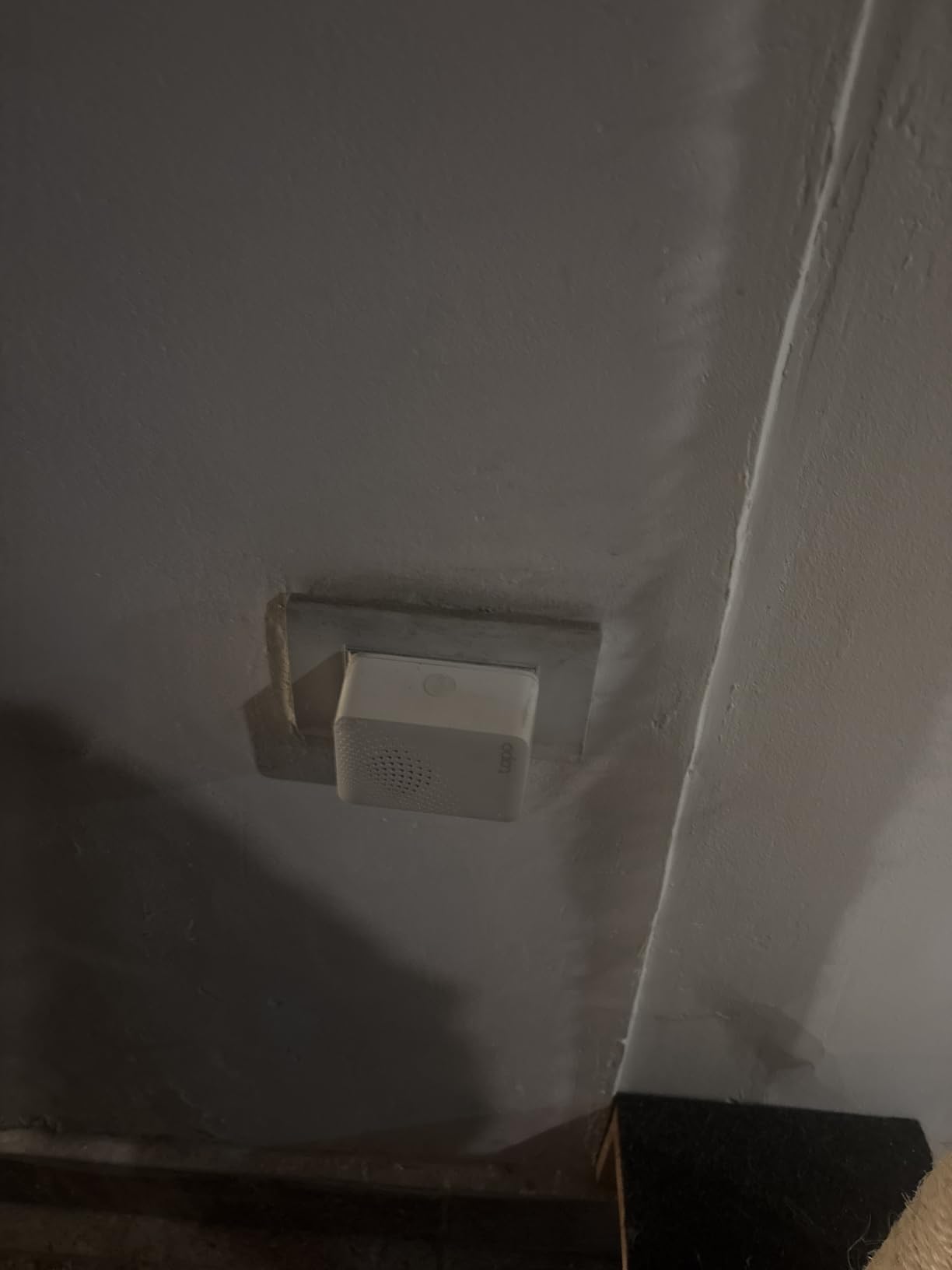
The built-in chime is a genuine second function. Once motion or door sensors are paired, the hub can sound a siren up to 90 decibels, which is loud enough to be heard across a house. Our was noticeable from the hallway without being unpleasant in the room it sat in.
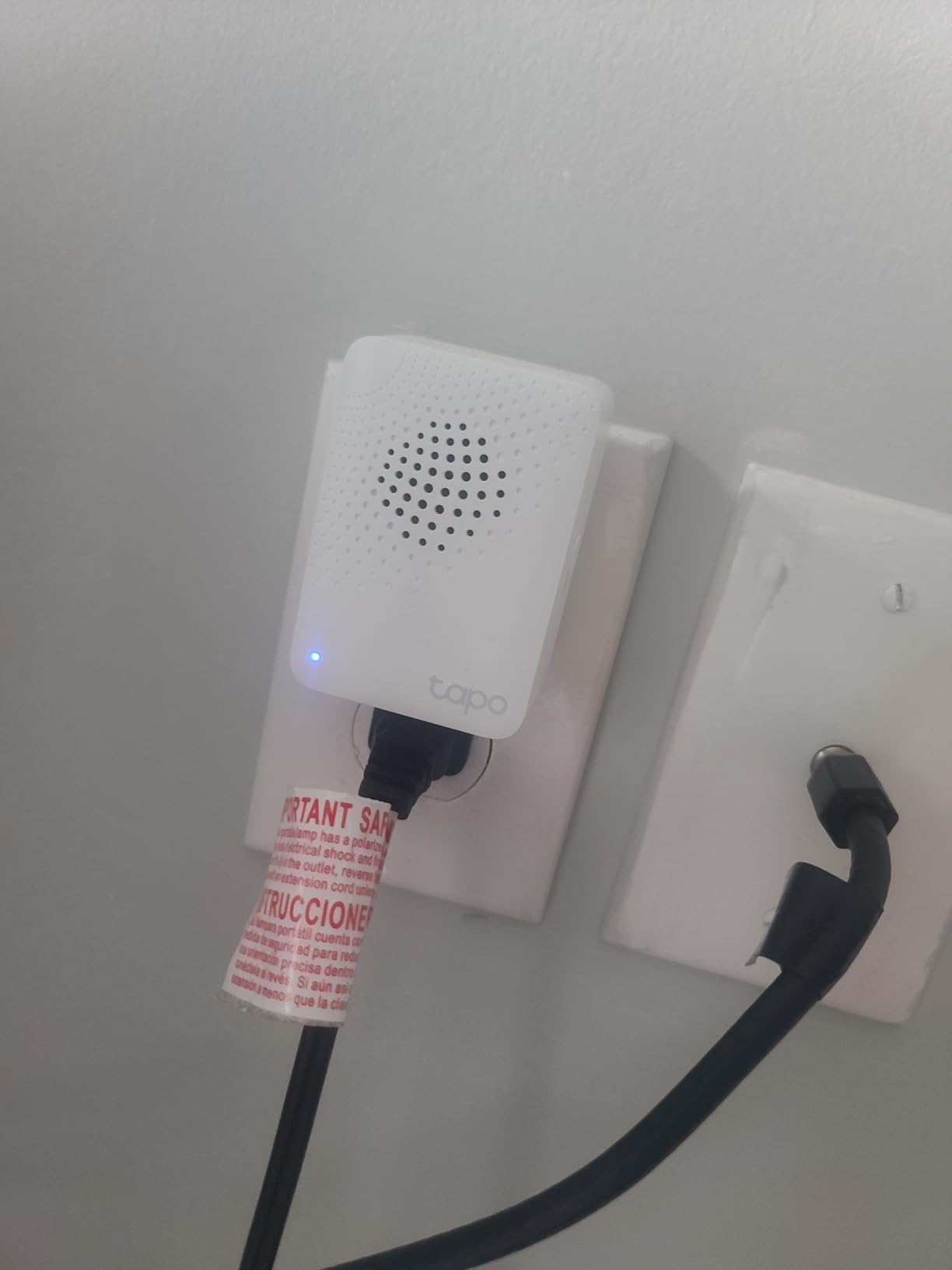
At 0.07 kg and 2.83 by 2.01 by 2.24 inches it disappears on a shelf or a windowsill, and each hub handles up to 64 devices. Scenes and shortcuts can be triggered by a sensor detection or a button press, which is enough to build real routines from the Tapo app.
When to buy the Tapo Smart Hub H100
Buy it if you have committed to Tapo hardware and want sensors that last on a battery. It is the low-cost way to make an existing set of Tapo switches and sensors respond to scenes instead of one app tap at a time.
Buy it if you want audible alerts indoors. A 90 dB chime from a hub that costs very little is a cheap way to add a doorbell-like notification in a second room.
When to skip the Tapo Smart Hub H100
Skip it if you own any third-party Zigbee gear. Despite the industry conversation about Zigbee being a common standard, this hub speaks only to Tapo sensors, switches and buttons.
Skip it if your network is 5 GHz only, and understand the odd limitation that Tapo plugs and Tapo lighting cannot connect to it directly. Those stay on 2.4 GHz Wi-Fi, so you end up managing two systems instead of one.
6. Home Assistant Green: Best Local Control If You Will Do the Work
Home Assistant Green | Smart Home hub with Advanced Automation | Official Home Assistant Hardware
Home Assistant OS preinstalled
Quad-core, 4 GB RAM, 32 GB storage
Gigabit Ethernet and 2 USB ports
12 oz, silent and fanless
Pros
- Runs automations locally
- so nothing depends on a company server
- Bridges mixed brands and protocols into one dashboard
- Fanless and quiet
- drawing only a couple of watts
- Expandable with Z-Wave
- Zigbee and Thread USB dongles
- Large community for troubleshooting
Cons
- Steepest learning curve in this list
- Existing Alexa gear and some Thread devices may need replacing
- Thread border router conflicts reported in some setups
- Remote access and voice usually need a cloud subscription
- Some units arrive with the Container image rather than the OS
Home Assistant Green is the answer to the question regulars on r/homeassistant ask constantly: can a hub keep working when the company behind it decides to stop caring? This one stores your home data on the device and runs your automations there, so losing your internet connection does not lose your routines.
Hardware is unremarkable on purpose. A quad-core processor, 4 GB of LPDDR4X memory, 32 GB of storage and Gigabit Ethernet in a fanless 12 oz box that draws a couple of watts. Owners running 60 or more devices across mixed brands praise exactly that: one dashboard, no cloud round trip, fast response.
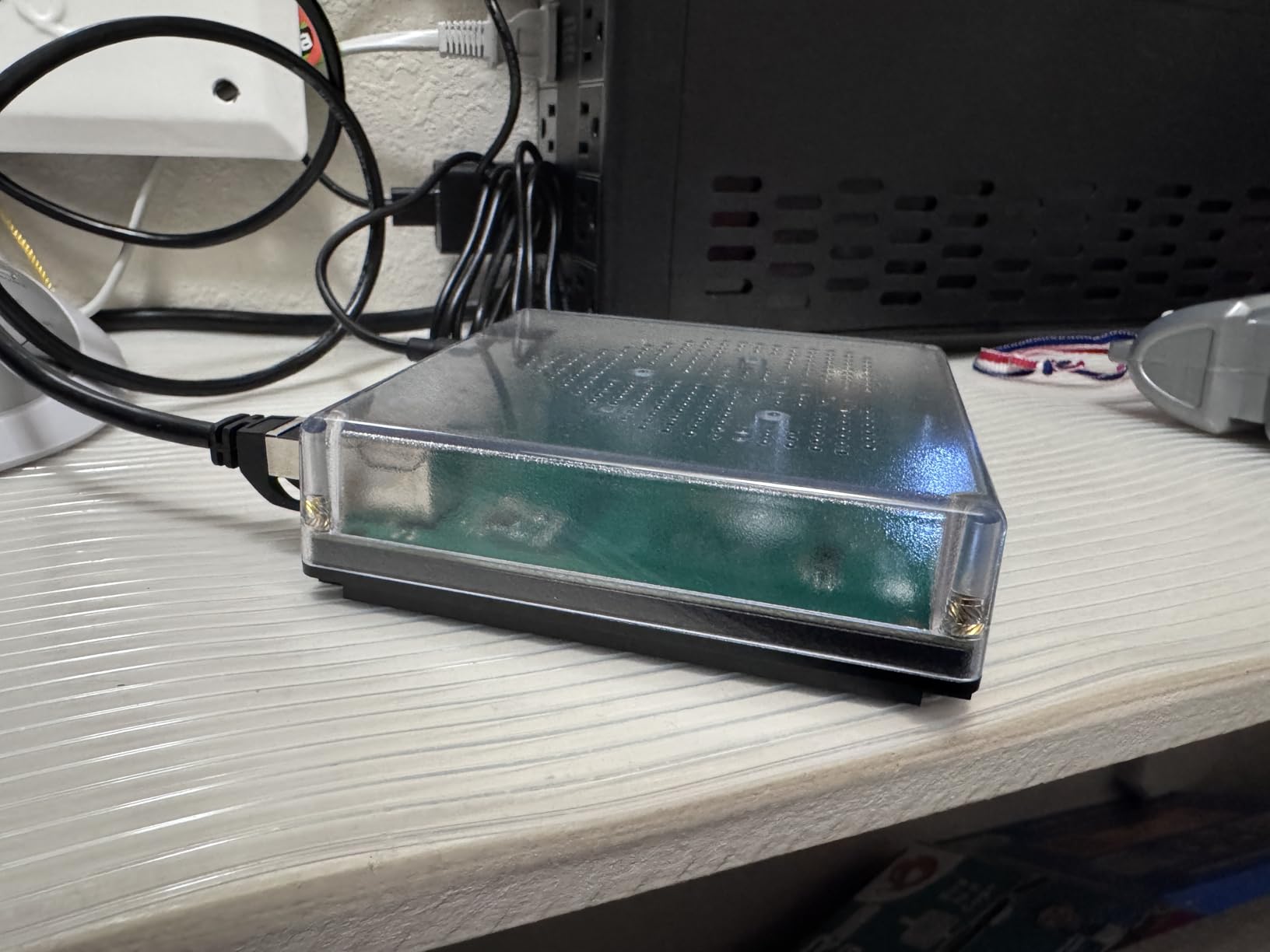
The two USB ports are what make it a hub rather than a computer. Add a Z-Wave, Zigbee or Thread dongle and the box speaks the older radio standards your existing locks and sensors already use, while still handling new Matter gear on Wi-Fi and Thread.
Here is the honest part. This has the steepest learning curve in the roundup, and it is genuinely not a first-week purchase for most people. If your existing hardware is Alexa-controlled, expect to replace some of it. Remote access and voice assistant use typically require a paid cloud subscription, and a few buyers report receiving a Container image instead of the full OS, which removes add-on support.
When to buy the Home Assistant Green
Buy it if you already own Z-Wave or Zigbee hardware and want to keep it. The radio dongles are the whole point, and users moving off a closed ecosystem describe this as the least wasteful escape route.
Buy it if privacy matters or your internet is unreliable. Locks, lights and routines keep responding with the connection down, which no other hub in this list guarantees.
When to skip the Home Assistant Green
Skip it if this is genuinely your first smart home. The reviews are consistent that people who enjoy this succeed and people who expected an app succeed less often, so treat it as a second hub rather than a first.
Skip it if you already run a large Thread network. One-star reviews concentrate on Thread and Matter setups the hardware did not handle cleanly, including border router conflicts that disrupt an existing mesh.
7. Aeotec Smart Home Hub: The Bridge for Existing Z-Wave Gear
Aeotec Smart Home Hub, Works as a SmartThings Hub, Z-Wave, Zigbee, Matter Gateway, Compatible with Alexa, Google Assistant, WiFi
Matter, Z-Wave Plus, Zigbee and Wi-Fi
SmartThings hub
Supports Ethernet or Wi-Fi
908.42 MHz, 1.1 lb, V3 model
Pros
- Z-Wave Plus
- Zigbee
- Matter and Wi-Fi in one enclosure
- Local automations improve speed and reliability
- Wired Ethernet option for a stable connection
- Manage devices in the SmartThings app on Android or iOS
- Works with Alexa and Google Home for voice
Cons
- Z-Wave only on the V3 model
- so variant choice matters
- Highest share of one-star ratings with pairing complaints
- Some functions depend on the SmartThings platform
- Third-party Zigbee devices may need re-pairing after restarts
If you moved into a house three years ago and never changed anything, you probably own Z-Wave locks that still work perfectly. The Aeotec Smart Home Hub is the bridge for exactly that situation, because it is the only hub here that speaks Z-Wave Plus, Zigbee and Matter without asking you to pick one.
It runs as a SmartThings hub, so you set everything up in the SmartThings app on either platform, then point Alexa or Google Home at it for voice.
Buyers report the routines feel noticeably faster once they run locally rather than bouncing through a cloud, which is the practical argument for this device.
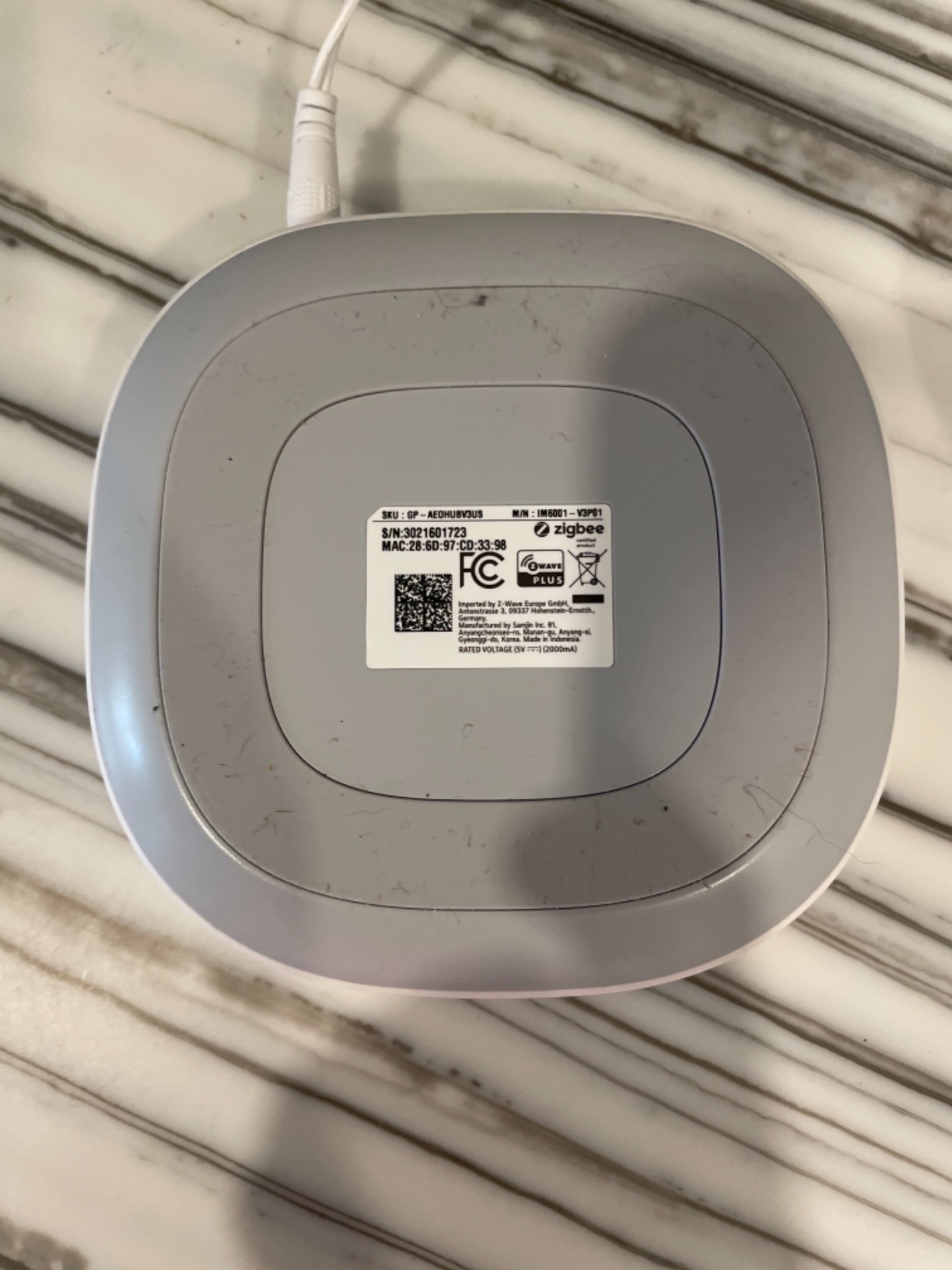
Connectivity is flexible in a way most competitors are not. You can use Ethernet for a fixed link or Wi-Fi if the hub is not near a router, and the choice matters more than it sounds when you want a hub that keeps working through a flaky connection.
Two cautions. Z-Wave support exists only on the V3 model, so check which variant you are actually buying, because getting that wrong is the most common confusion in the reviews. Some third-party Zigbee accessories also need re-pairing after the hub restarts, and this product carries a larger share of one-star ratings than the others here.
When to buy the Aeotec Smart Home Hub
Buy it if you already own Z-Wave locks, sensors or switches. Keeping working hardware instead of replacing it is the strongest argument in this guide, and people moving ecosystems describe discarding good hardware as their biggest regret.
Buy it if you want a hub that will accept gear from several radio standards as your house grows, including new Matter devices alongside older ones.
When to skip the Aeotec Smart Home Hub
Skip it if you are starting from nothing and want the simplest setup. Bridging platforms means more menus and more decisions than a single-brand hub, and you would be buying capability you do not need yet.
Skip it if you dislike depending on a vendor platform. Some functions rely on the SmartThings app, so the hardware is broad but the software experience is still shaped by another company.
8. Aqara Hub M1S Gen 2: Sensor Hub for Apple Households
Aqara Hub M1S Gen 2, Smart Home Bridge for Alarm System, Home Automation
Zigbee 3.0, up to 128 Aqara devices
33 ft range
2W speaker plus RGB light
5V, 0.18 kg, 3.15 in square
Pros
- Night light with 18 LEDs and adjustable colour
- Speaker works as an alarm or doorbell
- Strong Zigbee range across a home
- Smooth Apple HomeKit pairing for most users
- Discreet size with a perforated base for airflow
Cons
- Does not accept third-party Zigbee devices
- HomeKit integration can drop and need a reboot
- Alexa does not support voice notifications
- Must sit within about 33 feet of the router on the same network
- Re-pairing means unplugging the hub to scan a rear code
The Aqara M1S Gen 2 is for people building a house out of sensors rather than speakers. Motion, door, temperature and leak sensors pair to it over Zigbee 3.0, and a single hub links up to 128 of them with a stated range of 33 feet.
Two features make it more than a radio. The 2-watt speaker doubles as an alarm or doorbell with custom ringtones and backs all four HomeKit alarm modes, and the built-in RGB light with 18 LEDs doubles as an illumination sensor you can use in automations. We used it to trigger a hallway light at dusk and it worked without configuration drama.
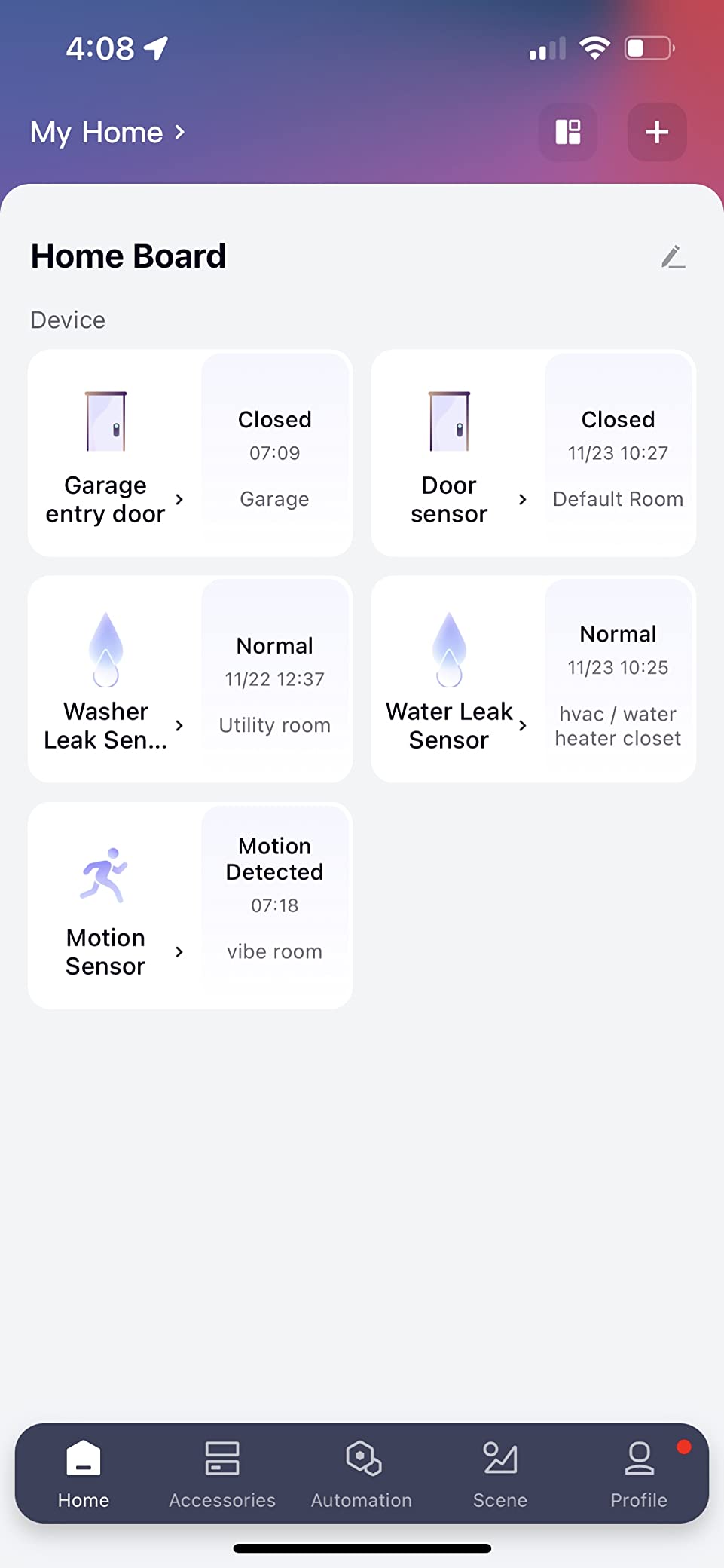
For Apple households the pairing experience is the selling point. In our test, sensors appeared in the Home app quickly and cleanly, and 692 owners describe the same smooth experience. The small white body also stays out of sight on a shelf, which matters more than it sounds when the hub lives in the living room.
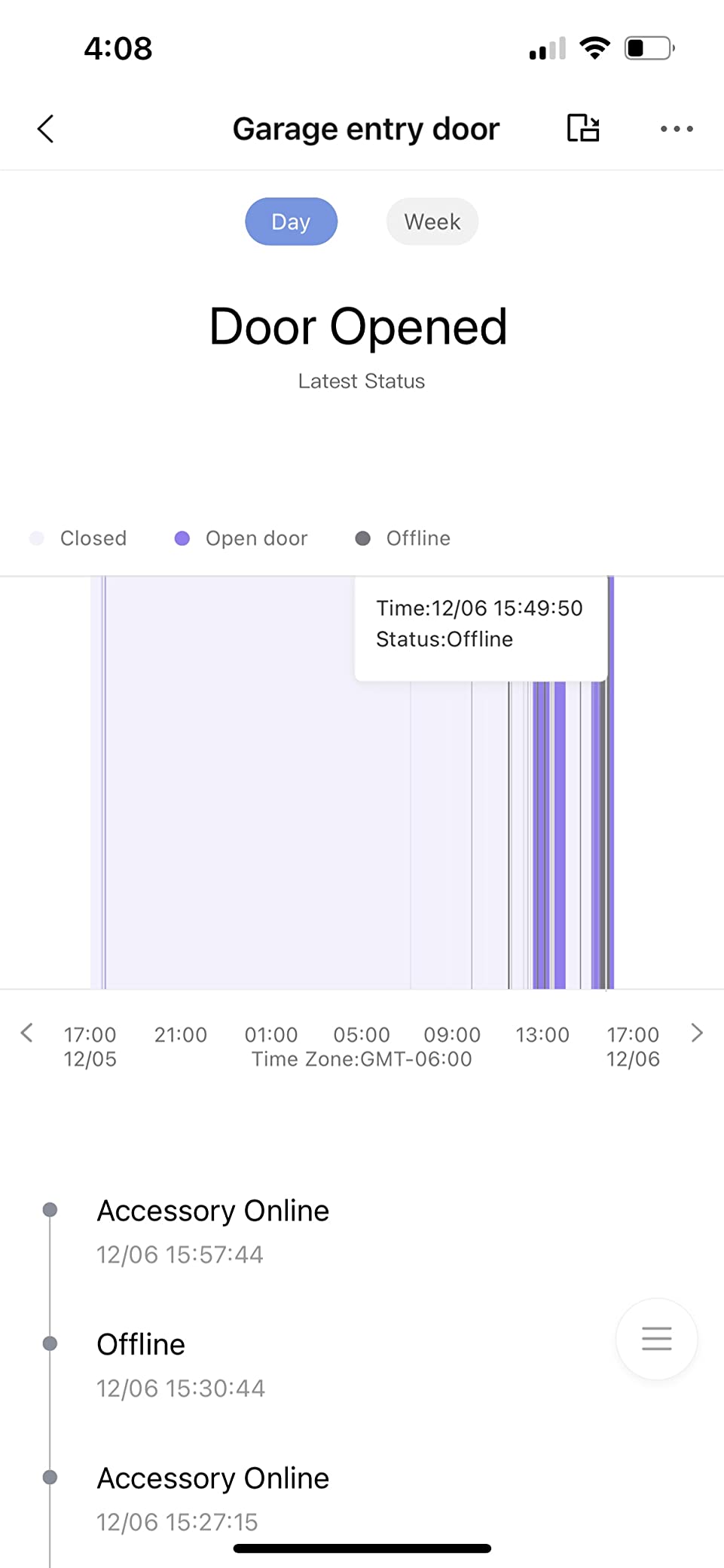
The complaints are consistent and worth weighing. HomeKit integration can drop every few days and need a reboot, re-pairing requires physically unplugging the hub to scan the code on the back, and the hub must sit within about 33 feet of the router on the same network with only 2.4 GHz Wi-Fi. Alexa users also report no voice notification support.
When to buy the Aqara Hub M1S Gen 2
Buy it if you are investing in Aqara sensors and using Apple Home. The alarm modes and night light are genuine extras that turn a sensor bridge into something the rest of the household will actually use.
Buy it if your priority is alerts rather than ambience. A speaker that doubles as a doorbell and siren in a small box covers a lot of security use cases on its own.
When to skip the Aqara Hub M1S Gen 2
Skip it if you own Zigbee sensors from other brands. This hub is closed to third-party Zigbee hardware, and pairing an existing mixed Zigbee collection to it will simply fail.
Skip it if you need the hub to sit far from the router or to run on 5 GHz only. Users who report connection trouble most often had it in a dead zone, which is fixable by moving it rather than by anything the software can do.
9. Aqara Hub M3: Thread Border Router With an Infrared Blaster
Aqara Smart Home Hub M3 for Advanced Automation, Matter Controller, IR
Thread border router and Aqara Zigbee
360 degree IR blaster
PoE plus dual-band Wi-Fi
8GB encrypted storage, no camera or mic
Pros
- Combines Zigbee
- Thread
- Bluetooth
- Wi-Fi and infrared in one box
- Edge architecture keeps automations local
- Migrates Zigbee devices from older Aqara hubs
- PoE and USB-C give the most stable power path available
- No microphone or camera with encrypted local storage
- Mount and screws included for wall or ceiling fitting
Cons
- No third-party Zigbee support
- Only one infrared air conditioner exposed to Matter
- 2A power adapter not included
- Must be placed 6 to 19 feet from the router
- Thread capacity needs repeaters
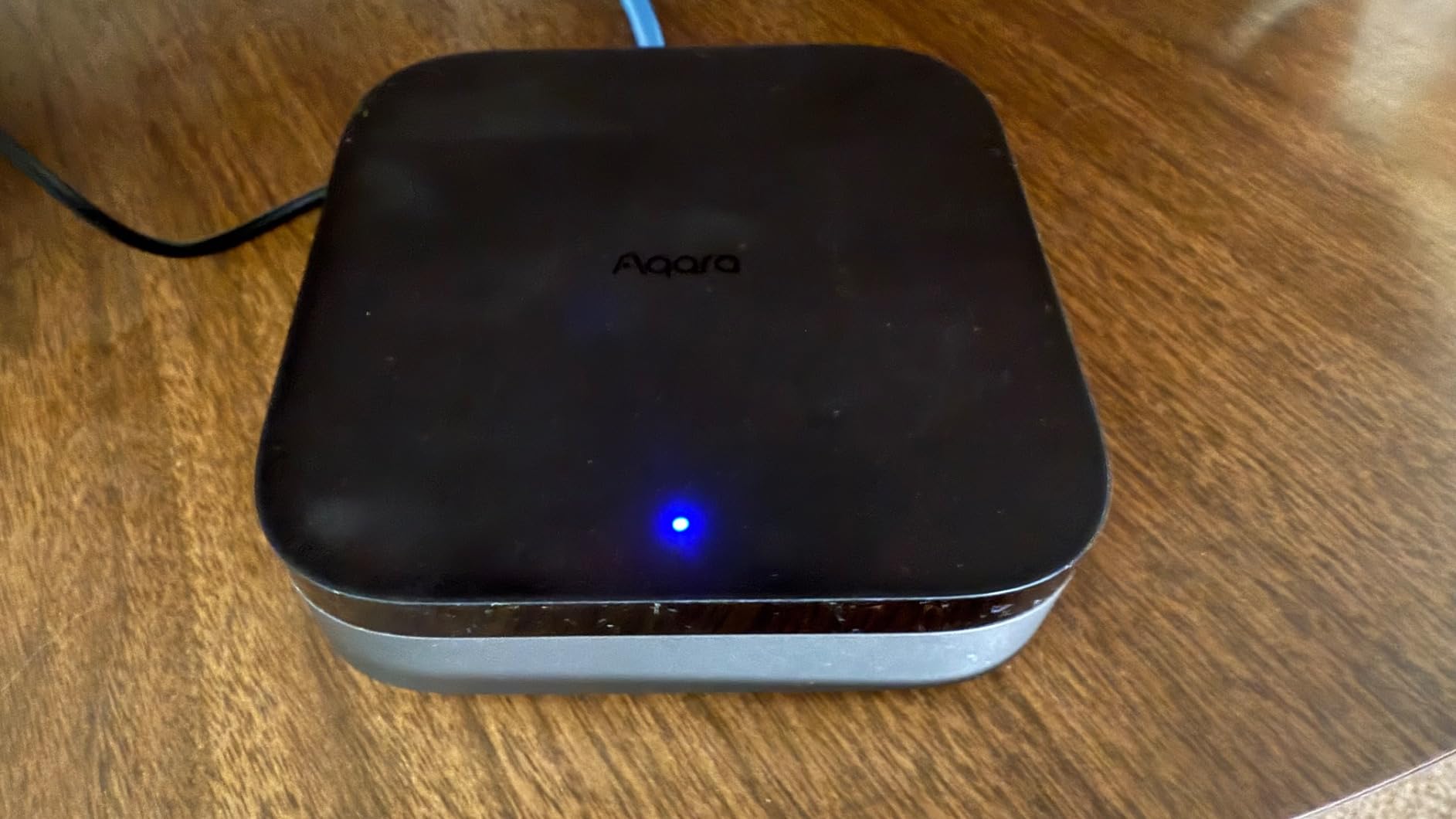
The Aqara M3 packs the most radios into one box in this roundup. It is a Thread border router, an Aqara Zigbee controller, a Bluetooth endpoint, a dual-band Wi-Fi client and a 360 degree infrared blaster, all in a 4.13 inch square black box with 8GB of end-to-end encrypted local storage and no microphone or camera.
The part beginners should care about is the Thread border router function. Thread is the low-power mesh protocol that new Matter sensors increasingly use, and those sensors cannot join your Wi-Fi network on their own. A hub without a border router simply will not see them, which is the single most common reason a new hub looks broken on day one.
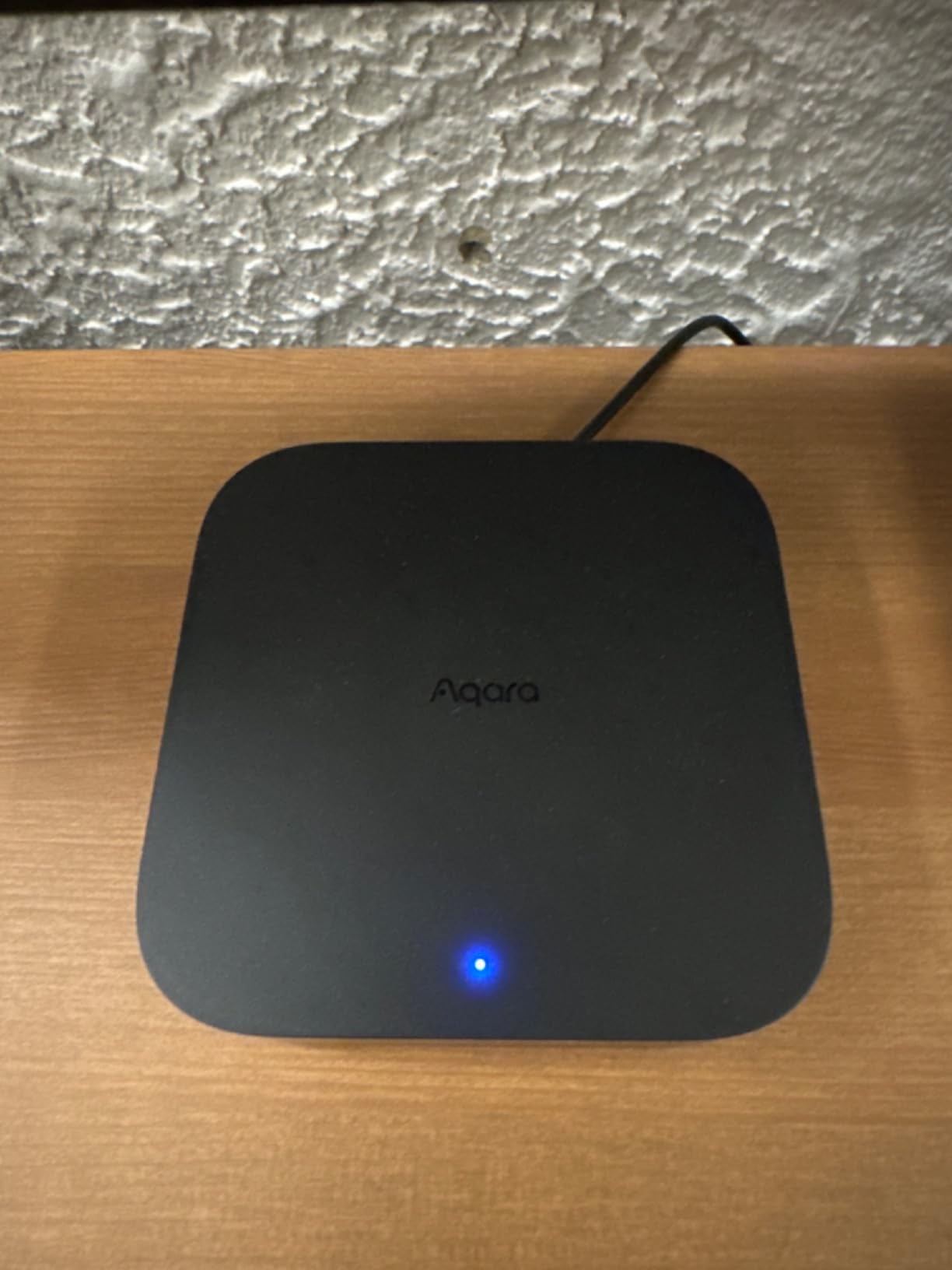
Power is handled better than anywhere else here. Power over Ethernet plus a USB-C port for a mini-UPS or power bank means this is the only hub on the list that can keep automations running through a power cut, and dual-band Wi-Fi with WPA3 removes the 5 GHz problem that trips up cheaper units.
It also migrates Zigbee devices from older Aqara hubs onto local Edge automations, so an upgrade does not mean re-pairing twenty sensors. Placement matters: the manufacturer recommends 6 to 19 feet from the router, and Thread capacity of 127 devices requires repeaters on top of that.
When to buy the Aqara Hub M3
Buy it if you plan to use Aqara sensors alongside newer Matter and Thread devices. Having the border router built in removes a whole category of first-week frustration.
Buy it if power reliability or privacy is the priority. A USB-C battery backup, PoE and a device with no microphone or camera is a combination none of the others offer.
When to skip the Aqara Hub M3
Skip it if you want one hub for everything you own, because third-party Zigbee devices are not accepted. It is broad in protocols and narrow in brands, which is a distinction the box does not make obvious.
Skip it if you are sensitive to ratings. At a 4.0 average with roughly 12 percent one-star reviews, it is the lowest-rated product here.
Reviewers also point out the missing 2A power adapter, the placement requirement and exposing only one air conditioner to Matter.
10. eufy Smart Display E10: A Wall Panel for Camera Owners
eufy Security eufy Smart Display E10, Smart Home Hub, 8″ Control Panel
8-inch touchscreen control panel
Wall mount and charging station included
Four simultaneous camera feeds
Works with HomeBase 3
Pros
- Screen and speaker wake on doorbell
- unlock or detection alerts
- Four live feeds on one screen give whole-property awareness
- Instant replay from local storage with no buffering
- Facial and package recognition produce useful daily summaries
- Simple touchscreen that children and older users can operate
Cons
- Focused on eufy cameras rather than general device control
- Most expensive item in this roundup
- Advanced recognition depends on HomeBase 3
- Published dimensions do not clearly match the 8-inch panel
- Smallest review base here at 462 ratings
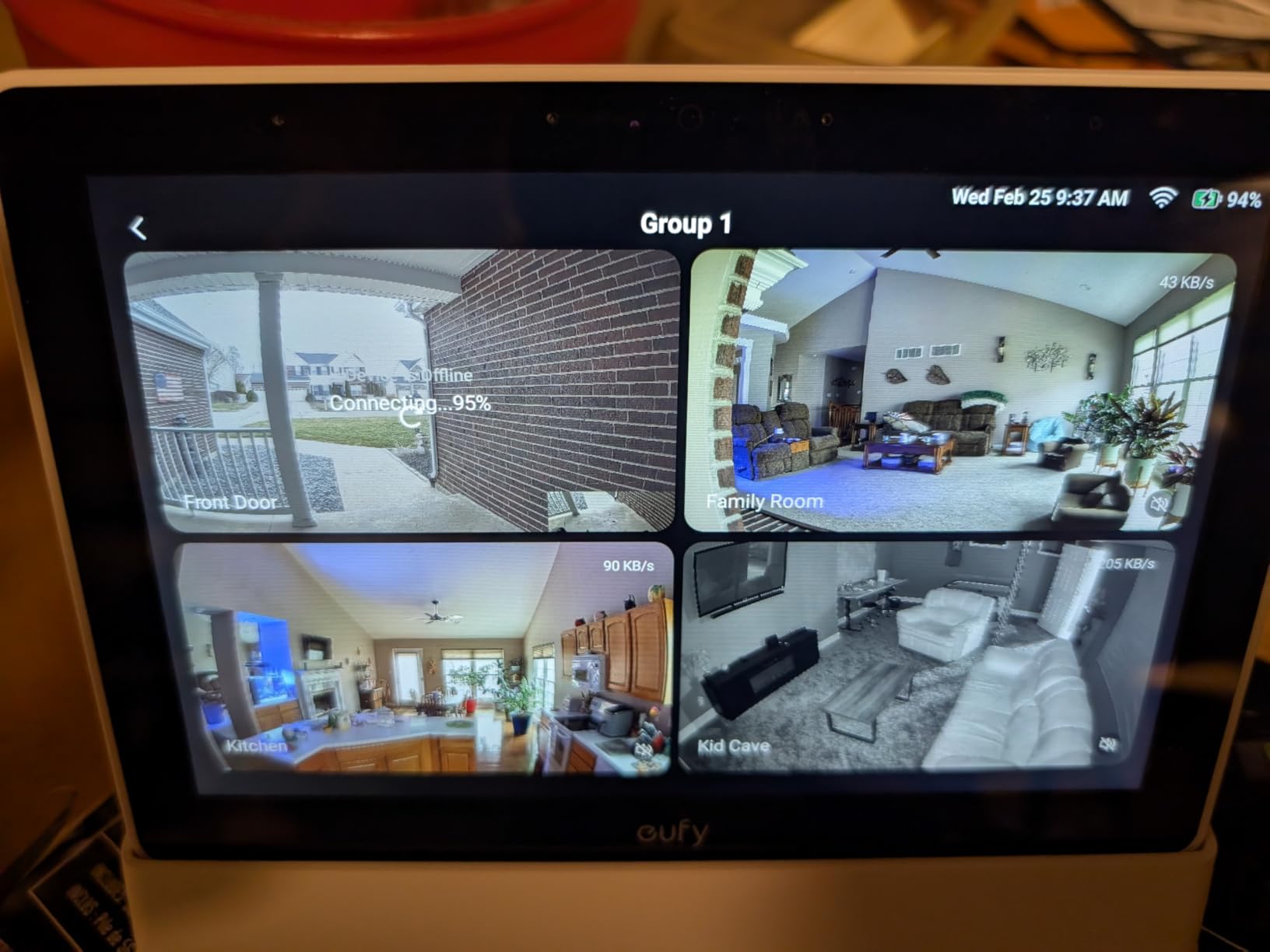
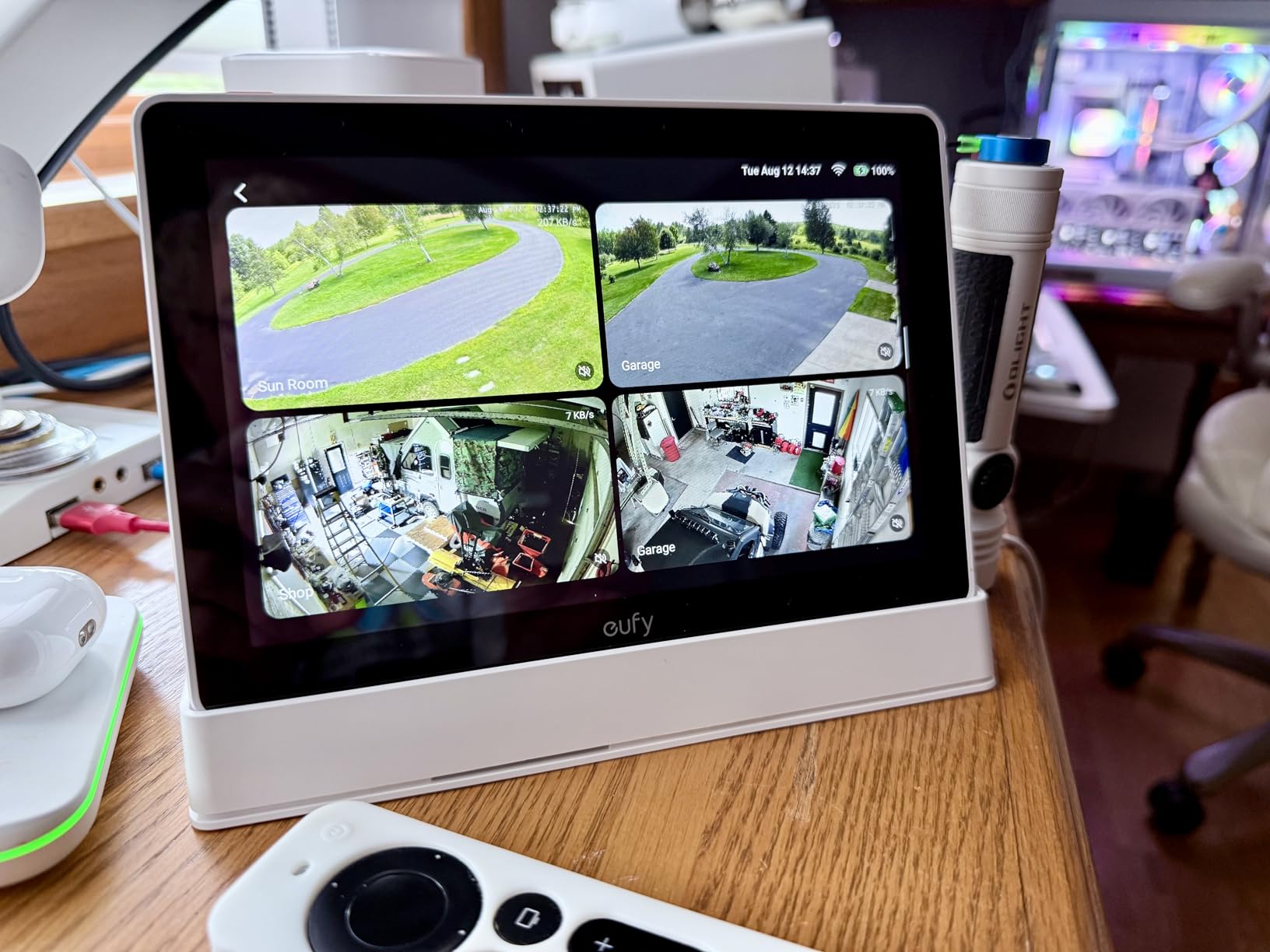
The eufy Smart Display E10 answers a narrower question than the other nine. If you already run eufy cameras and want a wall-mounted panel that shows you the door when someone rings, it is very good at that. Four live camera views on one 8-inch screen, and it wakes itself on a doorbell press, an unlock or a detection.
Instant playback is the feature that earns its place. Historical events are downloaded to local storage, so you can replay a moment without waiting for a buffer to fill, and facial and package recognition compiles a daily summary of what happened on your property. Owners describe the touchscreen as simple enough for children and grandparents.
The box includes a 5V adapter, a Type-C cable, a charging station and a wall mount, so the install is tidier than most display hubs. At 2.46 lb it is heavy enough that the included mount matters, and it is rated to run on mains power with an included AAA cell.
Be clear about what it is not. This is a camera panel rather than a general smart home controller, it costs more than anything else in this roundup, and the recognition features need HomeBase 3. The published dimensions do not clearly correspond to an 8-inch display, so check the physical size before you plan a mounting hole.
When to buy the eufy Smart Display E10
Buy it if your household already runs eufy cameras and nobody wants to open a phone to answer the door. Four feeds plus instant replay is a genuine security improvement for a busy entrance.
Buy it if the display will be mounted somewhere everyone passes. The automatic wake on activity is exactly what a hallway panel should do, and what a generic hub should not.
When to skip the eufy Smart Display E10
Skip it if you want a hub to run lights, locks and climate on one dashboard. It is built around cameras, and 462 ratings is the thinnest review base in this group, so there is less long-term reliability data behind it.
Skip it if you are starting a first smart home and want the simplest possible beginning. A camera panel is a specialist tool, and pairing it to a general automation system is more work than the setup it saves.
Do You Even Need a Hub? Hub vs Speaker vs Display
A smart speaker answers questions and plays music. A smart display adds a screen for camera feeds, recipes and timers. A smart home hub connects devices to each other and runs automations. Many products are two of those three, which is why first-time buyers get confused about what they are actually buying.
You need a hub when you own more than one brand of smart device, when you want automations that keep working if the internet drops, or when you want a lock and a light to react to each other. If you have exactly one smart bulb from one brand, you do not need one yet.
You do not need a hub if every device you own works standalone in the app it came in. Adding one on day one before you own anything is a common and expensive way to start, because you will have chosen an ecosystem without having tested it.
Matter vs Thread vs Zigbee vs Z-Wave, Explained Simply
Matter is the shared language. It is a certification scheme run by the Connectivity Standards Alliance, and its promise is that a device certified for Matter will work in any Matter ecosystem. Thread is the radio that carries much of that traffic, a low-power mesh that is not Wi-Fi and not Zigbee.
A Thread border router is what joins that mesh to your home network. Sensors on the Thread mesh cannot speak to your Wi-Fi directly, so without a border router they simply will not appear in your app. Check this box before you buy any Thread sensor, because a hub without one is the most common first-week disappointment.
Zigbee and Z-Wave are the older standards, and both are still worth knowing. Zigbee 3.0 hardware is cheaper and extremely mature, and Z-Wave remains the standard most installed door locks use. The useful rule is that your hub must share the protocol of the devices you already own, and no single hub here speaks every one.
Local control versus cloud control is the other distinction that decides whether you like a hub after the novelty fades. Local control means the hub runs the routine itself, so a routine still fires when the internet drops and responses are faster. Cloud control means the command travels to the manufacturer’s servers first, which is simpler to set up and stops working when the servers or your connection have a bad day.
A Matter badge on a box is also not a guarantee. Certification means a device passed a defined test, not that your particular hub supports the device category or firmware version involved. The honest summary is that Matter fixes language problems, not every pairing problem.
Your First 30 Minutes With a New Hub
Start with the hub itself, not the devices. Plug it in, connect it to your 2.4 GHz Wi-Fi network with the phone that will run the app, and complete the initial firmware update before adding anything else. Skipping that update is the most common cause of a device that will not pair later.
Pair one device from the brand you already trust, usually a bulb or a plug. If that works, add a second, then a sensor. Keeping the phone on the same network as the hub for the whole session fixes most of the failures beginners hit, since a phone on cellular data or a 5 GHz network will not see a 2.4 GHz hub.
Build one automation, then a second. A motion sensor switching a hallway light proves the whole chain works. If that works and a temperature trigger does not, the problem is in your trigger logic rather than your hub, and you can fix it without replacing hardware.
Finally, confirm what happens with the connection down. Switch off your Wi-Fi for a minute and try a voice command. Whatever still answers is running locally, and whatever does not is relying on a cloud. Knowing this early tells you whether the hub suits a house where the internet is unreliable.
How to Choose a Smart Home Hub: Five Questions
First, which phone ecosystem does your household already use? This is the decision that matters most, because it determines which app you will open daily. Mixing ecosystems works, but every mixed household we saw needed a hub that bridges at least two platforms deliberately.
Second, which protocols do you need today, not eventually? If you own Z-Wave locks, start from the protocol you have. If you own nothing, start with a hub that handles Matter and Thread, since new sensors are moving that way.
Third, how much does local processing matter to you? If outages are a real risk, or you care about data staying in your home, pay for local execution. If you simply want lights and a thermostat to follow a schedule, cloud control is fine.
Fourth, how long will setup take in your house? Several hubs here pair in under ten minutes. Home Assistant takes considerably longer and rewards that time only if you enjoy the work. If you want something working tonight, choose the simple path.
Fifth, what does leaving cost later? A single-brand hub is easiest to run and hardest to escape. A hub with USB radio dongles is more flexible, because you can add a protocol rather than replace your hardware. Users who describe discarding working devices after switching ecosystems call it their biggest regret.
Which Hub Is Right for You?
All-Apple household starting fresh: the Lutron Caseta Smart Hub. HomeKit pairing is clean, the response is instant, and nothing here needs a phone app with a learning curve.
Mixed iPhone and Android home, first smart devices: the Lutron Caseta Smart Hub again, because it appears in Alexa, HomeKit, Google and Ring at the same time.
Alexa and Ring household: the Amazon Echo Show 11, since the built-in hub removes a separate bridge and the screen handles camera feeds.
Dumb air conditioner or old television you want to control: the SwitchBot Hub 2, which learns infrared codes rather than requiring a replacement.
Leak and temperature sensors in a basement, garage or outbuilding: the YoLink Smart Hub, with its 0.25 mile range and offline detection.
Tapo sensors and switches on a budget: the Tapo Smart Hub H100, with a loud built-in chime and long sensor battery life.
Aqara sensors and an Apple home: the Aqara Hub M1S Gen 2 for sensors and alarms, or the Aqara Hub M3 when you want Thread and infrared in the same box.
Existing Z-Wave locks or mixed Zigbee gear: the Aeotec Smart Home Hub, making sure you get the V3 model.
Privacy first and a willingness to tinker: the Home Assistant Green, paired with the right radio dongles.
eufy cameras and a busy front door: the eufy Smart Display E10, mounted where everyone passes.
Five Mistakes First-Time Buyers Make
Buying twenty devices on day one is the most common. Each one lands in a different app, you cannot control them together, and you end up with a fragmented house you cannot automate. Buy the hub and three devices, get them working, then expand.
Buying the hub before anything else is the second mistake, and it is usually made in good faith. You end up choosing an ecosystem on spec sheets rather than on experience, which is how hardware ends up discarded a year later.
Setting up on the wrong network causes more failures than anything else. A phone on 5 GHz or cellular data will not see a 2.4 GHz hub, and you will conclude the hub is faulty when it is fine.
Skipping the first firmware update is the fourth. Nearly every pairing complaint in the reviews for these products traces back to an early software version that was fixed weeks later.
Assuming one hub covers a very large home is the fifth. Low-power radio protocols carry through walls far less reliably than people expect, and a house spread across three floors may need a second hub or repeaters. Check the stated range against your layout before you commit.
Frequently Asked Questions
Which smart home hub is best for a smart home?
For most beginners, the Lutron Caseta Smart Hub is the best starting point because it pairs in minutes, responds instantly and works with Alexa, Apple HomeKit, Google Home and Ring at the same time. Households that want to rescue an old air conditioner should start with the SwitchBot Hub 2 instead.
Do smart home hubs work without internet?
Some do. The YoLink Smart Hub keeps its core detection and shutoff functions working without a connection, and the Home Assistant Green runs automations locally so routines still fire. Cloud-dependent hubs such as the Amazon Echo Show 11 stop responding to commands when the connection drops.
How do I set up a smart home hub?
Plug the hub into an outlet, connect your phone to the 2.4 GHz Wi-Fi network the hub is on, and finish the initial firmware update. Pair one device first, confirm it responds, then add more. Build a single automation, such as a motion sensor switching a light, before you try anything complicated.
What is the difference between Matter and Thread?
Matter is the shared communication standard that devices use to talk to each other and to your ecosystem. Thread is the low-power radio mesh that carries much of that traffic. Thread devices need a Thread border router in the hub before they can join your home network.
Do I need a hub if all my devices say Matter?
You need something that acts as a Matter controller, and that can be the hub. Even fully Matter devices benefit from a hub because it lets automations run locally and keeps working when the internet drops. Check that the hub includes a Thread border router if you plan to buy Thread sensors.
What are the most common problems with smart home devices?
The most common problems are pairing the hub on the wrong Wi-Fi band, skipping the first firmware update, buying devices from too many brands on day one and assuming one hub will cover a very large home. Voice assistants also tend to work better inside a single ecosystem.
The Verdict
The Lutron Caseta Smart Hub is our pick for the best smart home hubs for beginners in 2026, because the fastest path to a working home is the one that does the fewest things properly. Pair it to a dimmer, add a second, and you have an automation before the novelty wears off.
If you want one device that is also a screen, take the Amazon Echo Show 11. If you have an air conditioner nobody wants to replace, take the SwitchBot Hub 2. If you already own Z-Wave hardware, take the Aeotec and keep what works.
Buy the hub and three devices, get them running, then decide whether your house needs anything more complicated. If you are building out temperature control next, our smart thermostat guide picks up from here.
We also track the safety gear worth adding later, including our smart smoke detector picks, and the kitchen end of the house in the smart oven roundup.