
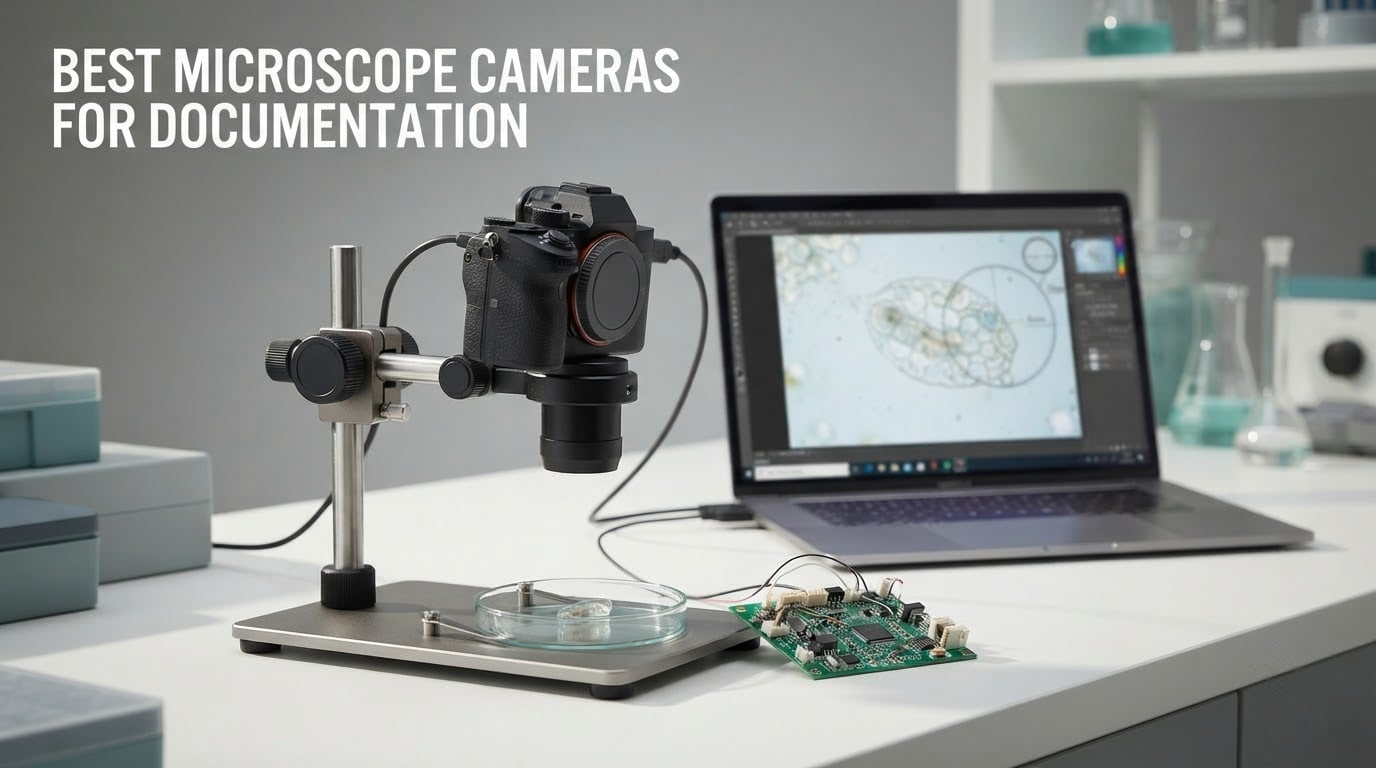
A microscope camera is only as good as the record it leaves behind. If you photograph a specimen, a solder joint, or a coin today and want to prove what you saw six months from now, the camera has to deliver repeatable magnification, honest color, and an image you can scale. That is the whole job, and it is a different job from simply making a bright, sharp picture. This guide ranks the best microscope cameras for documentation available right now, from handheld USB scopes to HDMI systems with C-mount lenses and measurement software.
Documentation cameras fail quietly. A slightly color-shifted image, a soft corner from a sensor that does not match the microscope image circle, or a live view that lags enough that you keep knocking the focus out of place: none of it looks like a broken camera on the box, and all of it ruins the archive. Forum threads on the NAWCC microscopy board and in the r/mycology community keep circling the same complaints, including how rarely anyone names the adapters and software a setup actually needs.
We went through the current crop with documentation as the only criterion, reading the specification sheets, the bundled software, the mounting hardware, and the pattern of what buyers report back. We grouped them by what they are really for: a phone-and-laptop scope for casual records, a measurement-capable eyepiece camera for a real lab, a desk unit with its own screen, and an HDMI system for a monitor on the bench. If you also need flat-specimen copying rather than magnification, our guide to the best document cameras covers that side of the bench.
Table of Contents
Top 3 Best Microscope Cameras for Documentation in 2026

Plugable 250x USB Microscope
- 2MP sensor with 7000K LED halo light
- 60x to 250x magnification
- USB and USB-C connectors

SKYBASIC WiFi USB Microscope
- WiFi and USB dual connection
- 2MP sensor with 8 LED lights
- 1080P to phone and 720P to computer

Bysameyee 1000X USB Microscope
- 8 LED lights with dimming control
- Metal stand and carrying case
- Windows Mac Linux and Android OTG
The Plugable is the default choice for most documentation work because it behaves like a webcam: it appears on Windows, macOS, ChromeOS, and Linux without a driver hunt, and any capture software can drive it. The SKYBASIC is the pick when the phone is the primary recording device, since it streams cable-free over a WiFi hotspot. The Bysameyee is the pick when the budget is fixed and the work is teaching or hobbyist inspection, though its measurement tools only run on Windows.
All 12 Microscope Cameras Compared Side by Side
| Product | Specifications | Action |
|---|---|---|
| Plugable USB Digital Microscope 250x |
|
Check Latest Price |
| SKYBASIC Wireless Digital Microscope |
|
Check Latest Price |
| Bysameyee USB Digital Microscope 40X-1000X |
|
Check Latest Price |
 Jiusion 4K WiFi USB Digital Microscope Jiusion 4K WiFi USB Digital Microscope |
|
Check Latest Price |
 TOMLOV DM9 Max Digital Microscope TOMLOV DM9 Max Digital Microscope |
|
Check Latest Price |
 Andonstar AD246S-M HDMI Microscope Andonstar AD246S-M HDMI Microscope |
|
Check Latest Price |
 AmScope MD500-CK USB Camera and Calibration Kit AmScope MD500-CK USB Camera and Calibration Kit |
|
Check Latest Price |
 Swift 5.0 Megapixel Digital Microscope Camera Swift 5.0 Megapixel Digital Microscope Camera |
|
Check Latest Price |
 Swift EP2M 2MP Digital Eyepiece Camera Swift EP2M 2MP Digital Eyepiece Camera |
|
Check Latest Price |
 NICE-POWER 13MP HDMI Industrial Microscope NICE-POWER 13MP HDMI Industrial Microscope |
|
Check Latest Price |
 Elikliv LCD Digital Coin Microscope Elikliv LCD Digital Coin Microscope |
|
Check Latest Price |
 Teslong USB-C Digital Microscope Teslong USB-C Digital Microscope |
|
Check Latest Price |
Two columns decide most purchases before any specification does: how the camera sends its image somewhere, and how it physically attaches to the scope. Everything else on the list is a refinement of those two answers.
1. Plugable USB Digital Microscope 250x – Best Overall for Plug-and-Play Records
Plugable USB Digital Microscope 250x, 2MP Micro Camera, Flexible Arm Stand
2MP sensor
60x-250x magnification
7000K LED halo light
USB and USB-C
Pros
- Works as a plug-and-play webcam on nearly any operating system
- Built-in LED halo light with brightness control
- Flexible arm stand plus observation pad for hands-free work
- Lifetime support from a North American team
Cons
- 2MP sensor limits detail at the top of the magnification range
- Achromatic objective gives modest optical fidelity
- Flimsy arm for tall or heavy samples
This is the camera we keep on the bench when the job is quick and the record just has to exist. It weighs 2.9 ounces, runs from a USB or USB-C cable, and uses a standard webcam chipset, so it enumerates on a machine without hunting for drivers. For documentation work that means the difference between a capture folder and a naming convention is about five minutes of setup, not an evening.
Magnification runs from 60x to 250x, which is honest and useful. Documentation at these powers is mostly about solder joints, printed boards, coin surfaces, seeds, fabric, and small parts, and the 2.0-megapixel sensor resolves that range cleanly. Past 250x you are reading marketing, not physics, and the same applies to the 7000K halo light, which is a fixed colour temperature rather than a calibrated one.
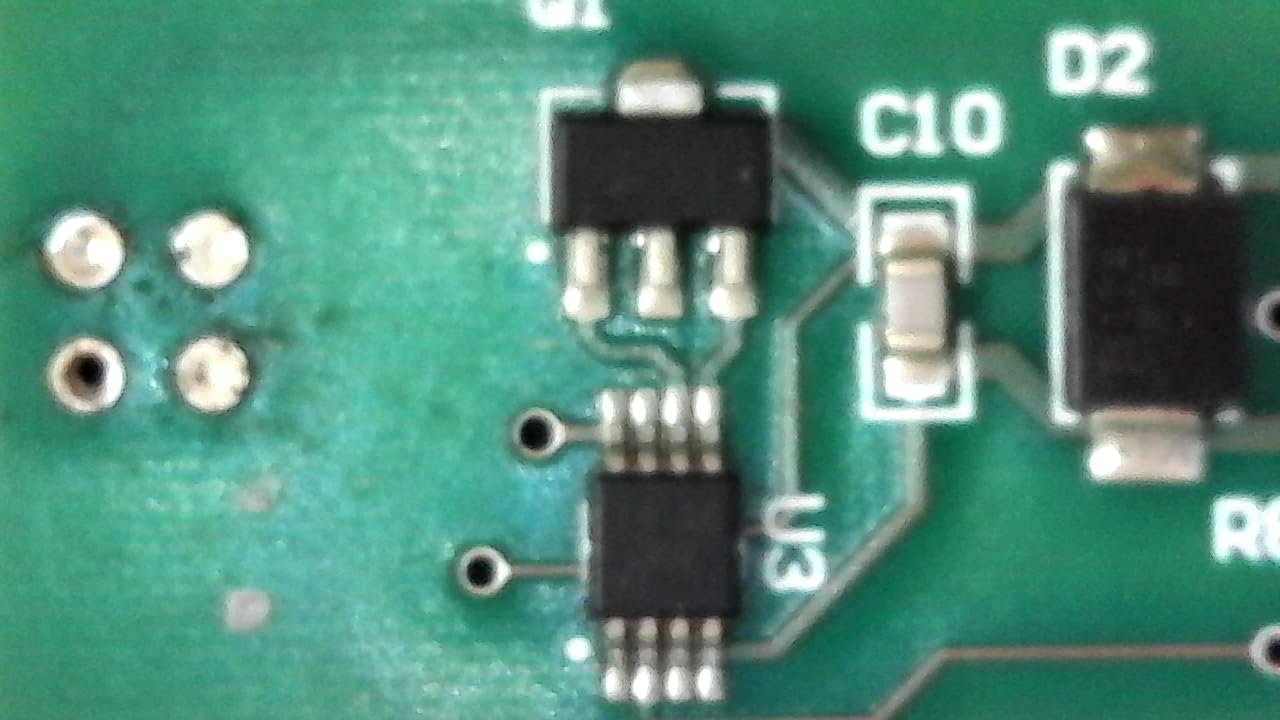
The flexible arm and the observation pad are the details that decide whether it works for you day to day. The pad lets you rest the specimen on a translucent surface with the light coming from the rim, which is far less reflective than shining a bare light straight down at a shiny coin. The arm holds the body steady enough for a still, though it does not hold a heavy or tall sample without leaning.
Because it registers as a webcam, your capture choice is open. Any camera application can grab a still, and the LED brightness control is on the body rather than buried in a menu, which makes repeat exposures at a consistent brightness surprisingly quick. That repeatability is the whole point: same specimen, same light level, same file.
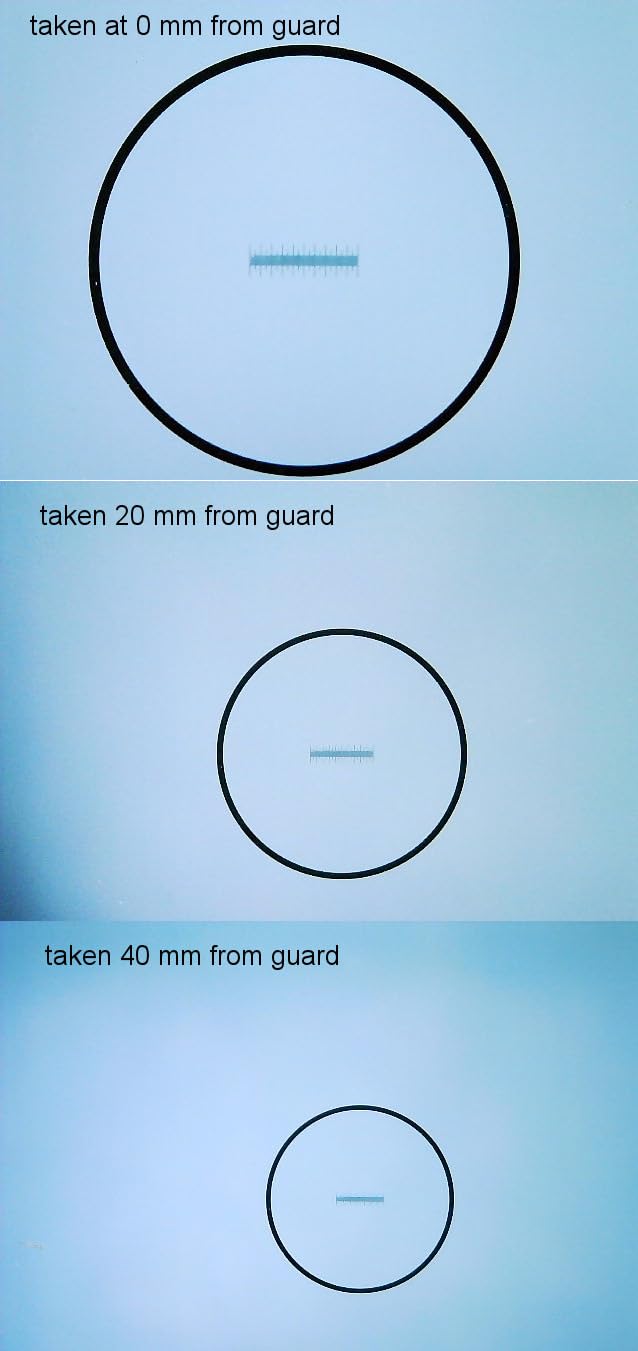
What it is like to use on a daily documentation round
My routine with this one is fixed: plug in, set the LED to a level that does not blow out the highlight, focus by raising the arm rather than twisting the body, and capture a still plus a short clip for anything that moves. The body is small enough to move between a stereo scope and a bench mat without a case, which is what makes it the one I actually use instead of the one I meant to use.
Where it falls short for records
It is a fixed arm, a 2MP sensor, and an achromatic objective, so the corners soften as you climb in magnification. Reviewers with more than six thousand ratings keep noting the same ceiling. Skip it if you need calibrated measurements, a trinocular port, or images you intend to measure, and buy the AmScope or Swift eyepiece cameras instead.
2. SKYBASIC Wireless Digital Microscope – Best for Phone-Based Specimen Records
Wireless Digital Microscope, Skybasic 50X-1000X Magnification WiFi Portable Handheld Microscopes with Adjustable Stand HD USB Microscope Camera Compatible with iPhone Android iPad Windows Mac Computer
2MP CMOS sensor
WiFi plus USB modes
8 LED lights
1080P to phone
Pros
- Wireless connection makes phone and tablet capture cable-free
- Image quality exceeds expectations for the price
- Lightweight and simple to set up for students
- Works as a standard camera on Windows and Mac over USB
Cons
- No focus control
- you must move the device to refocus
- Ball-and-pivot stand slips and its screw strips easily
- Photo buttons only work in WiFi mode
The case for this one is the phone. It creates its own WiFi hotspot and streams 1080P to a handset, so there is no capture PC, no cable across the bench, and nothing to install. For a field mycology session, a classroom where students each hold a device, or a bench where the phone is already the device holding the notes, that removes real friction.
Over USB it drops to 720P and appears as an ordinary camera, which is a useful fallback for a laptop with no WiFi to spare. The eight adjustable LED lights handle low-contrast subjects better than you would expect, and the 3 to 60mm working range covers coins, boards, textiles, and prints without constant repositioning.
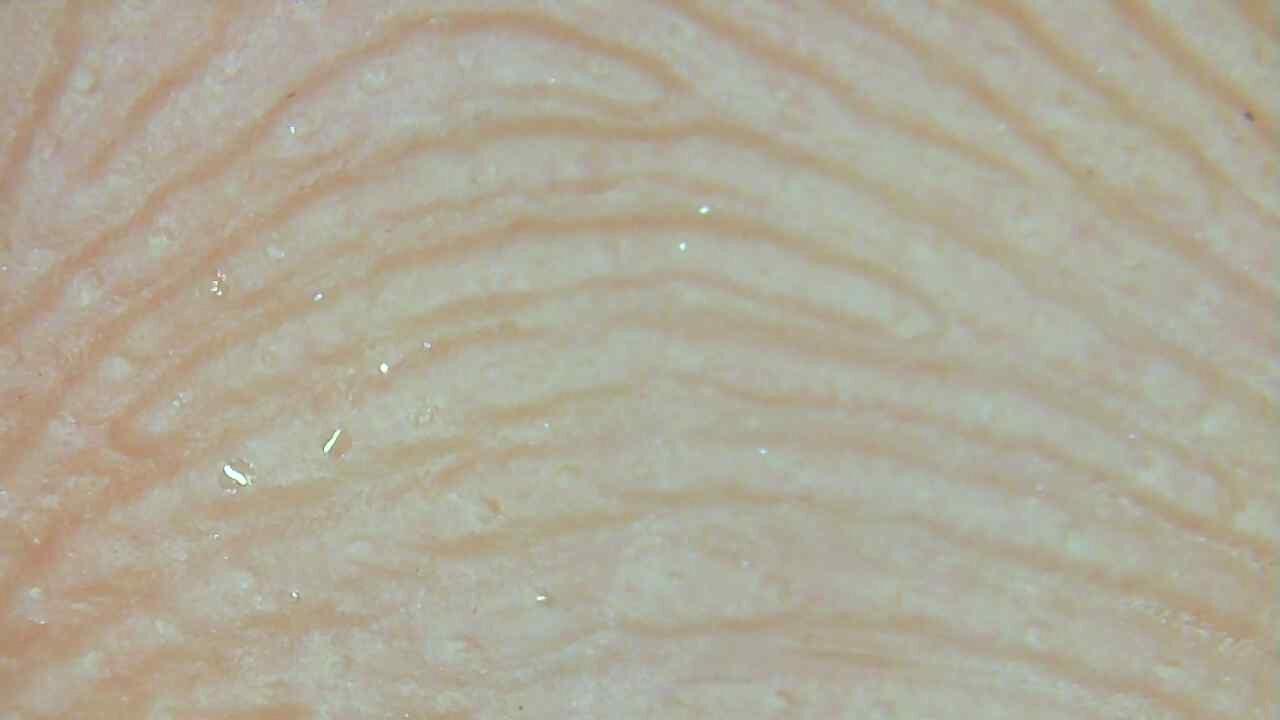
Documentation is where the design choices start to matter. There is no focus ring at all, so refocusing means lifting and replacing the body, and every record is taken at a slightly different distance unless you mark the stand position. Make a pencil mark on the arm at the working height and the consistency problem largely disappears.
The 1000x headline is a digital zoom figure, not an optical one. The useful, repeatable range sits far lower, and the achromatic objective is modest. The 0.31 kg body and 45 degree real angle of view make it a comfortable handheld tool, which is its genuine strength.
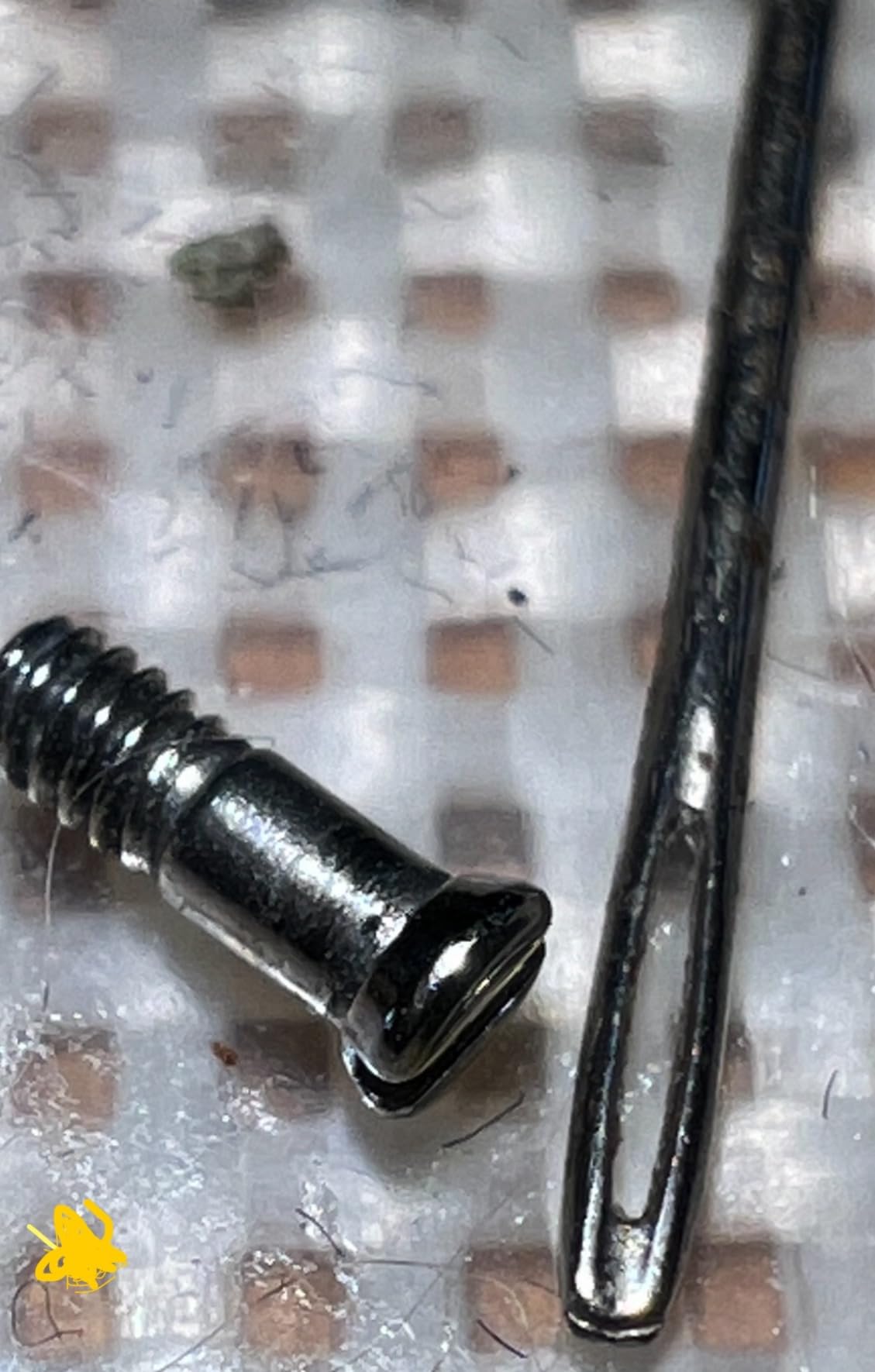
When the phone is the right record-keeping device
When a sample needs a record the same minute it is found, this wins. Handheld capture with one-button photo and video means the gap between seeing something and documenting it collapses to nothing, and the files land straight in the phone gallery where they get backed up automatically.
Where it falls short
It cannot hold focus, and it is a handheld body on a slippery pivot. Reviewers repeatedly flag the butterfly screw on the stand stripping and the photo buttons doing nothing over USB. For anything where focus position carries meaning, use a scope with a focus ring instead.
3. Bysameyee USB Digital Microscope 40X-1000X – Best Low-Cost Starter Kit
USB Digital Microscope 40X to 1000X, 8 LED Magnification Endoscope Camera with Carrying Case & Metal Stand, Compatible for Android Windows 7 8 10 11 Linux Mac (Not for iPhone/iPad)
40x-1000X claimed range
8 LED lights with dimmer
Metal stand and case
Windows Mac Linux and Android OTG
Pros
- Metal stand carrying case OTG adapter and ruler all included
- Eight built-in LEDs with a dimming knob for soft illumination
- Works across Windows Mac Linux and Android OTG
Cons
- Measurement and advanced tools are Windows-only
- No iOS support so iPhone and iPad are locked out
- Basic fixed-focus optics soften at high magnification
This is the kit you hand a student or a young hobbyist. The box includes a metal stand, a carrying case, an OTG adapter, and a ruler, and the software installs on Windows, Mac, Linux kernels from 2.6.26 onward, and Android. Nothing else at this level arrives with that much supporting hardware in the box.
The eight LEDs with a physical dimming knob are the feature that does the most for documentation. Hard, direct light on a specimen produces glare and washed-out texture, and being able to dial the intensity down is how you get a record that shows surface rather than a hotspot in the middle of it.
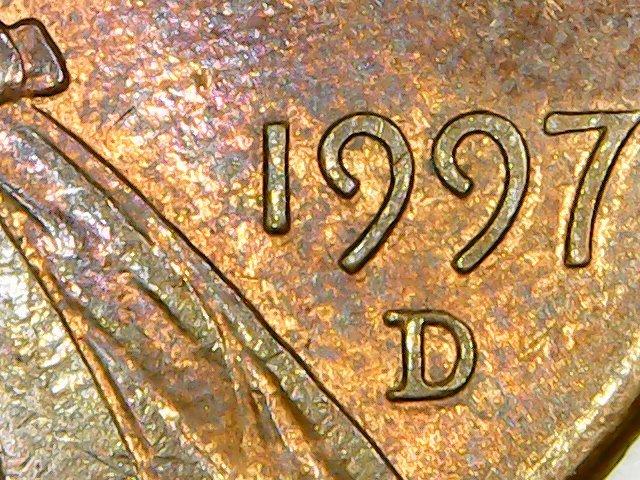
Software covers screenshot capture, video recording, and measurement, which sounds complete until you notice the measurement tools run on Windows only. Mac and Linux users get the camera and basic capture and lose the analysis half, and iOS is excluded outright, which the listing states plainly and the reviews confirm.
Optically it is a fixed-focus design with an achromatic objective, so sharpness drops as you push the claimed 1000x. Treat the honest working range as the lower end of the label. For classroom notes, electronics demonstrations, and general inspection, that is entirely adequate.
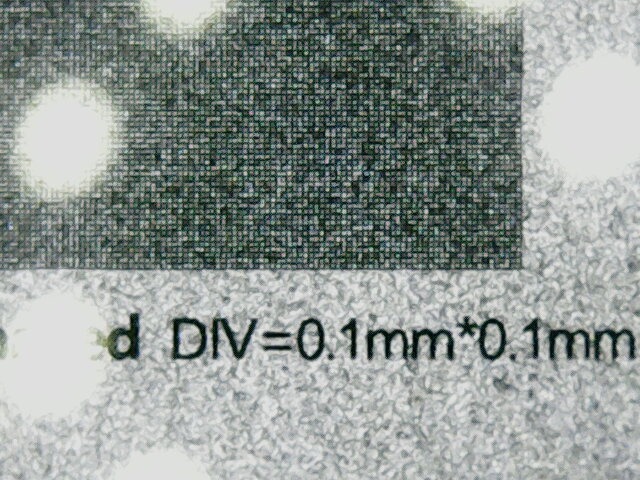
Best for teaching and first-time users
It assembles in under a minute, needs no account, and comes with the case, so it survives being carried between rooms. When a class of students each needs to photograph a slide or a solder joint and file it, the cost per unit is the argument that matters.
Where it falls short
Two hard limits: no iOS, and no measurement outside Windows. If your documentation workflow depends on a tablet or on iPhone capture, this drops out immediately. For measuring and reporting, add an eyepiece camera with calibration instead.
4. Jiusion 4K WiFi USB Digital Microscope – Best Metal Stand for Coin and Circuit Work
Jiusion 4K 50-1000x WiFi USB Digital Handheld Microscope with Metal Stand
3840x2160P stated output
8 LED lights
Focus and brightness knobs
Lifetime warranty
Pros
- Solid metal stand with geared height adjustment and rubber feet
- Clear images for coins circuit boards rocks and insects
- Better depth of focus than generic plastic-stand USB scopes
- Works as a plain webcam on PC so no app is required
Cons
- Stated 4K and 1000x are not real optical resolution
- Zoom buttons add noise and only work on phones and tablets
- No autofocus and a thin phone app
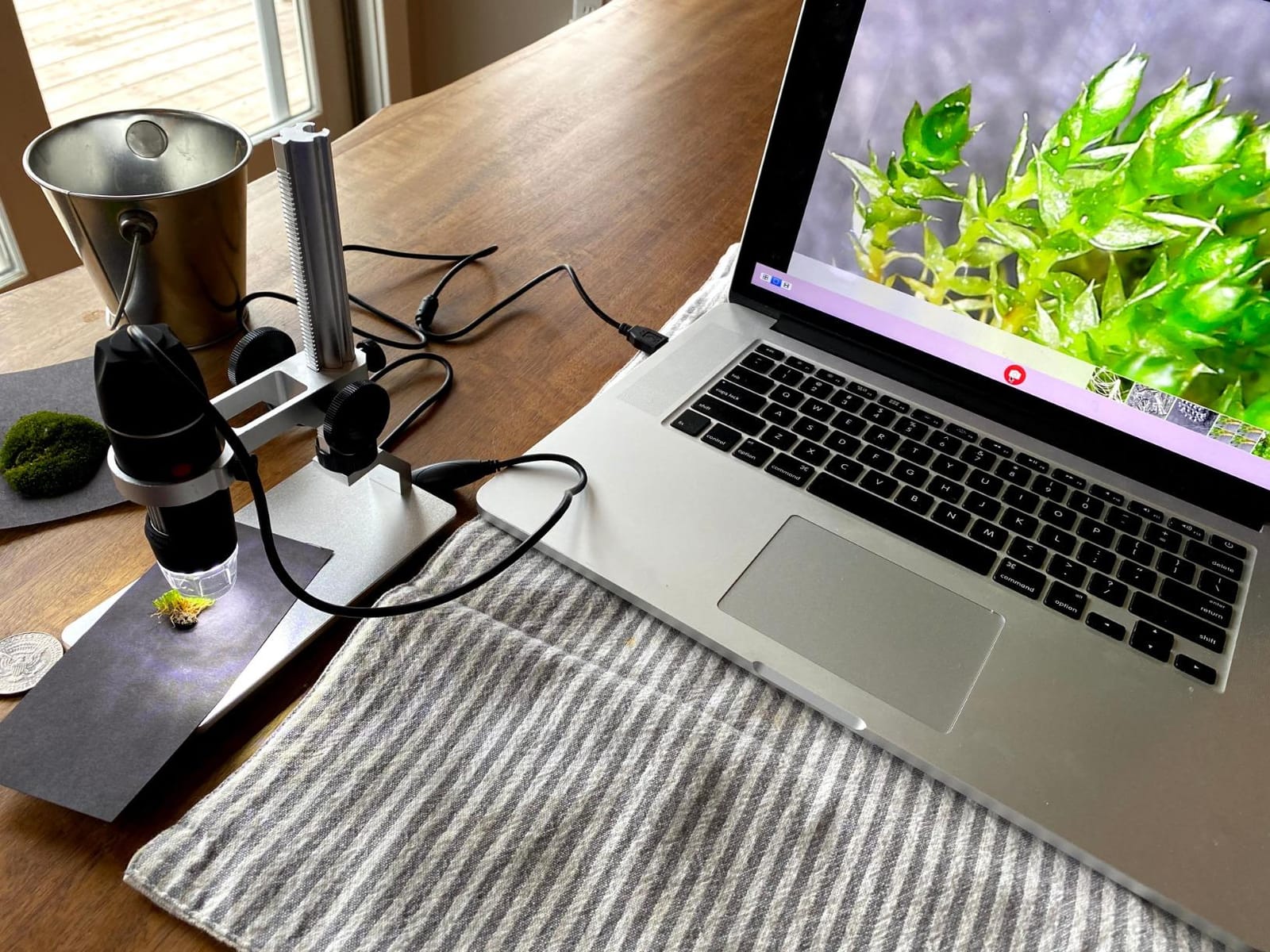
The stand is the story here. Geared height adjustment and a weighted base with rubber feet mean the body returns to the same height every time, which is precisely what repeatable documentation requires, and reviewers single the stand out as better than the plastic ball joints on generic scopes.
Two knobs handle focus and brightness, so both variables under your control are physical and immediate. Compatibility spans iOS, Android, Mac, Windows, Linux, and Chrome OS, and over USB it behaves as a plain webcam, so the phone app is optional rather than mandatory. The lifetime warranty is a genuine differentiator in a category full of disposable-feeling devices.

Be clear-eyed about the 4K label. The stated 3840x2160P output is not matched by true optical resolution at the sensor, and the 1.2x to 2.0x zoom buttons work only on phones and tablets, where they add noise rather than detail. Judge the image at 1.0x and it is clean; judge it at 2.0x and it is soft.
Depth of focus is better than most plastic-stand scopes, which helps on coins and assembled boards, though it is still shallow enough that you refocus when the working distance changes. The 120 degree field of view is generous, and the 0.2 kg body is light enough to reposition one-handed.
When a stand matters more than a sensor
Every repeat photo of the same specimen should land at the same distance. A geared stand gives you that for free, which is why this ranks above lighter and cheaper bodies for any archive you intend to compare frame against frame later.
Where it falls short
It is still a handheld body rather than a microscope-mount camera, so it cannot attach to a trinocular port or a stereo head. The phone app is thin, the zoom is digital, and there is no measurement or calibration software. For measuring specimens, look at the AmScope or Swift units instead.
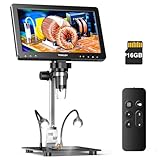
5. TOMLOV DM9 Max – Best Standalone Desk Unit with Its Own Screen
TOMLOV DM9 Max Digital Microscope: 20MP 10.1″ 1500X HD IPS Coin Microscope Magnifier for Error Coins with Screen, LCD Soldering Microscopes for Adults, 10 LED Lights, PC/TV Compatible, 16GB
10.1 inch IPS display
Stills up to 20MP
16GB micro SD card
10 LED lights
Pros
- Large 10.1 inch IPS screen with a 178 degree viewing angle
- Standalone photo video and audio recording with a 16GB card
- Ten light sources including two gooseneck side lights
- Remote control captures images without touching the sample
Cons
- Advertised 1500X is far above the roughly 45X real screen magnification
- Base LED battery has failed for some buyers after a month or two
- Screen can wobble on the stand even when tightened
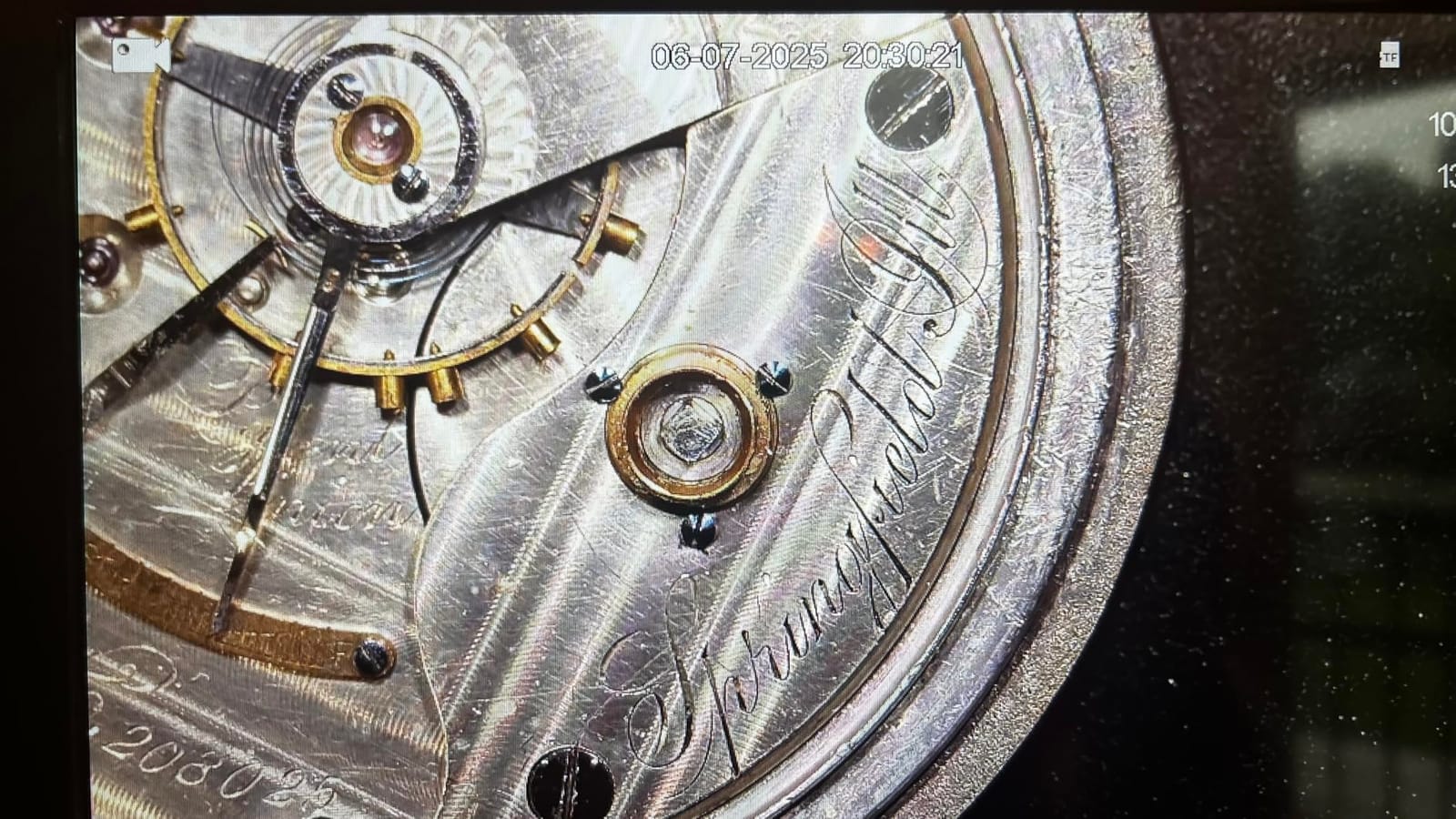
Everything that makes this different is the screen. A 10.1-inch IPS panel with a 178 degree viewing angle means you document without a laptop, without a capture card, and without looking at a microscope, which matters when you are photographing coins for a collection catalogue or inspecting boards that sit away from a screen.
Capture is genuinely standalone. Stills go up to 20MP at 6096 by 3424, video to 1080FHP, and a 16GB micro SD card is pre-installed, so files come off the card into whatever archive you use. Photo, video, and audio capture work from the wireless remote, which keeps your hands off the sample and out of the frame.
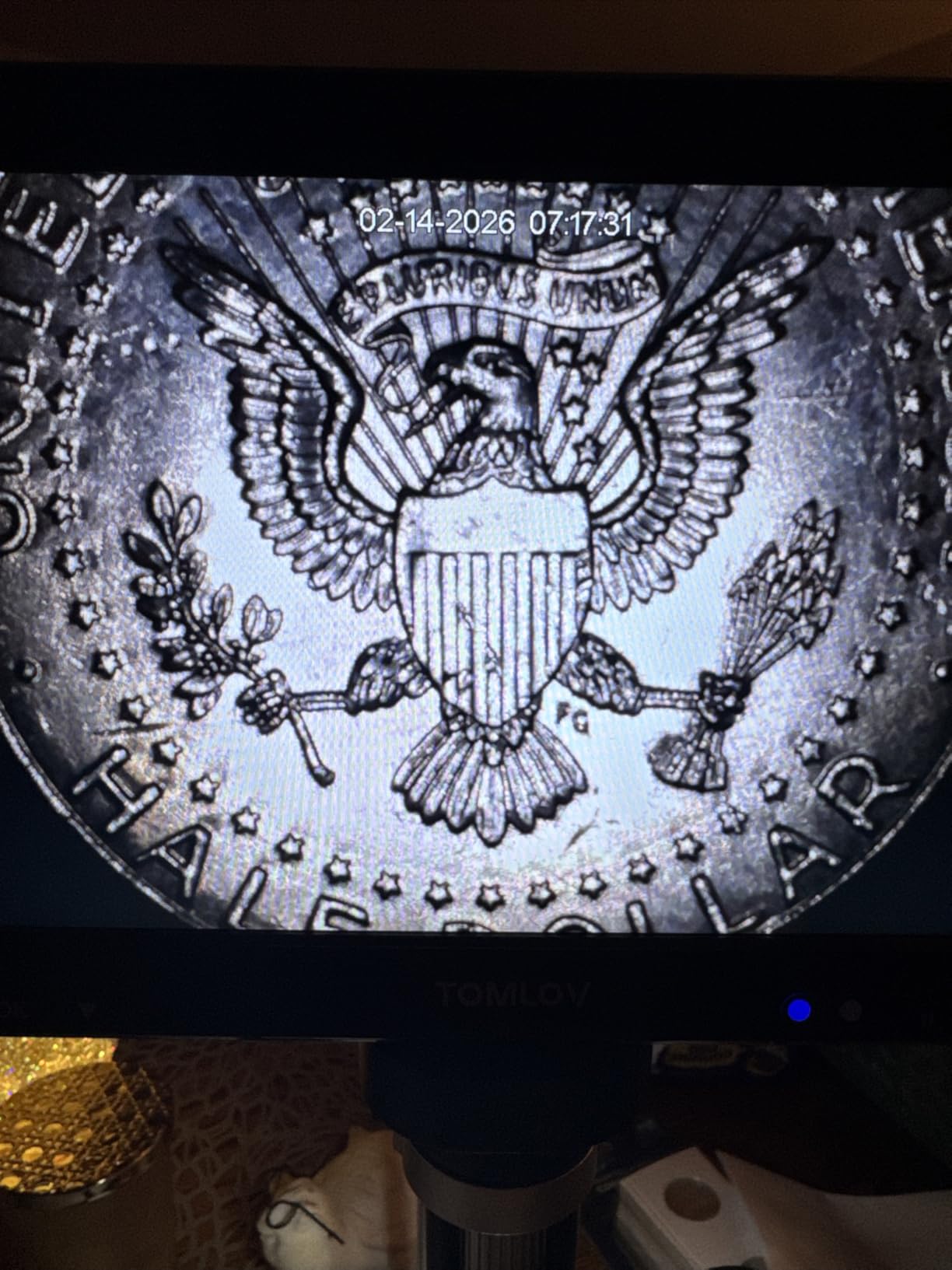
Illumination is the best-specified part of the package: eight adjustable LEDs around the lens plus two gooseneck side lights, so you can light a deep coin recess that a ring cannot reach. The stand is 12.6 inches tall on a 7 by 8 inch base, tall enough to take a large object and still focus.
Two honest caveats. The 1500x claim is far above the roughly 45x of real magnification on the built-in screen, which is normal for this class of device but worth knowing before you order. And computer use requires a software download that reviewers describe as not advisable, so treat the screen as the primary display.
Best for a documentation station that stands alone
When the record has to be made away from a computer, a self-contained unit is the whole answer. The card means you can photograph, review, and re-shoot on the spot, and the large screen makes focusing on a small object far easier than squinting at a laptop.
Where it falls short
It is a closed system. No measurement or calibration software, no mounting to an existing microscope, and a small number of buyers report the base light battery and the screen mount failing within weeks. It is a fine documentation station and a poor measurement instrument.
6. Andonstar AD246S-M – Best Three-Lens HDMI System for Mixed Work
Andonstar AD246S-M 3 Lens 2160P HDMI Digital Microscope 2000x for Adults
Three interchangeable lenses
2160P HDMI recording
Windows measurement software
Boom arm stand
Pros
- Three lenses cover soldering coins and biological slides
- 2160P recording with HDMI output for large-screen viewing
- Heavy adjustable boom arm gives a large stable work envelope
- Windows software measures length area and captures stills
Cons
- Highest magnification figures only apply on a 28-inch HDMI monitor
- Lens changes require removing and reinstalling screws
- Windows-only PC software with the 7-inch LCD as primary display
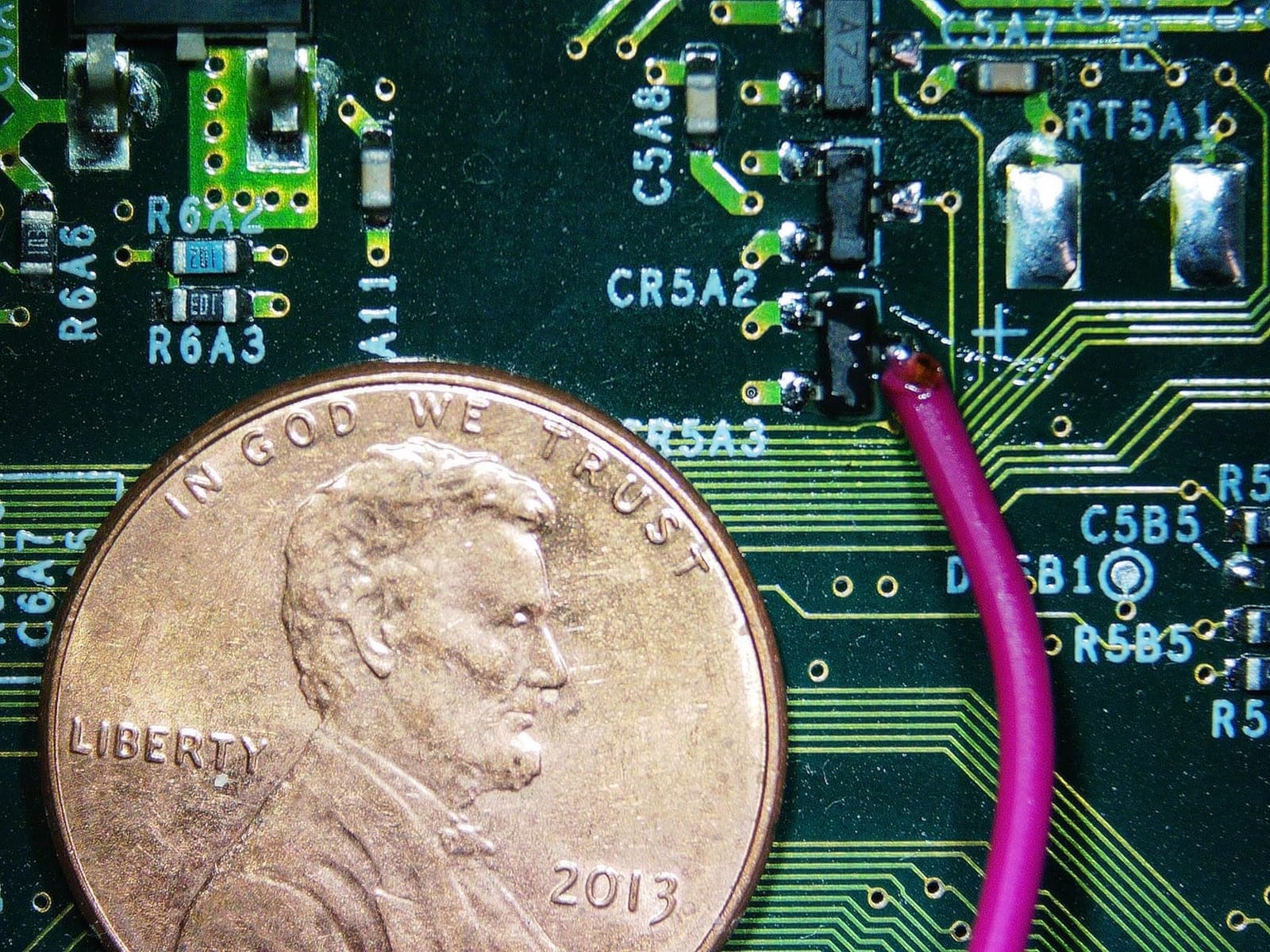
This is the most complete documentation system in the group, and the three lenses are the reason. Lens A at 4.5x to 180x handles coins and assemblies, Lens L at 15x to 60x handles soldering, and Lens D at 450x to 510x reaches prepared slides. One machine, three jobs, three sets of records.
The output path is HDMI at up to 2160P, so the image goes straight to a monitor with no capture PC in the loop. That removes latency, removes a driver, and removes the most common source of software friction. Windows measurement software adds length and area measurement on top of photo and video capture when you need numbers rather than pictures.
The boom arm stand is genuinely heavy and adjustable in all directions, which gives a large work envelope and keeps the head from drifting when you reach in. A 2.25 kg base is not a feature on a camera, but on a documentation rig that gets repositioned all day it is the difference between a stable frame and a blurred one.
Understand the magnification caveat before you plan a record set. The highest figures apply when you output to a 28-inch HDMI monitor, because the number describes apparent magnification on that screen, not optical resolution. Swapping lenses means removing and refitting screws, so budget a minute per change rather than a second.
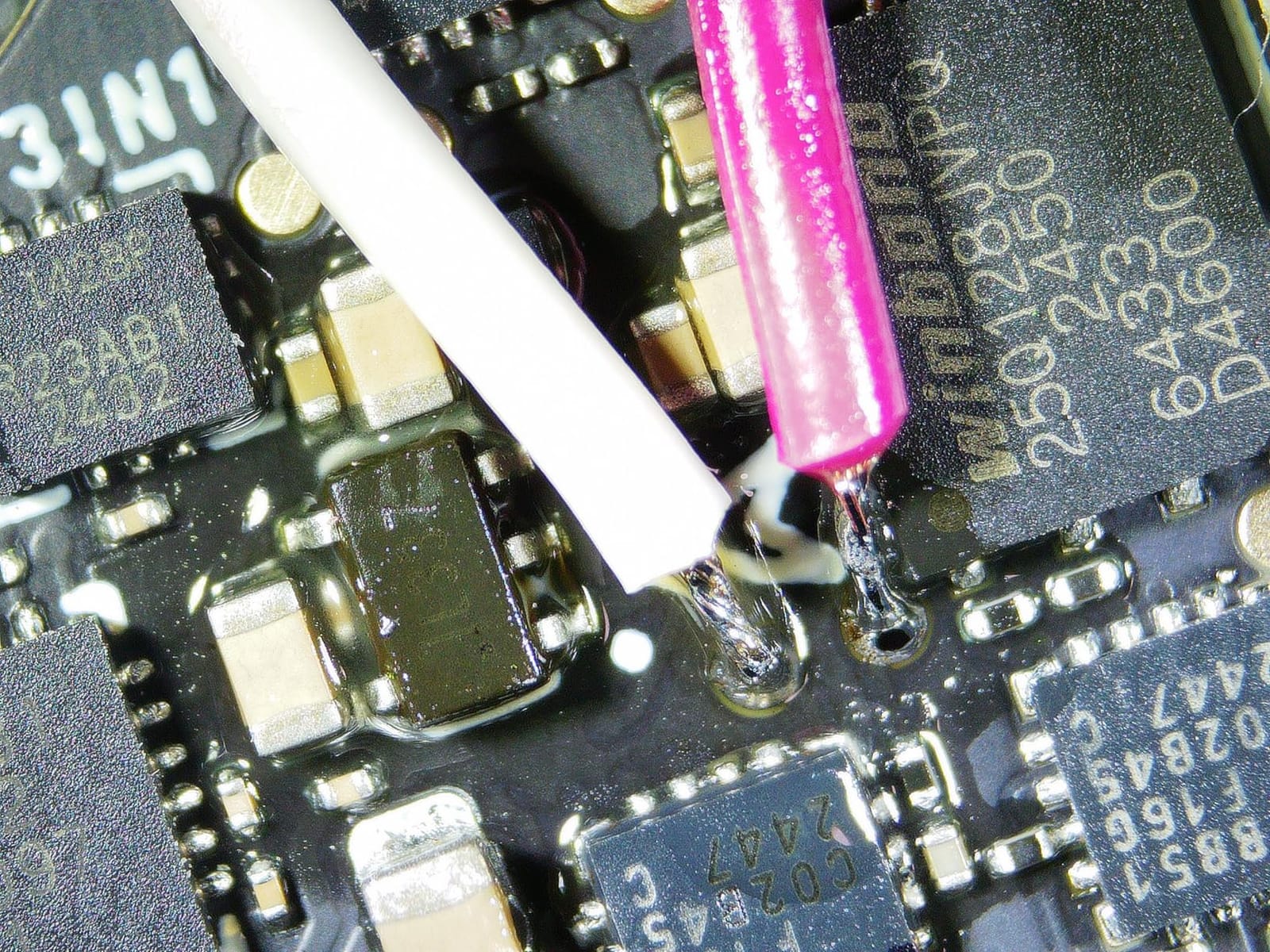
When one system has to cover several kinds of specimen
Teaching, repair bench, and slide work in a single room is where this earns its place. The accessory kit includes five prepared slides, tweezers, a 32GB micro SD card, and a remote, so a bench can be made usable the same afternoon it arrives. Eight LED intensity levels help with the reflective surfaces that ruin a single-light setup.
Where it falls short
The Windows software does not run on macOS, and the built-in 7-inch LCD is the primary display if you do not have a monitor. The lens-change screws are fiddly, and the unit is a fixed bench system rather than something you mount on a trinocular head.
7. AmScope MD500-CK USB Camera with Calibration Kit – Best for Measurable Records
AmScope MD500-CK USB Digital Microscope Camera + Calibration Kit
5MP USB camera
23mm 30mm and 30.5mm fit
Calibration kit included
Stitching and EDF software
Pros
- Software bundles still and video capture stitching focus stacking and measurement
- Fits 23mm 30mm and 30.5mm tubes with two adapters included
- Calibration kit enables genuinely accurate measurements
- Supports native C/C++ DirectShow and TWAIN
Cons
- Frame transmission is slow which makes high-power focusing frustrating
- Light-related artifacts appear at high magnification
- Software has a learning curve and quality is not publication grade
This is the only unit in the group that ships with a calibration kit, and that single fact decides it for measurement work. A calibration slide lets you define a known length against the sensor, after which the software scales every capture, so a number in your report corresponds to something real rather than to a guess.
It fits eyepiece tubes of 23mm, 30mm, and 30.5mm with two adapters included, so it drops onto most existing compound and stereo scopes without a separate adapter purchase. The 5MP sensor handles stills and live video, and the Windows bundle covers capture, image stitching, extended depth of focus stacking, and measurement in one program.
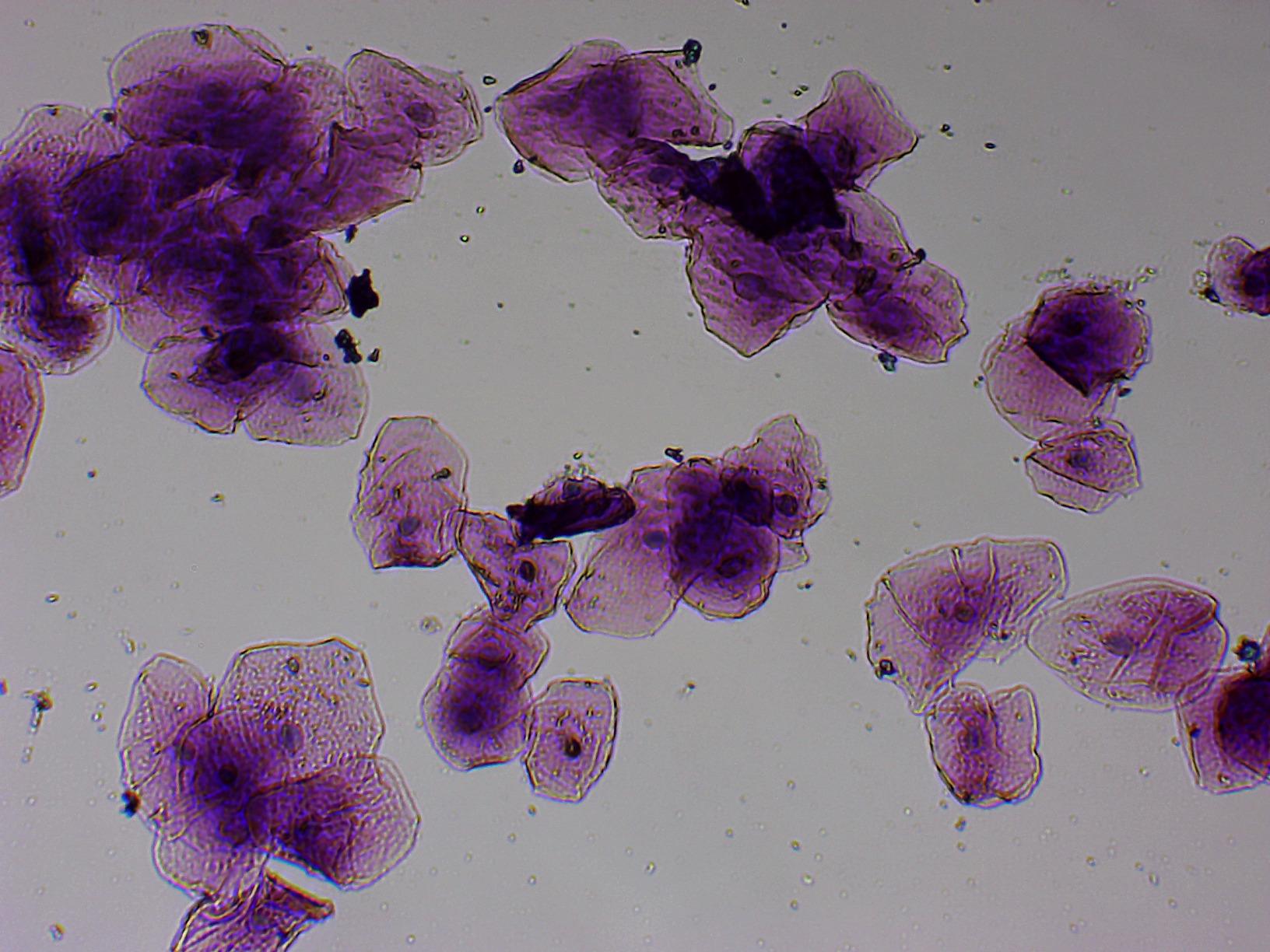
Software integration is unusually good. Native C/C++ support, DirectShow, and TWAIN mean other applications can drive it directly, so an existing lab application can acquire images without the bundled program. Reviewers report that owners comparing this to a DSLR on a C-mount adapter found the dedicated camera easier to use and, at these magnifications, better.
Latency is the honest weakness. Frame transmission is slow enough that finding focus at high power is a matter of adjusting and pausing rather than watching a smooth live image, and light-related artifacts become visible at high magnification where they are hardest to correct later in software.
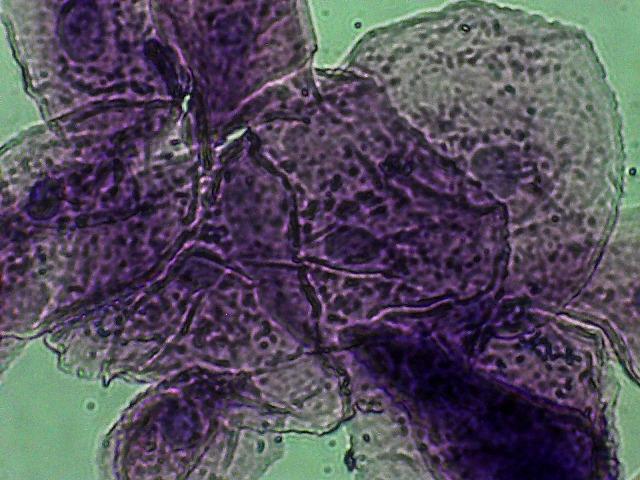
When measurements have to survive review
Calibration plus measurement plus focus stacking in one bundle covers the three things documentation teams get asked for most. Extended depth of focus stitching is what lets you capture a tall or uneven specimen and still get one frame where everything is sharp, and the calibration kit is what makes the pixel measurements on that frame defensible.
Where it falls short
It is Windows-only, listed for Windows XP through 10, which excludes a lot of current hardware for no optical reason. The software takes real time to learn, the picture quality is not aimed at publication photomicrography, and the slow frame rate is punishing on a trinocular at 400x.
8. Swift 5.0 Megapixel Digital Microscope Camera – Best Back-Illuminated Sensor on a Budget
Swift 5.0 Megapixel Digital Camera for Microscopes
Sony back-illuminated sensor
30 fps at 2592x1944
Fits 23.2mm 30mm and 30.5mm tubes
Software on USB flash drive
Pros
- Plug-and-play eyepiece mount works on stereo and compound scopes
- Chip sits close to the ocular focal plane so lenses barely change focus
- Software supplied on a USB flash drive is feature-rich
- Compact body adds little bulk to a microscope
Cons
- Noisy image with somewhat inaccurate colour out of the box
- Resolution insufficient below roughly 1.5 to 3 microns
- Fragile build and bundled software failed to install for some users
A Sony back-illuminated sensor is the technical headline, and it is the right one for documentation. Back illumination places the photodiode layer closer to the incoming light, so you get more signal and a better signal-to-noise ratio for the same exposure, which is exactly what low-power work on a transparent slide needs.
It runs a live image up to 30 fps at 2592 by 1944, and it fits 23.2mm, 30mm, and 30.5mm eyepiece tubes with adapters included. Mac OS X and Windows 7 through 11 in both 32 and 64 bit are supported, which is broader than most eyepiece cameras in this group, and the software comes on a USB flash drive as well as online.
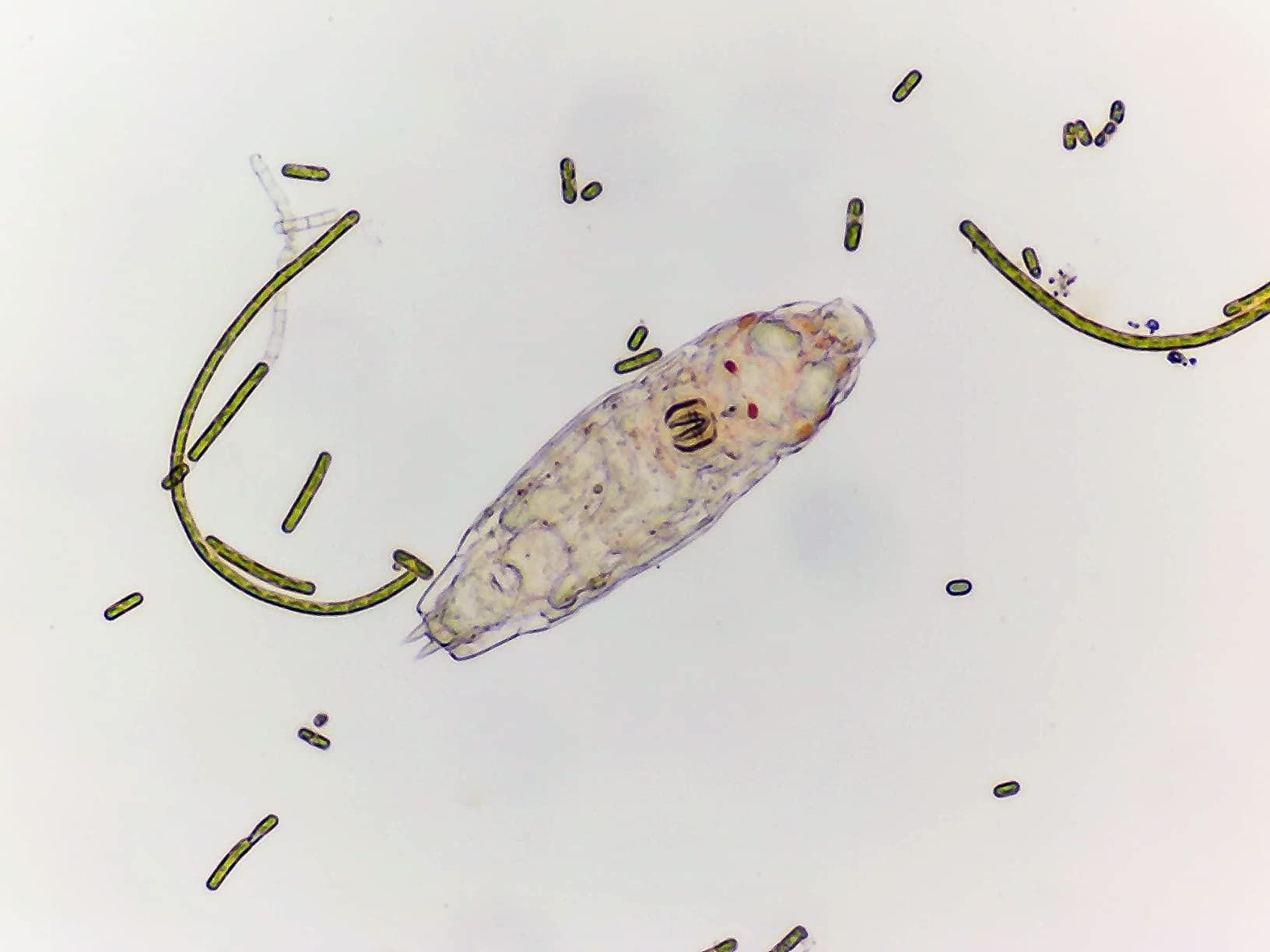
Placing the chip close to the ocular focal plane has a practical benefit that is easy to miss: swapping between eyepieces barely changes focus. On a shared teaching microscope where one person is at 40x and the next is at 400x, that saves the adjustment step at every handover, and the 0.14 kg body adds little bulk to the head.
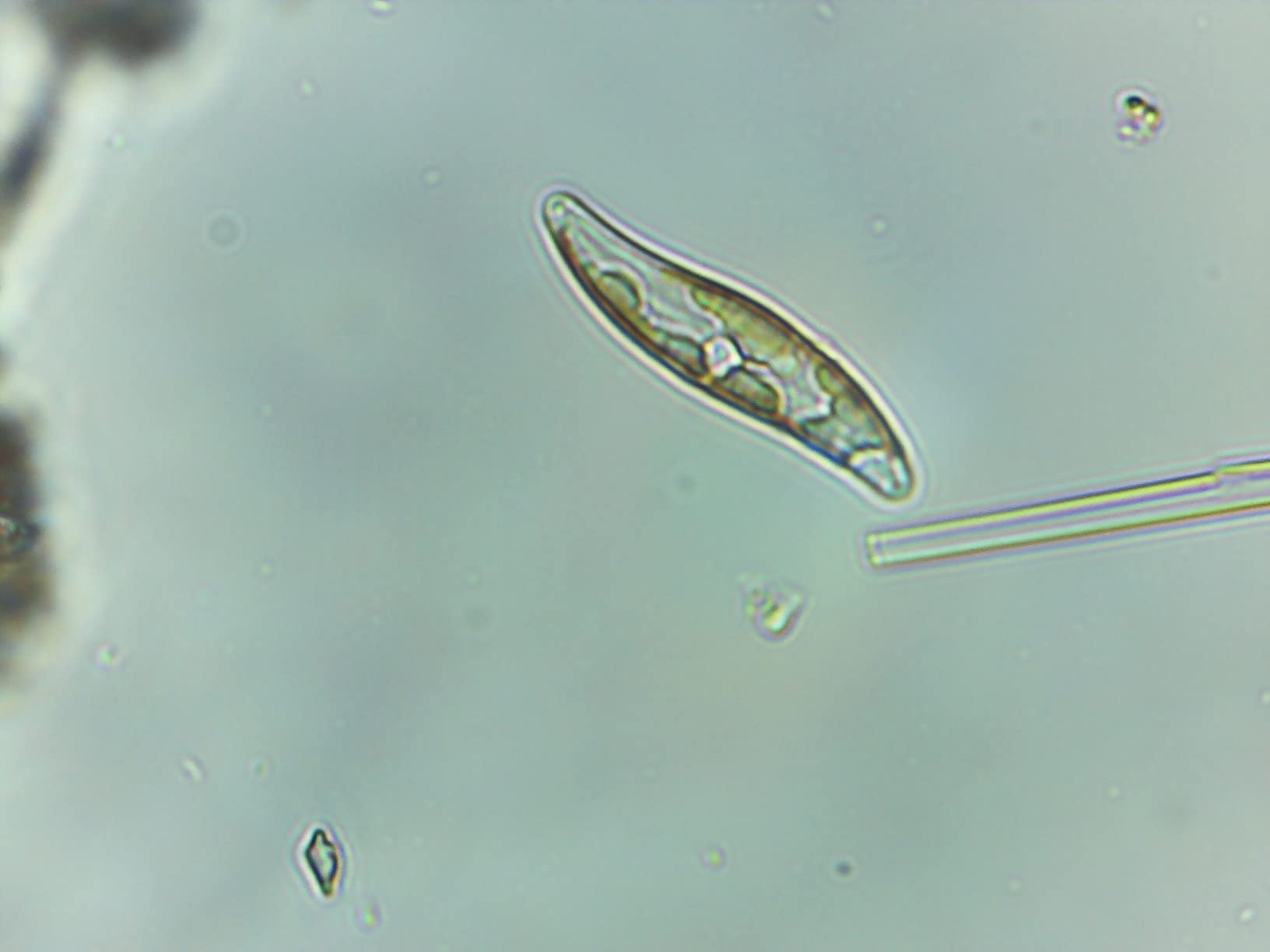
The rating here is the lowest in the group, and the reasons are consistent in reviews: noise and slightly inaccurate colour out of the box, resolution that runs out below roughly 1.5 to 3 microns, and a build some owners describe as fragile. The bundled software also failed to install for a minority of buyers.
When shared teaching equipment is the use case
Classroom microscopes get shared, moved, and connected to whatever laptop is nearest. Plug-and-play mounting across three tube sizes, broad operating system support, and near-parfocal behaviour between eyepieces make this the one that survives that environment without a support call.
Where it falls short
Colour accuracy and noise need correction before the images go into a record, which means post-processing on every file. For anything requiring measurements or work below a few microns, choose the AmScope with its calibration kit or the Swift EP2M with annotation instead.
9. Swift EP2M 2MP Eyepiece Camera – Best Software and Annotation for Reports
SWIFT EP2M 2-MP 1920 * 1080 Digital Eyepiece Microscope Camera, fits 23.2 mm eyepieces & Most trinocular phototubes, S-Viewer for Measuring & Annotation, Compatible with Windows 7–11 & macOS
2MP 1920x1080 at 30 fps
GC2053 sensor with 2.7um pixels
S-Viewer measurement software
Fits trinocular phototubes
Pros
- S-Viewer software handles calibration measurement annotation capture and export
- Stable 1080p live view suits teaching and QC inspection
- Fits a 1990s Nikon microscope and modern school scopes
- Automatic plus manual white balance for colour accuracy
Cons
- Small field of view around 5mm may need a 0.5X reduction lens
- Disconnects easily and is often not recognised on first connection in Windows
- Colours shift until software colour settings are adjusted
S-Viewer is the reason to buy this one. It covers calibration, measurement, annotation, capture, and export in a single package, which means the scale bar and the measurement line and the export format are all handled in the tool rather than in a separate editor.
The sensor is specified in detail rather than marketed loosely: a GC2053 with 2.7 micron pixels, 0.1 to 30 ms exposure, and a 390 to 650 nm range. Exposure control down to a tenth of a millisecond is what makes it usable on brightly lit prepared slides where a longer exposure washes out.
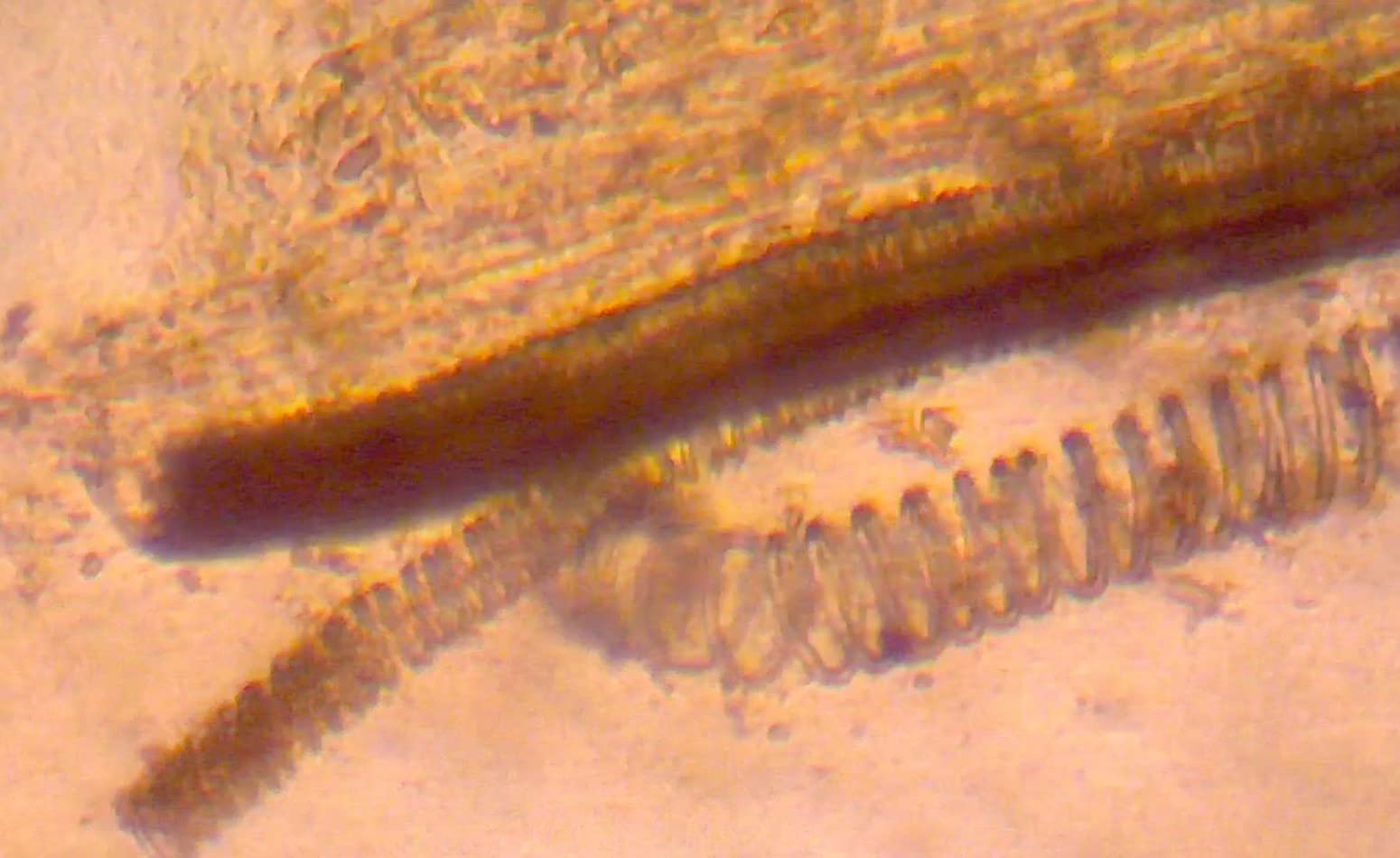
Live view is 1920 by 1080 at 30 fps progressive scan, which is stable enough to work by, and the mount fits 23.2mm eyepieces and most trinocular phototubes. Buyers report fitting it to a 1990s Nikon scope as readily as to a modern school microscope, and the warranty runs one year on the electrical side and five years on the body.
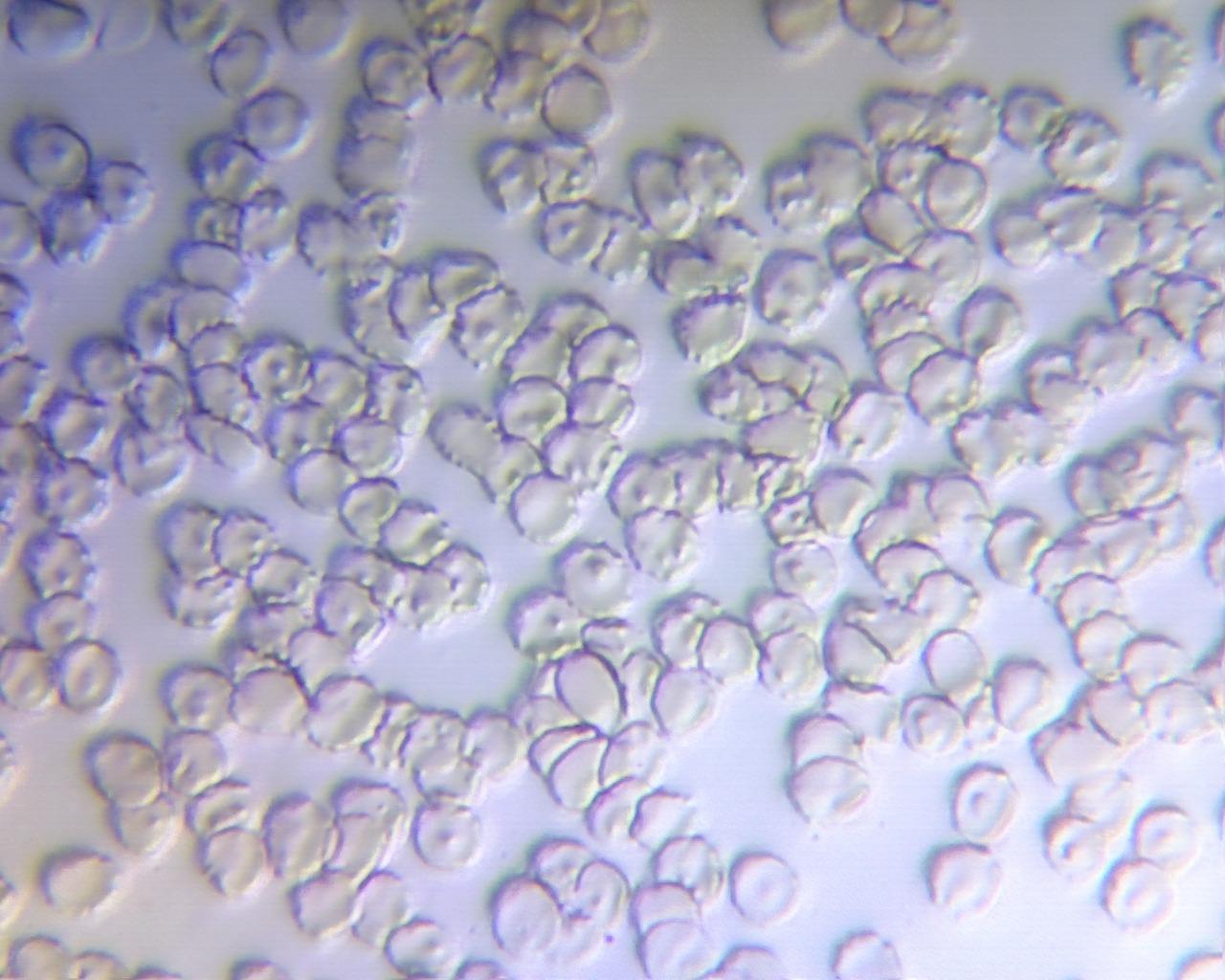
Automatic white balance plus manual controls help with colour, which is one of the better colour-handling stories in this price range. Out of the box the image still reads slightly shifted until you set the colour values, so plan one calibration session before the first record rather than after.
When the report has to contain measurements and labels
Annotation is the quiet advantage. If a QC sheet or a teaching handout has to carry a dimension or a callout arrow, doing that inside the capture tool means the labels live in the same file as the pixels, and the export keeps them. Add a calibration pass and every image in the set is directly comparable.
Where it falls short
The field of view is roughly 5mm, which on a low-power objective crops a wide specimen badly, and a 0.5X reduction lens fixes it at extra cost. It also disconnects easily and is frequently not recognised on the first Windows connection, and some units shipped with wrong instructions.
10. NICE-POWER 13MP HDMI Industrial Microscope – Best Lighting for Electronics Repair
NICE-POWER Digital Microscope Camera, 13MP 1080P HDMI VGA Industrial Video Microscope, 150X Zoom C-Mount Lens, Foldable Stand, LED Ring Light, Soldering Microscopes for Electronics Repair
13MP sensor with 1080P HDMI and VGA
150X zoom C-mount lens
56-LED ring light
Up to 1000mm working distance
Pros
- Makes SMD components IC chips and HDMI pins readable on a monitor
- Bright 56-LED ring light eliminates shadow over the work area
- HDMI and VGA outputs allow a choice of display
- Long working distance suits watch and board work
Cons
- Output is grainy and heavily upscaled from a lower native resolution
- Clamp is small and the pivot screw lets the head droop
- No PC connection and on-screen labels are in Chinese
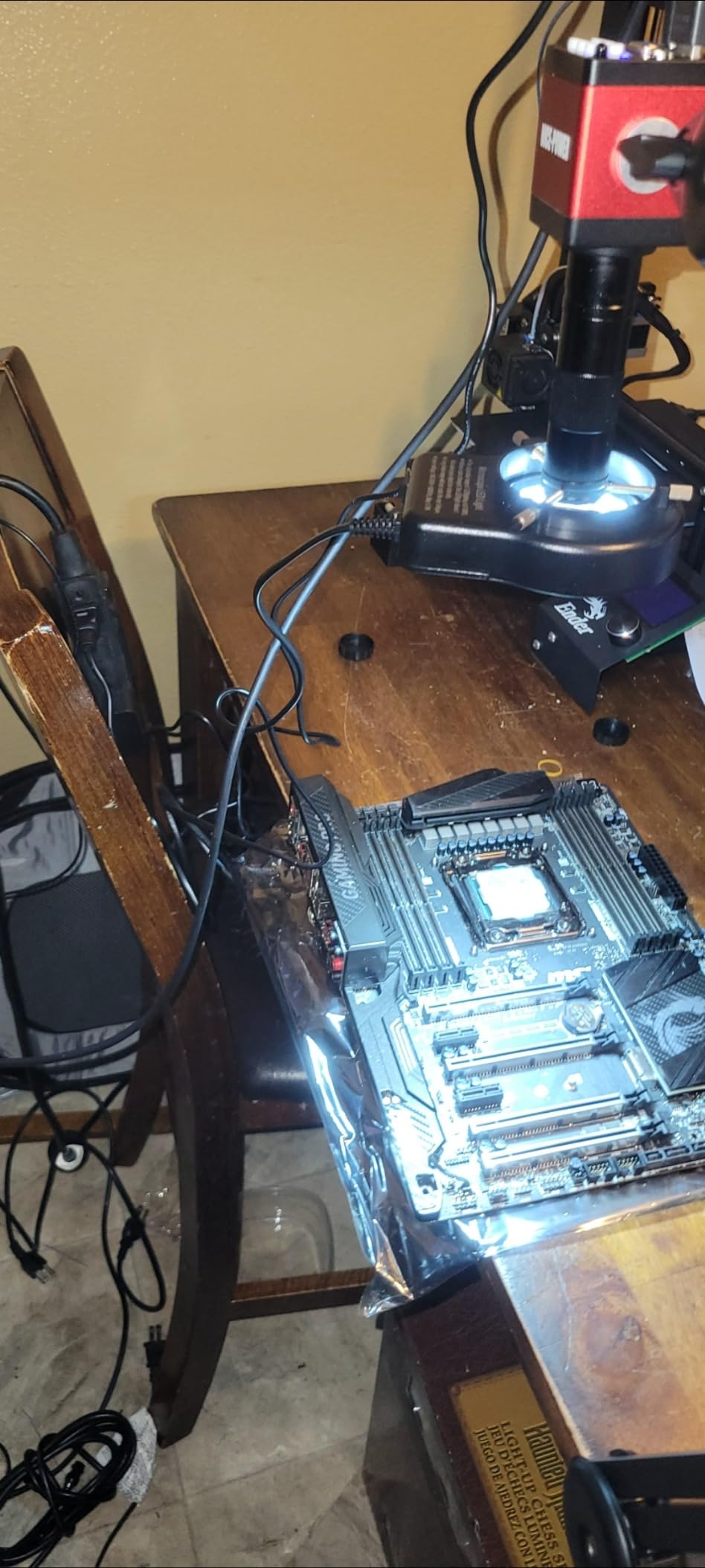
The lighting is the argument. A 56-LED ring at 6500K to 7000K reaching up to 60000 lux, with adjustable brightness, is what removes the shadow that a side light casts across a solder joint, and a shadowed joint is a joint you cannot document.
The lens is a genuine 150X zoom C-mount optic with up to 1000mm of working distance, so the same unit covers a board-level rework and a watch movement. Output runs over HDMI and VGA, which means any monitor or television on the bench can become the display with no computer involved.
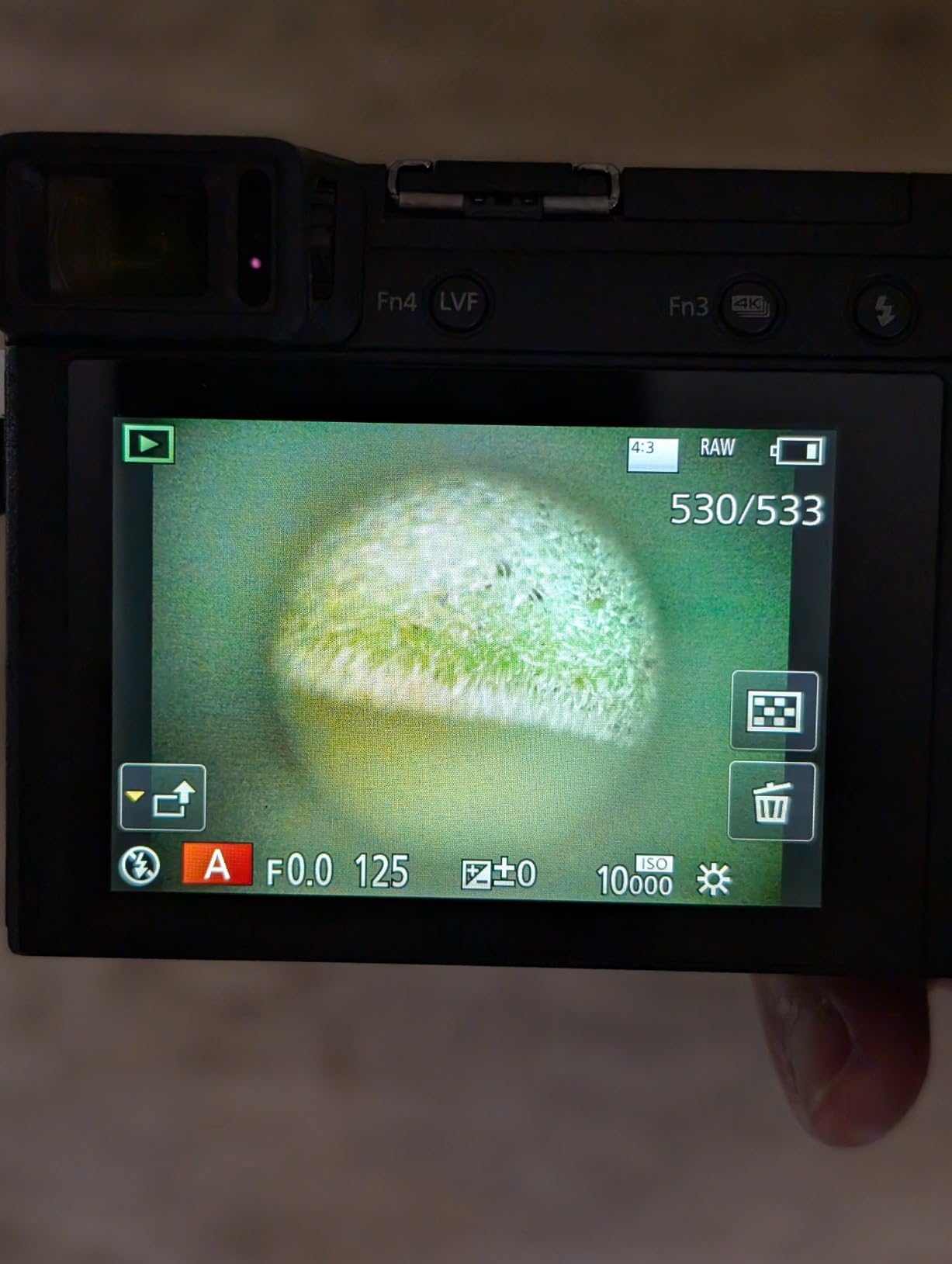
It is a C-mount system, so the lens is interchangeable, and that is the most future-proof thing about it. A different C-mount lens changes the field of view and the working distance without changing the camera, which is how a bench that outgrows this unit can keep expanding.
The 13MP label is the weak point. Output is 1080P and reviewers describe it as grainy and heavily upscaled from a lower native resolution, so treat the megapixel figure as a marketing number and judge the image at 1080P. The foldable stand is the other weak point: the clamp is small and the pivot screw near the head lets it droop under its own weight.
When shadow is the thing ruining your records
Electronics and board-level work is where uniform ring illumination pays for itself. Under 1000mm of working distance you can photograph a whole board, then drop to the same unit for a 0402 resistor without changing equipment, and the remote keeps your hands away from the work while the still is taken.
Where it falls short
There is no direct PC connection at this level, so capture means recording from the monitor rather than grabbing frames into a folder. The documentation is minimal and on-screen labels are in Chinese, and the review base is small enough that we would want to see it on your own bench before committing a whole repair station to it.
11. Elikliv LCD Digital Coin Microscope – Best All-Rounder for Specimen Cataloguing
Elikliv Microscope, LCD Digital Coin Microscope 1000x, Coin Magnifier with 8 Adjustable LED Lights, PC View Compatible with Windows/MacBook, EDM4, 4.3-Inch
4.3 inch 720P LCD
8 adjustable LED fill lights
Windows and MacBook output
Up to 3 hours per charge
Pros
- 4.3 inch 720P LCD gives a comfortable low-strain view
- Eight adjustable LED lights keep coin surfaces evenly lit
- PC and Mac connectivity allows larger viewing and live sharing
- Height-adjustable stand makes focus easy to achieve
Cons
- Effective magnification depends on screen size and working distance
- MicroSD card is not included so capture needs one bought separately
- Small screen is limiting for detailed documentation work
With more than ten thousand ratings, this is the most proven unit in the group, and the reasons are unglamorous: it works, the screen is comfortable, and the lights are adjustable. A 4.3-inch 720P LCD gives a relaxed view for long sessions, which is what makes a catalogue of two hundred coins possible in an evening.
It connects to Windows or a MacBook for larger viewing and live sharing, so the same device serves solo inspection and a demonstration for a group. Photo and video capture writes to a memory card, and the built-in rechargeable battery gives up to three hours of continuous use, so it works away from a socket.
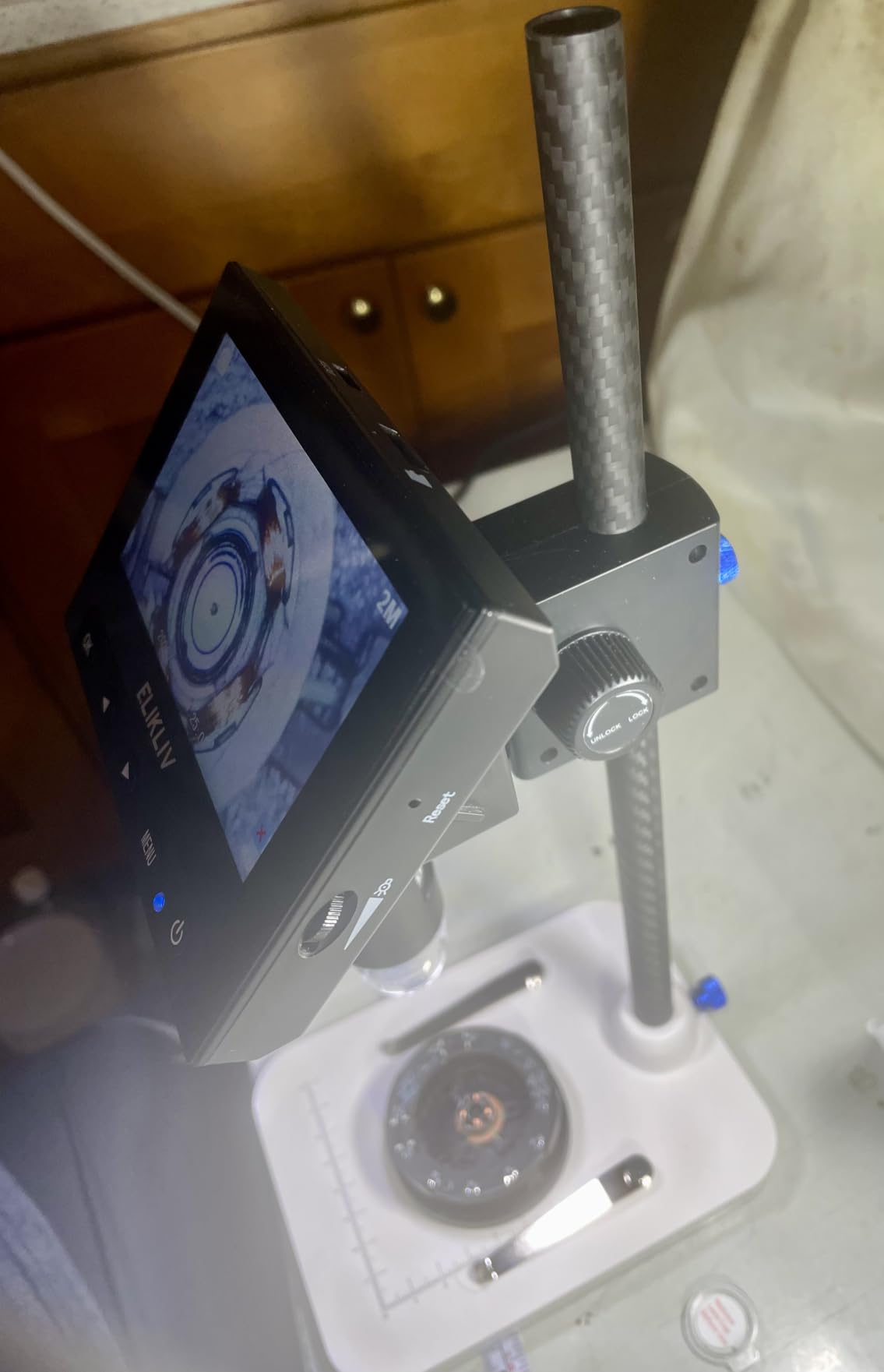
The eight adjustable LED fill lights matter more than the magnification number. Flat, even illumination across a coin face is what makes a catalogue image comparable with the next one, and a multi-coated objective with a 16 degree real angle of view keeps the field wide enough for that kind of flat subject.
Two limits to know. The memory card is not included, so budget for one before the first capture, and the effective magnification depends on your screen size and working distance rather than a fixed figure. A 1.1 pound body and a one year manufacturer warranty round out a package aimed at coin, PCB, and education work.
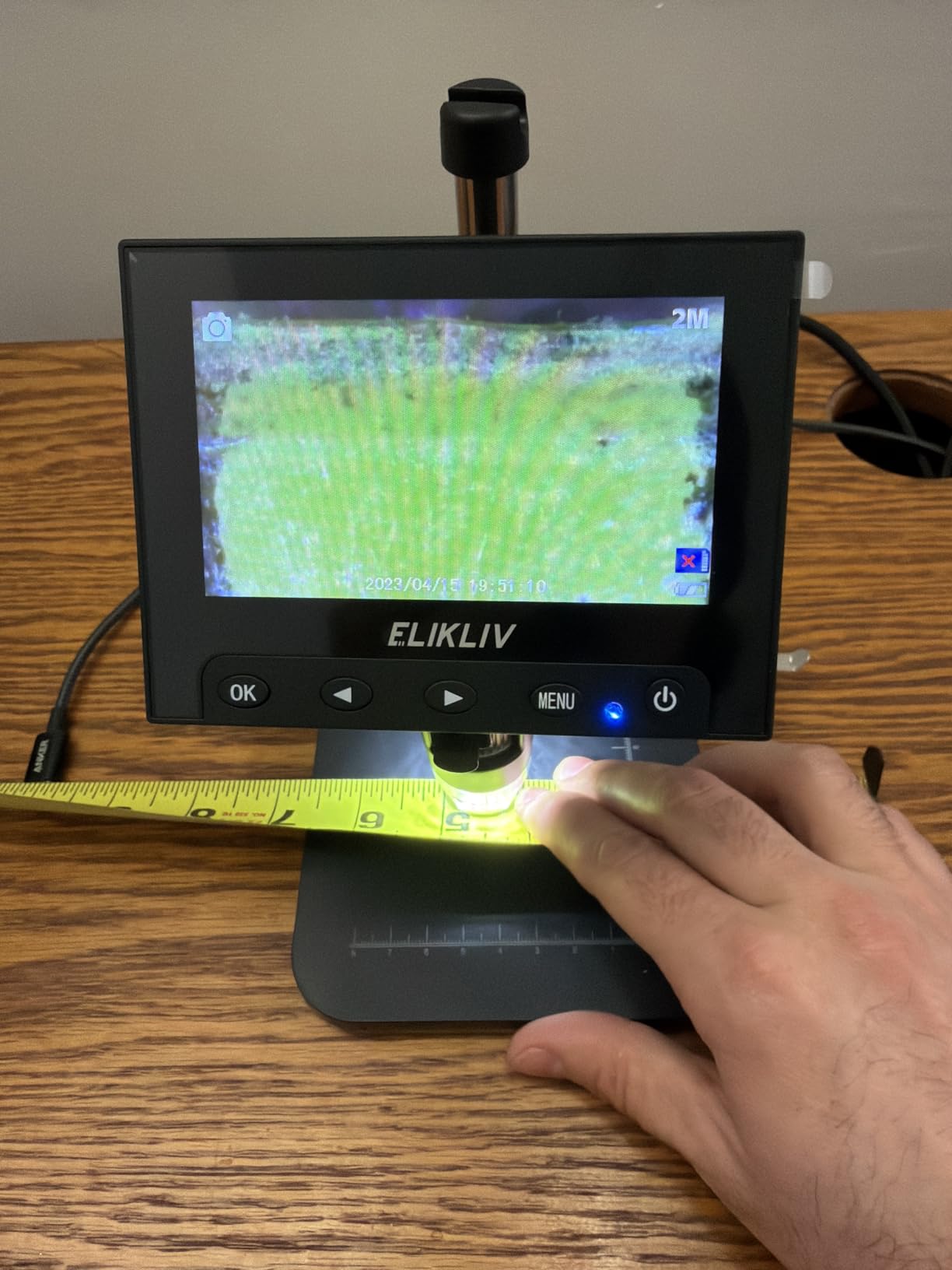
When a long catalogue session is the plan
Battery life and a comfortable screen are what make this practical for volume work. A 720P feed is more than enough for identifying and sorting, and the shared-screen path means a second person can see exactly what you are seeing, which turns a solo task into a teaching moment.
Where it falls short
A 4.3-inch screen is small for detailed documentation, and there is no measurement or calibration software, so measurements are not defensible. It also will not mount to a microscope. For measuring or for a scope head, use the eyepiece cameras above.
12. Teslong USB-C Digital Microscope – Best Manual Focus and Deepest Depth of Field
Teslong USB-C Digital Microscope 10X-200X for Coin & Electronics Inspection
10X to 200X USB-C scope
Manual focus wheel
8 LED lights with 3 levels
360 degree metal stand
Pros
- Plugs into a phone tablet or PC over USB-C with no app for basic viewing
- Manual focus wheel is more repeatable than autofocus hunting
- Deepest depth of field among comparable budget scopes
- Compact form does not block access to a watch movement while working
Cons
- Focus ring can feel rough and jump between focus points
- Pink lens flare appears at closest focus with the ring light on
- Companion Android app is limited and connects unreliably
- No zoom lens so magnification changes with distance
Manual focus is the feature that matters here, and it is why we would choose this scope for repeat records. Autofocus hunts and settles somewhere slightly different every time, which quietly destroys comparability between a set of photographs. A focus wheel lands where you put it, every time.
Depth of focus is the deepest among the comparable budget scopes we looked at, which is exactly what you want for three-dimensional subjects. A solder joint, a watch movement, and a plant stem all stay sharp through more of their depth than on a shallow-focus alternative, so fewer frames are wasted.
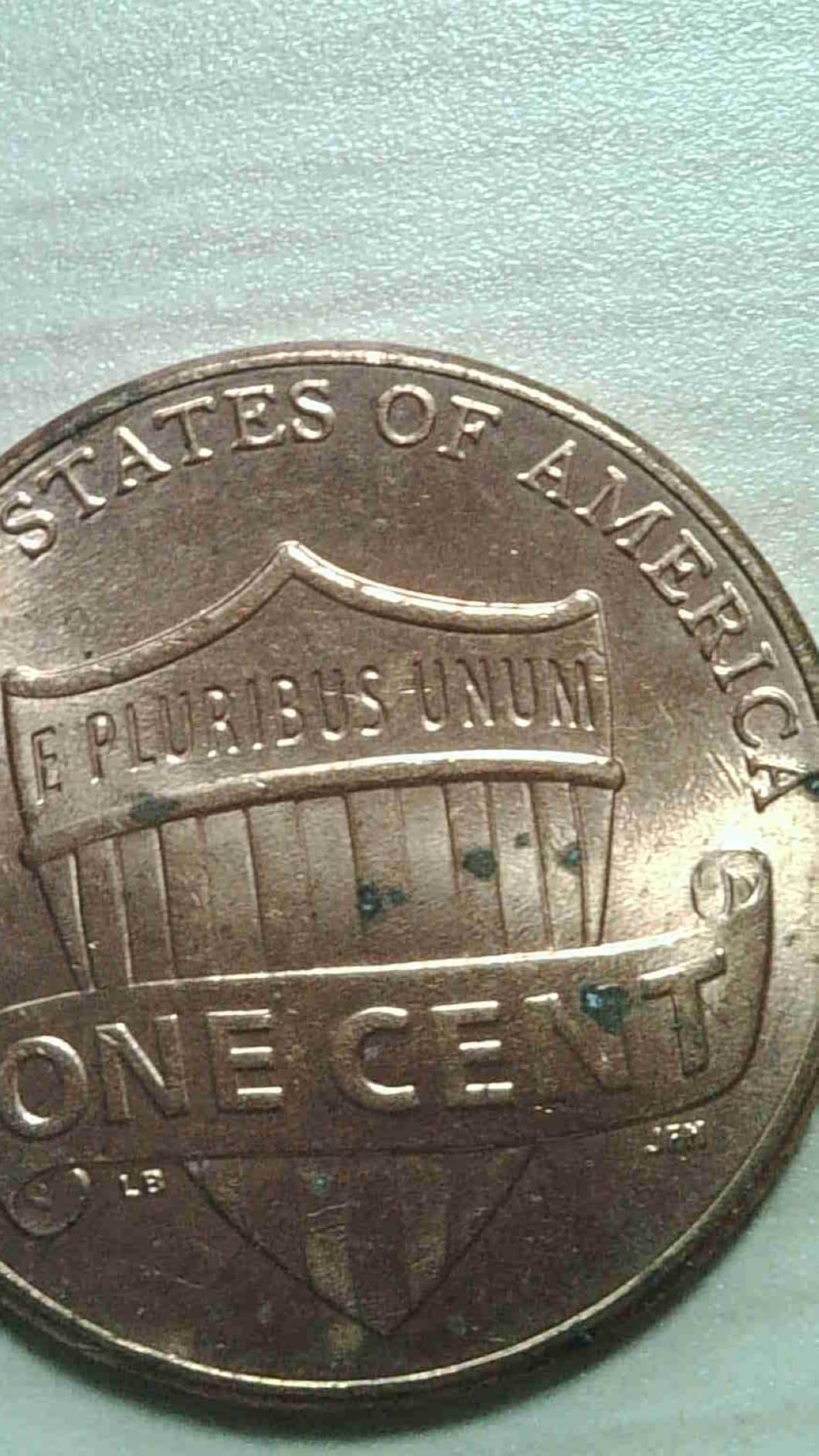
It is a USB-C device, so it connects to a phone, a tablet, or a PC with no app for basic viewing. The eight LEDs have three brightness levels with the dial on the cable, and the chrome-plated 360 degree metal arm with a weighted base holds a repeatable position rather than sliding.
There is no zoom lens, so magnification changes by moving the scope closer or farther, and the 70 degree real angle of view stays constant. Some buyers see pink lens flare at the closest settings with the ring light on, and the companion Android app is limited and does not always connect.
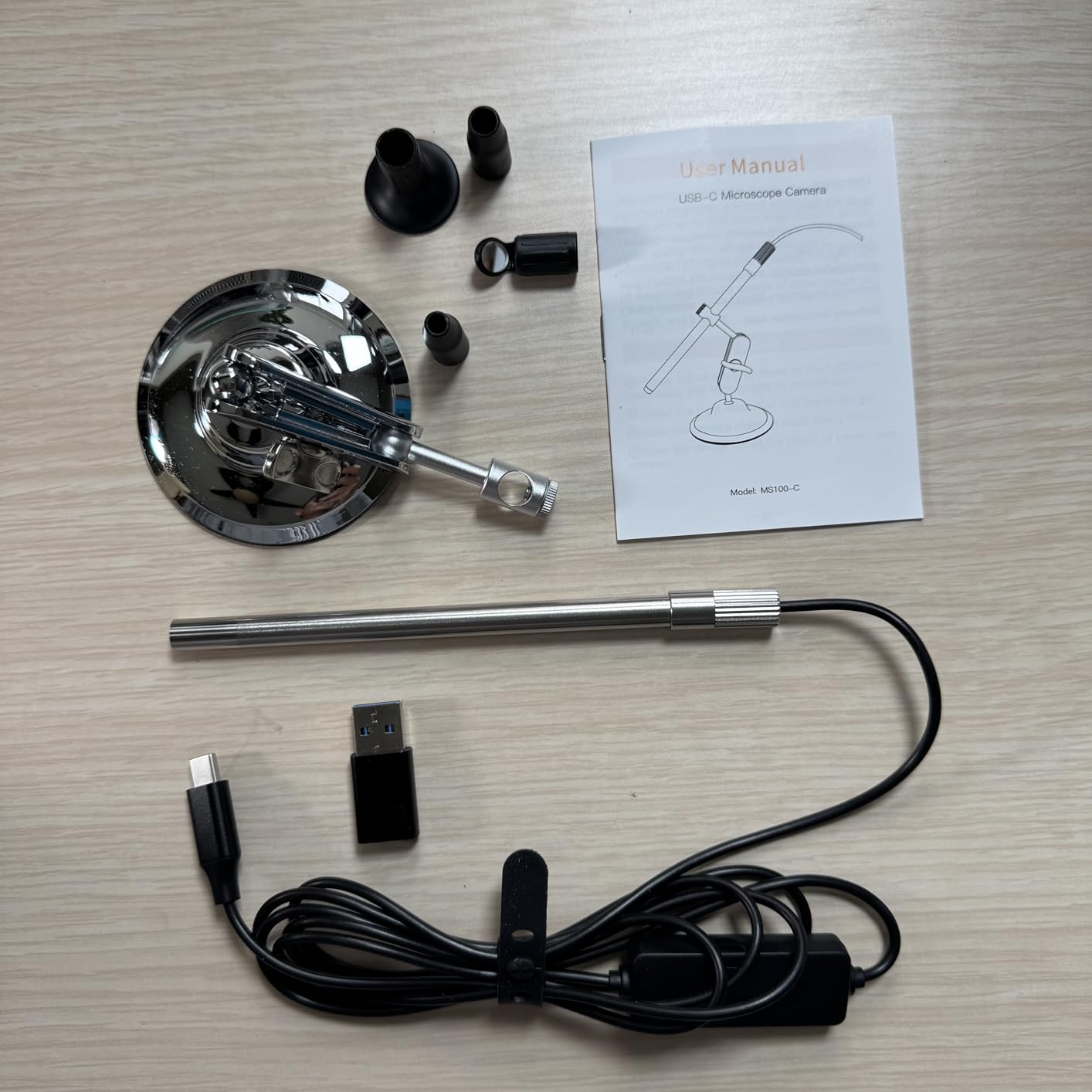
When focus position has to be identical each time
For a repair log or a parts inventory, a hand-set focus wheel and a weighted arm mean every image in the set was taken from the same geometry. It is also compact enough not to block access to a watch movement while you work, which a larger stand body would.
Where it falls short
The focus ring itself is the weak point: buyers describe it as feeling like metal on metal and jumping between focus points. It is also a handheld scope, so it cannot attach to a trinocular head or a stereo microscope, and the kit extras like ear specula are of no use in a lab.
How to Choose a Microscope Camera for Documentation in 2026
Two questions narrow this category faster than any specification sheet: how does the image get to the screen, and how does the camera attach to the scope. Answer both and the shortlist writes itself. Answer only the first and you will end up buying a camera that will not physically fit the head you own.
HDMI, USB, WiFi, or C-mount: pick the path first
HDMI sends the image straight to a monitor with no computer in the loop, so there is no driver, no capture card, and essentially no latency. It is the right choice for a bench with a screen, and the limitation is that capture means recording from the monitor unless a computer is added later. USB sends the image to a computer, which is where measurement, calibration, scale bars, and export belong. Its limitation is that software support and frame rate vary the most between models. WiFi removes the cable and puts images on a phone or tablet, which is excellent for field and classroom work and poor for archiving, since files land in a photo library rather than a structured folder. A C-mount system is not a connection type at all: it is a threaded standard that lets you change lenses, so it pairs with HDMI or USB and adds optical flexibility.
Frame rate and latency are separate things. A sensor can read 30 fps and still feel unusable if the image takes a noticeable moment to appear. When you are working hands-on, live-view smoothness matters more than still resolution, and the AmScope and Swift eyepiece cameras are the models where that distinction shows up most clearly.
Sensor size and what megapixels actually mean
Two megapixels is enough for a record of a coin, a board, or a prepared slide viewed at low power. Five is comfortable, and anything above that starts to be about cropping a region rather than resolving more detail. The number that matters more is pixel size, because resolution you cannot use is just a bigger file.
Sampling theory says you want roughly two sensor pixels per resolved optical feature. A large pixel gathers more light and gives a cleaner image at the same exposure, which is why a back-illuminated sensor with larger pixels often beats a higher-megapixel sensor in dim conditions. The 2.7 micron pixels in the Swift EP2M and the Sony back-illuminated sensor in the Swift 5MP are the kind of specification worth reading twice.
Adapters, image circles, and why corners go dark
Dark corners are almost always a mismatch between the sensor size and the image circle the microscope can deliver. If the chip is larger than the illuminated circle, the corners fall outside the light and come back black. The fix is a reduction lens, typically 0.5X, which shrinks the image until it fits inside the circle and simultaneously widens the field of view.
Check the tube size before anything else. Eyepiece cameras are built around 23.2mm, 30mm, and 30.5mm tubes, and most ship with adapters for two or three sizes, but a trinocular port needs a C-mount adapter rather than an eyepiece mount. A C-mount is a 1-inch thread with a 0.625 inch pitch; a CS-mount looks similar but has a 0.25 inch pitch, and a CS lens will not thread into a C camera without a shim.
Total cost matters more than the camera price. An eyepiece camera may still need a 0.5X reduction lens, an extra adapter, a longer cable, or a capture PC with a free disk. If a unit only does measurement on Windows and you work on a Mac, the software gap costs more than any adapter does.
Software and operating systems decide the workflow
Ask one question before buying: does the software do measurement, calibration, and annotation, and does it run on your machine. The AmScope bundle covers capture, stitching, extended depth of focus, and measurement on Windows. The Swift EP2M covers calibration, measurement, and annotation on Windows 7 through 11 and macOS. Several handheld scopes include measurement on Windows only, which silently locks out Mac and Linux users.
For archiving and sharing, think about file format and folder structure too, and our notes on capturing and storing footage for later review cover the same discipline in another setting. Whatever the camera, decide the file format and the naming convention before the first session, not after two hundred files.
How to Set Up a Repeatable Specimen Documentation Workflow
Documentation quality is mostly a workflow problem rather than a hardware problem. Five steps, done the same way every time, turn a pile of phone photos into a defensible record.
1. Calibrate before the first specimen. Run the supplied calibration slide or a known-length stage micrometer at the magnification you will use, and record the scale in the software. Without this, a measurement is an opinion.
2. Set white balance once per session. Fix the colour temperature under the light you are actually using instead of leaving it automatic. Automatic white balance drifts between shots, and drift in a specimen record reads as a change in the specimen.
3. Lock the geometry. Mark the focus position and the height of the arm or stand, and do not re-adjust between shots of the same item. A geared stand or a weighted base helps here, which is why we rate them well above identical cameras on a slippery pivot.
4. Save a raw or TIFF file, not only a JPEG. JPEG compression removes the tonal information you may need later, and software-generated resolution is often interpolated. Keep the original and treat the JPEG as a viewing copy.
5. Name files on capture, not afterwards. A date, a specimen code, and a magnification in the filename means the archive stays searchable when the folder grows. Add a scale bar at export so an image that leaves your archive still carries its own calibration.
For tall or uneven subjects, use extended depth of focus or focus stacking rather than fighting the depth of field. Several shots at different heights combine into one frame where everything is sharp, which is the single most useful technique for coin, solder, and plant documentation.
Frequently Asked Questions
What is the best camera for microscopy?
For documentation work, a USB microscope camera that registers as a standard webcam is the easiest to set up and the most reliable to file from, because it needs no drivers and works with any capture software. If your records need measurements or calibration, choose an eyepiece camera with bundled measurement software and an included calibration slide instead. For a bench with a monitor and no computer, an HDMI system removes latency entirely. The best choice depends on whether you need pictures, numbers, or both.
What software can I download for my microscope camera?
Most cameras in this category ship with their own software, and that software is what carries the workflow features. The AmScope MD500-CK bundle includes capture, image stitching, extended depth of focus, and measurement on Windows. The Swift EP2M includes S-Viewer for calibration, measurement, annotation, capture, and export on Windows and macOS. Handheld USB scopes usually include a basic utility, but measurement tools are often Windows-only, so check operating system support before buying.
What is the best resolution for a microscope?
For routine documentation at low and medium power, 2 to 5 megapixels is enough and is what most eyepiece cameras provide. Above about 5 megapixels you are usually cropping rather than resolving more detail. Pixel size matters more than the headline number: a sensor with larger pixels gathers more light and produces a cleaner image at the same exposure, which is why a back-illuminated sensor can beat a higher-megapixel chip in dim conditions.
Is Swift or AmScope better?
AmScope offers the broader software package, with stitching, extended depth of focus, and measurement, and it is the only unit here that includes a calibration kit. Swift tends to offer better-specified sensors and broader operating system support, including macOS on the EP2M model, and its warranty runs longer on the body. Choose AmScope for measurable records and Swift for classroom sharing, annotation, and mixed operating systems.
Why does my microscope camera image have dark corners?
Dark corners almost always mean the sensor is larger than the image circle the microscope can illuminate, so the corners fall outside the light. A 0.5X reduction lens shrinks the image to fit inside the circle and also widens the field of view, which fixes the problem and adds context to the frame. Check that the adapter matches your eyepiece tube or trinocular port as well, since a misfit adapter produces the same symptom.
Conclusion: The Best Microscope Cameras for Documentation in 2026
For most documentation work, the best microscope camera in 2026 is the Plugable 250x: it behaves like a webcam, so it connects anywhere, lights the specimen evenly, and costs no software. Add a repeatable stand and it stays out of the way. Where numbers matter, the AmScope MD500-CK is the pick, because the included calibration kit and the stitching and focus-stacking bundle turn a photo into a measurable record. Where the phone is the record, the SKYBASIC wins on convenience, and where a monitor is the record, the Andonstar keeps latency out of the loop.
Whatever you choose, the camera is half the system. Calibrate, fix the white balance, lock the geometry, and name the files on capture. That routine, repeated, is what makes an image a document rather than a snapshot, and it costs nothing beyond the discipline to do it the same way every time.