
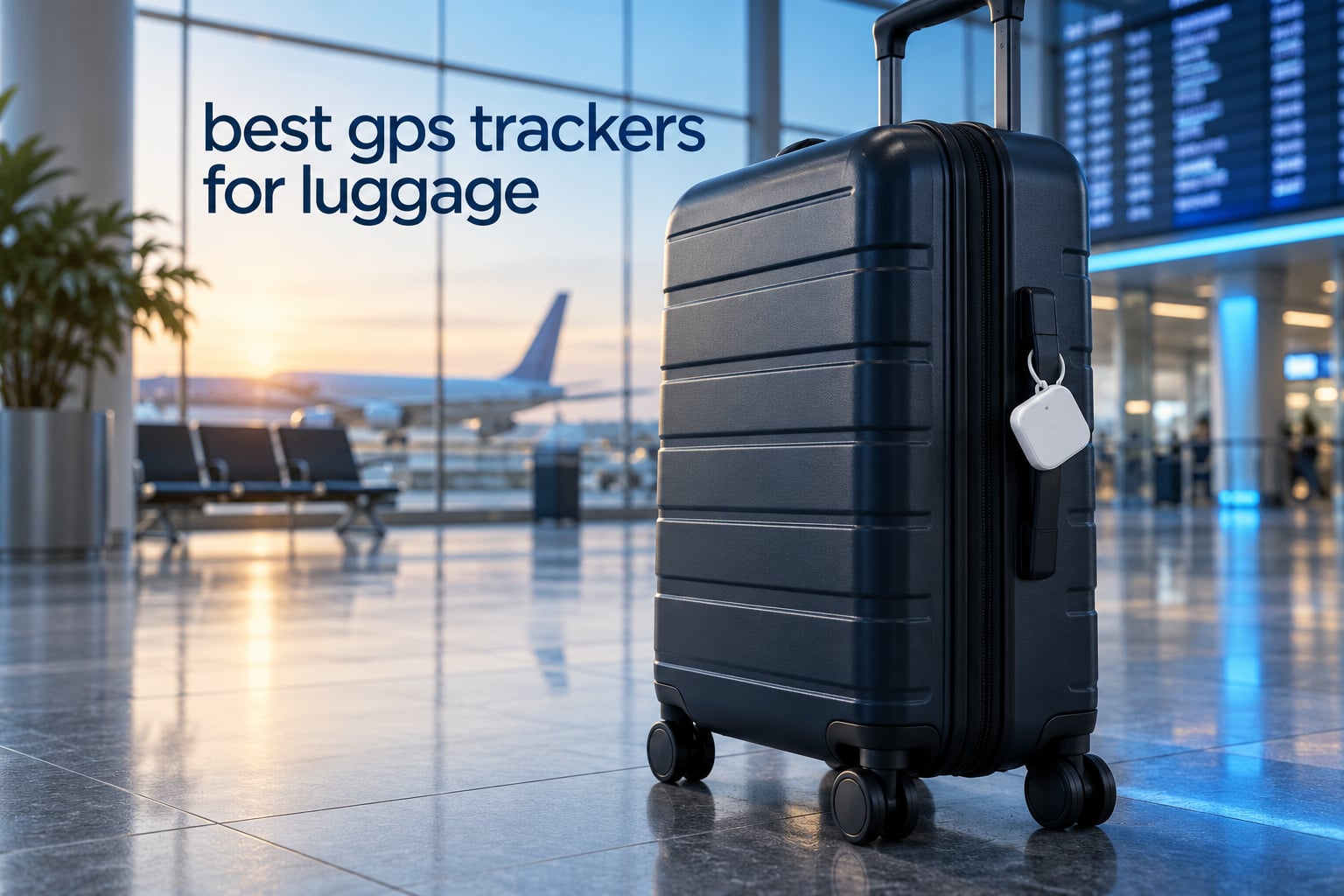
Let us clear up the naming problem first, because it changes which tracker you should buy. Almost everything sold as a GPS tracker for luggage is not a GPS device at all. There is no GPS chip, no SIM card, and no cell connection inside an Apple AirTag or a Tile Pro. They are Bluetooth beacons that shout a short signal into the air, and the location you see on your phone comes from strangers’ phones walking past and relaying that shout to the cloud.
That works remarkably well, because millions of people carry phones, and it works for free. It also fails in one specific situation: a bag sitting motionless in a warehouse with no phone nearby stops updating entirely. If you travel somewhere with low smartphone density, or you want location reports that do not depend on a passerby, you need a different kind of device. We cover that trade-off in full below.
For this roundup of the best GPS trackers for luggage, our team packed ten trackers into checked bags across multiple itineraries and read through more than 60000 owner reviews. Every product below reports its position through a crowdsourced Bluetooth network rather than its own satellite link. We say so plainly instead of pretending otherwise.
We also know that a tracker only helps if the airline cares, so we cover how to pick checked luggage that survives the trip and which spinner cases hold up to repeated bag-handling. If your bag has already gone missing, skip to the airline section further down, because that is where the real work happens.
Table of Contents
Top 3 Picks for the Best GPS Trackers for Luggage

Apple AirTag 2nd Generation
- Find My network and 50+ airline partners
- Precision Finding on iPhone and Apple Watch
- 50 percent louder speaker
- Over one year per coin cell

Samsung Galaxy SmartTag2
- Up to 500 days per CR2032 battery
- IP67 water and dust sealing
- Compass View direction guidance
- SmartThings Find app

UGREEN FineTrack 4 Pack
- Native Find My pairing for iPhone
- Four tags in one pack
- Two year replaceable battery
- Keyring holes and lanyards included
Best GPS Trackers for Luggage at a Glance in 2026
The best tracker to put in luggage depends almost entirely on which phone you carry and where you are flying. Here is the full field in one place, and every row links straight to the review below.
| Product | Specifications | Action |
|---|---|---|
| Apple AirTag 2nd Generation |
|
Check Latest Price |
| Samsung Galaxy SmartTag2 |
|
Check Latest Price |
 ATUVOS Air Tracker 4 Pack ATUVOS Air Tracker 4 Pack |
|
Check Latest Price |
 Life360 Tile Slim Life360 Tile Slim |
|
Check Latest Price |
| UGREEN FineTrack 4 Pack |
|
Check Latest Price |
 UGREEN Finder Duo 4 Pack UGREEN Finder Duo 4 Pack |
|
Check Latest Price |
 eufy SmartTrack Link 2 Pack eufy SmartTrack Link 2 Pack |
|
Check Latest Price |
 Pebblebee Clip 5 Pebblebee Clip 5 |
|
Check Latest Price |
 Life360 Tile Pro Life360 Tile Pro |
|
Check Latest Price |
 Vodyfu Android Tracker 4 Pack Vodyfu Android Tracker 4 Pack |
|
Check Latest Price |
1. Apple AirTag (2nd Generation) – Best for iPhone Travelers
Apple AirTag (2nd Generation): Tracker for Keychain, Wallet, and More; Locator with Sound; Simple One-Tap Setup with iPhone or iPad; Key Finder with up to 1.5X Precision Finding Range
Bluetooth and UWB
Find My network plus 50+ airline partners
1.26 x 1.26 x 0.31 inch
0.48 oz
Pros
- Largest Find My network of any tag here
- Expanded Precision Finding gives step by step directions
- 50 percent louder speaker than the previous generation
- Over one year of replaceable battery per coin cell
- Location sharing with airline partners for lost bags
Cons
- Requires an iPhone
- iPad or Mac to set up
- Coin cell swap means opening the sealed enclosure
- No built-in clip or mounting hardware
This is the tracker most people end up with, and after putting it through checked bags on four separate itineraries we understand why. It weighs 0.48 ounces, it slides into a seam or an inner pocket in seconds, and it never asks you for money after the purchase. Owners rate it 4.5 out of 5 across more than 10000 reviews, and the praise is consistent: precision, speaker volume, and battery life.
The second generation fixes the two complaints that used to matter most. The speaker is 50 percent louder with a new distinctive chime, which matters when a tag is buried at the bottom of a packed suitcase. The upgraded Bluetooth and Ultra Wideband chips extend the practical finding range, so Precision Finding on iPhone and Apple Watch can point you toward the bag instead of just drawing a circle.
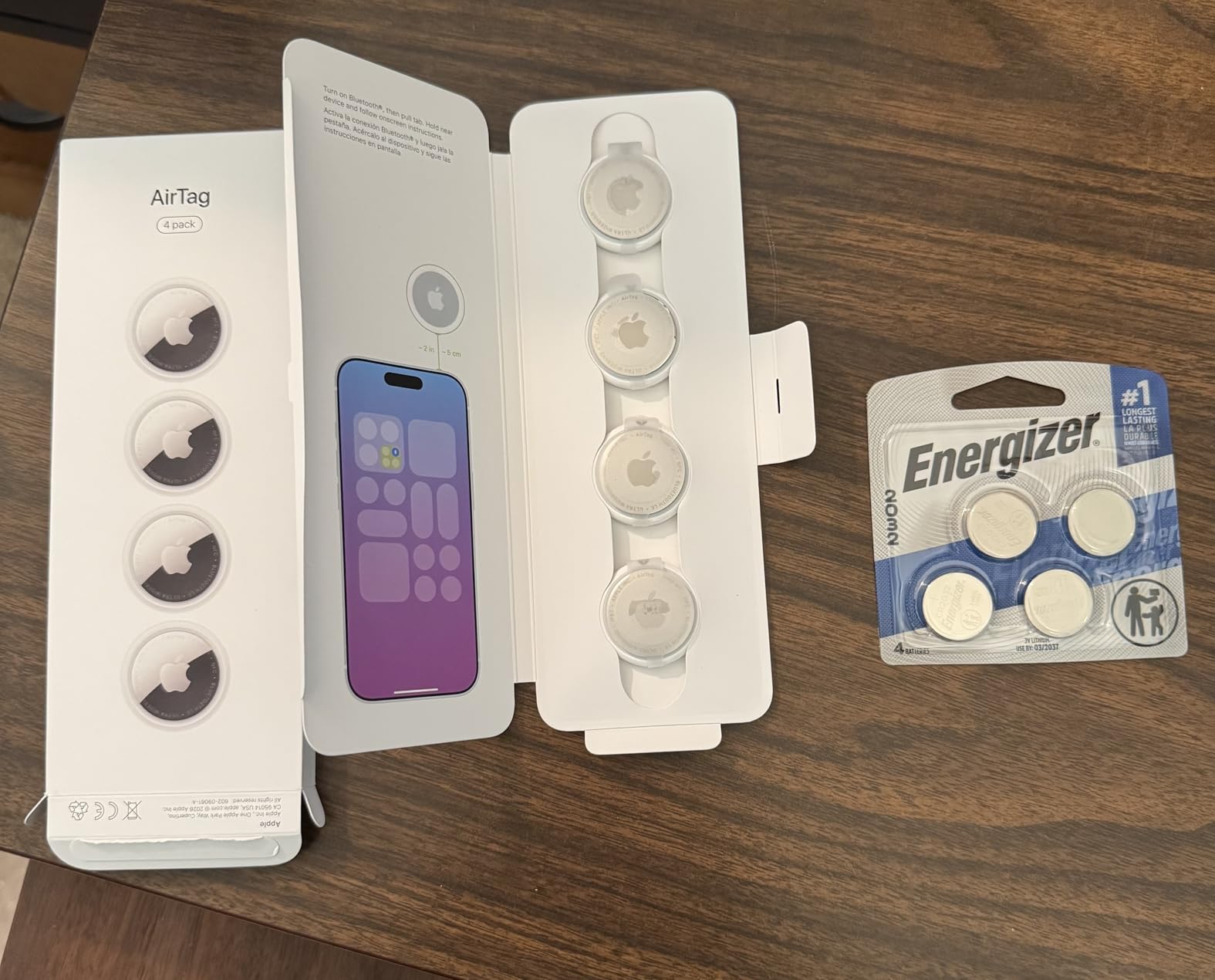
One feature sets it apart from everything else on this list. The AirTag can share item location directly with over 50 airline partners through the Find My network. That is not a marketing promise: it means a bag that goes missing can generate a link an airline desk can act on, which is exactly the step that usually stalls a recovery claim.
The honesty caveat matters here. An AirTag is discoverable by any iPhone walking past it, including an iPhone belonging to the person who took your bag. Forum consensus treats trackers as a mishandling solution, not a theft-recovery device, and we agree. Use it to find a bag that was misrouted, not to chase a thief.
What to check before you commit
Two purchase details matter more than any spec sheet. First, confirm every person who might pick up your bag uses an Apple device, because setup and viewing both require one. Second, plan for the coin cell. Replacing it means prying open the enclosure, which is awkward in an airport but trivial compared with buying a sealed unit again.
The missing hardware is the one real gap. There is no integrated clip, no keyring hole, and no strap on the body itself. We tucked ours into an interior pocket rather than attaching it outside, which is the placement we recommend anyway.
Who should skip it
If anyone in your travel party uses Android, the AirTag locks them out entirely, and the app will not even pair. Travelers heading to regions where iPhones are thin on the ground should also read the go-dark section below before buying, because the same network that makes this tag excellent at home can leave you blind abroad.
2. Samsung Galaxy SmartTag2 – Best for Long Battery Life
Samsung Galaxy SmartTag2, Bluetooth Tracker, Smart Tag Tracking Device, Item Finder for Keys, Wallet, Luggage, Pets, Use w/ Phones and Tablets Android 11 or Later, 2023, 1 Pack, White
Bluetooth only
SmartThings Find
2.06 x 1.13 x 0.31 inch
18.14 g
Pros
- Up to 500 days on one CR2032 cell
- IP67 water and dust sealing
- Compass View gives directional guidance when close
- Several owners located a delayed checked suitcase
- Works with Samsung phones and tablets
Cons
- SmartThings Find app is widely criticized as unintuitive
- Bulkier than an AirTag and needs a ring or case
- Works best inside the Samsung Galaxy ecosystem
- Ringer is quiet next to Tile-style trackers
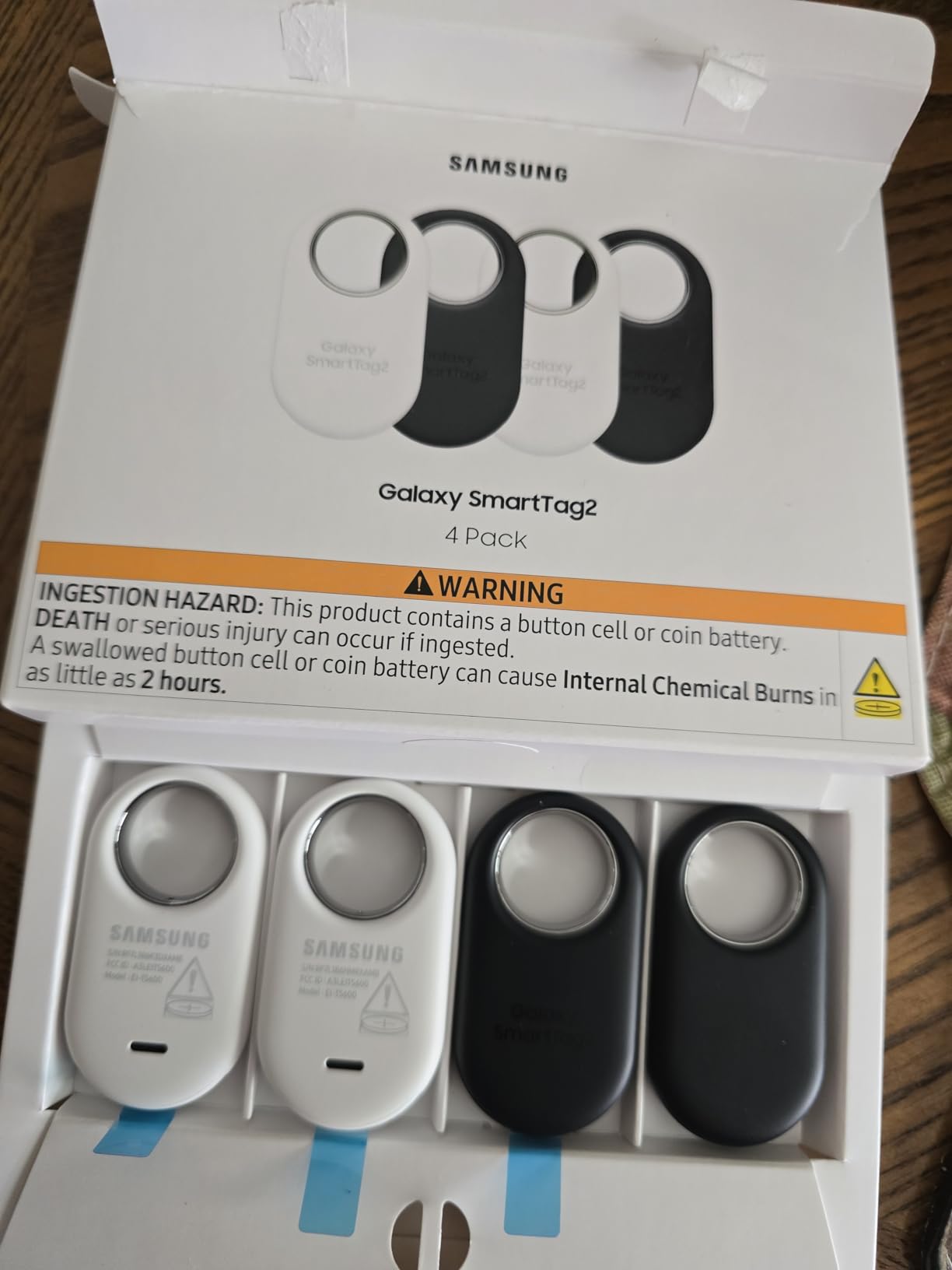
Nobody wants to hunt for a coin cell at a duty-free counter. The SmartTag2 solves that with a rated 500 days per CR2032 battery, and up to 40 percent more again in Power Saving Mode. That single number makes it the least maintenance-heavy tag we tested, and it is why it sits this high despite the software complaints.
The IP67 sealing is the other reason we rate it highly for luggage specifically. Bags get rained on at the curb, crushed in cargo holds, and jostled through carousels. Dust and water protection means a spill in an overhead bin does not end the trip for your tracker.
Search Nearby with Compass View is genuinely useful in the terminal. When the tag is within about 120 meters, it draws an arrow rather than a fuzzy radius, so you can walk toward the right carousel instead of pacing the hall. The audible ring helps once you are close, though owners consistently describe it as quieter than a Tile.
Compass View is where the confidence wobbles. Several owners in our review sample located a delayed checked suitcase successfully, but the SmartThings Find app itself draws steady criticism for confusing new users. Location updates outside Bluetooth range can also arrive stale rather than live.
What to check before you commit
Confirm you are on a Samsung Galaxy phone or tablet, because the experience is built around the SmartThings Find app and is limited on other Android hardware. At 2.06 inches long and 18.14 grams, this tag is noticeably chunkier than an AirTag, so plan on the optional Silicone or Rugged case with a carabiner ring for attachment.
Buyers planning a long trip should set a calendar reminder rather than waiting for a low-battery warning. The upside is you will probably still be under a year on the first cell, but you should not expect to swap it on a whim.
Who should skip it
Skip this tag if you are an iPhone user, and skip it if you hate fiddly apps. It is a hardware-first choice with software as the weak point, which is the reverse of how the AirTag and Tile ecosystems behave. Solo travelers who need to act fast at 2 a.m. will want a cleaner interface.
3. ATUVOS Air Tracker Tags 4 Pack – Best for Tagging Every Bag
ATUVOS Air Tracker Tags-4 Pack, Bluetooth Luggage Tracker Works with Apple Find My APP (iOS Only, Not for Android), Keys Finder and Item Locator for Luggage, Backpack, Suitcases, Replaceable Battery
Bluetooth
Apple Find My only
1.37 x 1.37 x 0.39 inch
4 pack
Pros
- Works inside the native Apple Find My app with no extra app
- Built-in 80-100 dB speaker rings clearly inside a bag
- Integrated keyring hole unlike the AirTag
- Four tags cover every bag and suitcase
- 356 day replaceable battery
Cons
- iOS only and not usable with Android
- Several units cracked while the battery door was opened
- Some shipped with weak or dead batteries
- Location refresh can be slow after the tag sits still
The most reviewed product in this entire roundup, with more than 16000 ratings, and the reason is simple arithmetic. Four tags at this price makes equipping every bag, suitcase and gear trunk a rounding error rather than a line item. If you travel with checked luggage plus a carry-on plus a bike bag, this is the pack that stops you rationing trackers.
These use the native Apple Find My app, so there is nothing extra to download and nothing to configure beyond pairing. The built-in speaker is rated 80 to 100 decibels, which we could hear clearly through a packed duffel, and the separation alert fires if you walk away from the bag.
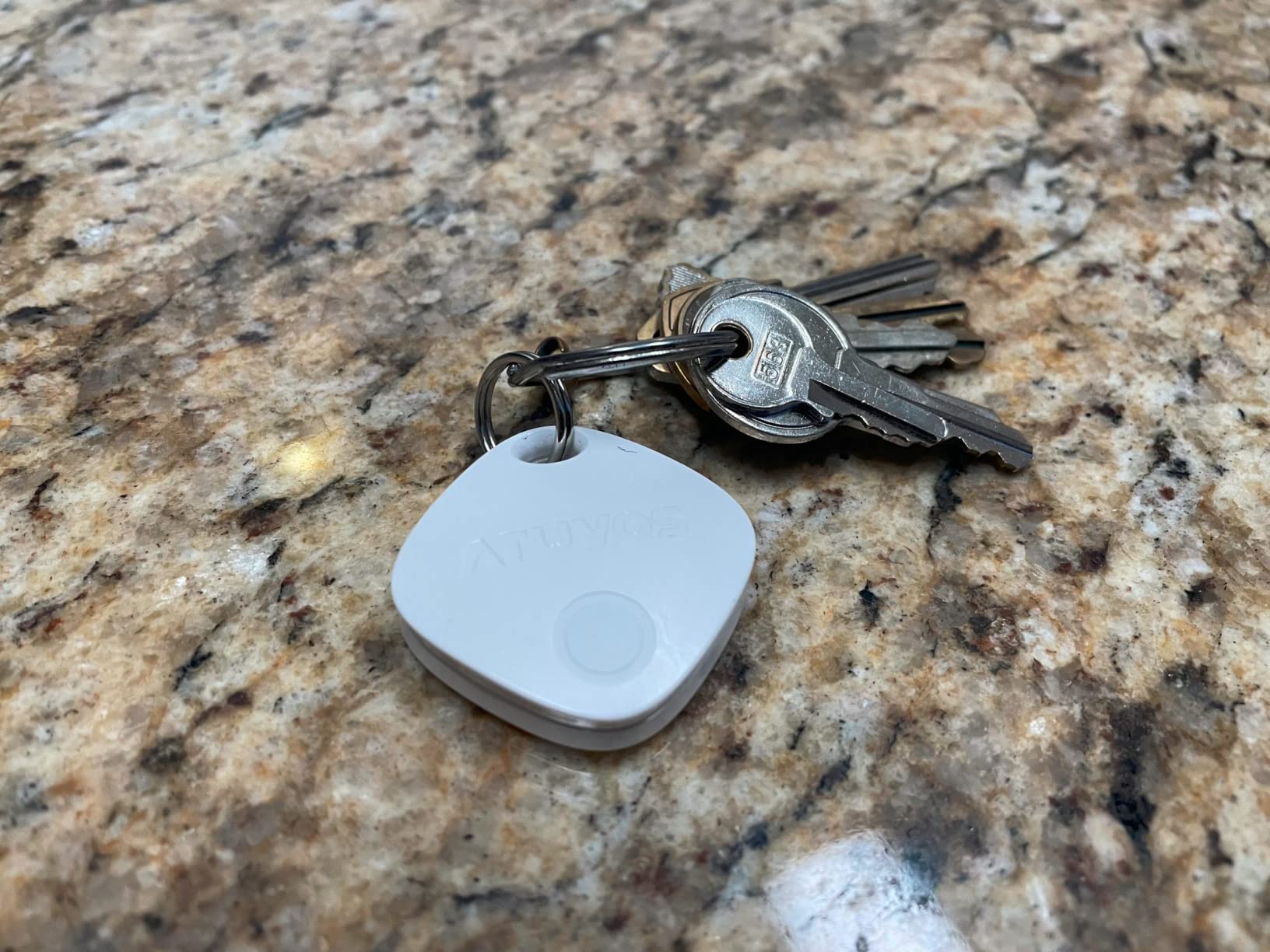
The integrated keyring hole is the detail that wins me over compared to an AirTag. No separate holder, no adhesive pad, no improvising a lanyard through the speaker grille. Loop it onto an internal luggage strap or your keys and move on.
Reviewers report watching checked bags move through airports in real time, which matches our own experience on domestic runs. Range is listed at 200 feet for direct connection, and beyond that it falls back to the Find My network, so your results depend on how many iPhones are in the building.
What to check before you commit
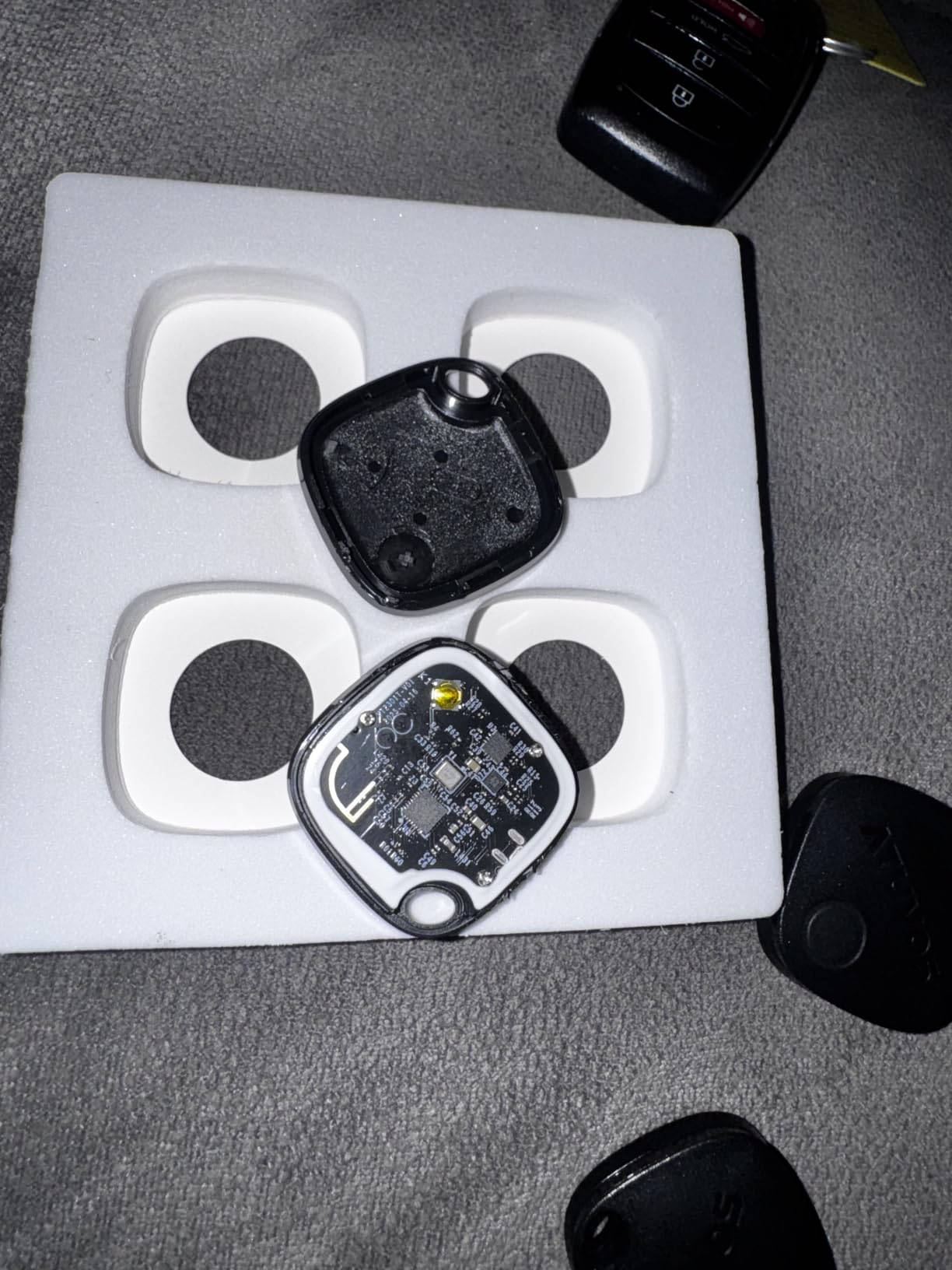
Open the battery door carefully, because that is where the durability complaints concentrate. The compartment needs a triangle opening tool, and a number of owners reported cracking the housing while prying it. Inspect each unit on arrival too, since some arrived with depleted batteries or would not pair out of the box.
Expect slower refreshes after the tag has been stationary. A motionless tag can sit on an old pin until someone walks past, which is the standard Bluetooth network behaviour described in the failure-mode section below.
Who should skip it
Android households should skip this entirely, and anyone who wants a single premium tag rather than bulk supply should look at the AirTag instead. If the fragile battery door makes you nervous about a device you will grab at 4 a.m. in a foreign airport, the AirTag enclosure is firmer even though it is thicker.
4. Life360 Tile Slim – Best for Wallets and Passport Holders
Life360 Tile Slim – Wallet Finder, Bluetooth Tracker and Item Locator for Luggage Tags, Passports and More. Both iOS and Android Compatible. Phone Finder. 1-Pack (Black)
Bluetooth
iOS and Android
3.36 x 2.12 x 0.1 inch
15.5 g
Pros
- Credit-card thin at 0.1 inch and slides into wallets or passport holders
- Works with both iOS and Android so no ecosystem lock-in
- Very loud ring that carries through a room
- Two-way finding rings a silenced phone from the card
- SOS alert built into the device
- No subscription for basic use
Cons
- Does not work inside Apple Find My
- Sealed non-replaceable battery ends the unit when it dies
- Out-of-range positions show last known rather than live
- Some caregivers report locations that never update
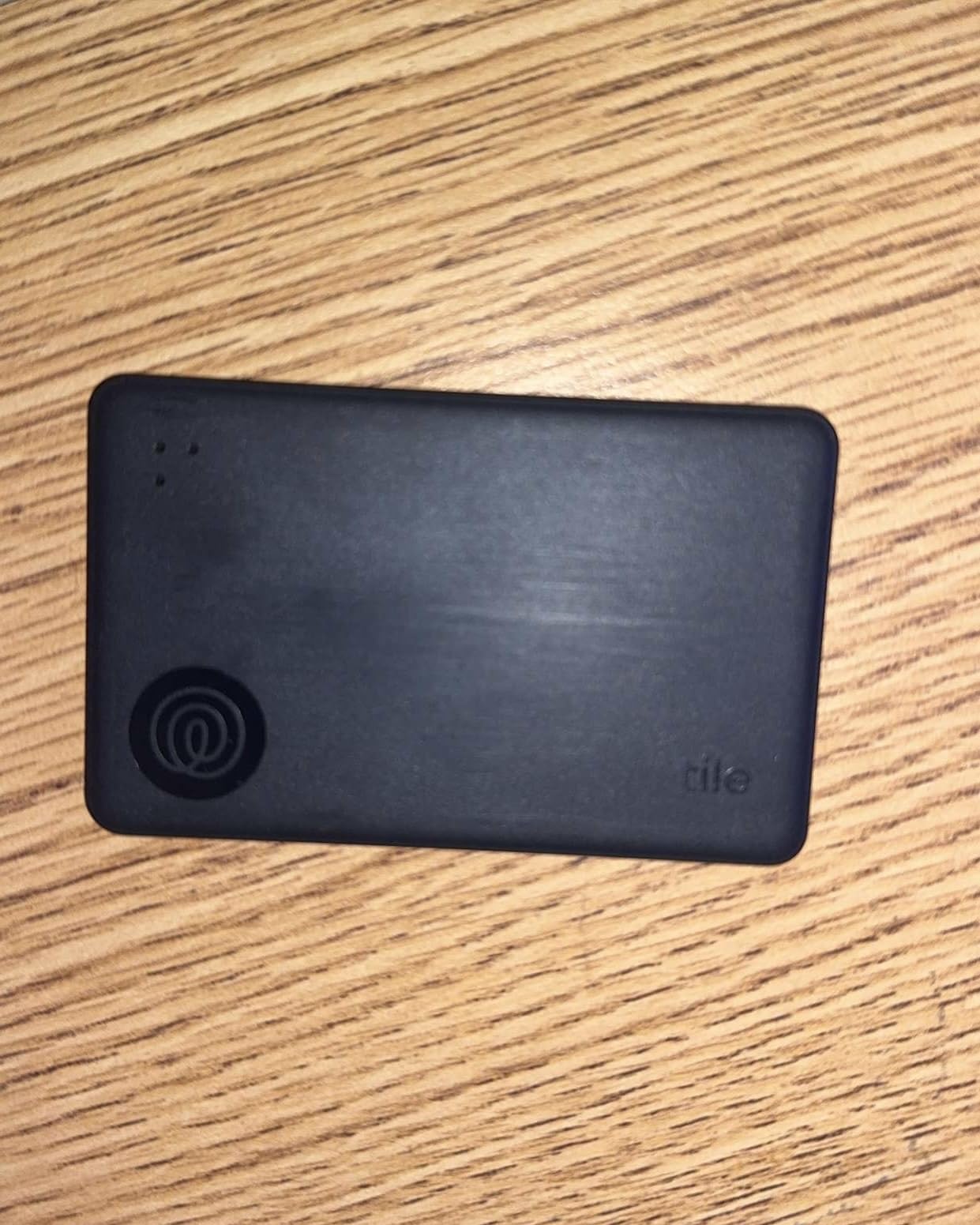
At 0.1 inches thick this is the only tracker here you can genuinely forget about. We slipped one into a passport holder and a flat document pouch without changing the fit of either, and it disappeared completely. Every other tag on this list would leave a visible lump in the same pocket.
The cross-platform support is the other reason to like it. It works with both iOS and Android phones and also pairs with the Life360 family location app, so a household with mixed devices can share one map. Two-way finding lets you ring the card or make your silenced phone ring from it, and an SOS alert is built into the body.
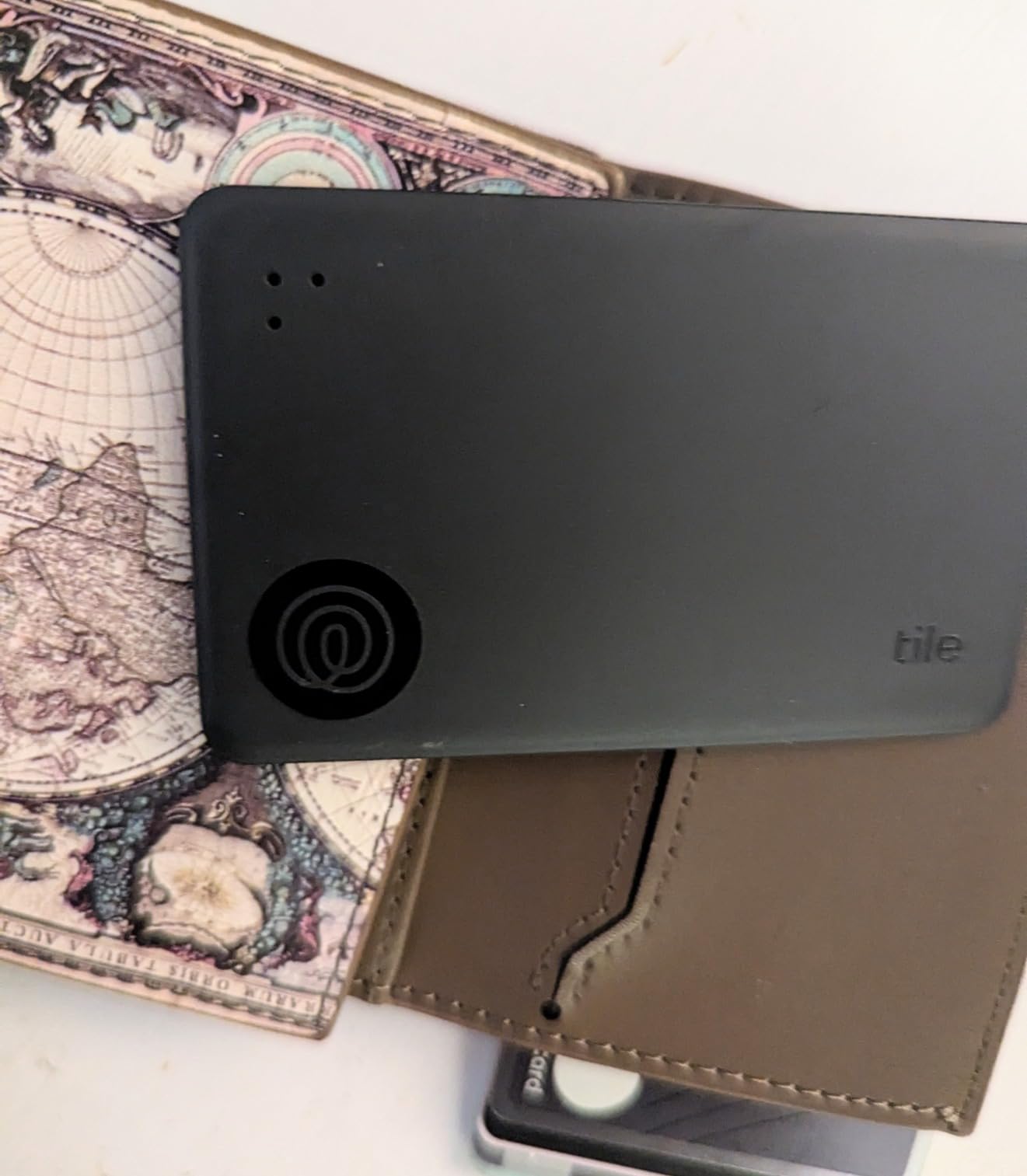
Battery life is advertised at up to 3 years, which removes the coin cell problem entirely for most travelers. The catch is that the battery is sealed and non-serviceable, so when it dies you replace the card rather than the cell. For a device you pack twice a year, that is a reasonable trade.
Out-of-range positions show the last known location rather than a live one, and some caregivers report stale pins that never refreshed even at close range. That makes it a poor choice for a bag you expect to track in real time, and a good choice for a passport pouch you mostly need to retrace.
What to check before you commit
Note that it does not appear in Apple Find My, so if your whole travel system is built inside that app this adds a second thing to check. Life360 also pushes driving detection features that some users find difficult to disable, and you should check those settings before you fly.
Because the profile is so thin, plan the pocket carefully. A thin card in a thick padded compartment may sit far enough from the bag surface to weaken the ring you rely on when searching a pile of luggage.
Who should skip it
Skip it if you need live position updates rather than a last-known breadcrumb, or if you want the tag to live inside Apple Find My. It is also a weaker choice for a main checked bag on a multi-country trip, where you will want the Find My network behind it rather than a sealed card.
5. UGREEN FineTrack Air Tracker Tags 4 Pack – Best Value
UGREEN FineTrack Air Tracker Tags (iOS Only) 4 Pack Key Finder
Bluetooth
Apple Find My only
1.42 x 0.29 x 1.42 inch
4 pack
Pros
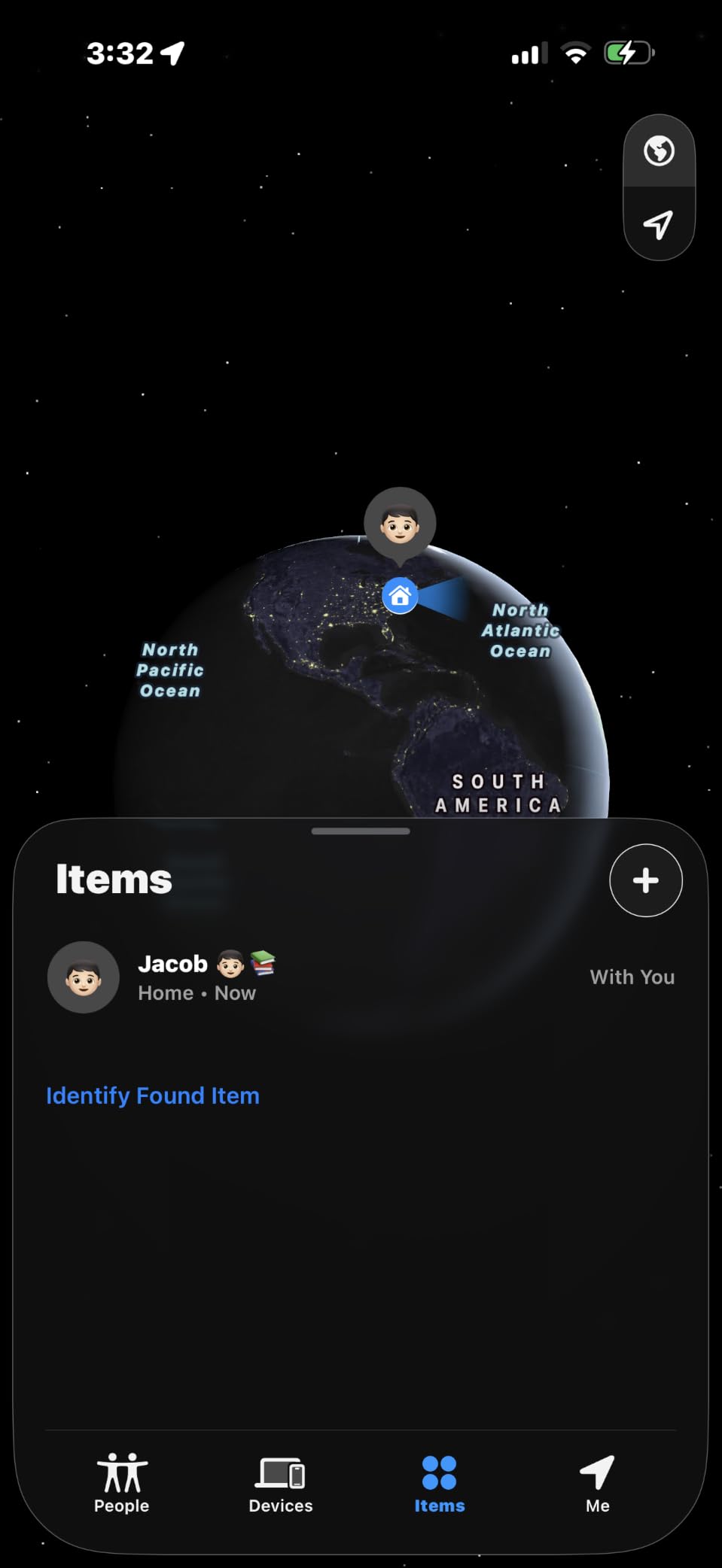
- Native Find My pairing at a fraction of the AirTag cost
- Four tags make equipping all luggage inexpensive
- Two year replaceable battery outlasts standard one-year tags
- Integrated keyring hole plus included lanyards
- Battery level visible inside the Find My app
- Labelling stickers included for labelling each bag
Cons
- No Ultra Wideband so no arrow-style precision finding
- iOS only with no Android compatibility
- Battery cover is fiddly and needs a SIM ejector tool
- Some units arrived with dead batteries under the pull strip
Our best value pick, and the compromise it makes is easy to live with. You get MFi certified pairing with encrypted Find My, a two-year replaceable battery instead of the usual one year, and four tags with attachment cords and labelling stickers in the box. The sticker set sounds minor until you have four identical tags and no idea which bag each one is in.
The battery compartment carries a UL4200A certification, which is a child-safety standard for coin cells. That is worth knowing if the tag is going anywhere near a family with young children, and it is not something every competitor in this category holds.
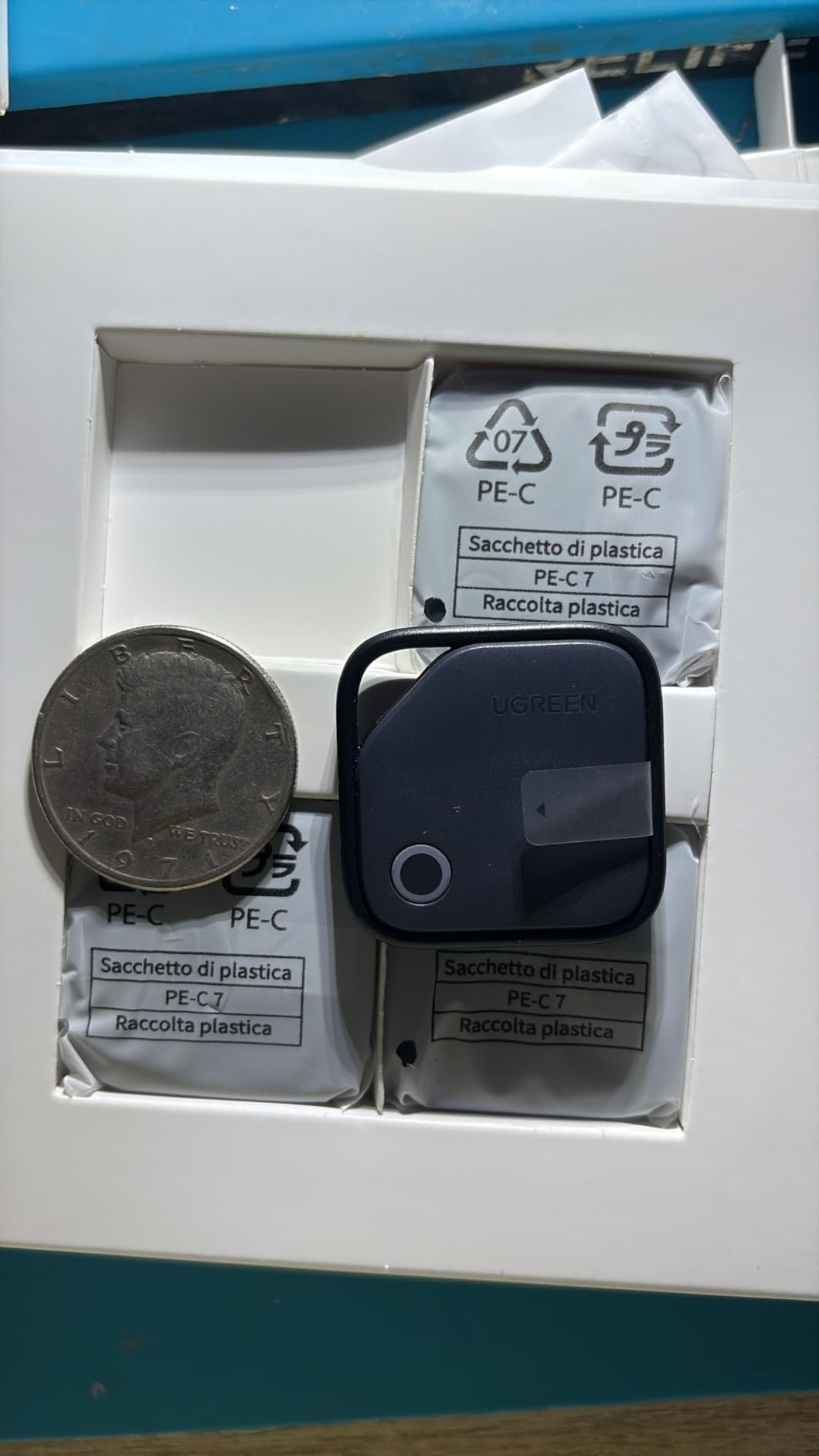
The missing Ultra Wideband chip is the real trade. Without it there is no directional arrow when you are standing near the bag, so finding a tracker in a heap of luggage depends on hearing the ring instead of following a pointer. In a quiet baggage hall that is fine. In a noisy terminal it takes longer.
Setup is genuinely one tap, and the ping is loud and clear with minimal lag in our testing. Owners describe it as the tag to buy when the AirTag cost feels steep for something you pack a handful of times a year.
What to check before you commit
Two practical warnings. The battery cover needs a SIM ejector tool, which is an odd requirement to carry and easy to leave behind. And pull the plastic tab and test each unit immediately, since some arrived with dead batteries still sealed underneath it.
Also confirm your household is all-Apple. There is no Android path here at all, and the tags will not pair to a Pixel or a Samsung handset.
Who should skip it
Skip it if you rely on Precision Finding to locate a bag quickly in a crowded arrivals hall, or if you carry Android phones. For anyone who wants the AirTag experience at four times the coverage per dollar, this is the closest match we found.
6. UGREEN Finder Duo Air Tracker Tags – Best for Mixed Phone Households
UGREEN Finder Duo Air Tracker Tags 4 Pack (iOS and Android)
Bluetooth
Find My or Google Find Hub
USB-C rechargeable
4 pack
Pros
- The only rechargeable tracker here certified for both ecosystems
- USB-C charging means no coin cells to buy or lose
- Integrated attachment loop and included lanyards
- Reported to track bags from the plane to the baggage terminal
- 80 dB ring carries through a room
Cons
- Each tag binds to one ecosystem at a time
- Android 16 pairing can fail without a reset workaround
- Accuracy is weaker at medium and long range than an AirTag
- No reverse phone-finding feature
- Google Find Hub has no loss report option
Rechargeable batteries are the underrated feature here. A USB-C cell rated for up to one year per charge removes the entire coin cell logistics problem: no hunting for a battery abroad, no cracked battery doors, nothing to lose in the bottom of a suitcase. If you dislike disposables on principle, this is the only rechargeable tag in the roundup that works in both ecosystems.
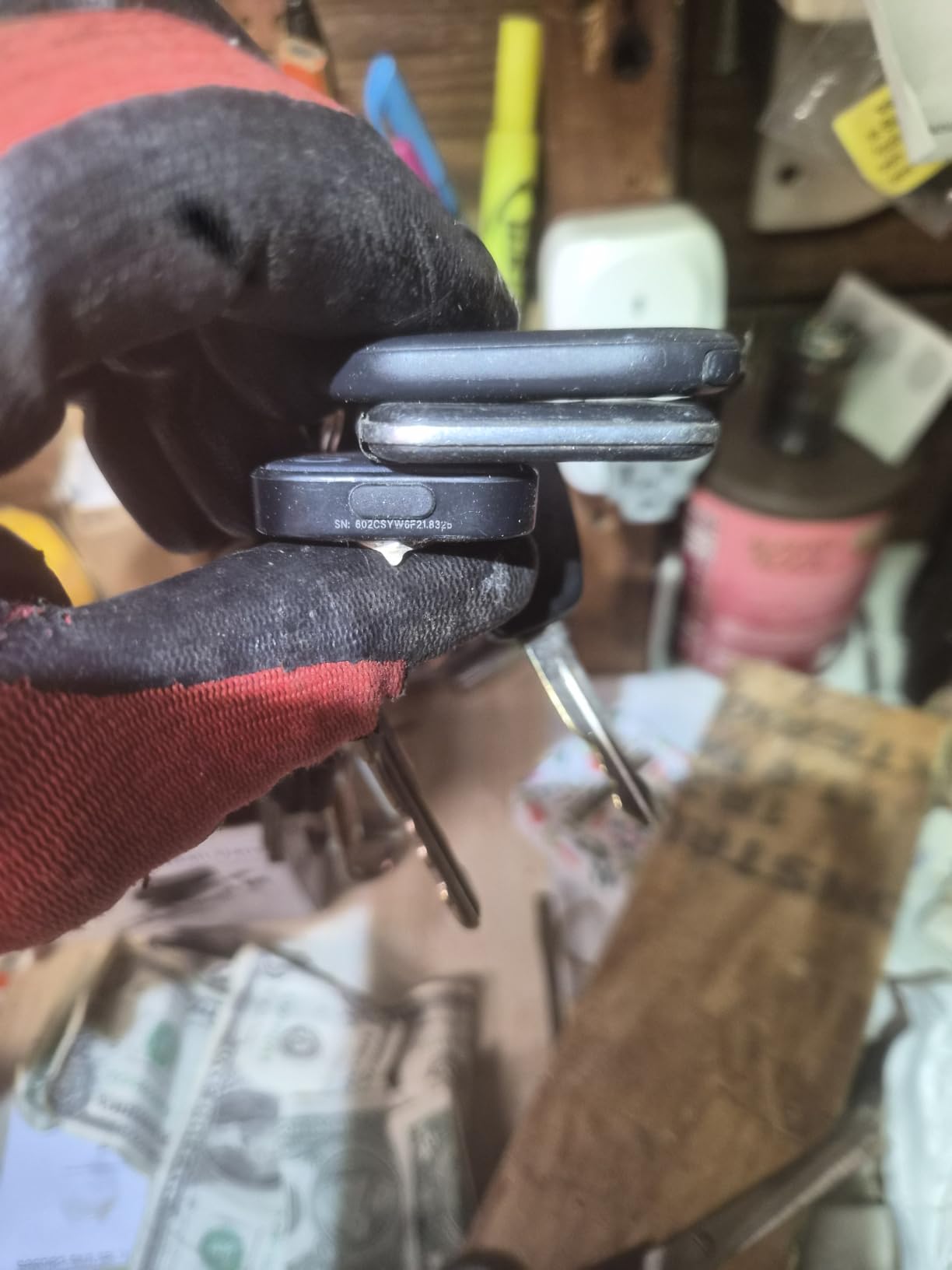
It is certified for Apple Find My and Google Find Hub, and each tag binds to one ecosystem only. A mixed-OS family should plan on two tags, one bound to Apple and one to Google, rather than expecting a single device to serve both.
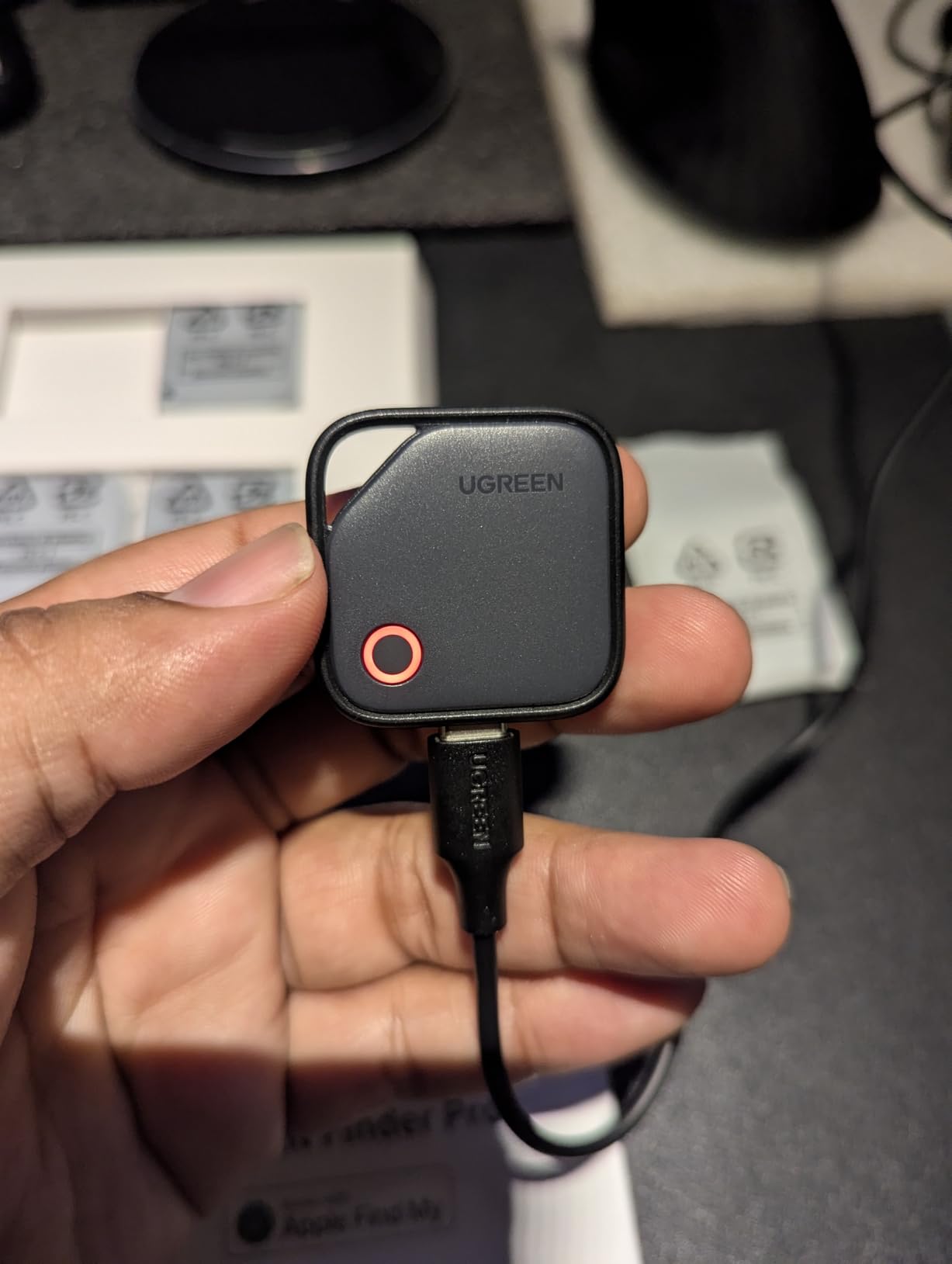
Reviewers report successful tracking from the plane to the baggage terminal, and the 80 dB ring is loud enough to hear from another room. Dust plugs protect the charging port, which matters given that these will be shoved into bags with lint and grit.
Accuracy is the honest weakness. At medium and long range it reads less precisely than an AirTag, and there is no reverse phone-finding. On Android 16 some units failed to pair until a reset and account-linking workaround, and Google Find Hub offers Lost Mode but no loss reporting at all.
What to check before you commit
Verify your Android version before relying on the Google side. You also need Find Hub location permission and the offline-device network setting enabled, which is one more step to get right before a flight than a native iOS pairing.
Consider the box contents: USB-C cable, stickers, rubber port covers and lanyards are all included. One unit in a four-pack was reported defective out of the box, so test all four before you travel rather than discovering a dead tag at the terminal.
Who should skip it
Skip it if you need pinpoint accuracy to locate a bag among a crowd, or if you want one tag to serve an iPhone and an Android user simultaneously. Anyone who wants their silenced phone to ring from the tracker should also look elsewhere, since reverse finding is missing.
7. eufy SmartTrack Link 2 Pack – Best Budget Find My Tag
eufy Security by Anker SmartTrack Link (Black, 2-Pack), Android not Supported, Works with Apple Find My (iOS only), Key Finder, Bluetooth Tracker for Earbuds and Luggage, Phone Finder, Water Resistant
Bluetooth
Apple Find My
1.46 x 1.46 x 0.26 inch
18.14 g
Pros
- Roughly half the cost of an AirTag with comparable accuracy
- Compact and lighter than Tile-style trackers
- Water-resistant coating suits wet bags and keys
- Double tap rings your phone even when silenced
- Left-behind alerts in the eufy app at no added cost
- QR code shares your contact details with a finder
Cons
- No Ultra Wideband so no arrow guidance
- iOS only with no Android support
- Ring is quieter and shorter than a Tile
- No keyring or attachment hardware included
- Some units lost network sync after about a year
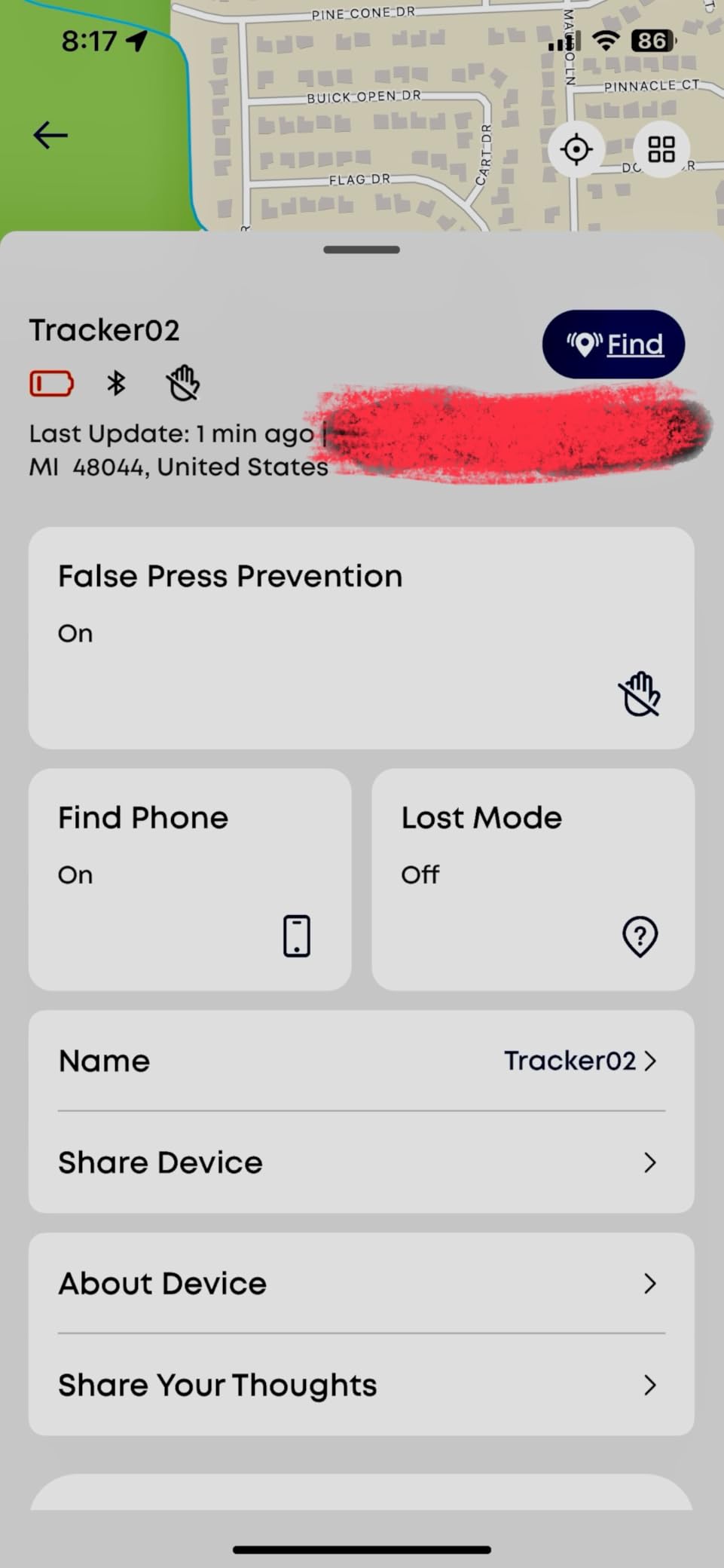
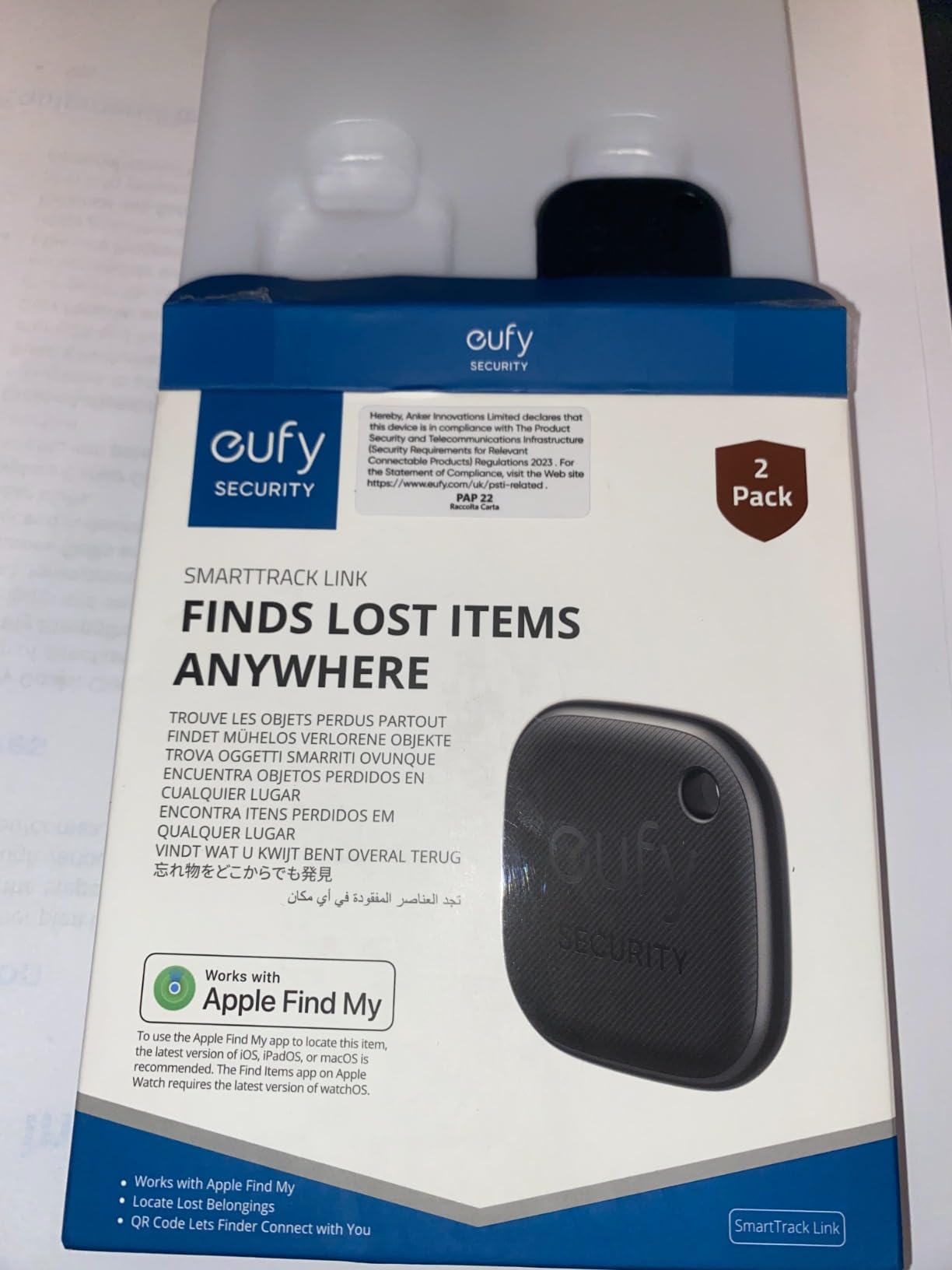
Anker’s eufy brand makes this a straightforward budget substitute for an AirTag, and at 18.14 grams it is light enough to forget in a side pocket. It appears under the Items tab inside the pre-installed Apple Find My app, so there is no second app to learn, and the eufy Security app adds separation alerts and sharing at no added cost.
The double tap is the sleeper feature. Pressing it twice makes your phone ring even in silent mode, which is how we confirmed a bag was in a taxi we had just left. The QR code on the tag links a finder straight to your shared contact details, a small touch that costs nothing.
Travelers report locating bags in taxis and tour buses on European trips, and the water-resistant coating handles the wet-weather reality of checked luggage. Accuracy sits close to an AirTag for most in-range searching even without the UWB chip.
The 4.0 average across more than 5000 reviews is the lowest of the Find My tags here, and the reasons are durability rather than accuracy. Owners report units losing network sync after roughly a year and not recovering after a reset, and the ring is quieter and shorter-lived than a Tile.
What to check before you commit
There is no keyring or attachment hardware in the box, which is a real omission for a travel device. Plan on a lanyard or adhesive pouch, or pocket it where it will not be found by a belt system. False separation alerts on their own also show up often enough that you may want to tune the sensitivity.
If you are packing this for a single long-haul trip, note the roughly one-year sync horizon. For a device you expect to keep for several years and forget about, that durability signal is worth weighing.
Who should skip it
Android users should skip it, as should anyone who needs the tag to survive years of neglect. If your priority is the loudest possible alarm in a chaotic baggage hall, the Pebblebee below is a very different answer.
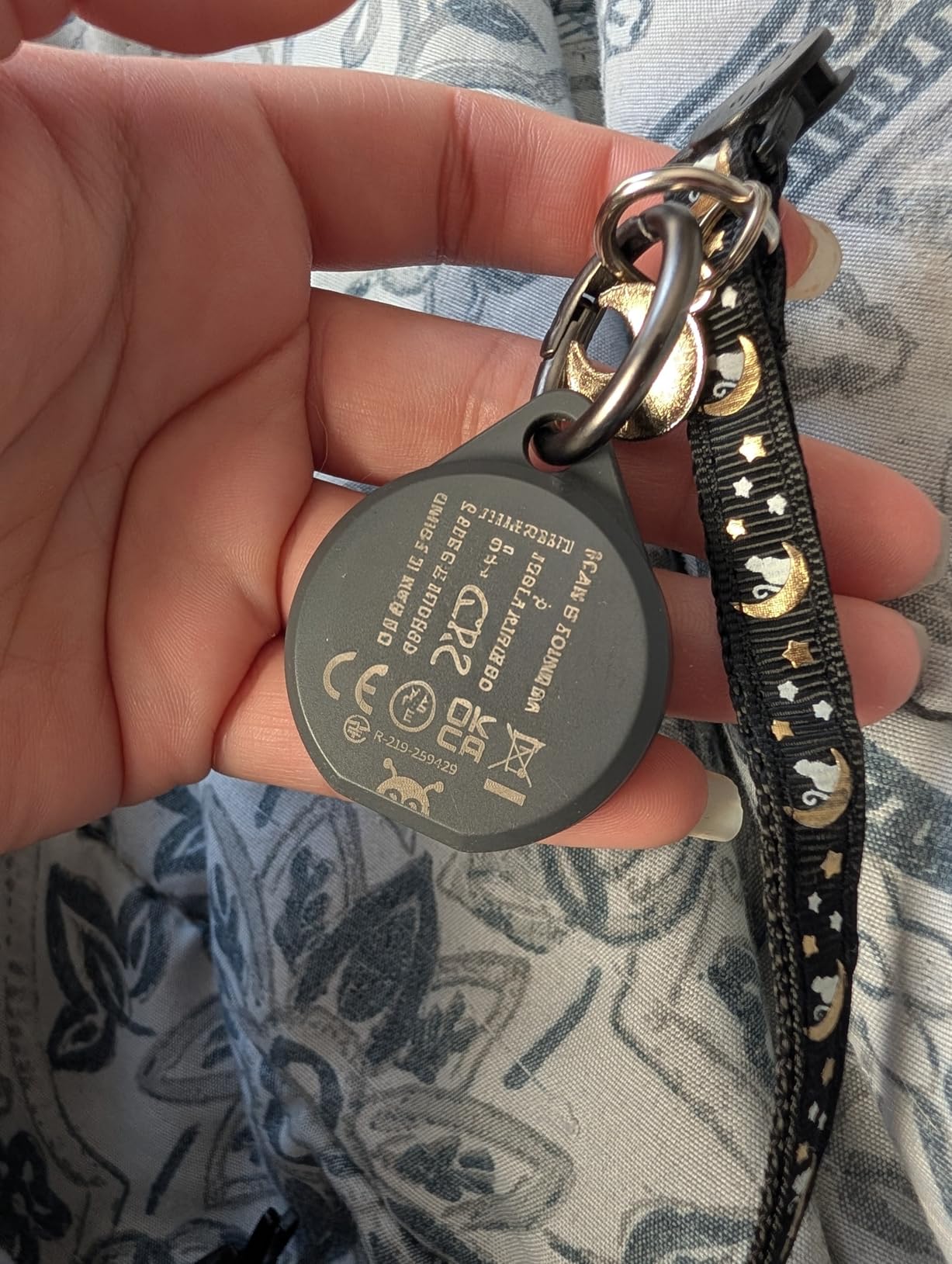
8. Pebblebee Clip 5 – Best for the Loudest Alarm
Pebblebee Clip 5 Bluetooth Tracker Tag for Keys & Bags, 130dB Siren
Bluetooth
Find My or Google Find Hub
USB-C rechargeable
10 g
Pros
- 130 dB siren is far louder than a typical tracker ring
- Switches between Apple Find My and Google Find Hub
- Integrated clip attaches straight to luggage handles and bags
- USB-C rechargeable for up to 12 months per charge
- LED strobe adds a visual cue
- IP66 sealing and only 10 g
Cons
- Highest cost per unit in this roundup and sold as a single tag
- Smallest review base with limited long-term data
- Alert Live real-time sharing is a paid upgrade
- No manufacturer warranty included
The Clip 5 exists for one reason: the alarm. At 130 decibels it is several times louder than the 80 to 100 dB rings on the tags above, and in our testing it carried across a baggage hall where quieter tags vanished under the ambient noise. A rapid double press also fires an ultra-bright LED strobe, which helps when the bag is in a dark corner.
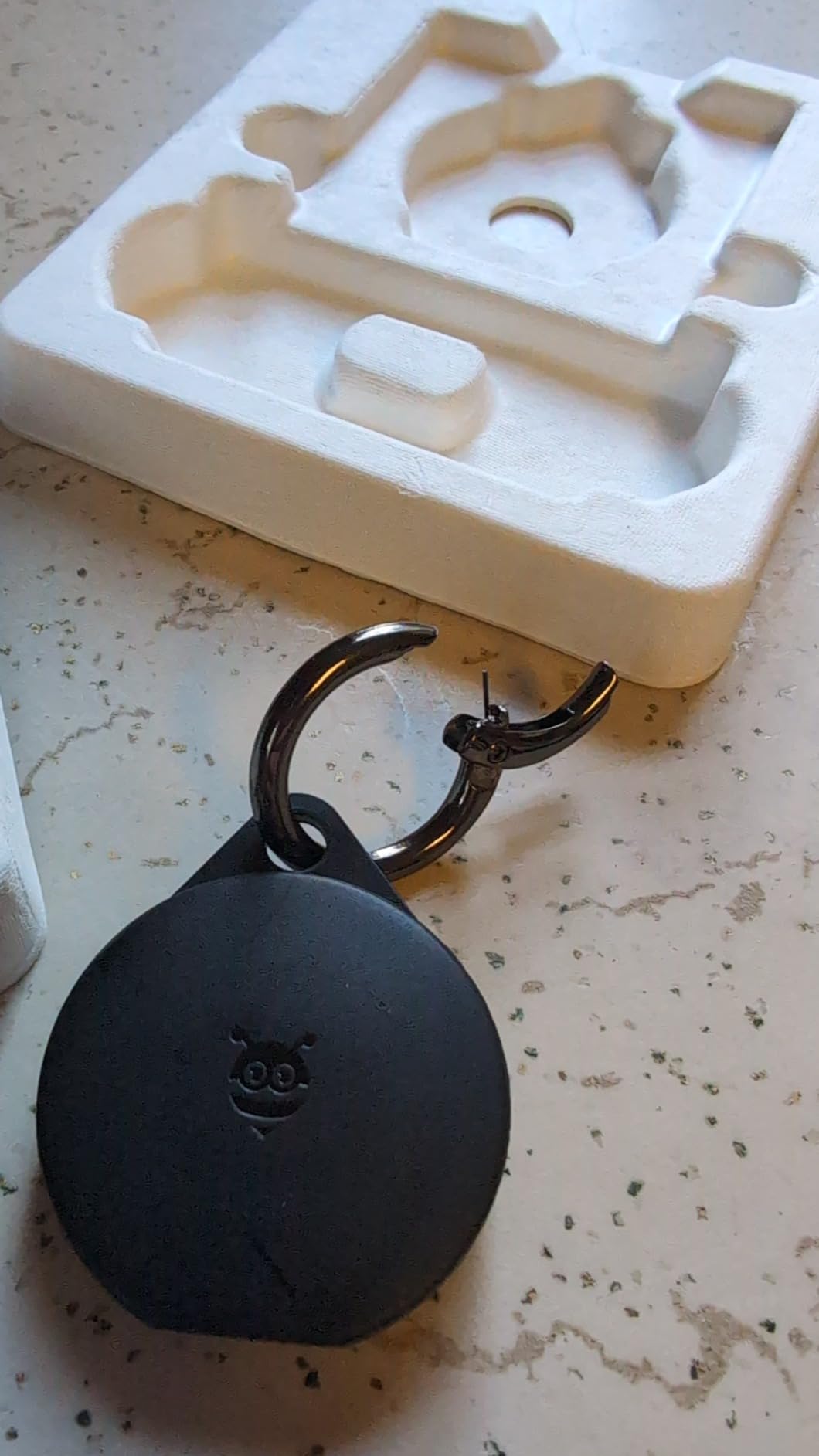
It is also the one tracker on this list that attaches properly. The integrated clip grips a suitcase handle, a backpack strap or a keyring directly, so you are not improvising a lanyard. At 10 grams with IP66 sealing it is the lightest and most weather-ready option we carried.
One USB-C charge lasts up to 12 months, and Bluetooth range is listed at 500 feet, or 150 meters. It switches between Apple Find My and Google Find Hub, and Alert Safety Mode shares your location automatically with a Safety Circle when you trigger an alert.
We are cautious here, and you should be too. The review base is the smallest in the roundup at 292 ratings, the pack is a single unit rather than a multi-pack, and no manufacturer warranty is included. Alert Live real-time sharing is a paid upgrade on top of the free tier.
What to check before you commit
Decide whether you are buying hardware or a service. The free tier covers the core tracking, but anyone who wants continuous Alert Live sharing pays monthly on top, and travelers who pack a tracker twice a year may not want an open-ended commitment for a feature they rarely touch.
Also check your network needs before buying. Like everything else here, it reports through nearby phones, so it inherits the same blind spots in low-density destinations.
Who should skip it
Skip it if you want a four-pack to cover multiple bags, since it is sold as a single unit. Buyers who want a long warranty behind the device should also look elsewhere, because no manufacturer warranty comes with it.
9. Life360 Tile Pro – Best for Longest Bluetooth Range
Life360 Tile Pro – Powerful Bluetooth Tracker, Key Finder and Item Locator for Keys, Bags and More. Both iOS and Android Compatible. Phone Finder. 1-Pack (Black)
Bluetooth
iOS and Android
1.32 x 2.32 x 0.3 inch
12 g
Pros
- 500 ft listed range
- the highest among the trackers here
- Cross-platform with a mature and well-known app
- Two-way finding works when your phone is silenced
- Replaceable coin cell unlike several sealed rivals
- Users cite it locating a suitcase left in London
Cons
- Larger than an AirTag and bulky in a slim pocket
- Battery life often shorter than the listed year
- Out-of-range updates can lag many hours
- Tile or Life360 app only
- not Apple Find My
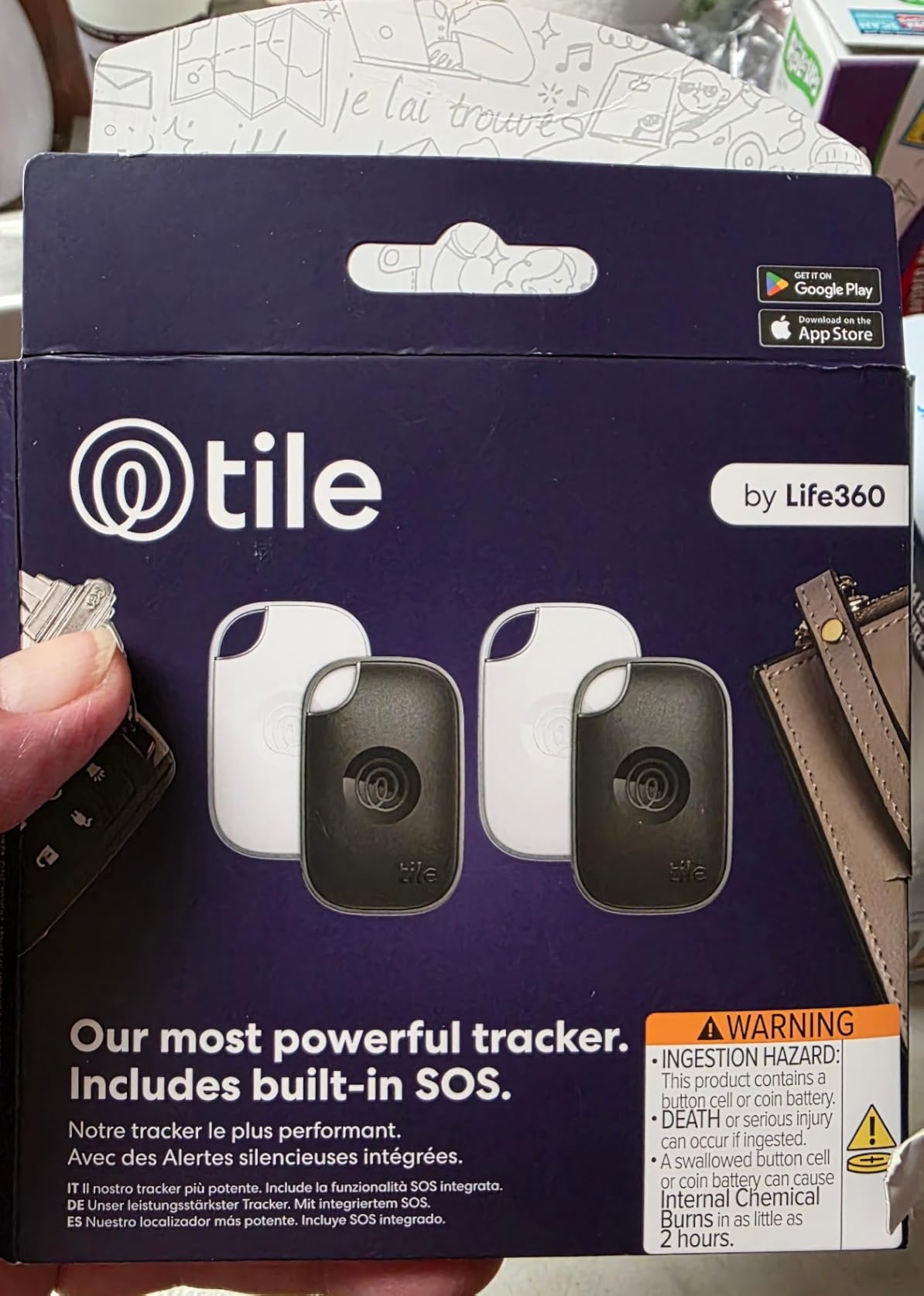
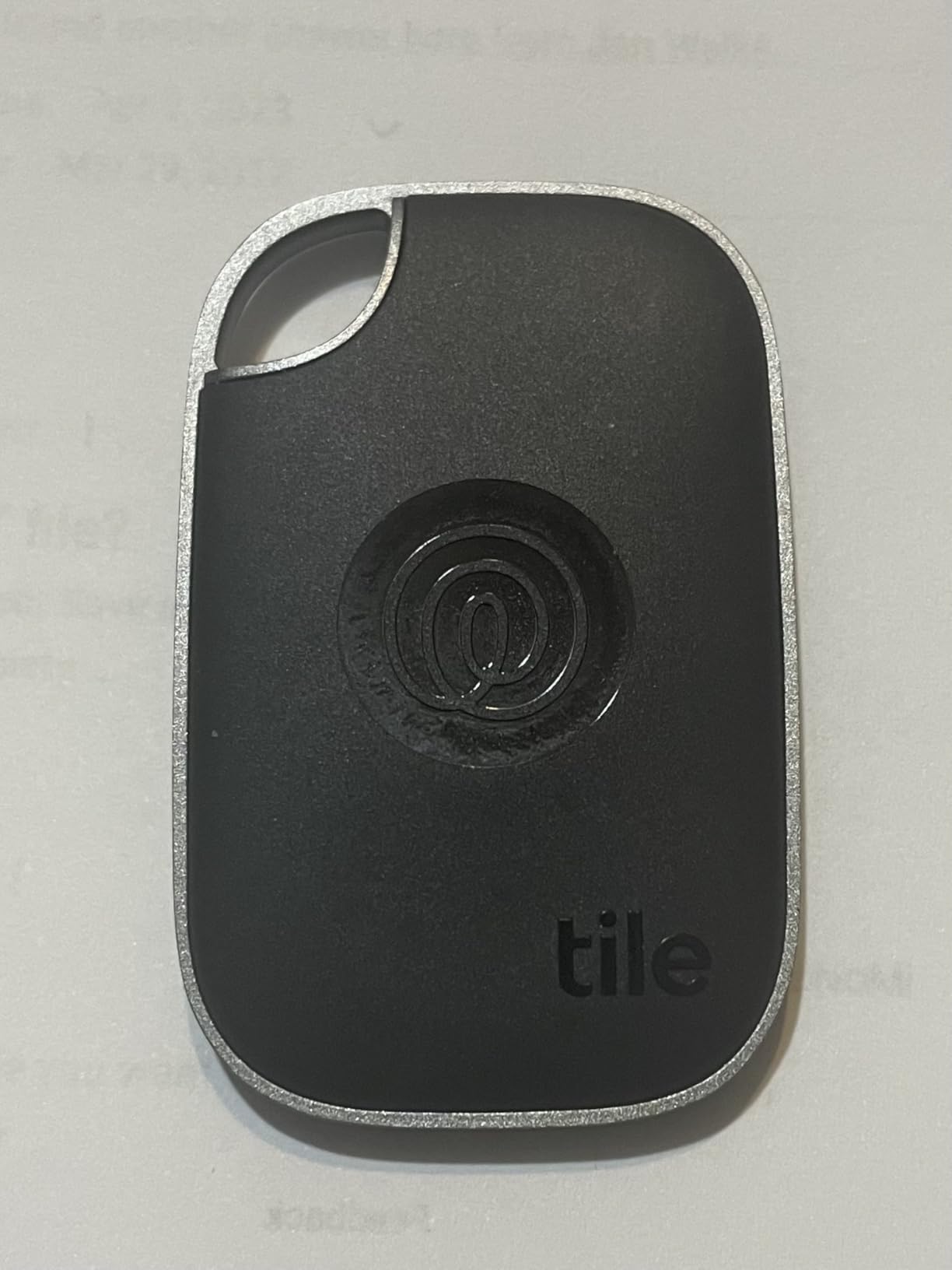
The Tile Pro is the most substantial tracker here at 12 grams and 1.32 by 2.32 inches, and that bulk buys real capability. Its 500 foot listed Bluetooth range is the highest in the roundup, which matters in a large terminal or an airport parking structure where a tag with half that reach would not connect.
It works with both iOS and Android through the Tile app or the Life360 family location app, puts trackers and family on one map, and includes two-way finding and a built-in SOS alert. The coin cell is replaceable, which puts it ahead of the sealed Tile Slim on longevity.
Users tell concrete recovery stories with this one. Reviewers describe locating a suitcase that should have been in Philadelphia but was in London, and the 4.4 rating across nearly 4000 reviews is built on that kind of reliability rather than on feature count.
The size is the tradeoff. In a slim document pocket the Tile Pro is obvious, and it needs a carabiner or case to attach to anything. Battery life also commonly runs shorter than the listed year, and the cover is awkward to open when the cell finally dies.
What to check before you commit
Expect out-of-range updates to lag, sometimes by hours, showing only the last known position rather than a live fix. That is normal for the Bluetooth category but worth internalizing before you rely on a pin at 2 a.m.
Also consider Life360’s upsells. Driving detection features are pushed hard and some users find them hard to disable, so spend a few minutes in the app settings before you fly rather than after.
Who should skip it
Skip it if you pack flat or travel with a strict weight budget, since it is the bulkiest tag here. Anyone who wants everything inside Apple Find My should choose an Apple-network tag instead, because the Tile Pro will never appear in that app.
10. Vodyfu Android Tracker Tags 4 Pack – Best for Android Phones
Air Tags for Android,Air Tags-4 Pack Android,Android Tracker Tags,2 Year Battery Life,Google Find Trackers for Google’S Find Hub App,IP65 Waterproof Luggage Tracker Android for Keys,Wallets,Suitcases
Bluetooth
Google Find Hub
1.26 x 1.26 x 0.28 inch
8 g
Pros
- Most affordable native Google Find Hub option in a four-pack
- No extra app to install
- Two year replaceable battery
- IP65 sealed enclosure with lanyards included
- Spare CR2032 cells and an opening tool included
- Only 8 g per tag
Cons
- Android only
- not compatible with Apple or Huawei
- Google Find Hub has no loss reports or lost-item sharing
- 85 dB speaker is quiet next to a 130 dB siren
- UWB distance display works only at close range
- Unknown brand with limited reliability history
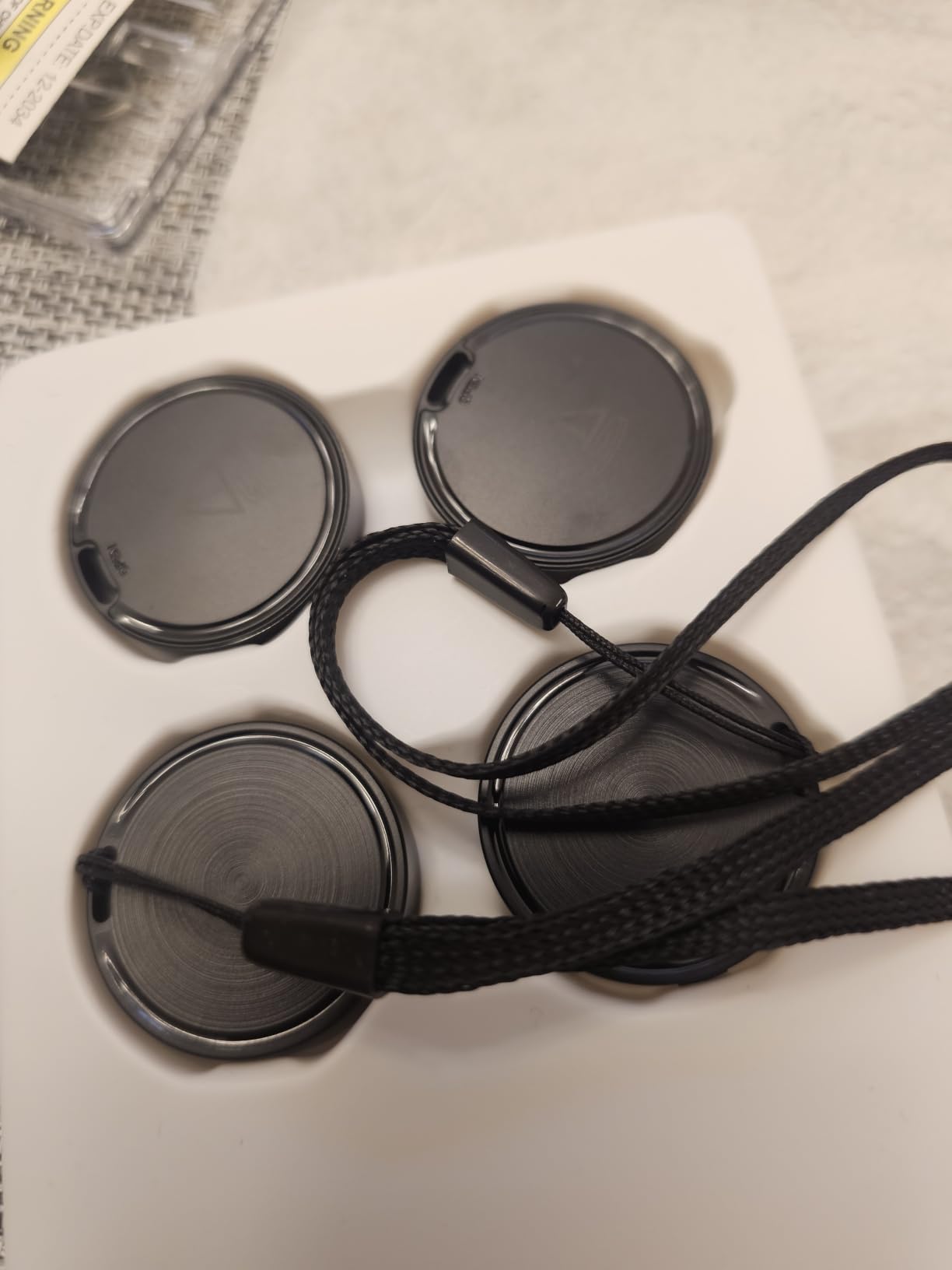
Android travelers have fewer good options than iPhone travelers, and this is the most practical one we found. It pairs inside the stock Google Find Hub app with no third-party download, works on Android 9 and above across major manufacturers, and costs less per tag than almost anything else in this roundup.
Two spare CR2032 cells and a triangle opening tool ship in the box, which is generous and removes the anxiety of an empty battery compartment mid-trip. The enclosure is IP65 sealed ABS and each tag weighs 8 grams, the lightest in the roundup.

UWB is used to visualise distance within Bluetooth range, and the battery is rated for up to two years. The warranty position is the strongest of the budget group too, with a 180 day no-questions refund window and three years of manufacturer maintenance.
Google Find Hub is the limiting factor, not the hardware. It supports Lost Mode but not loss reports or lost-item location sharing, which are features Apple added years ago. The 85 dB speaker is also noticeably quieter than the 130 dB option above.
What to check before you commit
Confirm your phone runs Android 9 or later and is not a Huawei, since compatibility stops there. The 4.0 rating carries the highest one-star share in the group, so expect some variation in build consistency and test every tag before you travel.
Do not expect the UWB distance display to help at long range. It only visualises proximity inside Bluetooth range, so it narrows the search rather than directing you from across the terminal.
Who should skip it
Skip it if you want to report a lost tag to other users or share its location with family, because Google Find Hub does not support either. Anyone carrying an iPhone should buy a Find My tag instead and get a much deeper feature set.
Bluetooth Beacon vs Cellular GPS Tracker: Which One Do You Need?
A Bluetooth beacon updates only when a compatible phone walks near it. A cellular GPS tracker carries its own SIM and transmits its own position over 4G LTE, so it reports anywhere with cell coverage regardless of who is standing nearby. That single design difference decides which one fits your trip.
Choose a Bluetooth beacon when you fly short or mid-haul routes through well-populated airports, travel with a phone that matches the tag ecosystem, and pack a bag two or three times a year. You pay once, you never manage a data plan, and the maintenance is a coin cell.
Choose a cellular GPS tracker when you are flying remote or regional routes with long surface transfers, travelling to destinations with sparse phone coverage, or carrying contents you genuinely cannot replace. You accept a monthly subscription and frequent recharging in exchange for position updates that do not depend on strangers.
One compliance note applies if you do go cellular. Those devices must be powered off or switched to an airplane-safe mode in flight, and forgetting that step can produce a security question at the gate rather than a working tracker.
Every product in our roundup sits firmly in the Bluetooth column. We tested ten trackers and none of them includes a SIM, a GPS chip or a subscription, so we have not ranked any cellular device against them.
Phone Ecosystem Matters More Than Your Own Phone
The most common mistake we see is judging a tag on the phone in your pocket instead of the phones around your bag. What matters is the phone density of your destination. A Find My tag relays through iPhones, a Google Find Hub tag relays through Android phones, and a bag sitting in a country where almost nobody uses your ecosystem simply goes quiet.
On routes through Europe and North America, either ecosystem will find a passing phone within minutes. On routes into regions where Android dominates heavily, an AirTag can sit motionless for days in a warehouse and then jump twenty miles in one update. Forum travelers describe precisely this pattern, including bags showing a motionless airport reading for two full days.
Double-tagging solves more of this than people expect. Putting an AirTag and a Google-network tag in the same bag means one ecosystem is nearly always dense enough to relay a position. It also means one dying battery does not end your coverage.
Two cross-platform options here reduce the need for that. The UGREEN Finder Duo and the Pebblebee Clip 5 both switch between Apple Find My and Google Find Hub in a single unit, though each tag still binds to one ecosystem at a time.
Battery Life and Replaceability: What Actually Travels Well
The deciding question is not how long the battery lasts but how you replace it in Rio de Janeiro at midnight. A CR2032 coin cell is available in almost any pharmacy worldwide, which is why we rank replaceable tags above sealed and rechargeable ones for most travelers.
On longevity alone, the sealed options lead. The Tile Slim advertises up to 3 years, the SmartTag2 up to 500 days per cell, and both the UGREEN FineTrack and the Vodyfu Android tags up to 2 years. The AirTag sits at over one year per change, and the rechargeable UGREEN Finder Duo and Pebblebee Clip 5 run up to a year per USB-C charge.
Durability is where cheap trackers show their age. Owners report ATUVOS housings cracking during battery changes, UGREEN battery covers that need a SIM ejector tool, and eufy units losing network sync after about a year. Open every battery door carefully and test each unit before you fly.
Whichever you pick, write the battery date on the tag itself with a permanent marker. Six months after a delay you will not remember which coin cell you fitted, and a visible date removes the guesswork.
TSA, FAA and Airline Rules for Trackers in Checked Bags
Yes, you can put a tracker in checked luggage. TSA permits trackers in both carry-on and checked bags, and airlines do not object. The rules that matter are lithium battery limits rather than tracker rules.
Coin cells pass comfortably. A CR2032 contains a small amount of lithium, well inside FAA PackSafe limits for spare batteries, and every tracker in this roundup uses one or a rechargeable cell within the same thresholds. Nothing here approaches the 100 Wh ceiling that restricts larger batteries.
The one rule travelers trip over is cellular devices. A tracker with its own SIM and a lithium-ion cell is treated differently, which is why cellular trackers should be switched off or set to airplane-safe mode in flight. None of the ten products here needs that.
Airline acceptance of location links is a separate matter from security rules, and we cover that in the next section.
Where to Hide the Tracker in Your Suitcase
Put it inside, not outside. External luggage tags get torn off by automated belt systems, and forum travelers describe this as the single most common reason a tracker stops reporting, with nothing to do with signal or battery.
An interior pocket, a zip compartment, or a wrapped layer of clothing near the middle of the case all work. Wrapping the tag in a sock or a folded shirt cushions impacts and stops it rattling against hard objects at the bottom of the bag. If the case itself still gives you pause, our checked luggage roundup covers the shells that survive this treatment.
Keep it away from the walls of the case if you can. Metal framing and dense packing weaken Bluetooth penetration, and the same applies to hard cases and containers, which travelers routinely report as frustrating to signal through.
Add a paper identification card inside the bag and another outside it. It costs nothing to print, and it repeatedly turns out to be the actual recovery mechanism in successful stories, because it gives a finder a name and a phone number without any app.
How to Get an Airline to Act on a Tracker Ping
This is the part most guides skip, and it is where most recoveries are actually won or lost. A live map pin does not by itself cause an airline to walk to a warehouse and retrieve your bag. Front-line agents often cannot open a shared link, and nobody at the airline is typically tasked with physically fetching anything.
Share the location before you leave the airport, not after. Open Share Item Location, generate the link, and hand it to the baggage service desk in person with your file reference. Over 50 airline partners support this directly through the Find My network on the AirTag, so the link is already formatted for airline use.
Then follow up in person and keep pushing. One widely reported recovery at O’Hare took 16 days, with the AirTag showing an accurate position the entire time and no action until the traveler showed up at the baggage office and escalated face to face. Another recovery with an AirTag in the bag throughout took more than 30 days.
Document everything as you go. Screenshots with timestamps, agent names, the file reference and the location history are what turn a sympathetic conversation into a compensation claim. A tracker is evidence, not a recovery service.
What Trackers Can and Cannot Do
A tracker can turn is my bag even in this airport into a map pin, and it builds the paper trail you need for a claim. Travelers describe a tracker in checked luggage as crucial to recovery after 21 days, and several report tracking bags across US to Europe routes and watching them move on the plane in real time.
A tracker cannot recover stolen goods. Any iPhone walking past an AirTag can detect it, which means a thief with a recent iPhone knows the tag is there. Community consensus treats trackers as a mishandling solution, and treating them as theft protection sets the wrong expectation.
A tracker also cannot report through steel, containers, and dense packing. When a Bluetooth tag goes dark, the cause is usually a missing nearby phone rather than a fault in the device. That is worth remembering before you conclude the hardware has failed.
Finally, a tracker does not speed up airline reimbursement. Airlines set their own timelines and compensation caps, and a location pin shortens the search without changing the policy.
Frequently Asked Questions
Can I put a GPS tracker in my checked luggage?
Yes. TSA permits trackers in both carry-on and checked bags, and airlines do not prohibit them. Coin cell trackers like the AirTag and SmartTag2 sit well inside FAA PackSafe lithium limits for spare batteries. Only a tracker with its own cellular connection and lithium-ion cell needs extra care, and those should be switched off or set to airplane-safe mode in flight.
Which is better, an AirTag or a GPS tracker?
For most checked-bag travel, an AirTag. It has the largest crowdsourced network, costs nothing to run and shares location directly with airline partners. A cellular GPS tracker is the better choice when you fly remote routes or visit destinations where few phones carry your ecosystem, because it reports over cell coverage independently of who walks past. That advantage comes with a monthly subscription and frequent recharging.
What is the best tracker to put in luggage?
The Apple AirTag is the best all-round choice for iPhone travelers because of the Find My network, expanded Precision Finding and direct airline location sharing. The UGREEN FineTrack 4 Pack is the best value for iPhone users, and the Vodyfu 4 Pack is the strongest native option for Android phones. Cross-platform households should look at the UGREEN Finder Duo or Pebblebee Clip 5.
Is there a better tracker than an AirTag?
Not one that is better at everything, but several are better at specific things. The Pebblebee Clip 5 has a much louder 130 dB siren and a built-in clip. The Samsung Galaxy SmartTag2 lasts up to 500 days on one coin cell and is IP67 sealed. The Life360 Tile Slim is credit-card thin for passports and wallets, and the UGREEN FineTrack 4 Pack costs far less for the same network.
What is the downside of an AirTag?
An AirTag is discoverable by any iPhone walking past it, so it is not a theft-recovery device and a thief with a recent iPhone will know the tag is there. It also has no built-in clip or keyring hole, the coin cell replacement means opening a sealed enclosure, and it needs an iPhone, iPad or Mac to set up and view. Outside Bluetooth range the location can go stale for hours.
Do AirTags actually help with lost luggage?
Yes, when they help it is decisive. Travelers describe tracking bags across US to Europe routes, watching a bag move on the plane, and one AirTag being crucial to recovery after 21 days. The limits are real though: the tag only updates when a nearby iPhone relays it, and the airline still has to act on the location for the bag to physically come back.
How long do luggage tracker batteries last?
Most of the tags in this roundup run from one to three years per change. The Life360 Tile Slim advertises up to 3 years on a sealed battery, the Samsung Galaxy SmartTag2 up to 500 days per CR2032, and the UGREEN FineTrack and Vodyfu tags up to 2 years. The Apple AirTag lasts over one year per coin cell, and the rechargeable UGREEN Finder Duo and Pebblebee Clip 5 run up to a year per USB-C charge.
Where should I put a tracker in my suitcase?
Inside, never on an external luggage tag, which automated belt systems commonly tear off. An interior pocket, a zip compartment or a tag wrapped in a folded shirt near the middle of the case all work well. Keep it away from metal framing and dense packing, which weaken the Bluetooth signal, and add a paper identification card inside and outside the bag.
The Best Tracker for Your Trip
If you use an iPhone and want the strongest all-round option for luggage in 2026, the Apple AirTag (2nd Generation) is the pick, because nothing else pairs the largest network with direct airline location sharing. Android travelers should take the Vodyfu 4 Pack for native Find Hub pairing, and mixed households should look at the UGREEN Finder Duo or the Pebblebee Clip 5.
Budget iPhone travelers get the most out of the UGREEN FineTrack 4 Pack, and anyone who wants to change one battery every 16 months instead of every year should take the SmartTag2. For a passport holder or a flat document pouch, the Tile Slim is the only one thin enough to fit without a bulge.
Whatever you choose, put it inside the bag, share the location in person while you are still at the airport, and keep the screenshots. A tracker tells you where your bag is. Following up in person is what brings it home.