
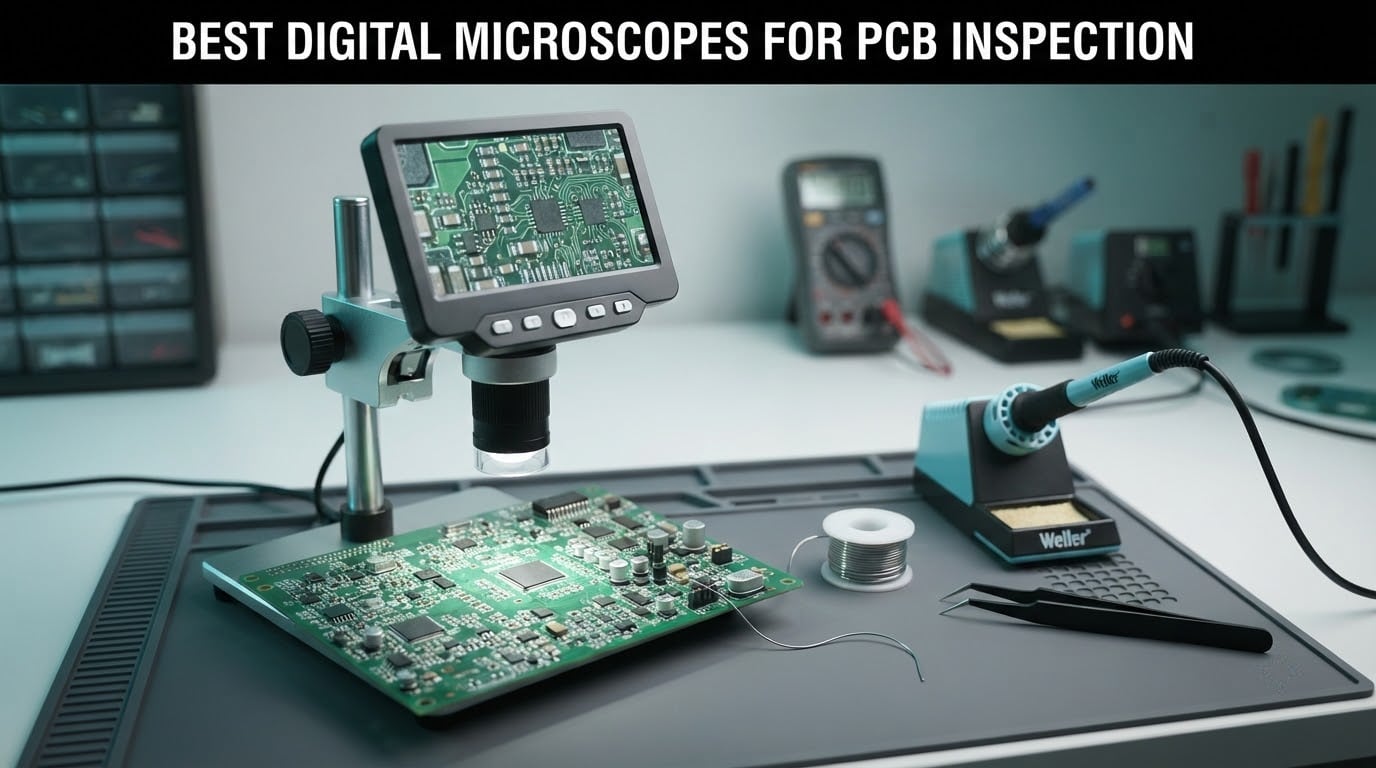
Here is the short answer: the TOMLOV DM9 is the best digital microscope for PCB inspection overall, the Andonstar AD249S-M is the strongest all-round bench scope with the largest screen, and the Elikliv EDM4 is the cheapest sensible way to start. For phone and console rework where you must confirm a board is actually seated, the Andonstar AD409 Pro wins because it ships with a side-view endoscope.
We spent several weeks putting ten of the most popular inspection scopes through solder-joint checks, connector rework and board-overview tasks to build this list. Everything below comes from what each unit actually did on the bench, not from the spec sheet alone.
One thing to clear up before the reviews, because it changes how you read every listing: the huge magnification numbers on this category are mostly digital zoom, not optical. A scope advertising 2000x typically reaches about 240x optically on its work lens and then multiplies the image digitally. The digital part adds pixels, not detail, and pushing it past the optical range gives you a soft, grainy image. Working distance — the clearance between the lens and your board — matters more than the headline number, because if you cannot fit an iron tip, a hot air nozzle or tweezers under the lens, the magnification is useless.
Frame rate comes next. A smoother feed at 1080P feels far more responsive under the scope than a sharper 4K feed that stutters, since your hand and the on-screen image are moving in sync. That is why several picks below carry a 2160P or 4K sensor for stills and video while the live feed is what you actually solder by.
Table of Contents
Top 3 Picks for PCB Inspection in 2026


All 10 Best Digital Microscopes for PCB Inspection Compared in 2026
| Product | Specifications | Action |
|---|---|---|
| TOMLOV DM9 |
|
Check Latest Price |
 Andonstar AD246S-M Andonstar AD246S-M |
|
Check Latest Price |
 Andonstar AD249S-M Andonstar AD249S-M |
|
Check Latest Price |
 TOMLOV TM4K-AF Flex TOMLOV TM4K-AF Flex |
|
Check Latest Price |
 TOMLOV DM10 TOMLOV DM10 |
|
Check Latest Price |
 Aikokkl 5-Inch C-Clamp Aikokkl 5-Inch C-Clamp |
|
Check Latest Price |
 Andonstar AD409 Pro Andonstar AD409 Pro |
|
Check Latest Price |
 Elikliv EM4K-AF Elikliv EM4K-AF |
|
Check Latest Price |
| Elikliv EDM4 |
|
Check Latest Price |
 Jiusion USB 2.0 Endoscope Jiusion USB 2.0 Endoscope |
|
Check Latest Price |
1. TOMLOV DM9 – Best Overall Digital Microscope for PCB Inspection
TOMLOV DM9 7″ Digital Microscope: 1080P 1200X Coin Microscope Magnifier, 12MP Ultra-Precise Focusing LCD Soldering Microscopes for Adults, PC View, 16GB
7-inch LCD
Up to 1200X
12MP stills and 1080P video
8 LEDs plus 2 goosenecks
Pros
- Solid metal base and stand take light soldering heat
- 7-inch screen is easy on the eyes for long sessions
- Ten lighting sources cut shadow across tall components
- PC connection gives a bigger live view
- 16GB card included in the box
Cons
- Effective magnification drops as you raise the head off the board
- Menu-driven controls interrupt continuous work
- Wired remote rather than wireless
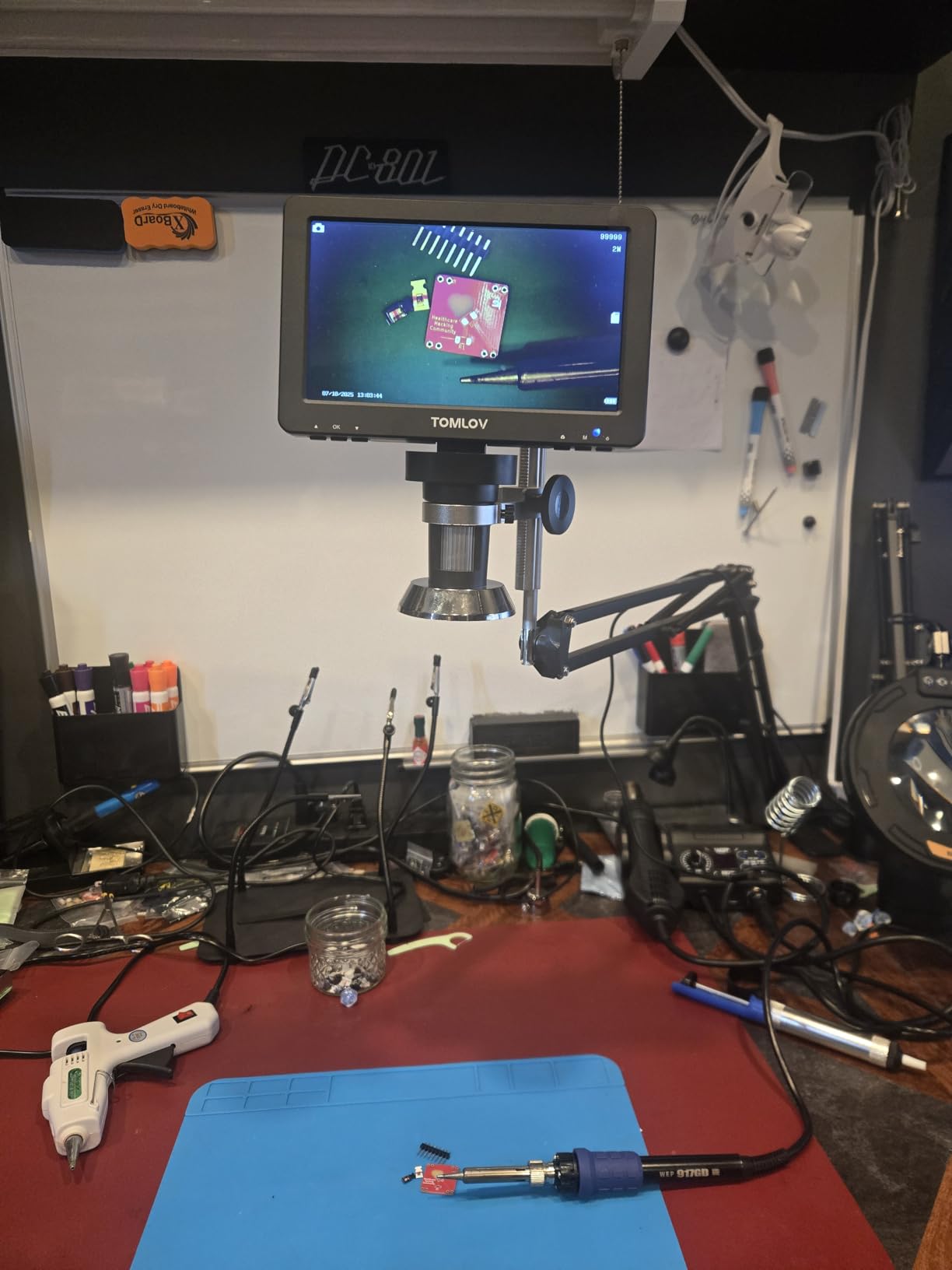
The DM9 is the scope we kept reaching for during this comparison, mostly because the metal base does more than hold the camera. It is heavy enough to work as a soldering platform, so the board and the iron sit on the same surface, and nothing shifts when you push a tip against a pad. That single design choice removes a whole category of frustration that plastic-base competitors never solve.
Under a board teardown, the 7-inch LCD sits at a comfortable angle for long stretches, and the 8 built-in LEDs around the lens plus two flexible gooseneck side lights were the difference between seeing and squinting. Tall components still throw shadow across a neighbouring pad, but angling a gooseneck fixes it in a second rather than sending you back to reposition the camera.

The control interface is the weak spot. Everything runs through an on-screen menu with a wired remote, so adjusting exposure or white balance mid-task means button sequences, and touching the unit shakes the view. Owners doing long sessions generally tune the settings once and then leave them alone, which is the right approach.
Maximum magnification is listed at 1200x, and as with every scope here that figure is mostly digital. The optical range is genuinely useful for solder joints and small SMD parts, and the 12MP stills plus 1080P video capture more detail than the on-screen feed shows, which is what you want for documentation. A 16GB microSD card comes in the box, so you can start saving records straight away.
What it handles well on the bench
Through-hole joints, 0805 and 0603 parts, and general post-solder inspection are all comfortable at mid magnification with the head close to the board. The lighting handles reflective solder fillets better than a single ring light, and the metal stand holds its position when you lean in to look closely.
It also doubles as a general inspection tool for coins, stamps and small mechanical parts, so if your bench does more than electronics, the same scope covers both jobs without a second purchase.
Where it falls short
Working distance is the limit for rework rather than inspection. When you need clearance for a hot air nozzle or a chunky tweezer tip, the stand cannot open up far enough, and you end up swapping to another scope for the soldering and coming back for the check.
The 7-inch panel is also smaller than the 10.1-inch screens on several rivals. For a long day of inspection that difference is real but manageable; for a full motherboard overview, the picture feels tight.
2. Andonstar AD246S-M – Best Three-Lens Kit for Board Work
Andonstar AD246S-M 3 Lens 2160P HDMI Digital Microscope 2000x for Adults
7-inch LCD with HDMI out
3 lenses to 2040X
2160P recording
Pro boom arm
Pros
- Three lenses cover board overview and joint-level work
- Long working distance lens suits phone and board repair
- HDMI output drives a larger monitor
- Rigid metal boom arm handles soldering heat
- Measurement software handles length and area
Cons
- Lens changes need screws loosened and refitted
- 7-inch screen is modest for the feature set
- Digital zoom softens detail past the optical range
The AD246S-M is the kit that convinced us three lenses are not a gimmick. Lens L is the working lens for circuit boards and phone repair, giving a long working distance with a modest magnification range that keeps enough of the board in view to know where you are. Lens A pulls back for whole coins and assemblies, and Lens D covers slides and fine specimens.
That combination means you can start a repair at board level, push in for a connector pin, then pull back out for a final review, without touching anything but the lens. Owners in electronics and watchmaking regularly report that this is the reason they stopped reaching for a binocular scope at all.
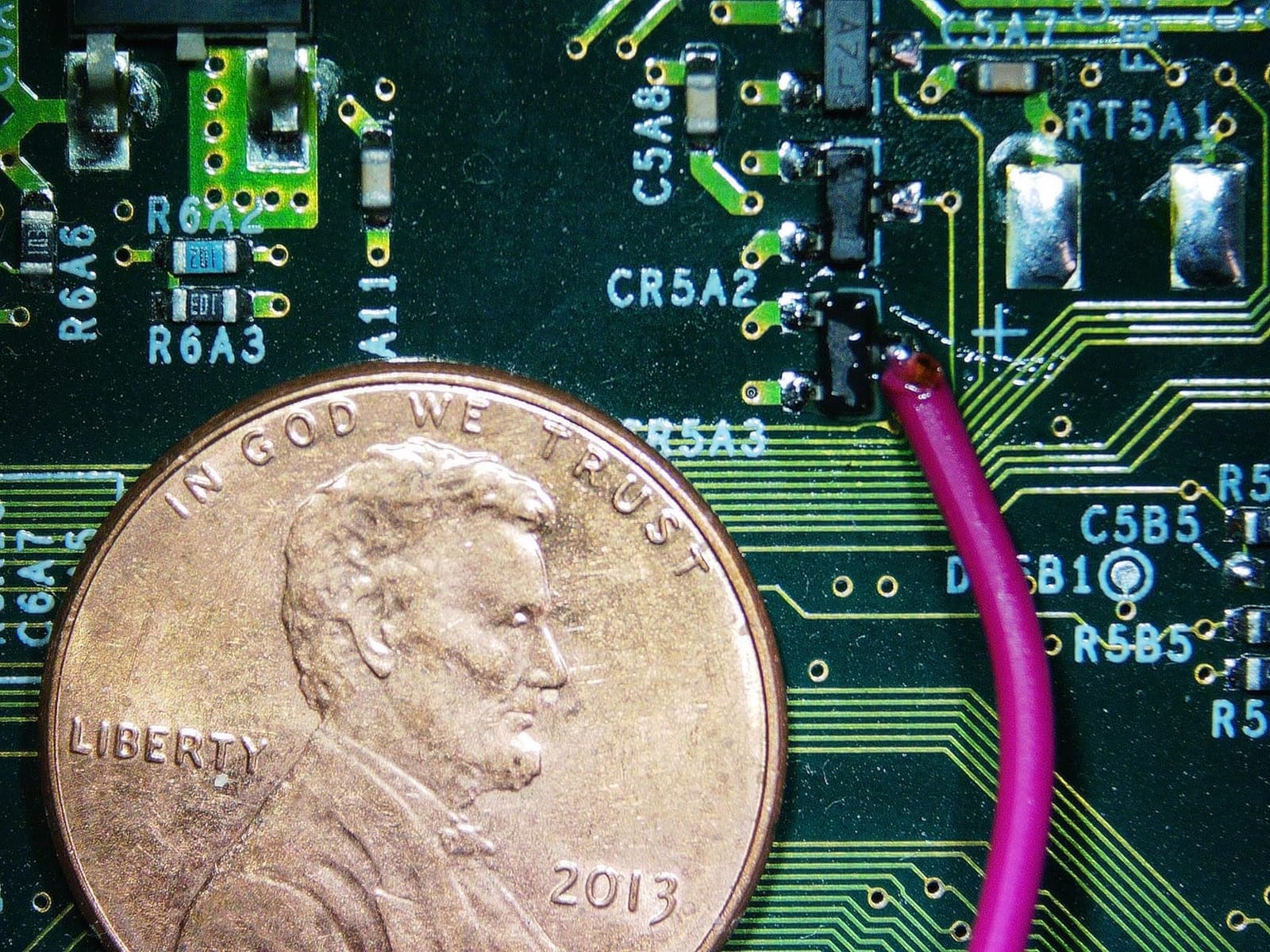
The pro boom arm is genuinely rigid. It adjusts front to back, side to side and in angle, and once you dial it in for your bench it stays there while your hands work underneath. That matters more than any spec, because a stand that drifts while you solder turns every joint into a refocus.
Video records at 2160P and the HDMI output drives a larger monitor, which is the single best upgrade for anyone who works on boards with a customer watching over their shoulder. The bundled Windows measurement software adds length and area readout, useful for checking pad and trace dimensions. A 32GB card, HDMI cable, switch cable and remote are all in the box.
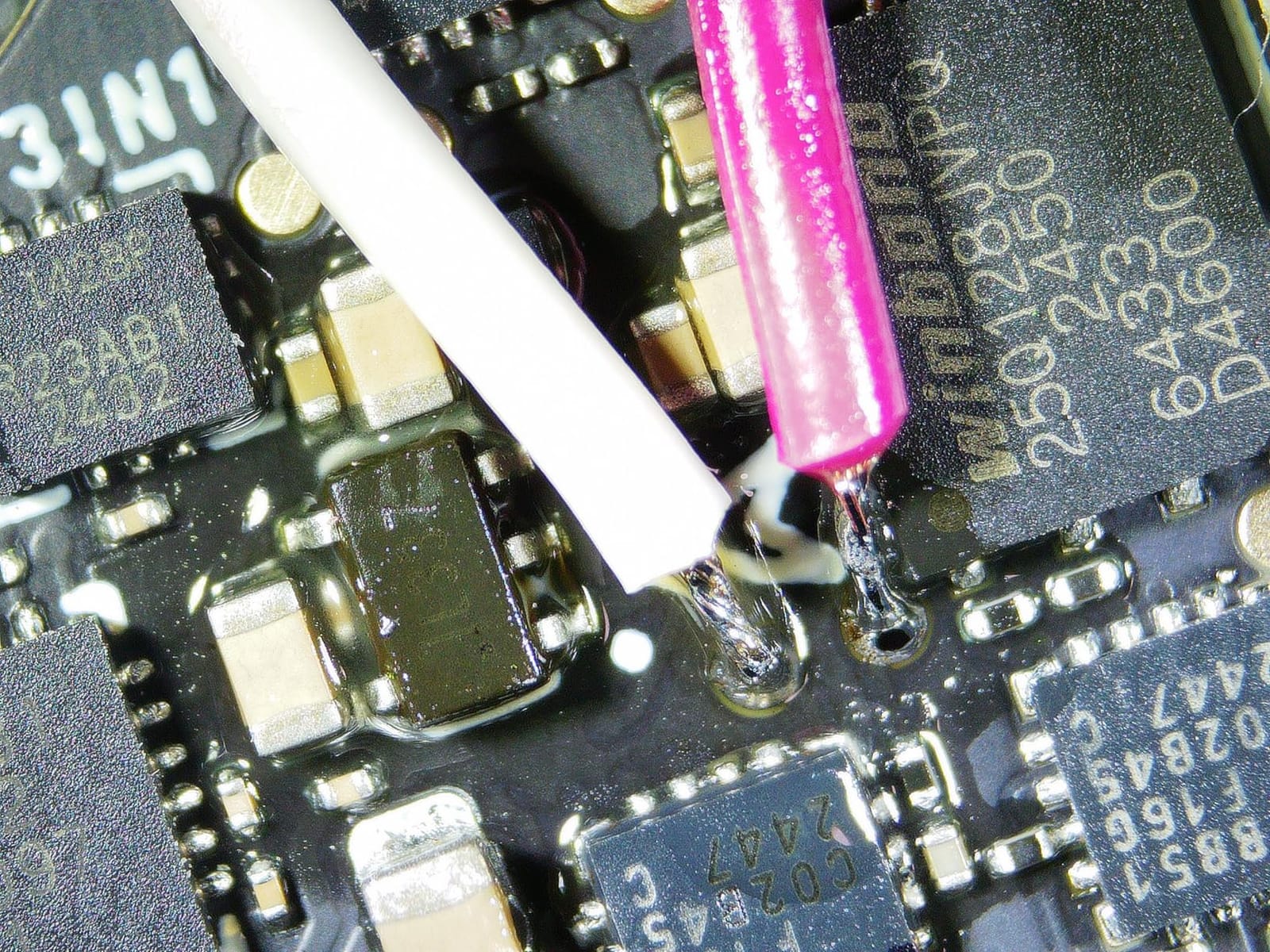
What it handles well on the bench
Phone and console connector rework is where the long working distance on Lens L earns its keep. You can get an iron or a hot air nozzle into the frame without craning, and the 178-degree viewing angle means you are not fighting the monitor for a straight-on view of the joint.
Eight brightness levels on the side lights let you tune out glare on shiny component tops, and the wireless remote means you can capture before-and-after photos without touching the stand.
Where it falls short
Swapping lenses takes screws out and back in, and doing that between two components is the wrong rhythm for a fast job. If you change lenses more than a few times an hour, this design will slow you down.
The 7-inch screen is the smaller of the two Andonstar panels here, and digital zoom past the optical maximum will not hold up to close scrutiny. For very fine 0201 work, use the optical range and the measurement software rather than the zoom.
3. Andonstar AD249S-M – Top Rated Pick with the Biggest Screen
Andonstar AD249S-M 3 Lens 2160P 10.1 Inch HDMI Digital Microscope 2000x
10.1-inch LCD with HDMI
3 lenses to 2040X
2160P recording
Pro boom arm
Pros
- Largest screen in this group and easy on tired eyes
- Three lenses cover overview
- joint work and specimens
- Heavy boom arm holds focus with no play
- 2160P capture plus HDMI to a big monitor
- Measurement software and 32GB card included
Cons
- Base work surface is small for the boom reach
- Post may need levelling on arrival
- Built-in screen and HDMI output cannot be shown together
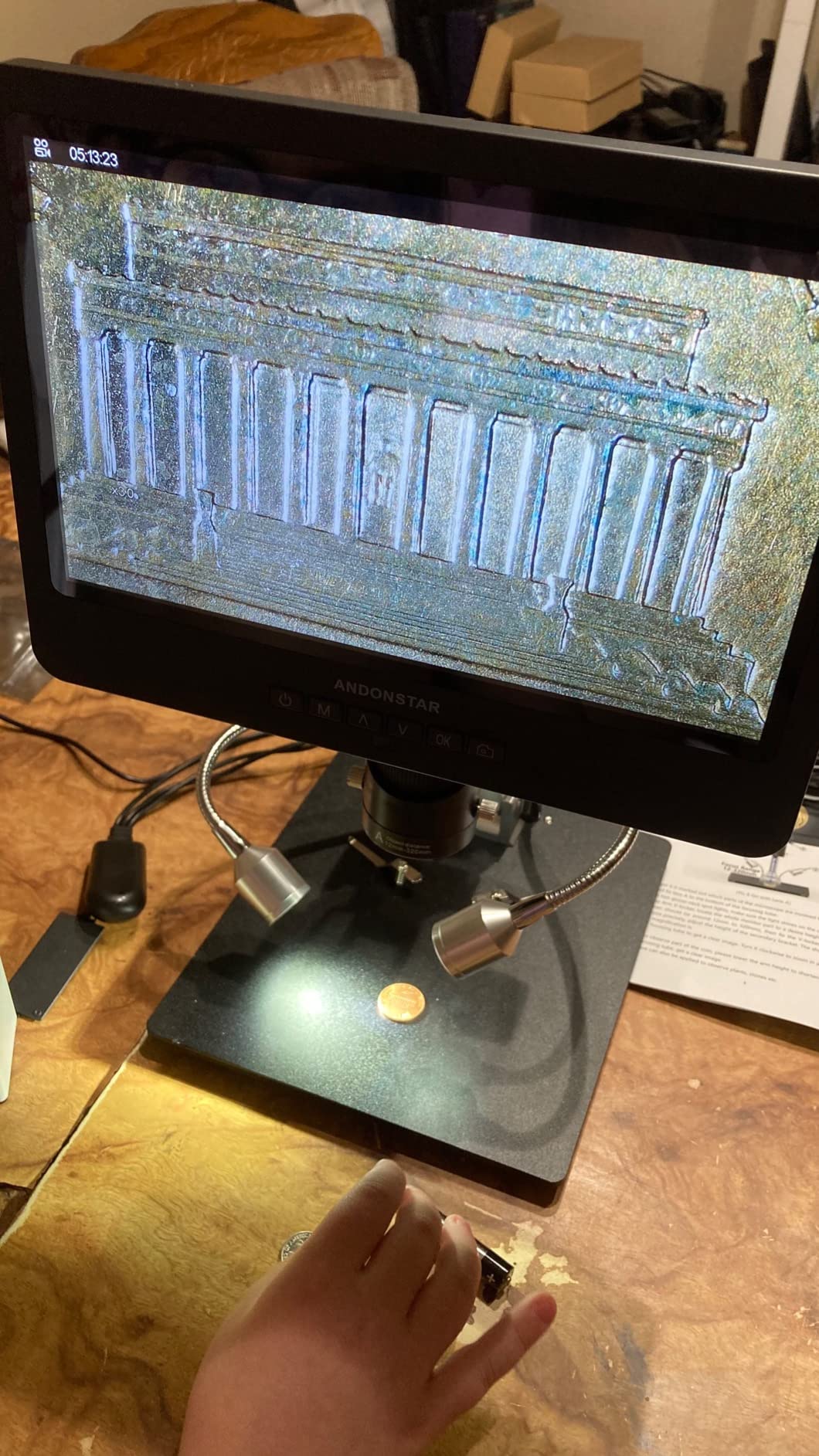
The AD249S-M is the highest-rated unit we tested, and the 10.1-inch panel is the reason. After a morning of 0402 work, the difference between this and a 7-inch screen is not subtle: bigger joints, less leaning, and noticeably less end-of-day eye strain. Owners who came from industrial-supply scopes talk about the same thing.
Optically it sits alongside the AD246S-M, with the same three lenses and the same 2160P recording, but the extra screen inches change how you work. You can hold a whole phone motherboard in frame at a magnification that was previously unusable, then push in without changing anything except the lens.
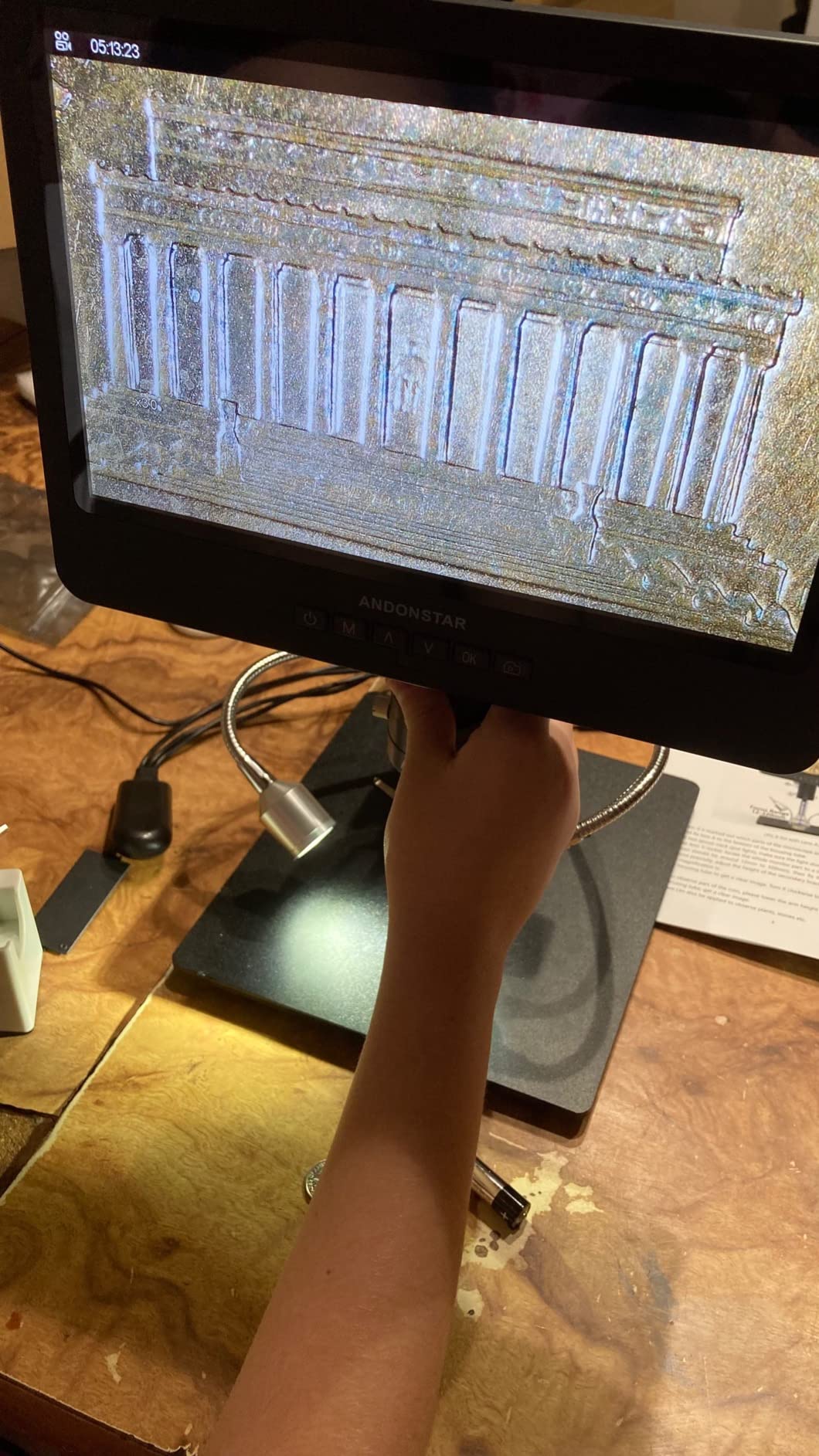
The boom arm is heavy and rigid, and the monitor and lens head show no play when you turn the focus wheel, which is a small detail that matters when you are working at high magnification. Dual adjustable side spot lights plus eight brightness levels make fine detail readable on dark boards and under board shields alike.
Packaging is unusually good, with foam inserts holding everything in place, and the measurement software plus a 32GB card mean you can document work from day one. Several buyers report recovering money versus a comparable industrial-supply digital scope, which tells you where this category sits in the market.
What it handles well on the bench
Long inspection sessions and QA-style documentation are this scope’s strongest suit. Freeze a defect, capture it, and show the client or the production record on a screen big enough to argue about. It also handles teaching, because a student can see the same view you are describing.
Because the screen and the HDMI output cannot display at the same time, plan your workflow: use the built-in panel while working and the external monitor when presenting.
Where it falls short
The base work surface is small relative to how far the boom reaches, so a full-size board needs a separate platform or a surface mount to stop it sliding. The vertical post also arrived slightly out of square on some units and needed levelling at the base bolt, which takes two minutes and a flat bench.
Lens changes still involve screws, and the manual is printed in very small type. If you are not comfortable with a tiny hex key, read up on the swap procedure before you need it.
4. TOMLOV TM4K-AF Flex – Best Autofocus Scope for Moving Hands
TOMLOV Autofocus 4K Digital Microscope, 8″ TM4K-AF Flex Arm for Soldering
TOF-sensor autofocus
4K video and 52MP stills
8-inch IPS screen
360-degree arm
Pros
- Autofocus locks on quickly and tracks a moving subject
- Two preset focus points for uneven boards
- 4K sensor and 52MP stills give real board-wide detail
- Articulating arm holds position for hands-free work
- Soldering mat and cables included
Cons
- Autofocus hunts on reflective or very dark joints
- HDMI output is 1080p rather than 4K
- PC mode locks out menus and recording
The TM4K-AF Flex is the only scope in this group where focus is not your job. A time-of-flight sensor measures distance and the autofocus adjusts in well under a second, which removes the single most common interruption in PCB work. Owners frequently report it replacing a binocular scope they had used for years.
The two preset focus points are the detail most people miss. Set P1 for the top of a connector and P2 for the board surface, then switch between them with a button instead of turning the focus wheel. On tall or uneven assemblies that is the difference between a smooth job and a frustrating one.
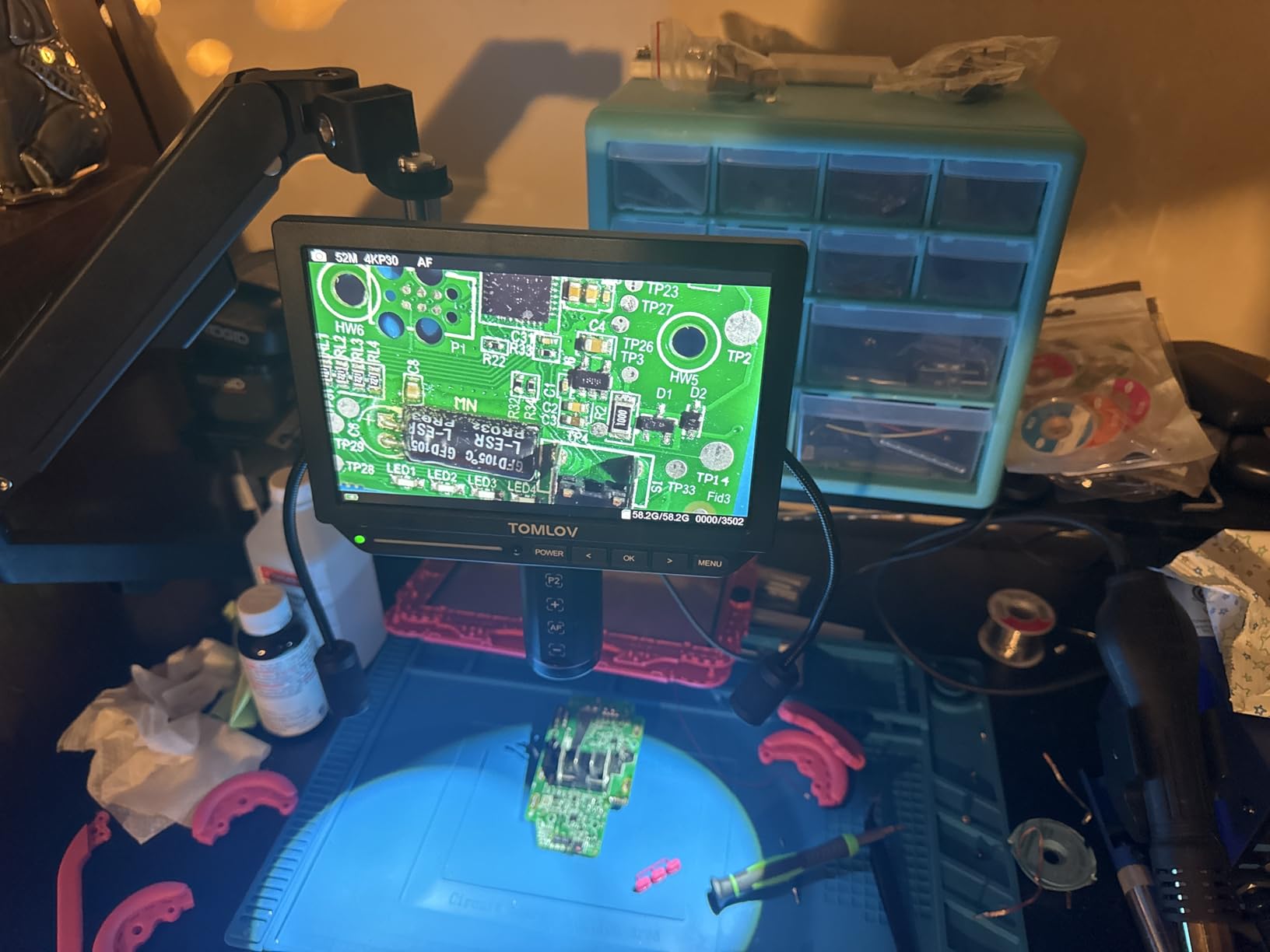
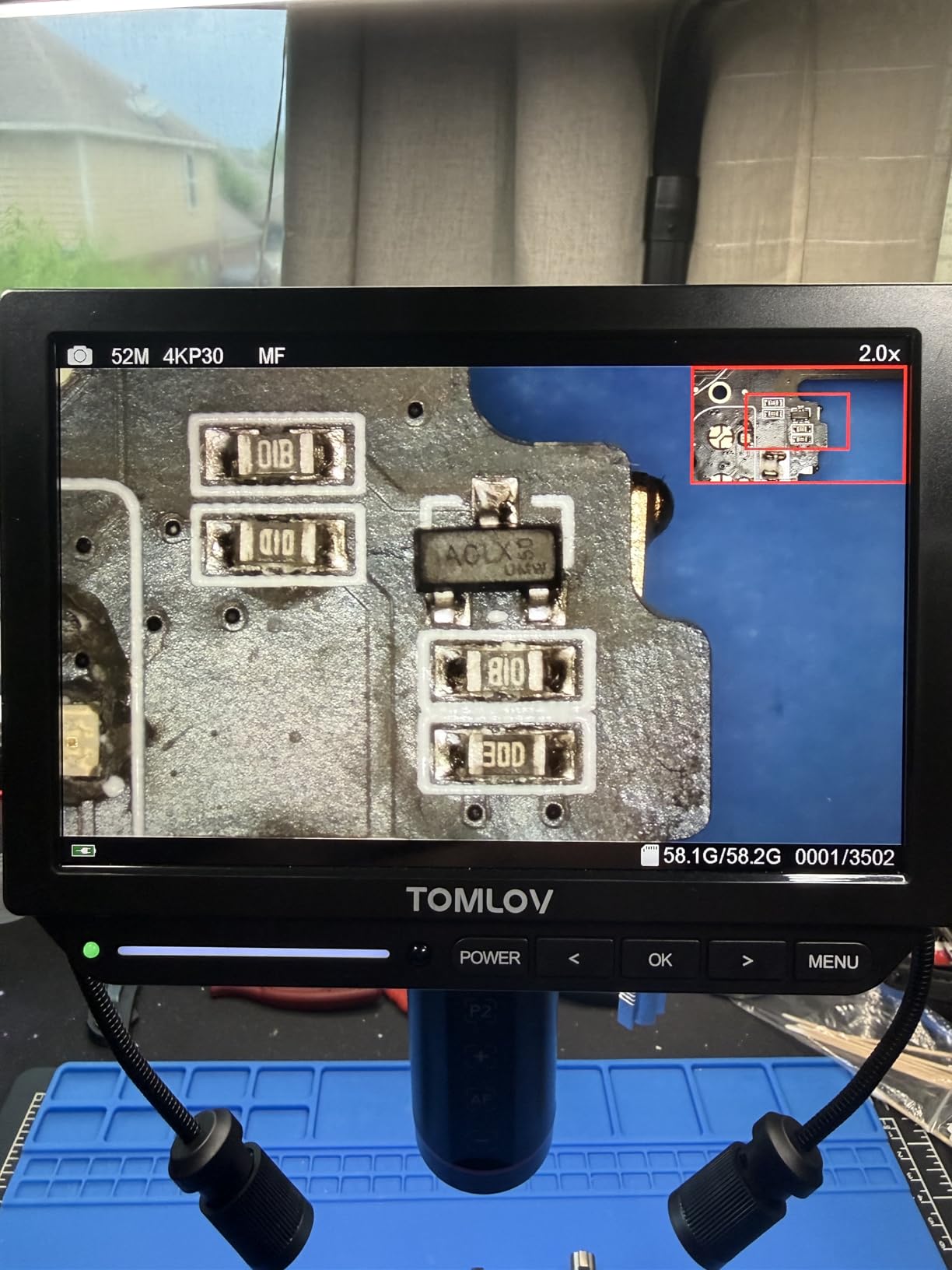
The 4K sensor and 52MP stills give noticeably more board-wide context than the 1080p units, and the 8-inch 1280×800 IPS panel is bright and evenly lit. The 360-degree articulating arm holds position well, and a ring light plus two adjustable gooseneck lights cover the work area from several directions.
It is worth setting expectations on the software side. PC mode disables the on-screen menu, recording and zoom, so the built-in display cannot be used alongside a computer, and the HDMI output is 1080p even though the sensor records 4K. A soldering mat, HDMI cable, remote and microSD card are included.
What it handles well on the bench
Live rework benefits most. When your hands and the board move constantly, autofocus tracking keeps the image settled in a way no manual-focus scope in this list matches. It is also well suited to tasks where your subject changes height constantly, such as moving between a shielded area and bare board.
The wide 4K context view is useful for documenting a whole repair before and after, since you can capture a full assembly rather than a crop.
Where it falls short
Autofocus still struggles on very dark or highly reflective solder fillets, and on those surfaces a manual-focus scope is faster. There is also a narrow field of view and no interchangeable lenses, so very fine work depends on magnification alone rather than on optical choice.
The head and mount feel like light plastic, and the arm base can transmit bench vibration, which is worth keeping in mind on a shared table. Focus and zoom controls sit on the unit rather than the remote, so touching them shakes the image mid-task.
5. TOMLOV DM10 – Best Large Screen for Long Inspection Sessions
TOMLOV DM10 Digital Coin Microscope with Light, 10.1″ Soldering Magnifier
10.1-inch IPS screen
5X-1200X range
16MP stills and 1080FHD
USB PC view
Pros
- 10.1-inch IPS panel is easy on the eyes over a long day
- Heavy metal base doubles as a soldering platform
- Dimmable 8 LEDs plus 2 gooseneck side lights
- Wireless remote avoids shaking the sample
- Battery power lets the head work off the base
Cons
- PC streaming uses fixed compression and looks soft
- PC mode disables the on-screen menu and there is no HDMI out
- Battery lasts about three hours and cannot be extended
The DM10 pairs a 10.1-inch IPS panel with one of the heavier bases in this category, and those two things together make it a comfortable first serious scope. The base damps vibration well and doubles as a soldering platform, so board and iron share a surface and nothing creeps while you work.
Image quality is clear and colour-accurate, and the rack-and-pinion focus holds its position instead of drifting back. The lighting is eight dimmable LEDs around the lens plus two flexible gooseneck side lights, independently adjustable, which is enough to work around the shadow that tall components cast on a small board.
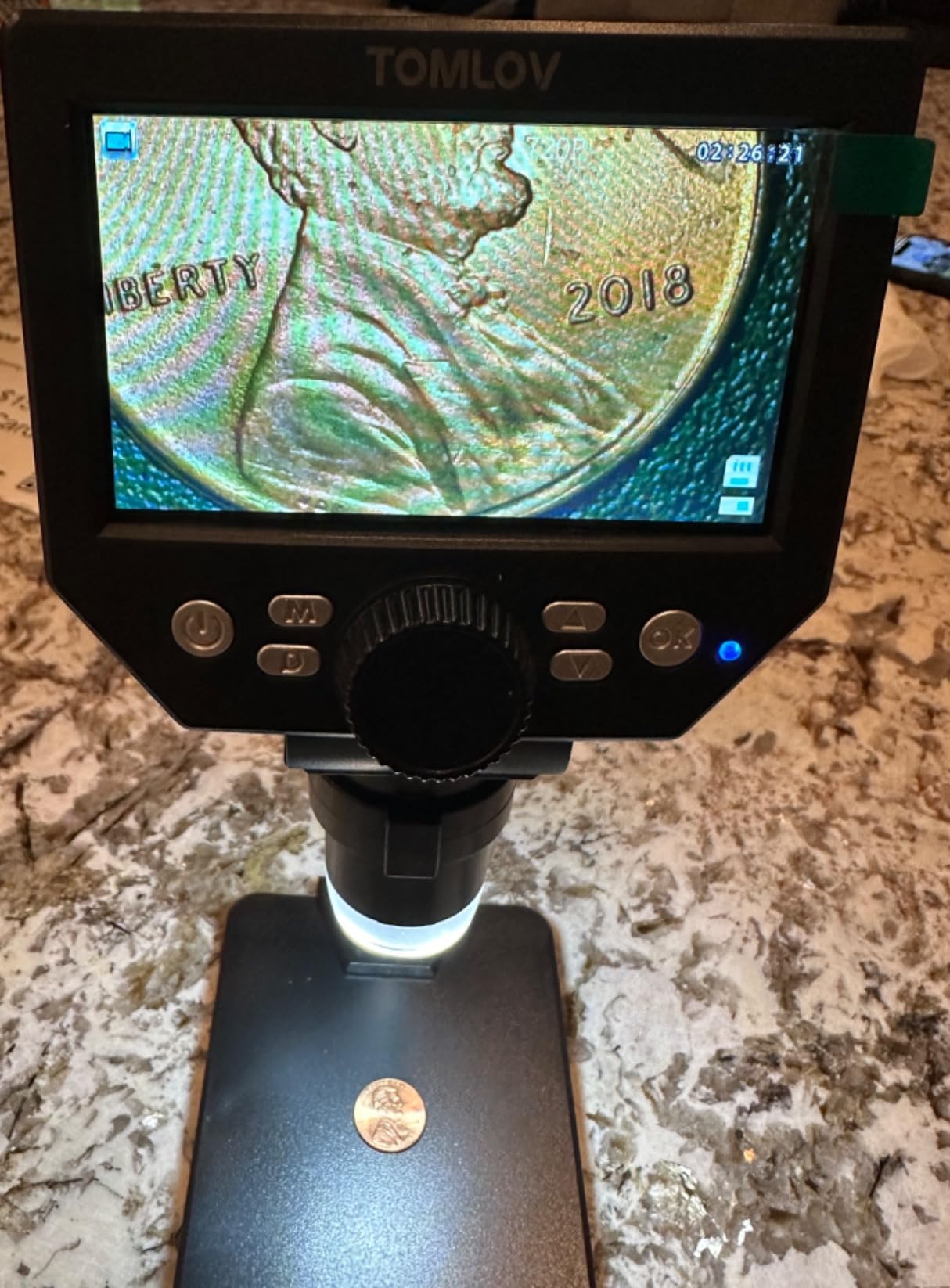
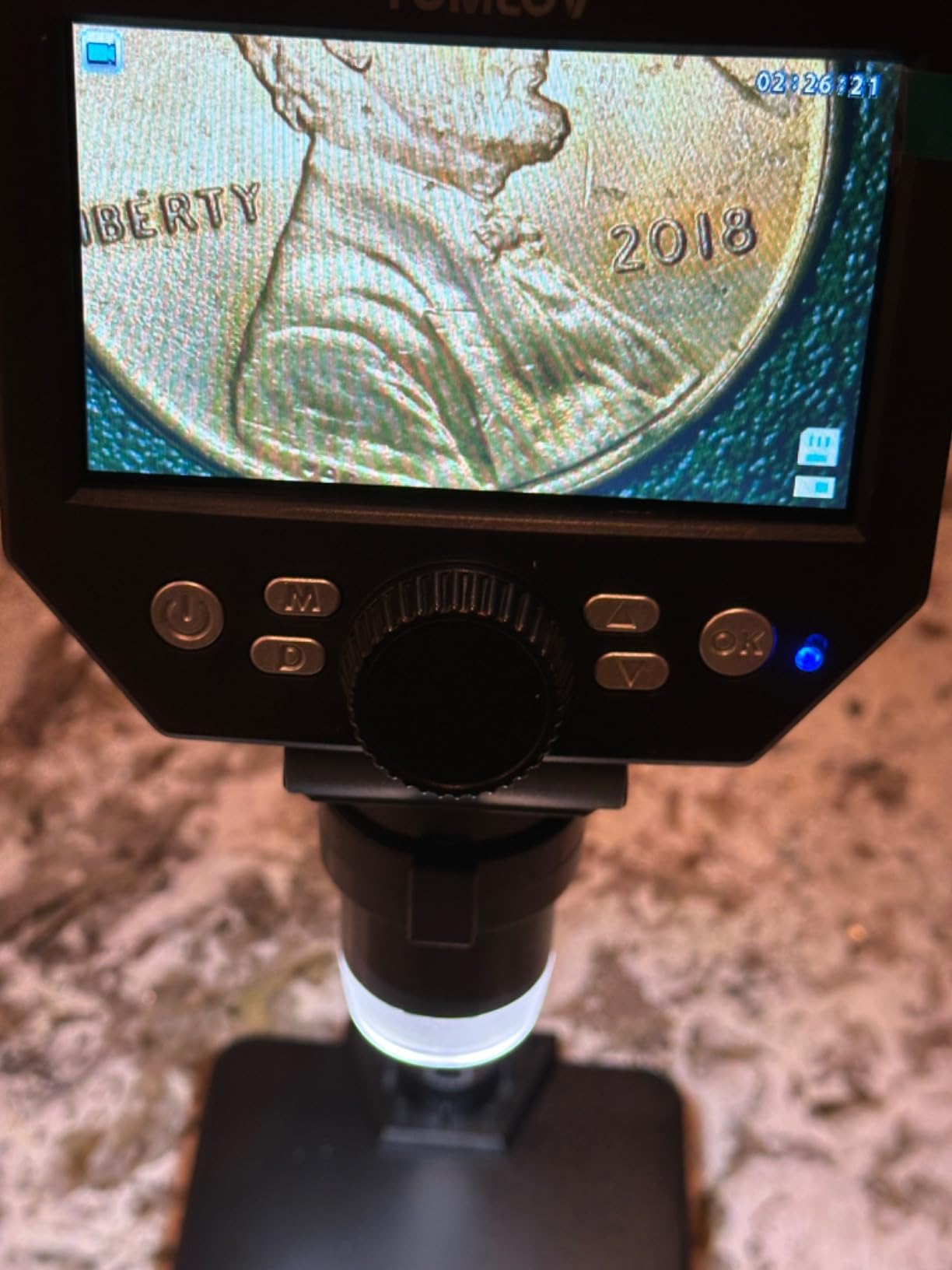
The wireless remote is a nicer touch than it sounds. Capturing a photo without touching the unit means no shake and no disturbed sample, which matters when you are documenting a sequence of inspection steps. The rechargeable battery gives around three hours of use and lets the head work away from the base.
Still resolution runs up to 16MP with several selectable video modes, and USB output gives a larger live view on a computer. Be aware of what PC mode does and does not do before you plan around it.
What it handles well on the bench
SMD inspection, small wiring and fine print are the core use, and the large screen makes all three easy on the eyes over an eight-hour session. For anyone whose eyesight makes close optical work difficult, this is one of the more forgiving setups in the group.
The battery is genuinely useful for field work and for checking boards away from the bench, and the removable head means you are not tied to a single station.
Where it falls short
The USB video stream uses fixed, unchangeable compression, so the picture over a computer is soft and artifact-ridden compared with the built-in screen. Entering PC mode also kills the on-screen menu and overlay, and there is no HDMI or DisplayPort output to recover it.
Battery life of roughly three hours is short for a full day, and an external battery pack will not extend it. A few units also arrived with misaligned rubber feet or lint in the optical path, so check the lens under light before you start.
6. Aikokkl 5-Inch C-Clamp Scope – Best Clamp-On Hands-Free Setup
Aikokkl 5″ LCD Digital Soldering Microscope for PCB Repair with C-Clamp
5-inch IPS screen
C-clamp mount
Flexible goose-neck arm
Plug-and-play PC view
Pros
- C-clamp mounting frees both hands for the iron
- 5-inch IPS display suits cramped bench layouts
- PC view opens with no drivers or extra software
- Goose-neck arm adapts to irregular parts
- Low entry cost for a dedicated soldering scope
Cons
- Manual focus only so magnification comes from physical distance
- MicroSD card not included and needed to save anything
- No HDMI output so a bigger view means USB webcam mode
This is the odd one out in the best way. Instead of a base that eats bench space, it clamps to the edge of your table or a shelf and the flexible arm reaches over. On a crowded bench that is a real advantage, and it is the reason this scope earns a place on a list otherwise full of LCD units with stands.
Clamping to the bench edge also means the scope is out of the way of the iron and the parts tray, so both hands stay free for the work itself. The 5-inch IPS screen is small by the standards of this list but comfortable in a tight space, and it reduces the neck and eye strain that comes from leaning into a display at an awkward angle.
PC view is genuinely plug and play. Select camera mode and the Windows Camera app or Mac Photo Booth opens it with no driver and no third-party software, which removes the most common reason people give up on computer-connected scopes.
Focus is manual, and the manufacturer is upfront that this is not an autofocus camera: magnification comes from adjusting physical distance and turning the silver focus wheel. Up to 1000x digital is available, with 1080P video and photo capture to a microSD card.
What it handles well on the bench
Solder joint checks and small component inspection are exactly its remit. The clamp holds position, the arm flexes to reach awkward angles, and the screen sits where you want it without taking a second stand footprint on the bench.
If your work area is temporary or you move between stations, a clamped scope is also far easier to relocate than a scope with a weighted base.
Where it falls short
Because magnification comes only from physical distance, there is no optical range to choose from and no lens to swap. That is fine for a joint inspection and limiting if you work on 0201 parts regularly.
You need to supply your own microSD card before it will save anything, and there is no HDMI output, so a larger view is only available through USB webcam mode. The field of view is narrow by design and suits fine detail rather than whole-board views.
7. Andonstar AD409 Pro – Best Side-View Inspection with Endoscope
Andonstar AD409 Pro 10.1” HDMI Digital Microscope with Endoscope
Bundled 360-degree endoscope
UV filter
10.1-inch IPS screen
2160P recording
Pros
- Endoscope gives a true side view that catches hidden rework faults
- UV filter protects the lens from heat and dust
- Pro boom arm gives more working distance for large boards
- Dimmable gooseneck side lights illuminate deep areas
- Two-year manufacturer warranty
Cons
- Only 300x maximum magnification
- Not hot swappable so the scope must be power cycled to change cards
- Weak USB software and slow image updates over PC
The endoscope is the reason this scope is on the list. Experienced solderers describe the same scenario: a flex board that looked correct from above, and was not seated or soldered at all, only visible from the side. The AD409 Pro ships with an adjustable arm endoscope and accessories so you can check component sides and internal areas without guessing.
The UV filter sits in front of the metal lens and blocks solder heat, smoke and dust during long sessions. That is a small feature that meaningfully extends lens life, and the metal focusing barrel and stand feel a step above the plastic parts used by several competitors here.
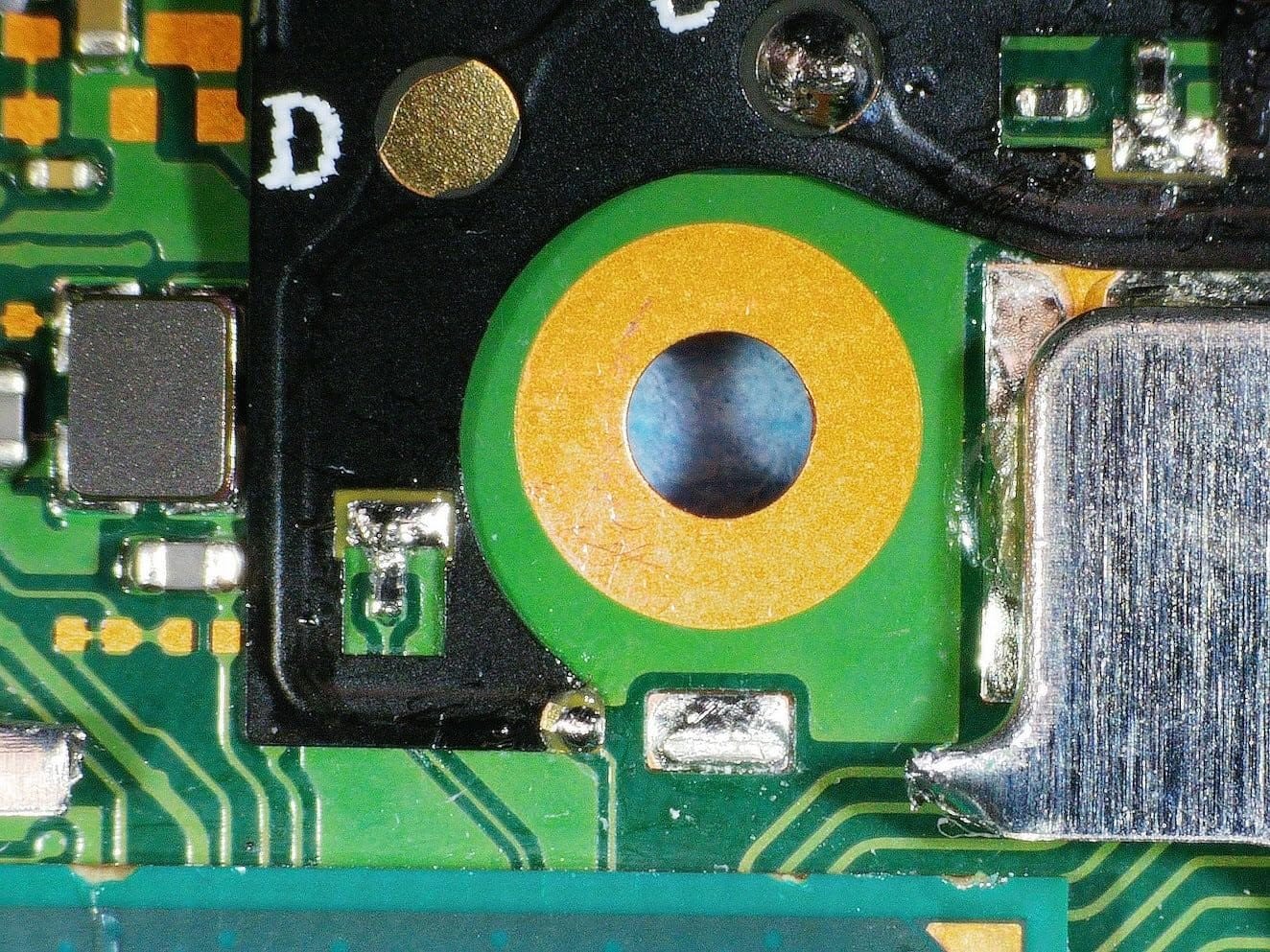
The pro bracket raises working distance and throat depth compared with the earlier Andonstar stand, and the larger metal base plate suits bigger circuit boards. Two dimmable gooseneck side lights on the base plate handle illumination on deep boards, and the 10.1-inch IPS screen pairs with reliable 2160P HDMI output to a large monitor.
Wireless remote control handles discolouration correction, digital zoom, photos and video without touching the unit. Measurement software runs through a Windows PC for length and area, and the microSD slot accepts cards up to 64G.
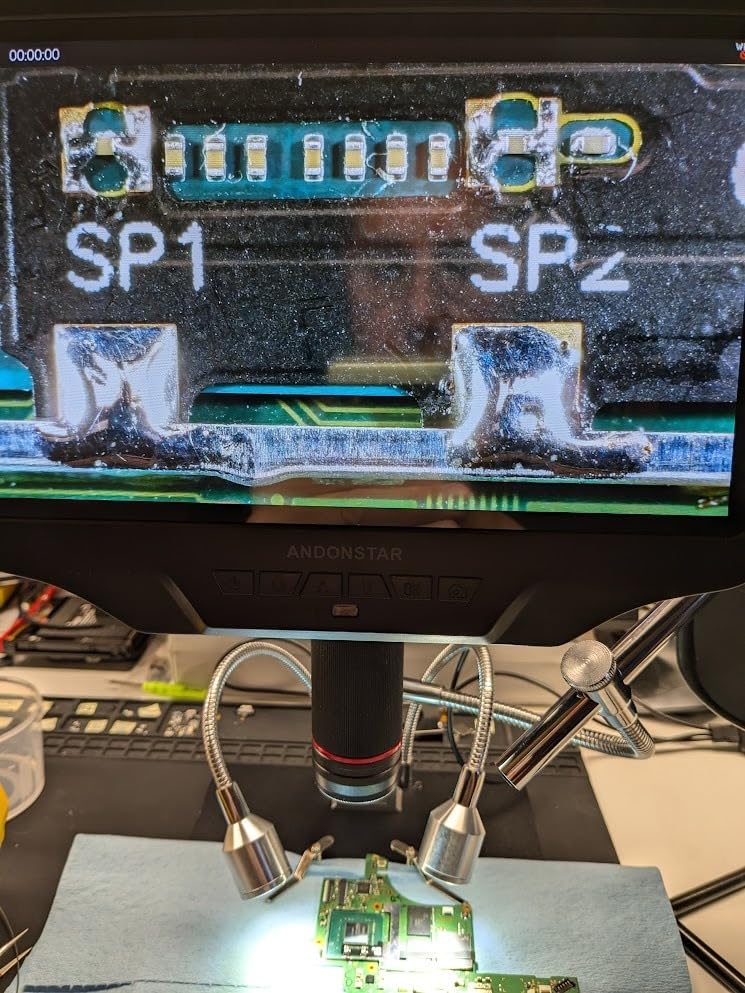
What it handles well on the bench
Connector and flex-cable work, phone and console board repair, and any job where a soldered joint needs verifying from an angle that a top-down camera cannot reach. The side view is the differentiator, and experienced users treat it as the feature that prevents rework mistakes.
The increased working distance also means more room for a hot air nozzle over larger assemblies than the standard Andonstar stand provides.
Where it falls short
Maximum magnification is 300x, well below the multi-lens Andonstar models, so it is an inspection scope rather than a fine-detail one. If 0201 work is your main task, buy a different scope.
The microSD slot is not hot swappable, so changing cards means power cycling the unit, and some units needed the card reformatted by the scope before it would be recognised. The USB PC software is considered poor with image updates roughly once per second, and HDMI and PC cannot be used at the same time.
Two further quirks worth knowing: the smooth metal base lets unrestrained boards slide, so use the supplied retaining clips, and advertised WiFi output was dropped from the firmware. Settings are not retained after power off, and the endoscope’s own lamp is weak, though the main lights compensate.
8. Elikliv EM4K-AF – Best for Documenting Rework on Camera
Elikliv Autofocus 4K Digital Microscope EM4K-AF, 8″ Soldering Microscopes
TOF autofocus with P1 and P2 presets
4K video and 52MP stills
Freeze and split-screen
8-inch IPS screen
Pros
- Autofocus refocuses in about two seconds and handles moving subjects
- Freeze and split-screen make before and after comparison easy
- Smart controller avoids touching the display mid-task
- Tall stand with broad base fits whole boards
- HDMI
- USB output and a built-in battery
Cons
- 8-inch screen is smaller than 10.1-inch rivals in the same band
- No interchangeable lenses
- Autofocus can hesitate on dark or reflective joints
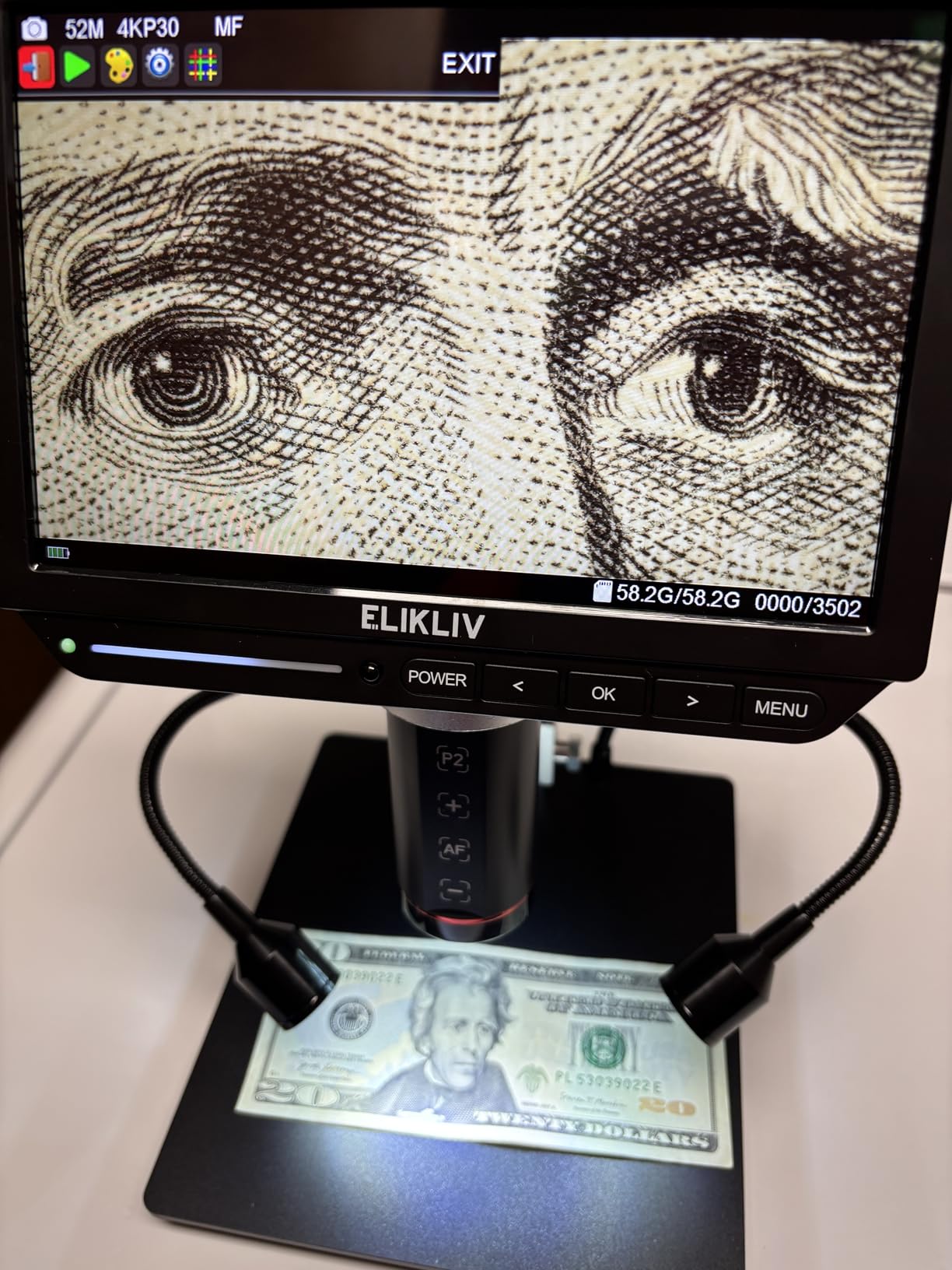
The EM4K-AF is built around one workflow: capture, compare, document. Freeze a suspect joint, rework it, then pull up the split-screen view to check the result against the original. For QA records, rework logs and client-facing proof of work, that is more useful than raw magnification.
Autofocus is time-of-flight based and settles in roughly two seconds, which is fast enough to keep up with a hand moving around a board. The 4K UHD video and 52MP stills give clean documentation images, and the 1280×800 IPS screen is bright with a 178-degree viewing angle so you can share the bench view with someone standing beside you.
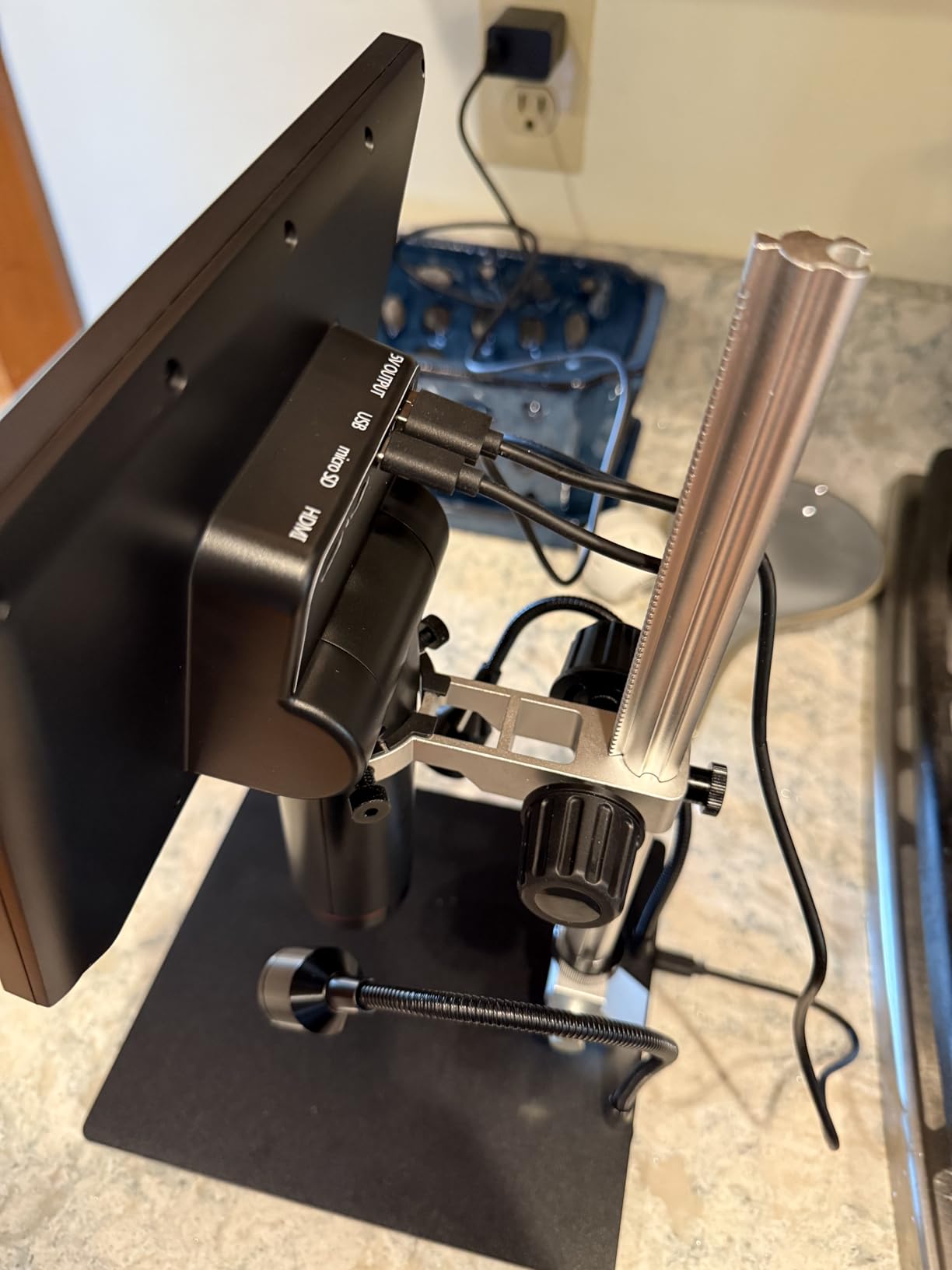
The smart controller is a small thing that pays off constantly. You capture, record and zoom from the controller rather than the display, so nothing shakes when you take a photo, which is the usual reason your documentation comes out blurred.
The stand extends to around six inches with a broad base, tall enough for whole-board views and soldering tasks, and there is a built-in rechargeable battery for portable inspection. HDMI and USB outputs give a larger view on any monitor, and a 16GB card plus light barrier are included.
What it handles well on the bench
Inspection and documentation, particularly for anyone assembling records for quality work or first-article checks. The freeze and split-screen comparison is the feature owners mention most, because it turns a subjective judgement about a joint into a visual record.
The tall stand and broad base also mean it works for larger subjects than several compact scopes here, and the battery makes it practical for checking boards away from the bench.
Where it falls short
The 8-inch screen is smaller than the 10.1-inch panels offered by competing Andonstar models in the same market band, and there are no interchangeable lenses, so the very finest work depends on magnification alone.
Autofocus can take a moment to settle on dark or highly reflective solder joints, and the digital zoom ceiling of 2000x is reached mostly by cropping rather than by adding detail.
9. Elikliv EDM4 – Best Budget Starter Microscope
Elikliv Microscope, LCD Digital Coin Microscope 1000x, Coin Magnifier with 8 Adjustable LED Lights, PC View Compatible with Windows/MacBook, EDM4, 4.3-Inch
4.3-inch LCD with 720P imaging
Up to 1000x
8 adjustable LEDs
Windows and Mac PC view
Pros
- Low-cost way to add a screen to a new bench
- Eight adjustable LEDs reveal traces and pads
- PC view on Windows or Mac gives a much larger image
- Height-adjustable stand finds focus quickly
- Built-in battery gives about three hours of use
Cons
- 4.3-inch screen is small for prolonged solder work
- 720P sensor limits detail on very small parts
- Small plastic base restricts board size
- Memory card not included and needed to save
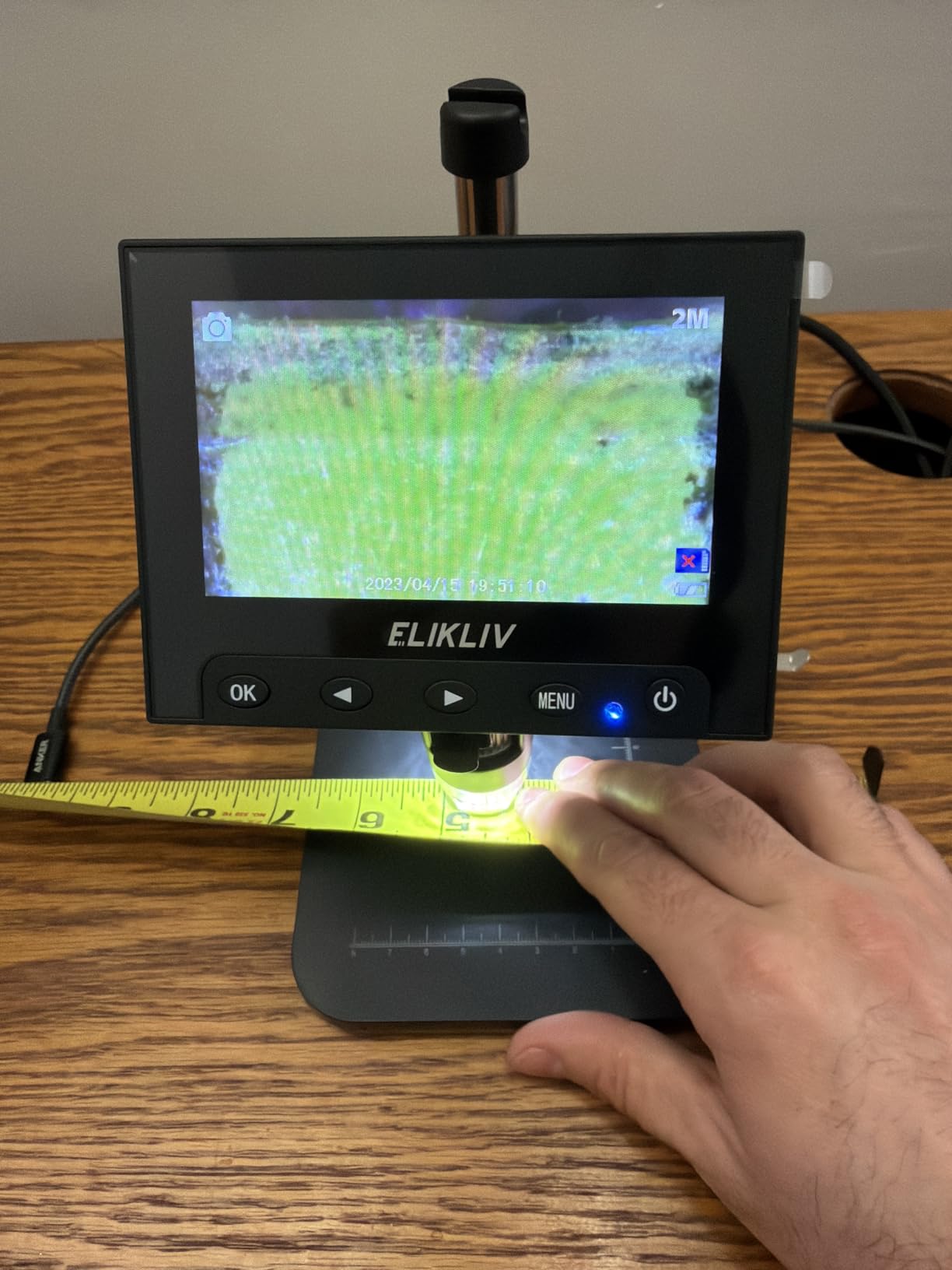
With more than ten thousand reviews behind it, the EDM4 is the most proven scope in this group and the one first-time buyers recommend most. It does one job well: putting a usable magnified image of a board on a screen, without the eye strain of leaning over a desk lamp for an hour.
The eight adjustable LED fill lights are the feature that earns its keep on a board. Traces, pads and hairline cracks become visible under a raking light that a bare overhead lamp never gives you, and the height-adjustable stand makes it easy to find focus and the right viewing angle.
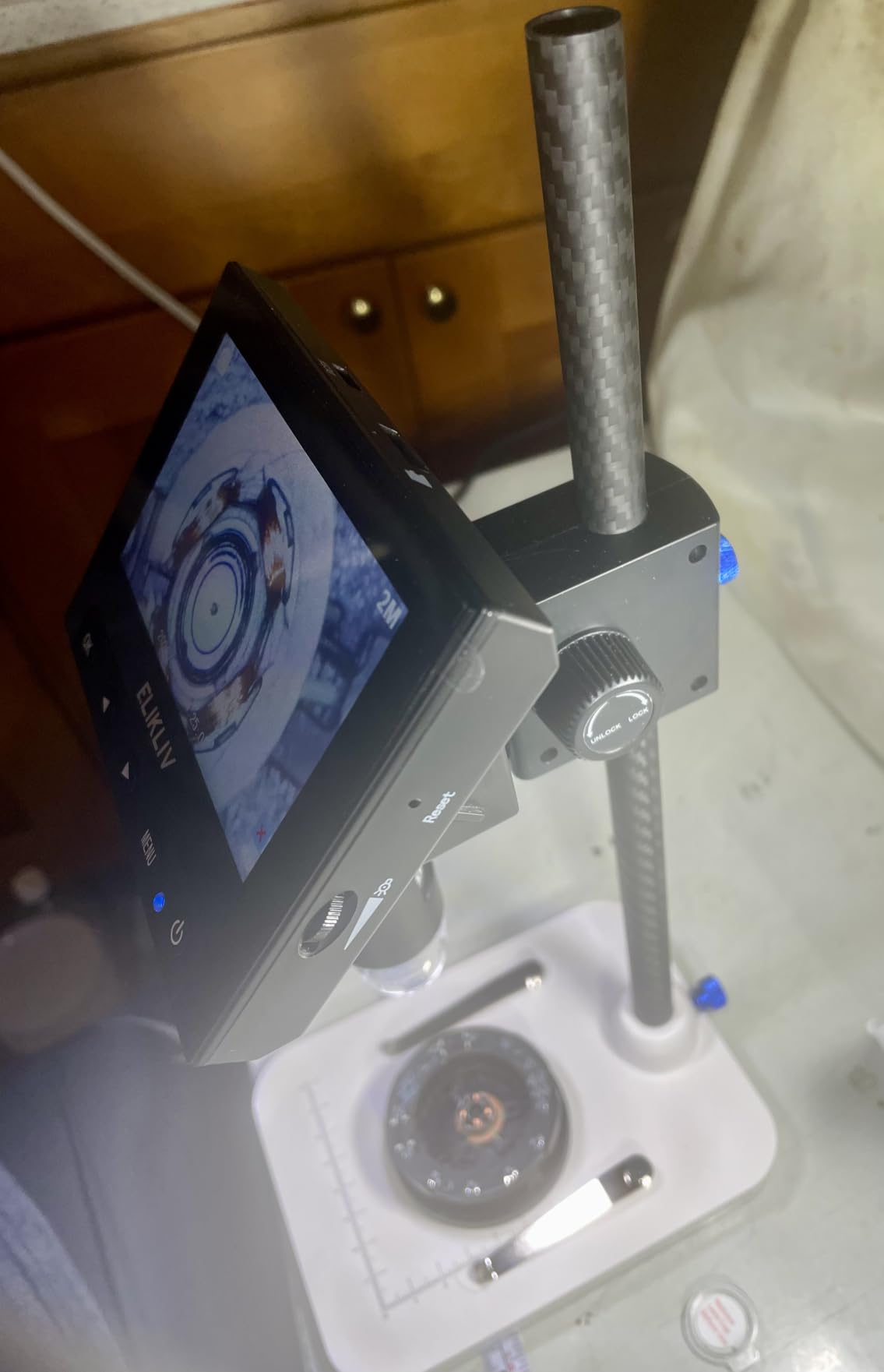
The live image is smooth with little lag, which is more than many people expect at this end of the market, and PC viewing on Windows or a MacBook gives a much larger picture than the 4.3-inch panel. The simple menu and quick setup mean you can be inspecting a board within minutes of opening the box.
A built-in rechargeable battery gives up to three hours of use, and photos and video can be saved to a memory card that you prepare separately. The listing is explicit that the card is not included, which is worth noting before you plan a documentation workflow.
What it handles well on the bench
General inspection, post-solder checks, coin and stamp work, and teaching. It is a good scope for a bench that does not yet need a large screen, and for anyone who wants to look at a board without committing to a full setup.
Because it connects to a computer, it also serves as a cheap second view for detailed work when the small screen is not enough, without needing any software beyond a standard camera app.
Where it falls short
The 4.3-inch screen is the limit that matters. For sustained fine soldering it is a strain, and the 720P sensor shows its age on very small components and on hairline cracks. A memory card is not included and is required before you can save anything.
The small plastic base limits the board size you can work under it, and the narrow field of view means navigating a large board takes time. Treat it as an inspection tool, not a rework platform.
10. Jiusion USB 2.0 Endoscope – Best Low-Cost Way to Try PCB Inspection
Jiusion 40 to 1000x Magnification Endoscope, 8 LED USB 2.0 Digital Microscope, Mini Camera with OTG Adapter Metal Stand, Compatible with Mac Windows 7 8 10 11 Android Linux Chrome Not for iPhone/iPad
40x to 1000x variable magnification
8 built-in LEDs
Plug-and-play USB 2.0
Metal stand included
Pros
- A low-cost way to try PCB inspection before committing
- Metal stand holds the camera steady
- Separate focus and brightness knobs
- Windows software includes a measurement function
Cons
- No built-in screen so you need a computer every time
- Not compatible with iPhone or iPad
- Fixed-focus sensor with a narrow field of view
- Plastic body flexes and the stand is basic
The lowest-rated product here, and the one with the largest review count, which tells you the same thing: it is the most widely bought and the most divisive. Plenty of owners use it happily for solder joints and components, and a similar share found the image quality and build did not hold up for serious rework. It ranks here as a way in, not as a recommendation.
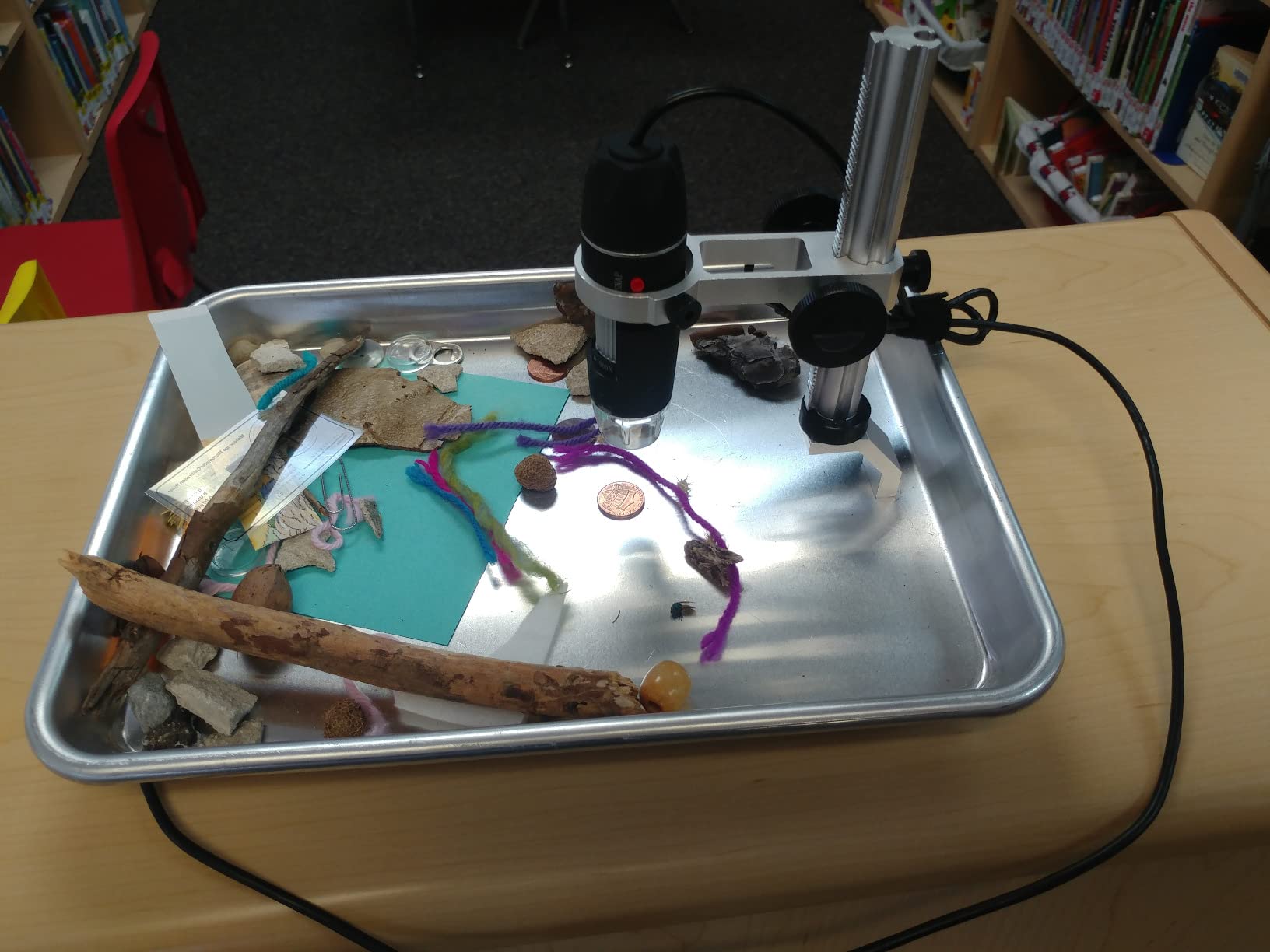
What it does offer is genuinely useful at this level. Magnification runs from 40x to 1000x, and at the low end you can frame a decent chunk of a board on a laptop screen. Eight built-in LEDs with separate focus and brightness knobs give you light control without extra equipment, and the metal stand holds the camera steady for hands-free work.
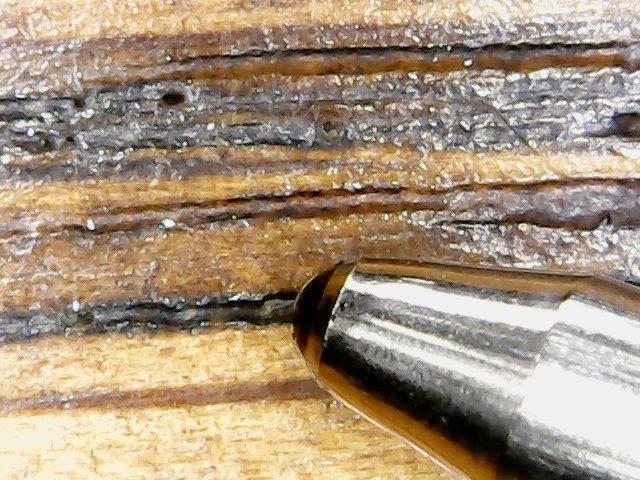
It connects as a plain USB 2.0 camera on Windows, macOS, Linux and Chrome OS with no installation, and the Windows software includes a measurement function for checking pad and trace dimensions. That is more capability than most people expect from something at this level.
What you give up is a screen, stability and image quality. There is no built-in display, so every session needs a computer or a phone, the fixed-focus sensor has a narrow field of view, and the plastic body flexes under a nudge, which shifts the focus you just set.
What it handles well on the bench
Learning what PCB inspection is actually about. It is a good way to find out whether a screen-equipped scope would change how you work before spending real money, and the measurement function is a legitimately useful extra for checking dimensions.
It also travels well, weighing about seven ounces, and doubles as an endoscope-style camera for inspecting things other than circuit boards.
Where it falls short
There is no built-in screen, so a computer is required for every single use, and that is the deal-breaker on a soldering bench where you want both hands free. It is not compatible with iPhone or iPad, and smartphone use requires an Android device with OTG support.
Software compatibility and image quality vary noticeably between operating systems, and the fixed-focus sensor with a narrow field of view means fine detail lags every LCD-equipped model in this list. If you already know you want a screen on the bench, skip this one.
How to Choose a Digital Microscope for PCB Inspection
Five decisions matter in this order: working distance, optical magnification, illumination, stand rigidity, and how the image reaches you. Get the first two right and the rest is refinement. Get the first one wrong and no amount of resolution saves the job.
Working distance beats magnification every time
Working distance is the gap between the front of the lens and the board. It decides whether you can put an iron, a hot air nozzle or tweezers in frame while you look. The rough mapping is simple and it holds across this whole category.
Through-hole joints and 0805 or 0603 parts need roughly 80mm of clearance. 0402 and 0201 work wants about 100mm so your hand is not in the way. BGA and hot air rework need around 150mm, and QFN sidewall inspection wants 100mm plus a head that can tilt. A scope that only gives you 60mm is a fine inspection tool and a poor soldering tool.
Read optical magnification, ignore the rest
As noted in the introduction, the headline number is mostly digital zoom. What you want is the optical range on the work lens, and the honest way to see it is in the lens breakdown rather than the product title. On the Andonstar three-lens kits, for example, the work lens runs 15x to 60x on screen and 60x to 240x over HDMI, while a separate high-power lens reaches much further for specimens and coin details.
Field of view moves in the opposite direction to magnification. Doubling magnification halves the area you can see, which is why a board overview at 15x and a joint inspection at 60x are two different jobs. Scopes with interchangeable lenses let you do both without compromise.
Illumination decides whether you can see the defect
Ring lights are even and shadow-free but flat, which makes glare worse on shiny component tops. Dual gooseneck lights are directional, so you can rake the light across a board and catch a cold joint, a hairline crack or a lifted pad that a ring light hides completely. Fibre optic and bottom-stage lighting are inspection-lab tools for transmissive and flat reflective work, and are worth knowing about even if you never buy them.
Dimming matters as much as placement. Eight brightness levels let you tune out reflections on a freshly soldered joint, and independently dimmable side lights are the feature people notice most after a few weeks of use.
Stand rigidity is not a comfort feature
A stand that drifts turns every joint into a refocus. Pillar stands are compact and cheap but limit board size and cannot handle a tall or angled assembly; boom arms give a much larger working envelope and hold their position under a leaning arm; flexible arms are the easiest to position but pick up vibration from a light desk and shake the image mid-solder.
Whatever stand you choose, set it on the bench you will actually work at and check it with a fingertip. If the image moves, the arm or the desk is the problem, and a heavier base or a surface mount is the fix. It is also worth confirming your iron temperature independently, which is the job a [digital thermometer probe on the mat](https://www.drunvalo.net/best-digital-thermometers/) does better than the scope’s own display ever will.
Frame rate, latency and how the image reaches you
For live soldering, a smooth feed beats a sharper one. Below roughly 30 frames per second the image feels sticky, and above 100ms of latency your hand and the screen stop agreeing, which is where people lose parts. Note that many scopes record 4K or 2160P to a card while streaming a smoother lower-resolution feed, and that is exactly the right trade.
Output type decides your workflow. HDMI to a large monitor is the best live view and the best way to teach. USB to a computer is the most flexible and the easiest to capture into, but PC mode on several models disables the on-screen menu and zoom, and a few use fixed compression that softens the image. A capture card is the route to recording repair content, provided HDMI output runs alongside the built-in screen, which not every model allows.
Beginner mistakes to avoid
Starting at 2000x is the most common one. You cannot tell what you are looking at, the depth of field collapses, and the image is soft because you are past the optical range. Start near 30x, learn where things are, then push in.
Buying a pillar stand for a big board is the second. A phone motherboard simply will not fit, and the regret shows up the day you need it. The third is ignoring the learning curve: switching from eyes to a screen takes roughly 10 to 15 hours for most people, and it is much faster if you start at low magnification, use a rigid arm, and practise on scrap boards before touching client work. The fourth is expecting a microscope to do what it cannot, and the fifth is trusting advertised features without testing them, so press every button and check the lens in full light the day it arrives.
If your work involves solder paste, weighing and mixing is a separate discipline, and a [portion control scale](https://www.drunvalo.net/best-digital-kitchen-scales-for-portion-control/) handles that far better than anything on this page.
Digital vs Stereo Microscope: Which One for PCB Work?
Digital scopes win on documentation, sharing and comfort, and they lose on depth perception. A stereo microscope gives you a real three-dimensional view with your hands in the same optical space as the work, so you pick up a part without looking away. That is why the consensus on electronics forums is consistent: digital for inspection, stereo for hands-on rework.
That debate shows up repeatedly on r/ElectricalEngineering, where the typical recommendation for a first bench is a stereo zoom scope, and on diyaudio, where the summary is that digital scopes inspect well but solder badly. A stereo scope with an integrated camera is the compromise many experienced users land on, and on eevblog the AmScope SM-5T comes up repeatedly for exactly that reason: you can look through the eyepieces and the camera at the same time.
So the practical split is this. If most of your time is spent checking joints, documenting rework, training someone or showing a client what you found, buy a digital scope. If most of your time is spent placing 0201 parts, dragging fine wire and working with tweezers under the lens, a stereo scope will make you faster, and a digital scope with a good working distance is the better second purchase.
There is also a tier most roundups skip. Trinocular industrial inspection systems run into the thousands and are justified when you need documented audit trails, calibrated measurement or first-article inspection records that a customer will audit. For a hobby bench or a small repair shop, none of the ten scopes here is anywhere near that class, and you almost certainly do not need it.
Frequently Asked Questions
What digital microscope is best for PCB repairing?
For most benches, the TOMLOV DM9 is the best digital microscope for PCB repairing, because its metal base doubles as a soldering platform and its 8 LEDs plus 2 gooseneck lights cut shadow across tall components. For professional phone and console rework, the Andonstar AD246S-M adds a long-working-distance lens and three lenses in one kit.
How much magnification do I need for PCB inspection?
Optical magnification between 15x and 60x covers 0805, 0603, 0402 and most through-hole joints, and 100x to 240x handles 0201 parts and leadless packages. Anything beyond that is usually digital zoom, which enlarges the image without adding detail. Judge scopes by their optical range and working distance, not the headline number.
What working distance do I need for soldering under a microscope?
Allow about 80mm for through-hole and 0805 work, roughly 100mm for 0402 and 0201 components so your hand is not in the way, and around 150mm for BGA work with a hot air nozzle. QFN sidewall inspection wants 100mm plus a tilting head. Under 60mm you will be repositioning constantly.
Is a digital microscope better than a stereo microscope for PCB work?
Digital is better for inspection, documentation and comfort, while stereo is better for hands-on rework because it gives real depth perception and both eyes in the optical path. A stereo microscope with an integrated camera is the compromise experienced users recommend most often for a first serious bench.
Do cheap USB pen microscopes work for soldering?
They work for a look, not for soldering. A USB pen scope has no screen, so you need a computer at the bench, a narrow field of view and a fixed-focus sensor, and the plastic body shifts the moment you brush it. It is a reasonable way to learn what inspection involves, and a frustrating way to run a repair bench.
Can a microscope replace AOI (automated optical inspection)?
No. AOI scans boards automatically at production speed against a programmed reference and flags defects, while a manual scope is a detailed, human-judged inspection. Scopes are used for first-article checks, rework verification and failure analysis, where a person decides whether a flagged joint is genuinely unacceptable.
Final Verdict: Which Digital Microscope Should You Buy?
Buy the TOMLOV DM9 if you want one scope for everything on a hobby bench, because the metal base doubles as a soldering platform and the lighting handles shadow better than anything else at this level. Move up to the Andonstar AD249S-M for the 10.1-inch screen, three lenses and a rigid boom arm, and choose the AD409 Pro when side-view verification of a seated board is the job you cannot afford to get wrong.
Start with the Elikliv EDM4 if the budget is tight, pick the TOMLOV DM10 for long days of screen work, and add the TOMLOV TM4K-AF Flex when you want the focus handled for you. Whatever you choose in 2026, check working distance first and ignore the magnification headline.